Topview
    • MCP/Skill
    • Plugin
    • API
    • Pricing
    1. Home
    2. Virtual Try On

    AI Ads

    AI Video AgentAI Ads VideoAI Product VideoAI UGC VideoURL to Video

    AI Avatar

    AI Avatar GeneratorProduct AvatarDesign My AvatarAI Lip Sync

    AI Video

    AI Video GeneratorDrama StudioAI Video Body SwapAI Video UpscalerAI Video Watermark RemoverTikTok Watermark RemoverSora Watermark RemoverSubtitle RemoverAI Motion ControlAI Lip SyncURL to Video

    AI Image

    AI Image GeneratorAI Face SwapAI Image Character SwapAI Image UpscalerAI InpaintAI Image Text EditorPhoto Angle EditorAI RelightingAI Product PhotographyAI Virtual Try-OnAI Storyboard GeneratorExtract Color PaletteImage to Prompt

    AI Voice

    VoiceoverAI Voice CloningAI Music Generator

    3D

    3D World Generator3D Shot Composer

    Use Cases

    AdvertisingAffiliate MarketingEcommerceDTC BrandsAI Live Stream

    Resources

    BlogAffiliate ProgramLearning CenterAlternativeAPI

    Company

    Topview StudioPrivacy PolicyTerms
    Topview

    © 2026 TOPVIEW PTE. LTD.

    Singapore: 20 Collyer Quay #20-03, Singapore 049319
    Los Angeles: 15970 Los Serranos CC Dr #251, Chino Hills, CA 91709

    AI Virtual Try-On for Clothing, Outfits, and Product Previews

    Generate realistic AI virtual try-on images for clothing, outfits, and fashion products. Upload one product image, choose a model or scene, and create ecommerce previews without a studio or reshoot.

    AI Virtual Try-On

    Your target model

    Your product image
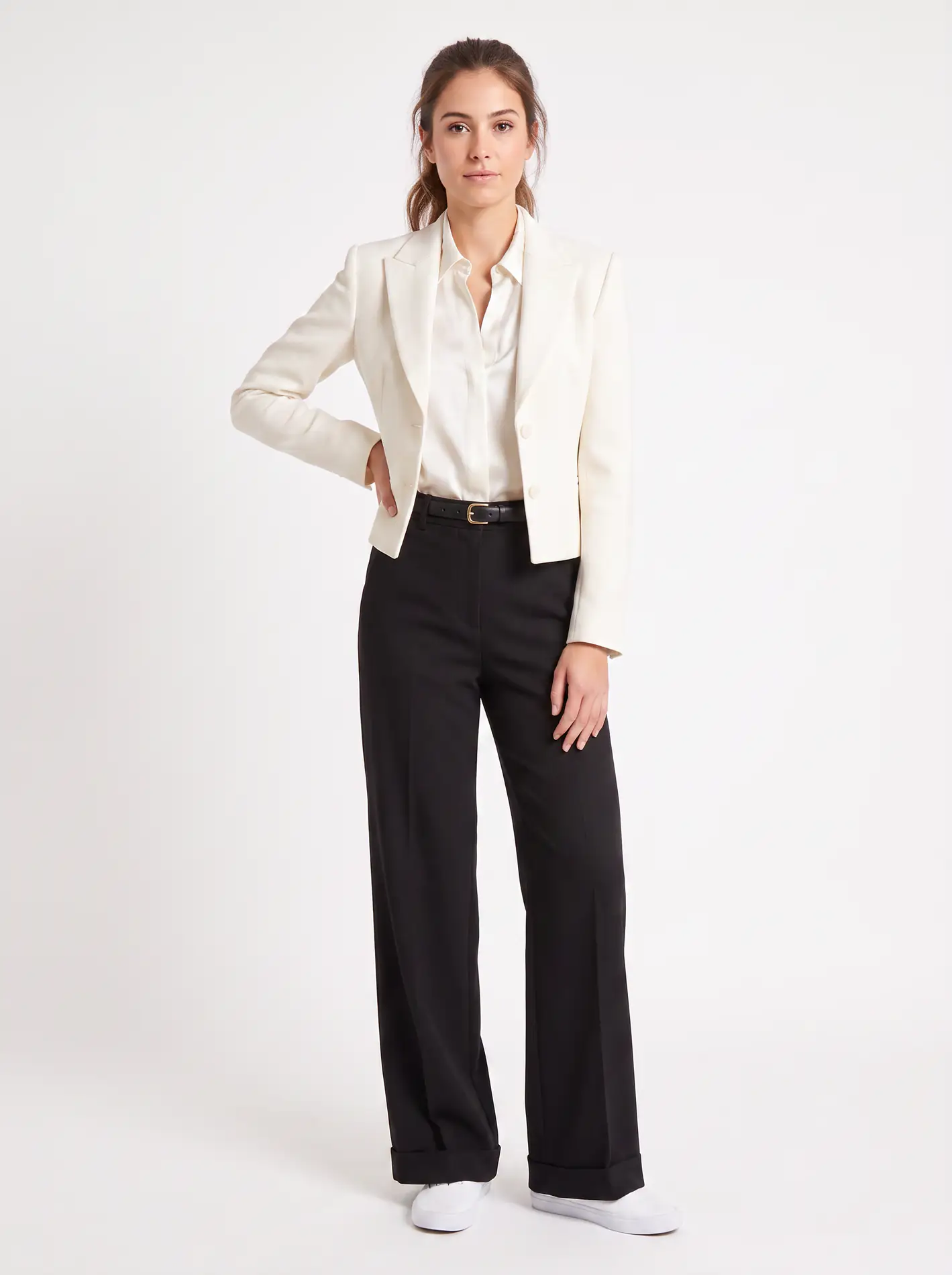
    AI virtual try-on result example on a real person photo
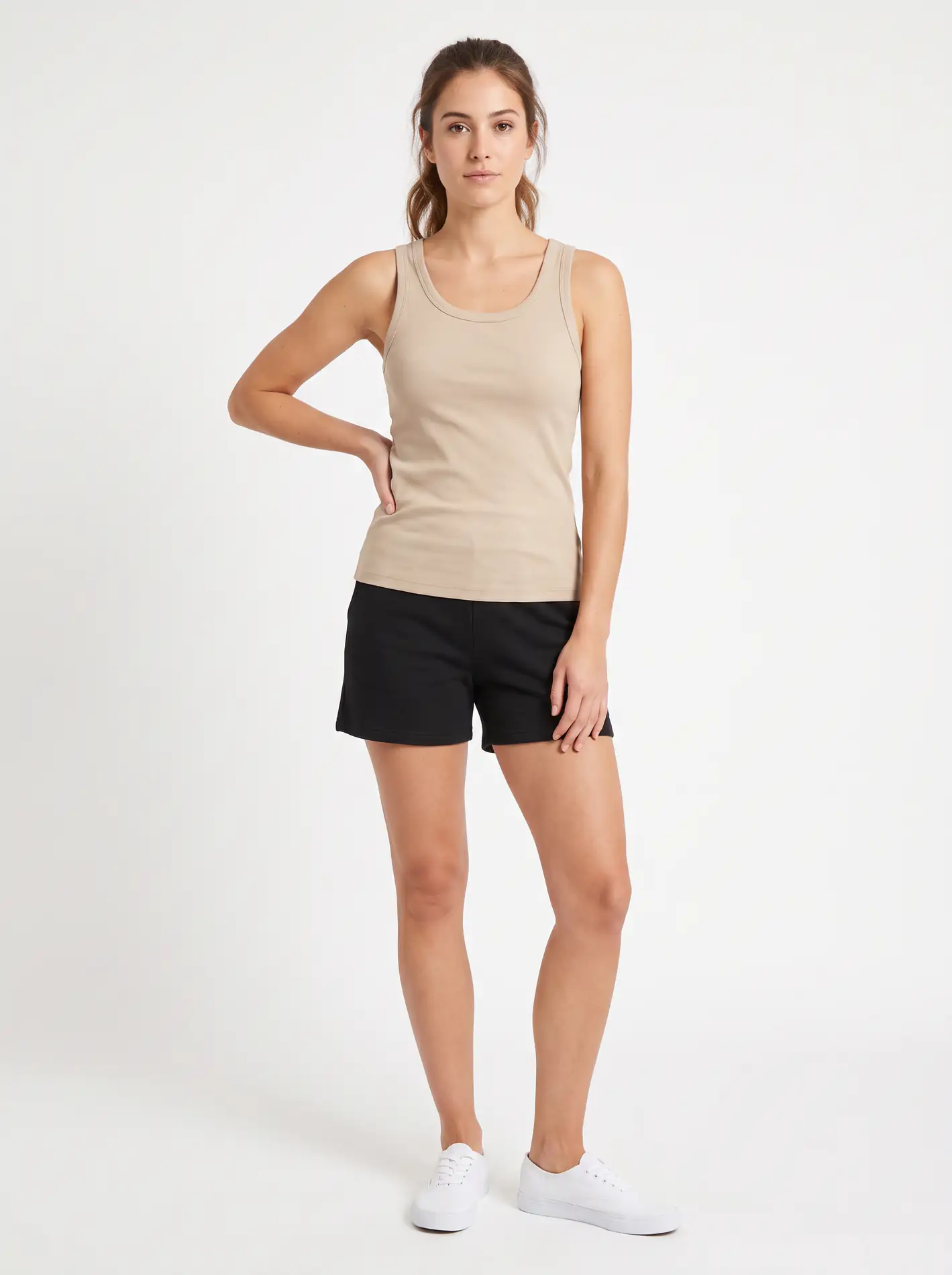
    Example person photo for virtual try on
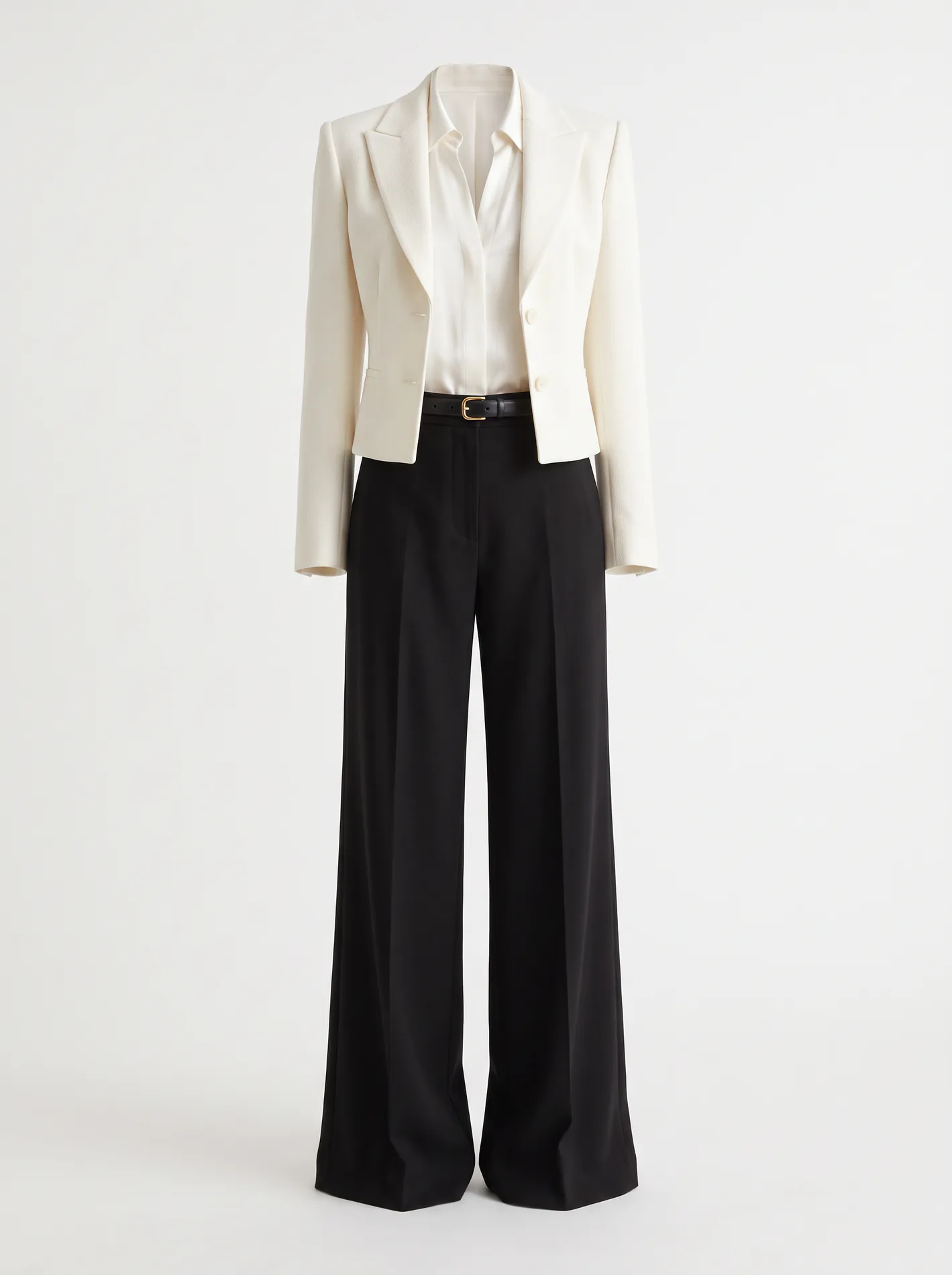
    Example clothing product reference for virtual try on

    CLOTHING PREVIEW BASICS

    What Is AI Virtual Try-On for Clothing?

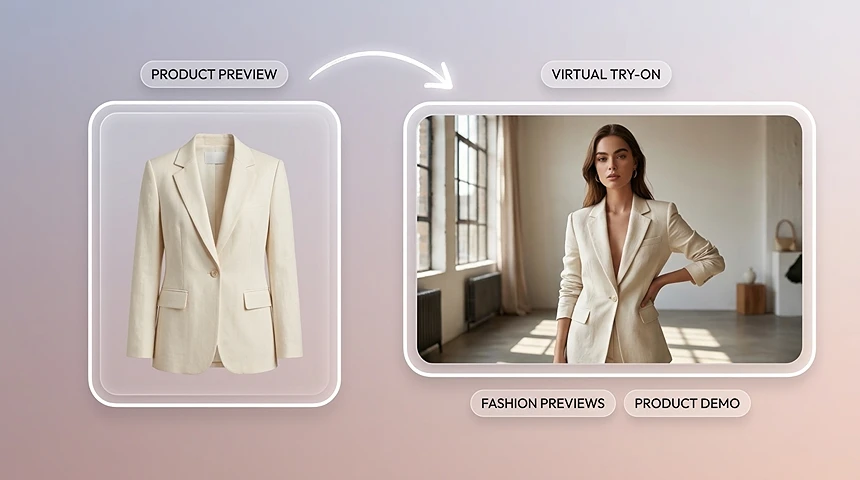
    AI virtual try-on for clothing places a garment or fashion product image into a model, avatar, or styled scene. It helps brands create realistic outfit and product previews for ecommerce, ads, and social content without photographing every item in a studio.

    How Virtual Clothing Try On Works

    1. 01

      Upload a person photo

      Start with a clear front-facing or three-quarter shot. Good lighting and an uncluttered background help the model keep face, pose, and proportions stable.

    2. 02

      Choose clothes or accessories

      Add a garment, glasses, or ring reference—or pick a look you want to test. For a focused virtual clothing try on, use a clean product image of the outfit you want to preview.

    3. 03

      Generate a try-on preview

      Run the preview, compare a few variants, then export stills for product pages, ads, or social posts. Jump into specialized tools when you need clothes, eyewear, or jewelry flows.

    Why Teams Use TopView for Virtual Try-On

    See looks before you commit

    Test outfit direction, frame shapes, or ring styles in minutes—useful when physical samples are slow or costly.

    A browser-ready virtual fitting room

    No complex studio setup. Open TopView, upload, and iterate like a digital virtual fitting room for marketing and merchandising.

    Built for content, not just browsing

    Generate listing heroes, UGC-style creatives, and campaign variants from the same person photo—so try-on output becomes usable marketing assets.

    Stay honest about fit

    Previews show style and silhouette. They do not replace size charts, fabric feel, or in-person fitting—so shoppers and teams set the right expectation.
    Popular Virtual Try On Use Cases

    Virtual try on clothes for ecommerce product listing previews

    Virtual try on clothes for product listings

    Run virtual try on clothes on a model or customer photo to refresh PDP imagery, A/B test outfit angles, and reduce reshoot cycles.
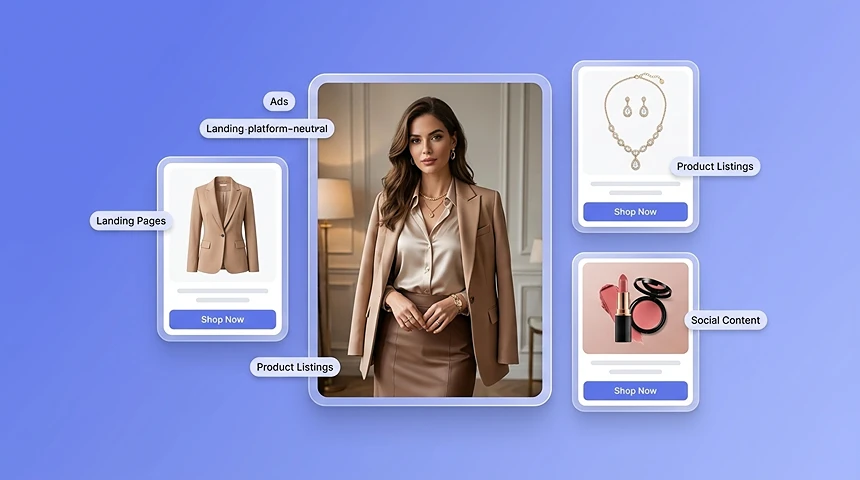
    AI clothes try on creatives for social and ads

    AI clothes try on for social and ads

    Use ai clothes try on to create scroll-stopping outfit swaps for Reels, Shorts, and paid creatives without a full wardrobe shoot.
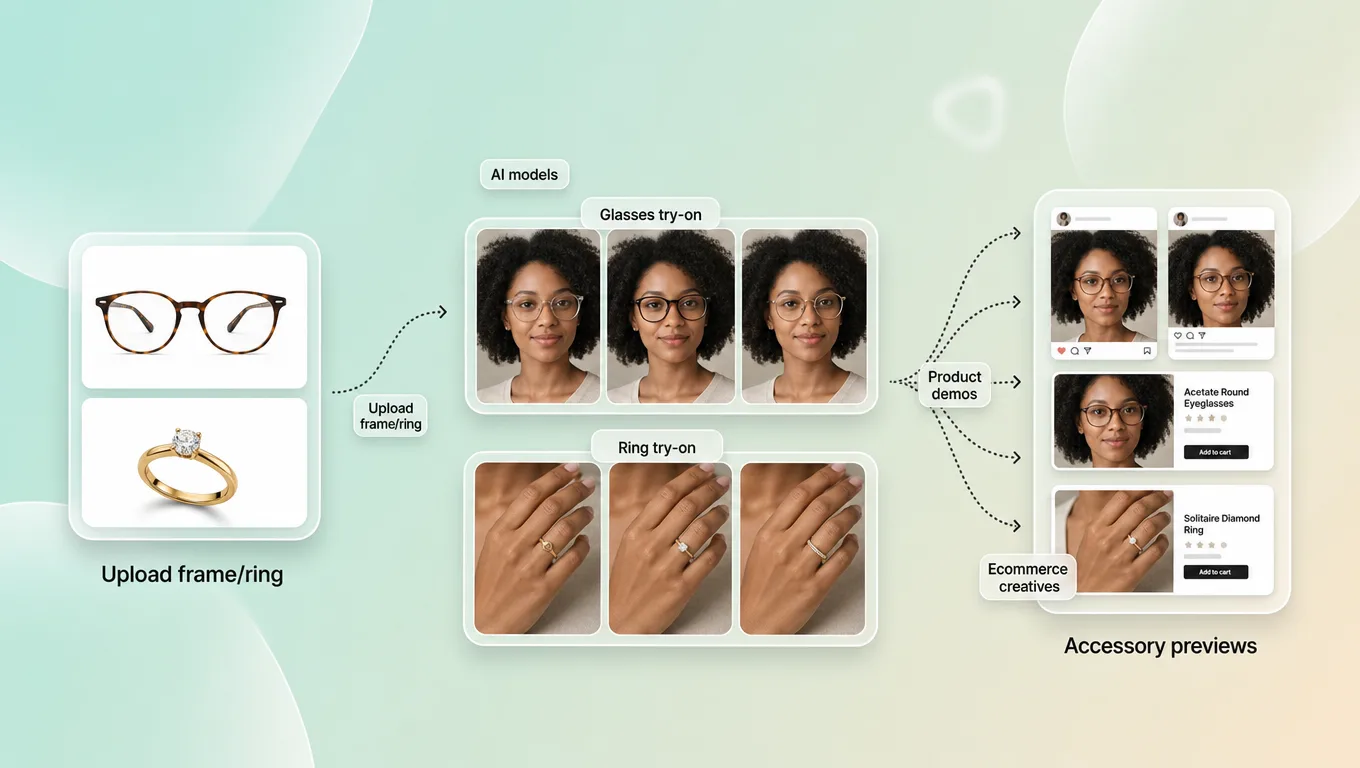
    Eyewear and jewelry virtual try-on accessory previews

    Eyewear and jewelry accessories

    From the hub, continue into glasses or ring try-on when the decision is about frames or metal style—not a full outfit change.

    Ecommerce style board built from virtual try on previews

    Style boards for ecommerce teams

    Merchants and creators build lookbooks, seasonal boards, and influencer briefs from one consistent face and pose.

    Tips for Better Try-On Results

    • Prefer high-resolution person photos with visible shoulders and torso for apparel.
    • Use product images with minimal background clutter for cleaner garment edges.
    • Keep lighting similar between the person photo and the clothing reference when possible.
    • Generate 2–3 variants, then pick the most natural shoulder line and fabric drape.
    • Looking for a virtual try on app experience? Start in the browser on TopView—no install required to preview your first look.
    • For apparel-only tests, stay in virtual try on clothes flows; for frames or rings, switch to the matching accessory tool.

    Choose a scene and open the right tool

    Change clothes on a photo

    Swap outfits on a person image for listing and campaign apparel previews.

    Open tool

    Try on glasses

    Preview eyeglasses, sunglasses, and reading glasses on a face photo.

    Open tool

    Try on rings

    Test metal and stone styles on a hand photo for jewelry merchandising.

    Open tool

    Preview swimwear looks

    Preview swimwear styles for seasonal catalogs and social creatives.

    Open tool

    Preview dress silhouettes

    Test dress silhouettes for PDP heroes and lookbook boards.

    Open tool

    Preview footwear looks

    Preview footwear on a model shot for catalog and ad variants.

    Open tool

    Preview nose-ring styles

    Preview nose-ring styles for accessory creatives and product pages.

    Open tool

    Explore broader jewelry looks

    Explore broader jewelry try-on when the SKU is not a single ring.

    Open tool

    AI Virtual Try-On FAQs

    AI virtual try-on for clothing places a garment or fashion product into a model, avatar, or styled scene to create a realistic visual preview. It is useful for ecommerce product pages, ads, and social content.

    Start Your Virtual Try On Free

    Ready to preview a new look? Start try-on on TopView—run an AI clothes try on for apparel, or continue to glasses and rings when accessories matter most.

    Start Try-On