Topview
    • MCP/Skill
    • Plugin
    • API
    • Pricing
    1. Home
    2. Product Photography

    AI Ads

    AI Video AgentAI Ads VideoAI Product VideoAI UGC VideoURL to Video

    AI Avatar

    AI Avatar GeneratorProduct AvatarDesign My AvatarAI Lip Sync

    AI Video

    AI Video GeneratorDrama StudioAI Video Body SwapAI Video UpscalerAI Video Watermark RemoverTikTok Watermark RemoverSora Watermark RemoverSubtitle RemoverAI Motion ControlAI Lip SyncURL to Video

    AI Image

    AI Image GeneratorAI Face SwapAI Image Character SwapAI Image UpscalerAI InpaintAI Image Text EditorPhoto Angle EditorAI RelightingAI Product PhotographyAI Virtual Try-OnAI Storyboard GeneratorExtract Color PaletteImage to Prompt

    AI Voice

    VoiceoverAI Voice CloningAI Music Generator

    3D

    3D World Generator3D Shot Composer

    Use Cases

    AdvertisingAffiliate MarketingEcommerceDTC BrandsAI Live Stream

    Resources

    BlogAffiliate ProgramLearning CenterAlternativeAPI

    Company

    Topview StudioPrivacy PolicyTerms
    Topview

    © 2026 TOPVIEW PTE. LTD.

    Singapore: 20 Collyer Quay #20-03, Singapore 049319
    Los Angeles: 15970 Los Serranos CC Dr #251, Chino Hills, CA 91709

    AI Product Photography Generator for Ecommerce Ads

    Turn one product image into clean packshots, lifestyle scenes, and ad-ready creatives with an AI product photography generator. Create ecommerce visuals without a studio or reshoot.

    AI Product Photography

    Add your product image

    Background

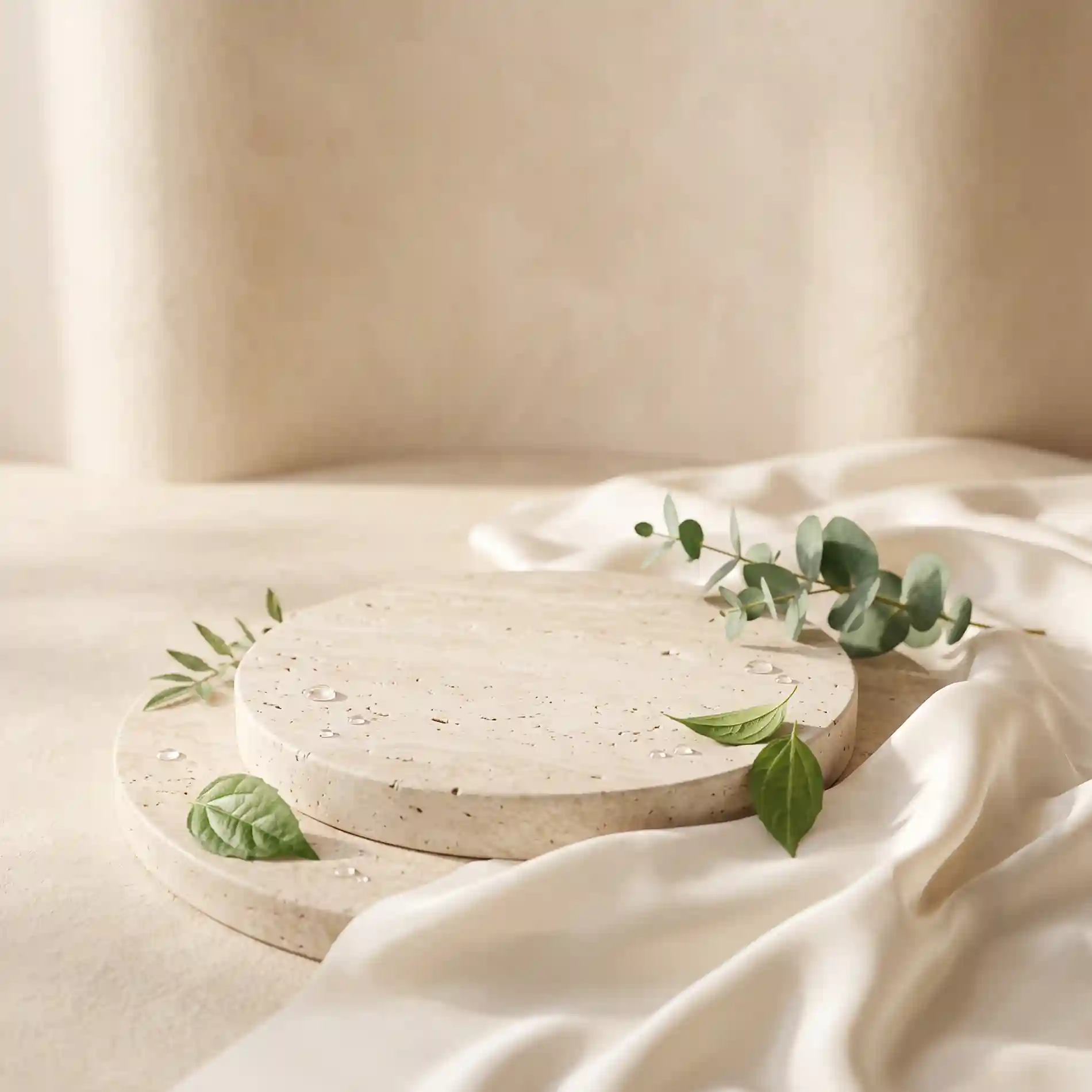
    Upload background image
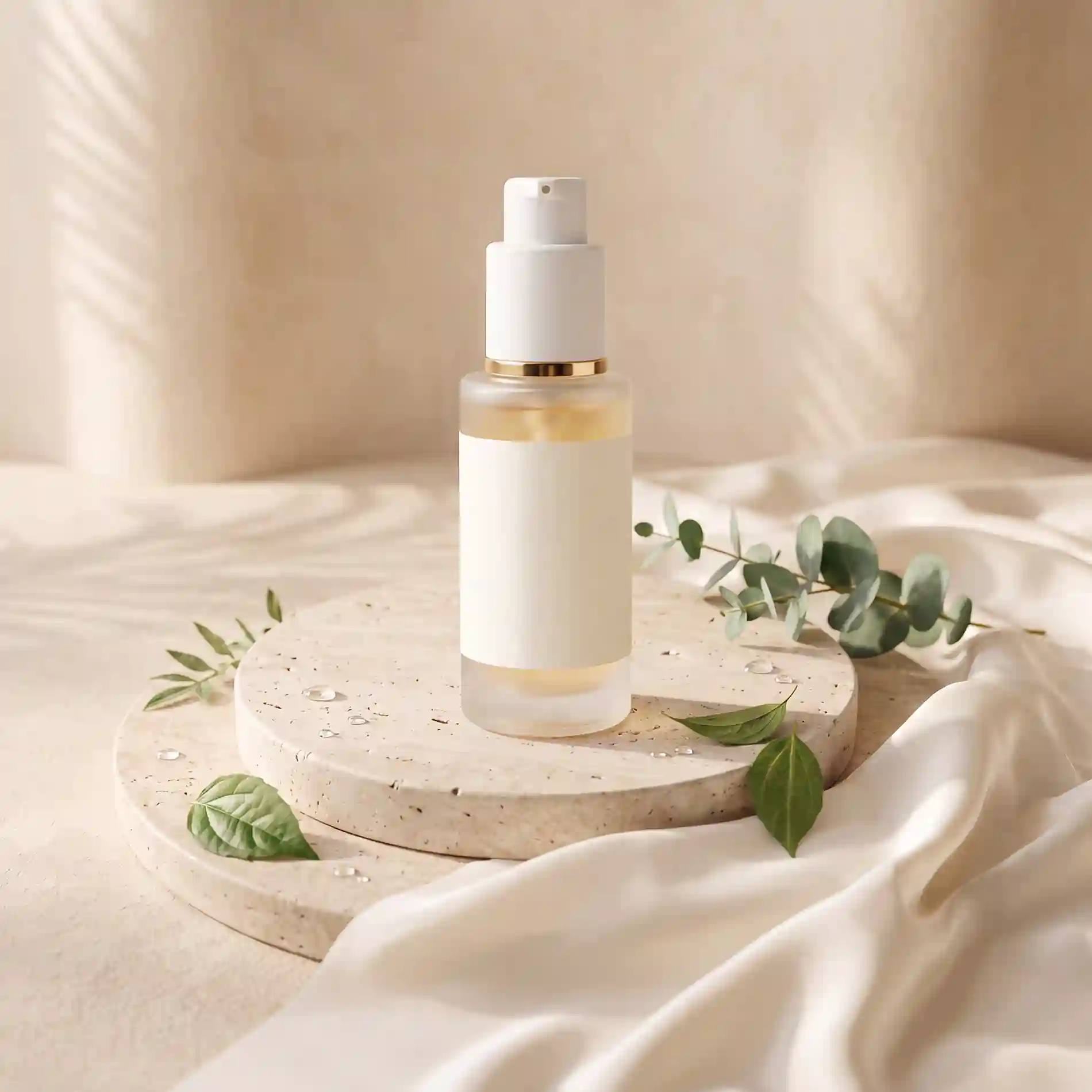
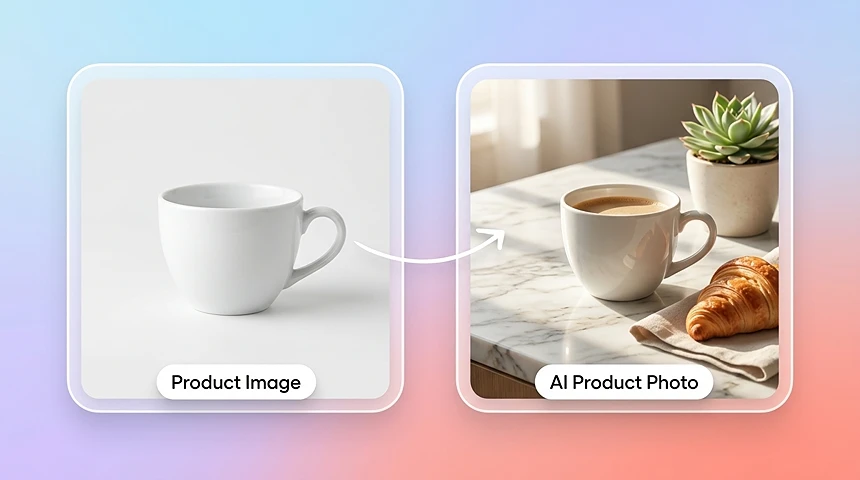
    AI product photography result with a product placed in a polished ecommerce scene
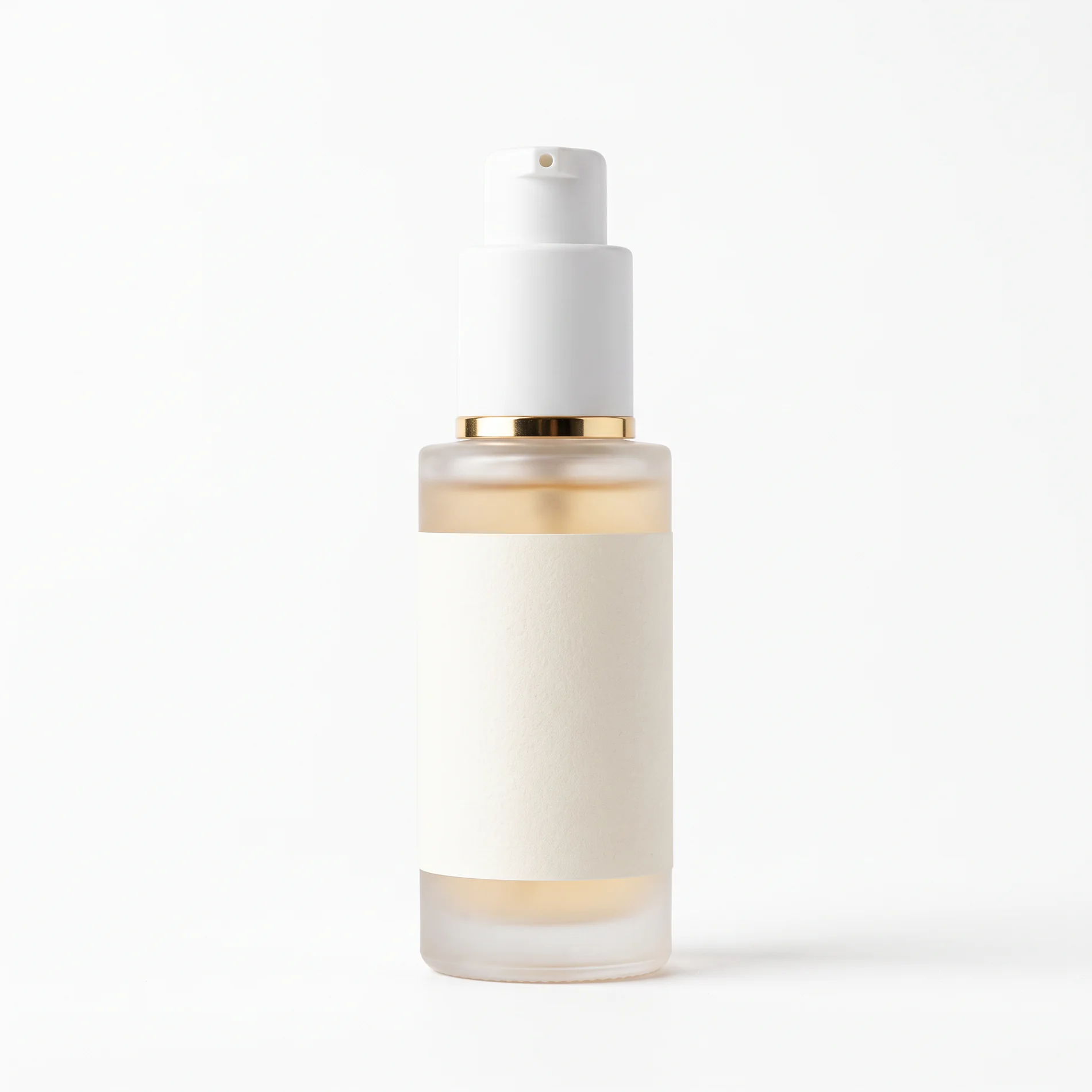
    Source product image used for AI product photography
    Generated lifestyle product photography scene preview

    FROM ONE IMAGE

    AI Product Photo Generator from One Image

    Use an AI product photo generator to turn one source image into clean product photos, lifestyle scenes, and campaign-ready variations. Keep the product's key details while changing the background, composition, and creative direction.

    Generative AI product photography created from one product image

    AI Product Photo Generator from One Image

    Start with one source product image and generate polished variations for ecommerce listings, lifestyle scenes, paid social, and creative testing.
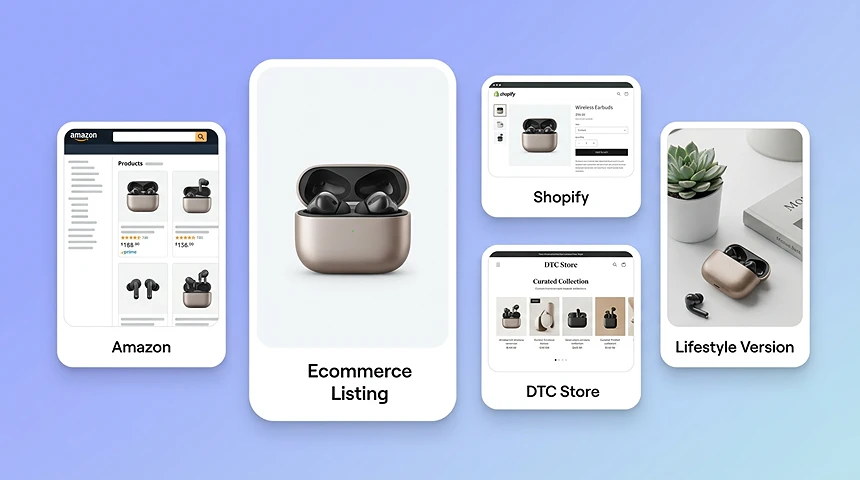
    AI product photography for ecommerce listings and marketplaces

    AI Product Photography for Ecommerce Listings

    Create ecommerce product photos for product detail pages, marketplaces, and online stores. Generate clean main images, alternate lifestyle scenes, and consistent visuals for Amazon, Shopify, eBay, Etsy, and DTC storefronts.
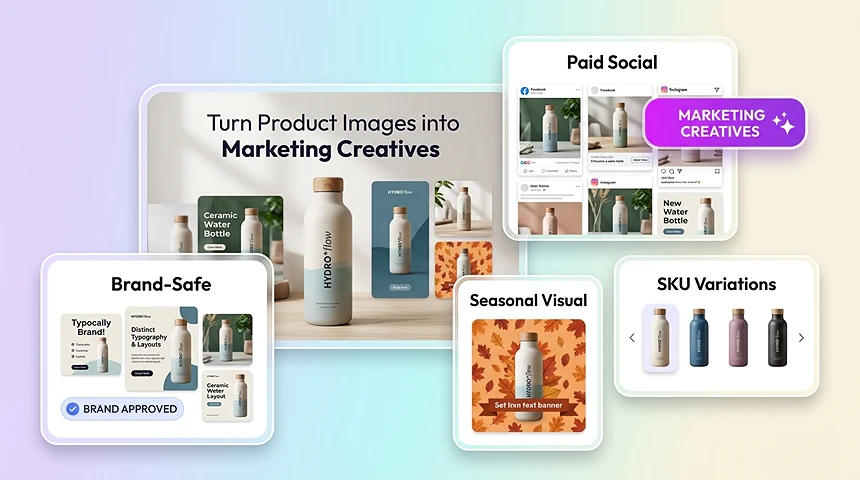
    AI product photography marketing creatives for ads and social

    AI Product Photography for Marketing Creatives

    Use AI product photography to create lifestyle ads, seasonal visuals, paid social assets, and platform-specific marketing creatives from the same source product photo.

    OVERVIEW

    What Is an AI Product Photography Generator?

    An AI product photography generator creates new product visuals from an existing product image. It can help with background removal, scene composition, lighting adjustments, and image enhancement for ecommerce listings, ads, and marketing campaigns.

    Instead of running a full studio shoot or editing every image manually in Photoshop, teams can upload a source photo and quickly generate polished assets for catalog pages, marketplaces, paid ads, and social campaigns.

    STUDIO VS AI

    AI Product Photography vs Traditional Studio Shoots

    Studio-first workflows create delays, higher production costs, and inconsistent output. AI product photography gives teams a faster way to produce campaign-ready visuals from the assets they already have.

    Traditional Product Photography before AI Product Photography

    • Requires separate photoshoots, studio setups, or editing resources
    • Slows down launches when every SKU needs a new image variation
    • Makes it hard to keep backgrounds, lighting, and framing consistent
    • Creates high production cost for ads, listings, and seasonal refreshes

    AI Product Photography

    • Starts from one existing product image and generates polished variations fast
    • Removes background and scene setup bottlenecks for day-to-day creative work
    • Keeps product catalogs visually consistent across channels and campaigns
    • Supports faster testing for ecommerce, paid media, and product launches

    KEY HIGHLIGHTS

    AI Product Photography Key Highlights

    Isolate products cleanly, correct lighting automatically, and place items into branded scenes without rebuilding every image.

    AI Product Photography Background Removal

    AI isolates the product cleanly, even on difficult edges like transparent packaging, reflective surfaces, or textured materials.

    AI Product Photography Lighting and Color

    Adjust brightness, contrast, and tone automatically so products appear clearer, more realistic, and more premium.

    AI Product Photography Scene Creation

    Place products into branded scenes or campaign layouts without rebuilding every image manually.

    AI Product Photography Detail Enhancement

    Sharpen textures and improve clarity so important product details stay visible across channels.

    WORKFLOW

    How AI Product Photography Works

    1. 01

      Upload your product photo for AI Product Photography

      Add a product image from your device or existing assets and start with the shot you already have.

    2. 02

      Choose an AI Product Photography background or prompt

      Select a curated template, upload a custom background, or describe the scene you want AI to create.

    3. 03

      Generate, review, and download AI Product Photography

      Produce product photos for ecommerce listings, ad creatives, and social content, then export the final result.

    ECOMMERCE WORKFLOWS

    AI Product Photography for Ecommerce Workflows

    Use AI product photography across the teams and channels that need polished visuals every day.

    AI Product Photography for Product Detail Pages

    Create cleaner hero images and alternate scenes for PDPs, marketplaces, and storefront updates.

    AI Product Photography for Paid Social and Ads

    Generate fast campaign variations for seasonal offers, promotions, and creative testing.

    AI Product Photography for Catalog Refreshes

    Update backgrounds and visual systems across large product collections without reshooting everything.

    AI Product Photography for Brand Launches

    Prepare premium product visuals quickly when launching new SKUs, bundles, or landing pages.

    AI Product Photography for Agencies and Studios

    Produce more client-ready concepts in less time while keeping output quality predictable.

    AI Product Photography for Cross-Channel Content

    Reuse the same source product photo to create assets for email, social, ads, and web.

    More AI Tools

    Discover more powerful AI tools to enhance your content creation.

    Text to ImageImage EditEdit TextInpaintImage Character SwapImage Face SwapImage UpscalePhoto Angle EditorAI RelightingProduct PhotographyVirtual Try-OnImage to VideoText to VideoVideo Character SwapVideo UpscaleMotion ControlURL to VideoStory BoardAI AvatarProduct AvatarDesign My AvatarVideo Lip SyncVoiceover

    AI Product Photography FAQs

    An AI product photography generator turns an existing product image into new product visuals, such as clean backgrounds, lifestyle scenes, ecommerce listing images, and ad creatives.

    Yes. Upload one clear product image, choose a background or describe a scene, and generate new product photos for listings, ads, and marketing creatives.

    Yes. You can create ecommerce product photography for online stores, marketplaces, product detail pages, and campaign assets.

    Yes. This AI product photography tool can create product visuals for paid social, display ads, seasonal campaigns, and creative testing.

    Traditional product photography requires a studio, photographer, props, lighting, and reshoots. AI product photography starts from one product image and generates multiple ecommerce and ad-ready visuals much faster.

    Yes. You can start with free usage to test AI product photos and product photography workflows before deciding whether to upgrade. Current plan limits may apply.

    It works well for fashion, beauty, electronics, accessories, home goods, packaged products, and many other ecommerce categories.

    No. The workflow is designed for marketers, ecommerce teams, and founders who want strong visuals without advanced editing skills.

    Generated images are intended for business use cases such as product listings, storefronts, paid media, and marketing campaigns. Users are responsible for having the rights to the source product images and any included assets.

    Yes. You can generate several background treatments and creative directions from the same product photo for testing and reuse.

    In most cases it takes seconds to a couple of minutes, depending on the source image and generation complexity.

    Upload a product photo, select a template or custom background, describe the scene if needed, and generate the result. You can review and download the final visual for ecommerce or marketing use.

    NO STUDIO. NO RESHOOTS.

    Turn One Product Image into Campaign-Ready Photos

    Generate ecommerce listings, paid ads, and lifestyle creatives from a single product shot—right in your browser.

    Open Product Photo Generator