Topview
    • MCP/Skill
    • Plugin
    • API
    • Pricing
    1. Home
    2. Image Character Swap

    AI Ads

    AI Video AgentAI Ads VideoAI Product VideoAI UGC VideoURL to Video

    AI Avatar

    AI Avatar GeneratorProduct AvatarDesign My AvatarAI Lip Sync

    AI Video

    AI Video GeneratorDrama StudioAI Video Body SwapAI Video UpscalerAI Video Watermark RemoverTikTok Watermark RemoverSora Watermark RemoverSubtitle RemoverAI Motion ControlAI Lip SyncURL to Video

    AI Image

    AI Image GeneratorAI Face SwapAI Image Character SwapAI Image UpscalerAI InpaintAI Image Text EditorPhoto Angle EditorAI RelightingAI Product PhotographyAI Virtual Try-OnAI Storyboard GeneratorExtract Color PaletteImage to Prompt

    AI Voice

    VoiceoverAI Voice CloningAI Music Generator

    3D

    3D World Generator3D Shot Composer

    Use Cases

    AdvertisingAffiliate MarketingEcommerceDTC BrandsAI Live Stream

    Resources

    BlogAffiliate ProgramLearning CenterAlternativeAPI

    Company

    Topview StudioPrivacy PolicyTerms
    Topview

    © 2026 TOPVIEW PTE. LTD.

    Singapore: 20 Collyer Quay #20-03, Singapore 049319
    Los Angeles: 15970 Los Serranos CC Dr #251, Chino Hills, CA 91709

    AI Image Character Swap: Replace People in Photos Online

    Use AI character swap to create ecommerce model variations, ad concepts, creator-style mockups, localized campaign visuals, and consistent character edits without Photoshop, manual cutouts, or a new photoshoot.

    AI Image Character Swap

    Target Image

    Model Image
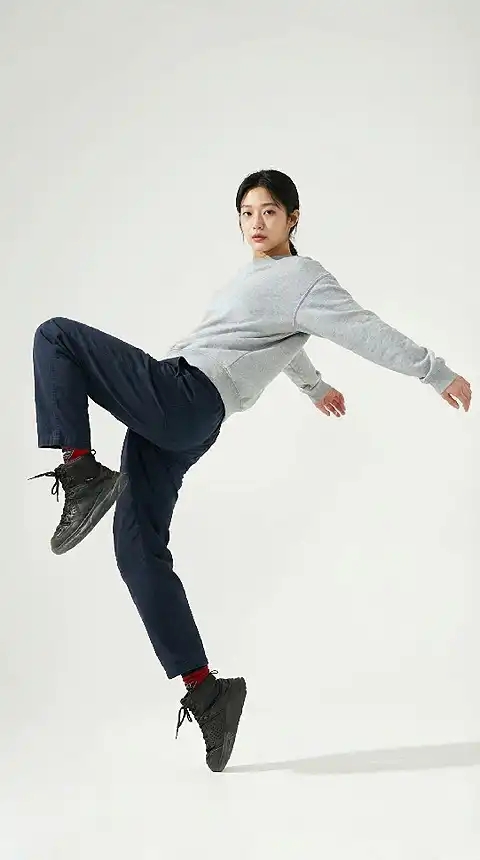
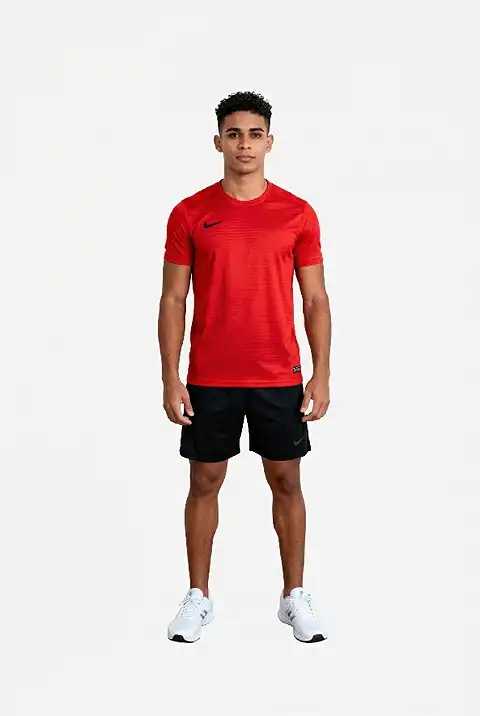
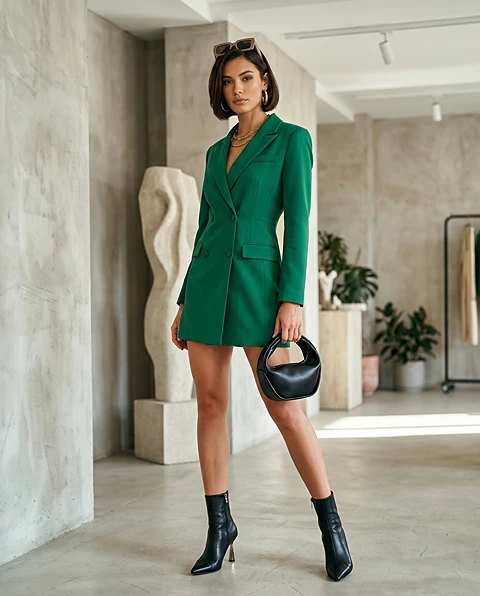
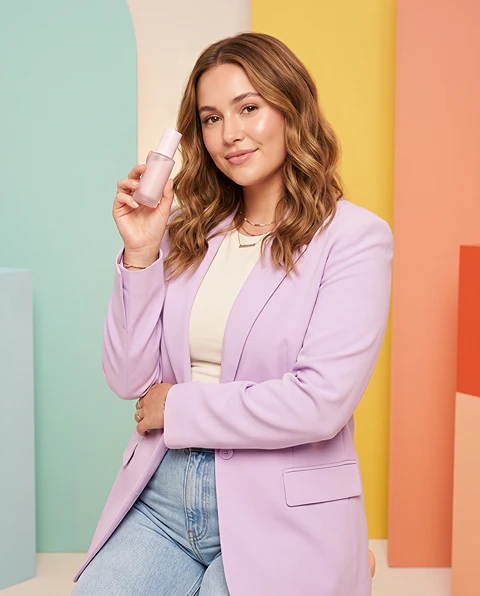
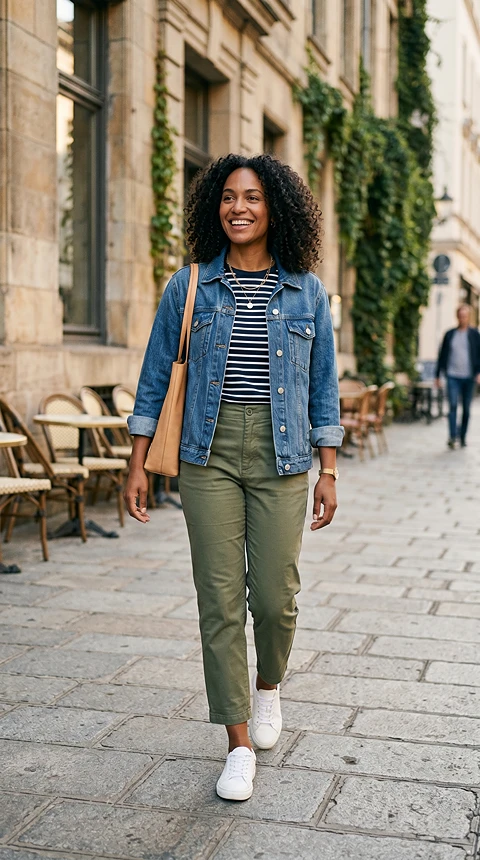
    AI character swap result preview
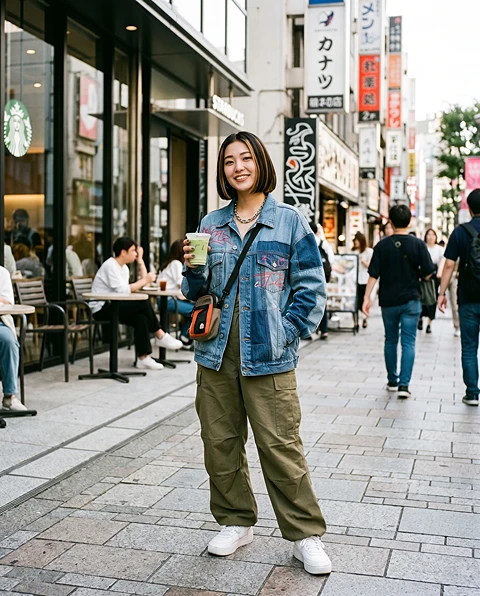
    Example target scene for AI character swap
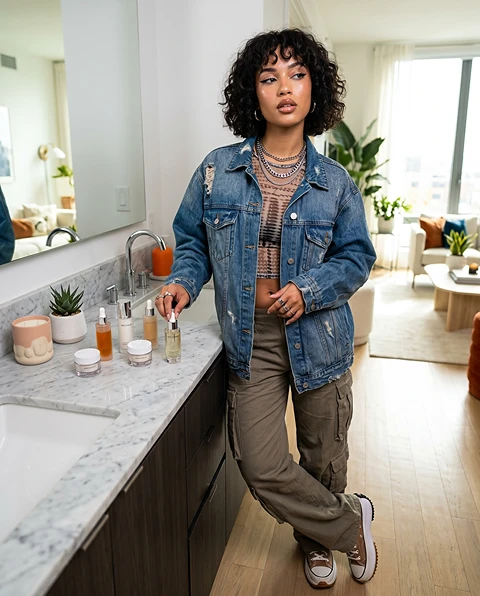
    Example character reference for AI character swap

    Image Body Swap — Swap Bodies in Photos Instantly with AI

    Image body swap replaces the body or full figure in a photo while keeping the face, outfit details, and background looking natural. Use AI body swap to test different poses, body types, and model looks for ecommerce photos, ad creatives, and social content — no Photoshop or manual compositing needed.

    Built for Campaign Speed

    MARKETING WORKFLOW

    Built for Campaign Speed

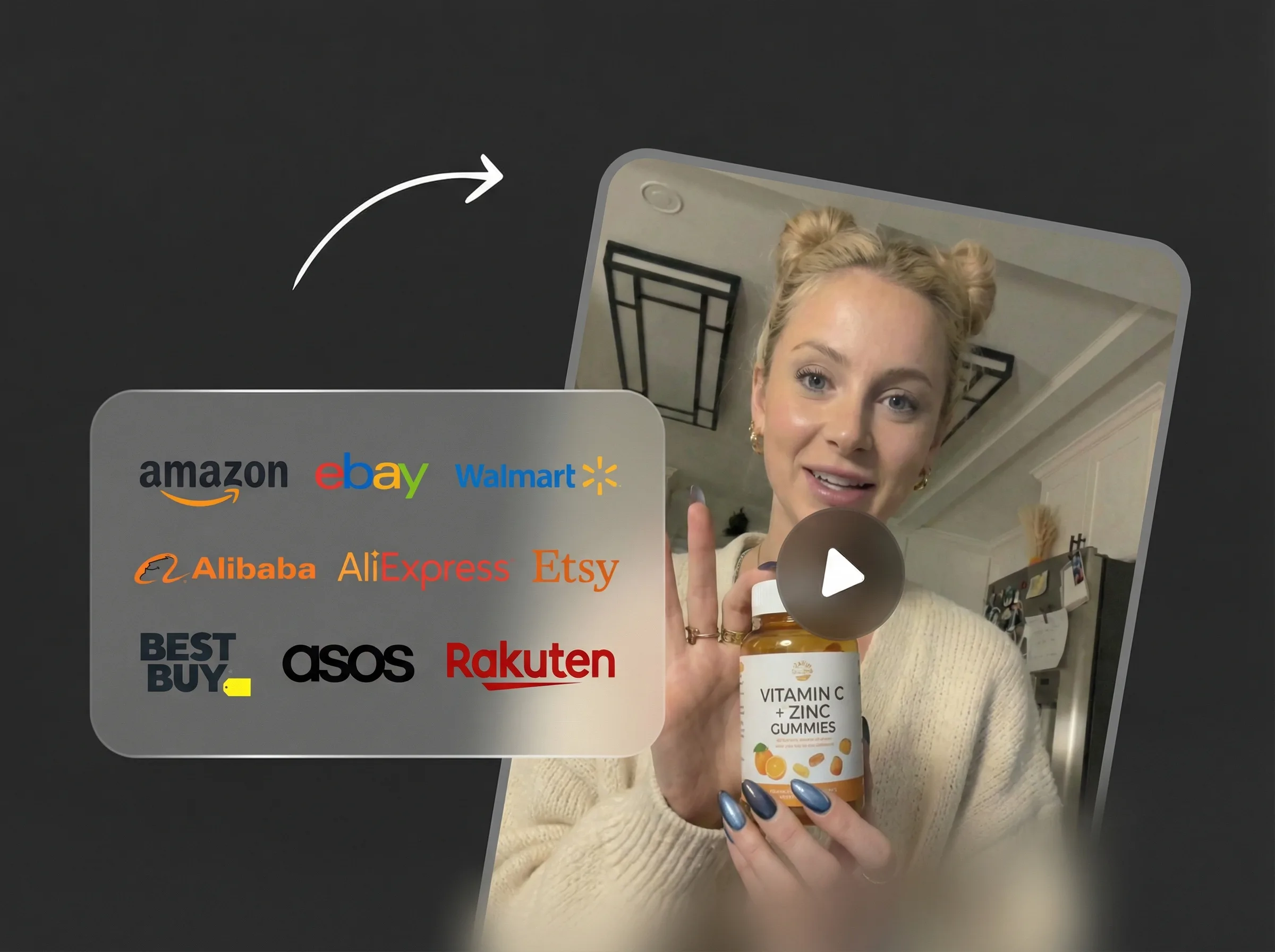
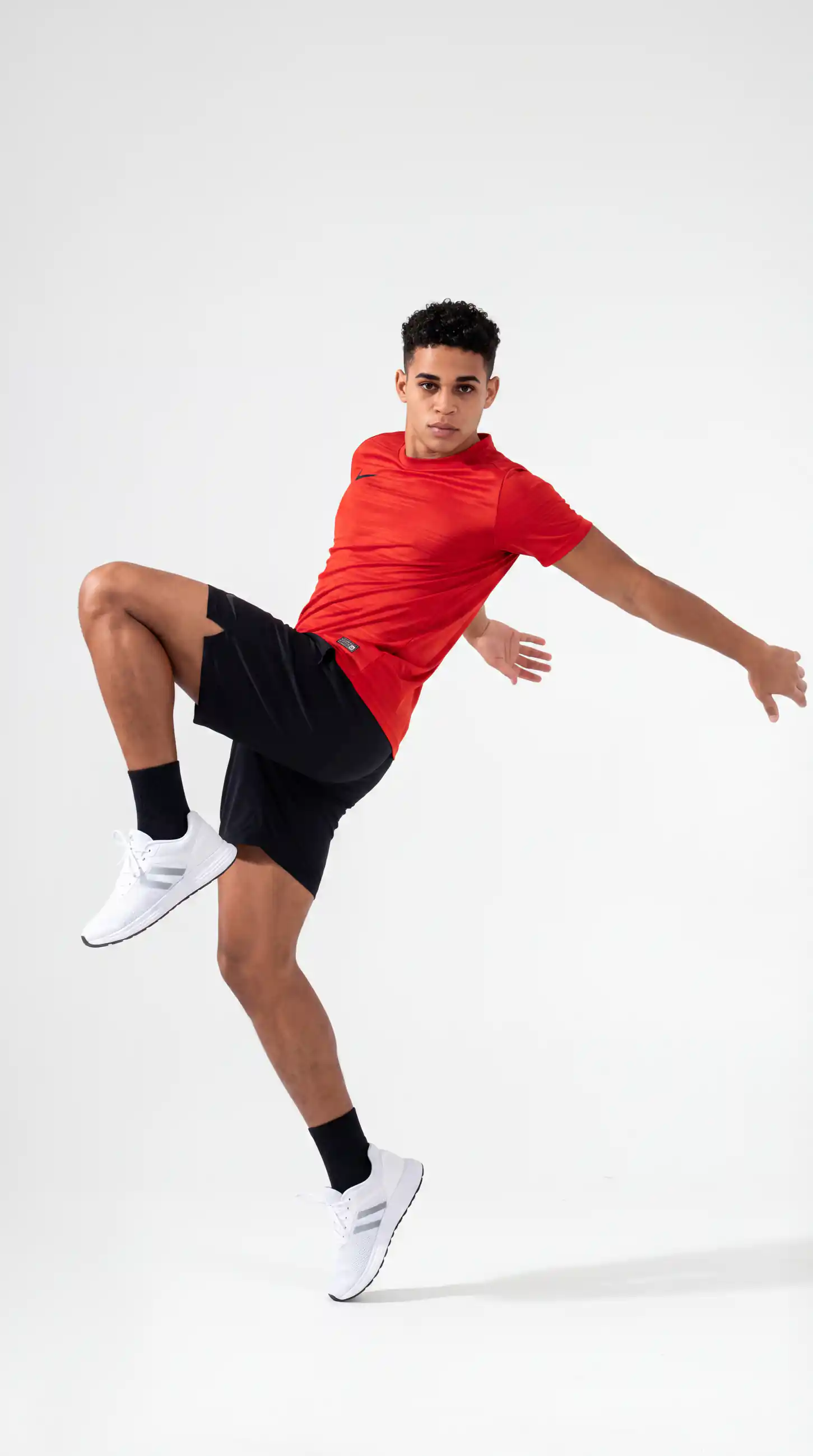
    Generate character swap variations in seconds for ad testing, creative iterations, and fast content pipelines.
    Looks Natural, Not Pasted In

    NATURAL RESULT

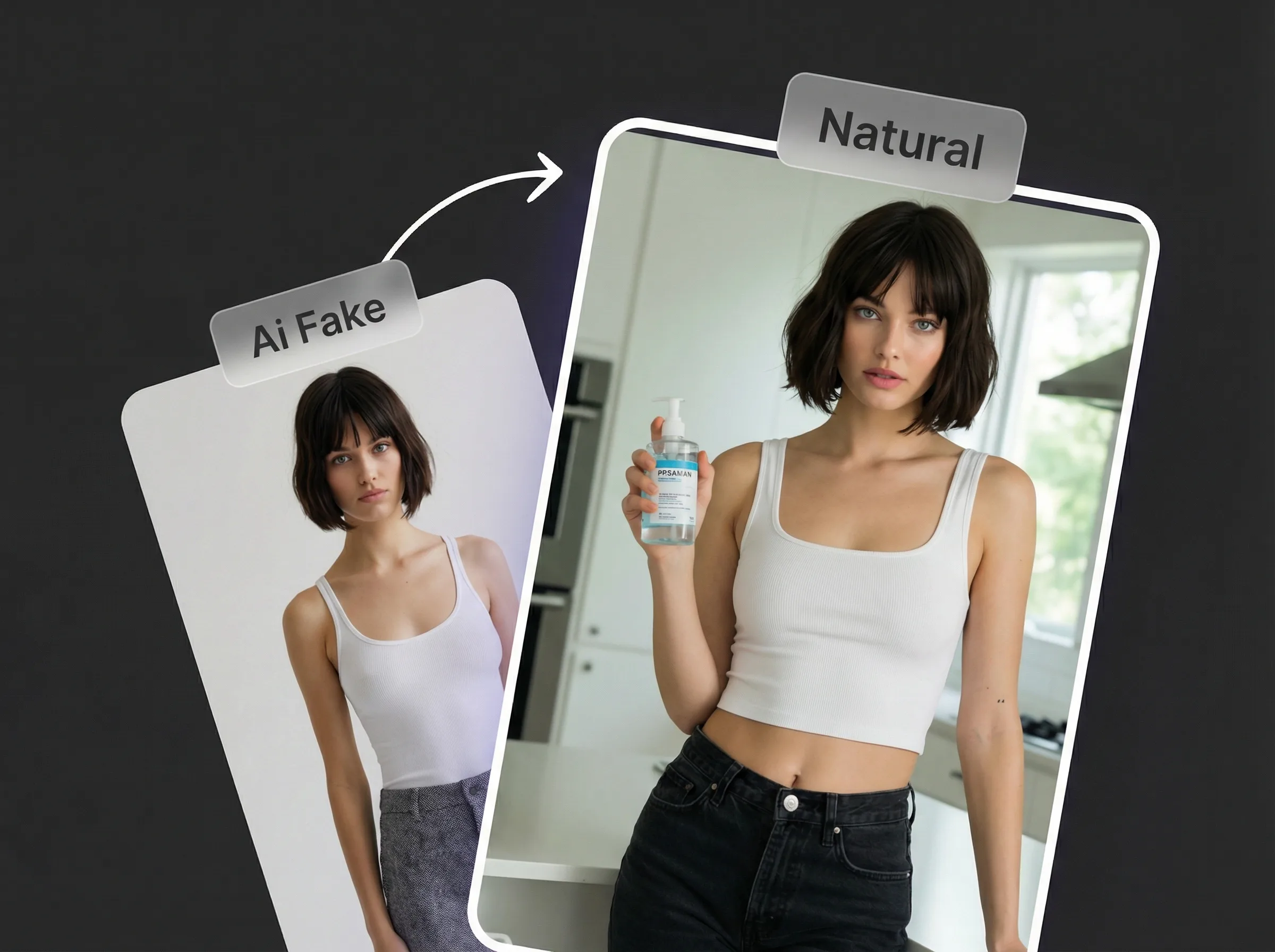
    Looks Natural, Not "Pasted In"

    Advanced matching for pose, scale, and lighting helps avoid awkward edges, mismatched skin tones, or obvious compositing.
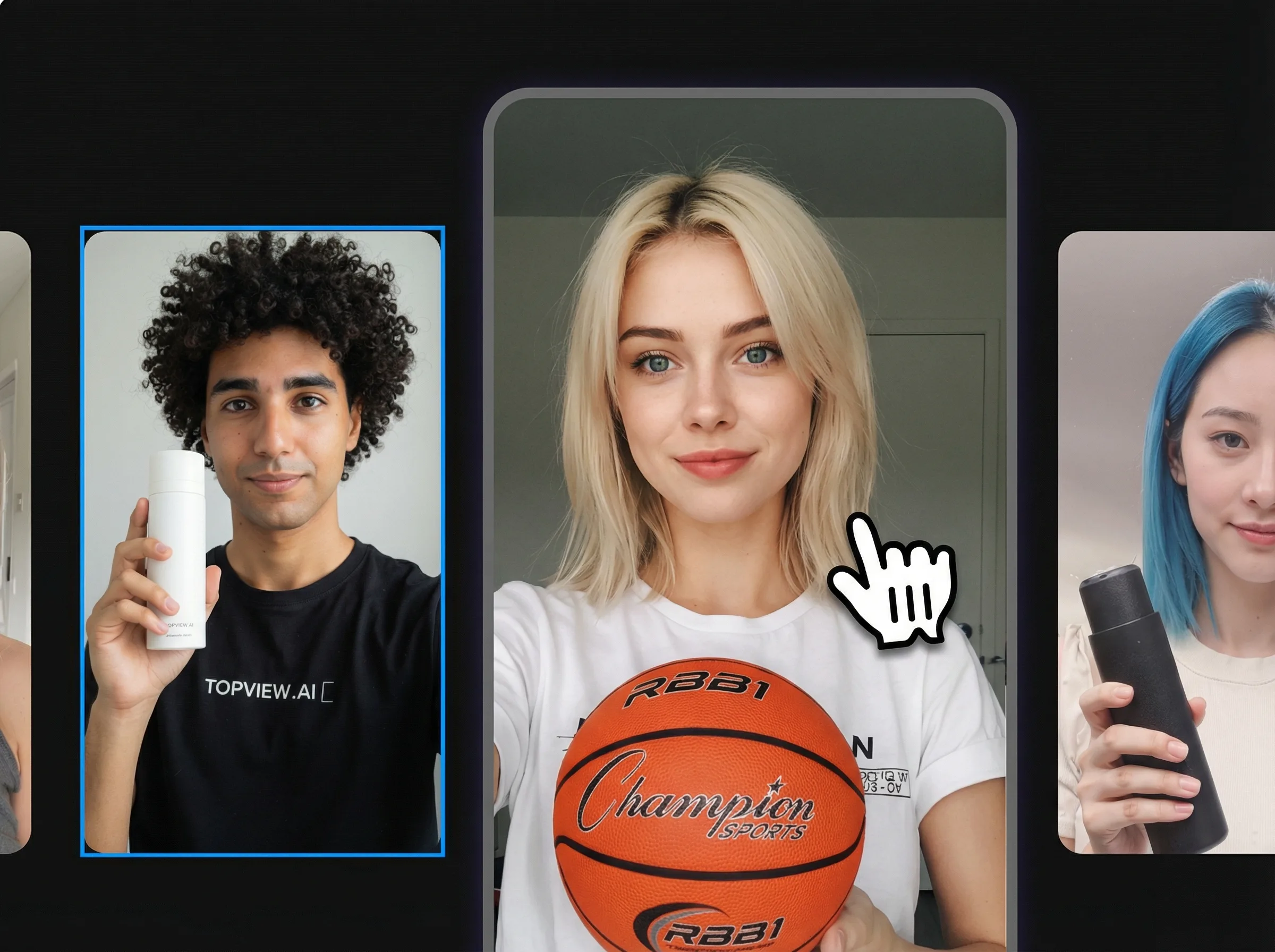
    Zero Learning Curve

    EASY TO USE

    Zero Learning Curve

    No layers or complex tools. Upload your target scene and character reference, run the swap, and download the result.
    100% Online, No Downloads

    BROWSER BASED

    100% Online, No Downloads

    Works in your browser with no plugins or heavy installs—start from any device.

    USE CASES

    Image Character Swap Use Cases

    Explore practical ways to replace people in photos for ecommerce, ads, localization, lifestyle content, and campaign testing.
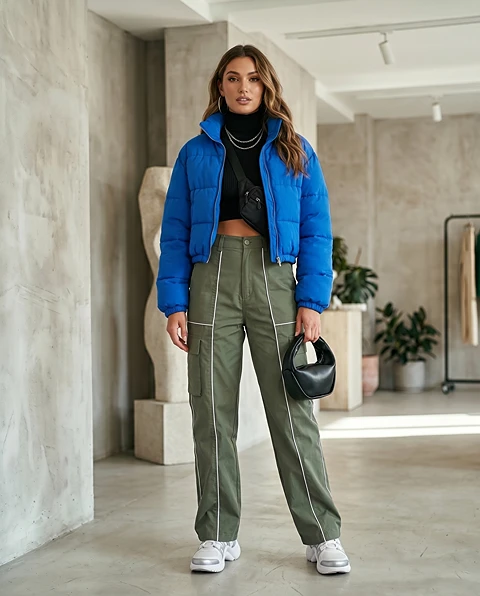
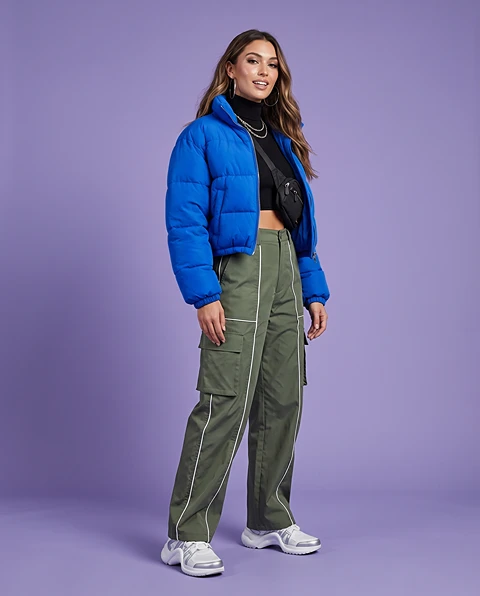
    Replace a Model in Ecommerce Product Photos result
    RESULT
    Character reference input
    Target scene input
    01↗

    Replace a Model in Ecommerce Product Photos

    Show the same product with different models, outfits, audience types, or regional looks without reshooting every product photo.

    See more
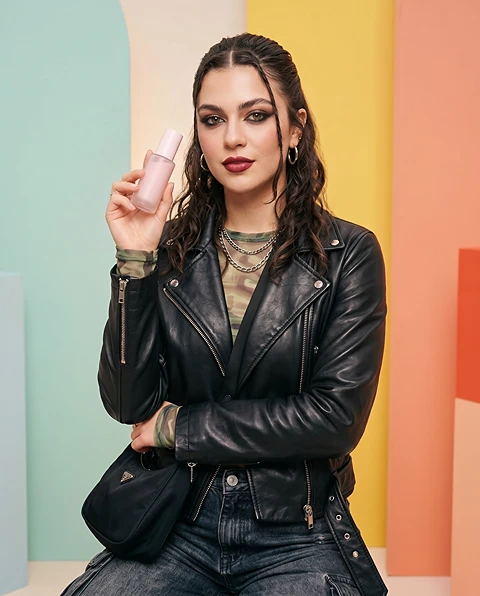
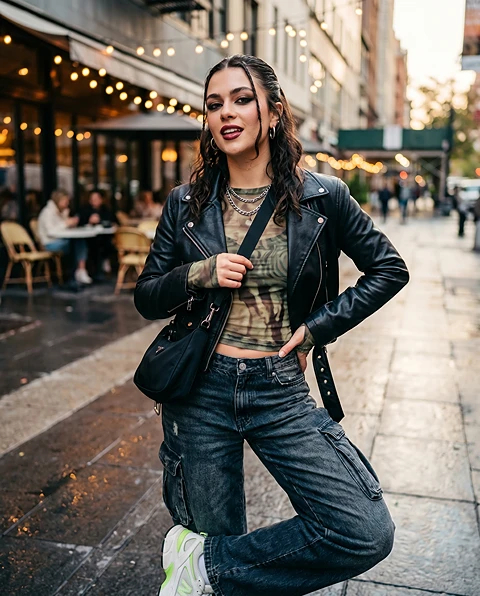
    Create AI Ad Variations with Different People result
    RESULT
    Character reference input
    Target scene input
    02↗

    Create AI Ad Variations with Different People

    Test different people, poses, expressions, and audience personas inside the same ad concept to find the strongest image for paid social, display ads, or landing pages.

    See more
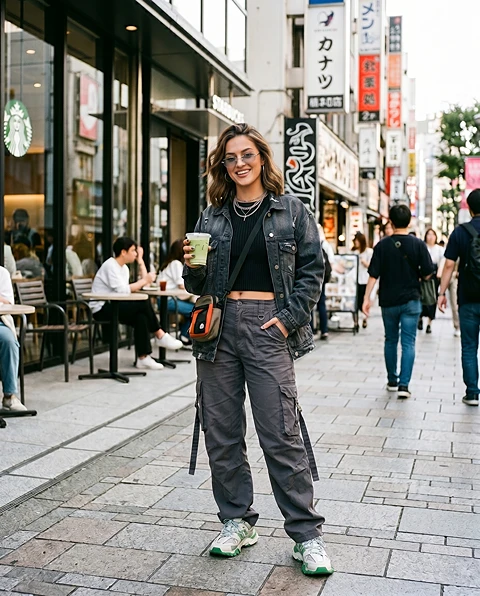
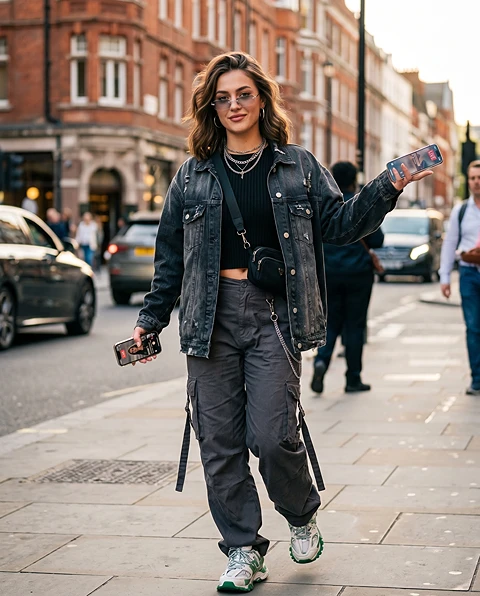
    Localize Ad Images for Different Markets result
    RESULT
    Character reference input
    Target scene input
    03↗

    Localize Ad Images for Different Markets

    Adapt one campaign image for different countries, regions, or customer segments by replacing the main person with a model or character that better fits the audience.
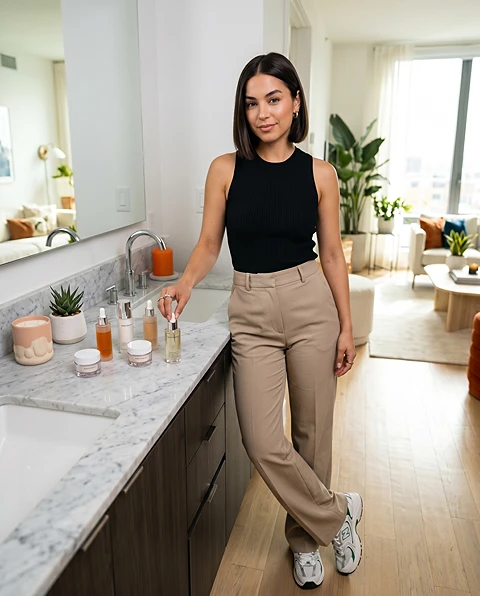
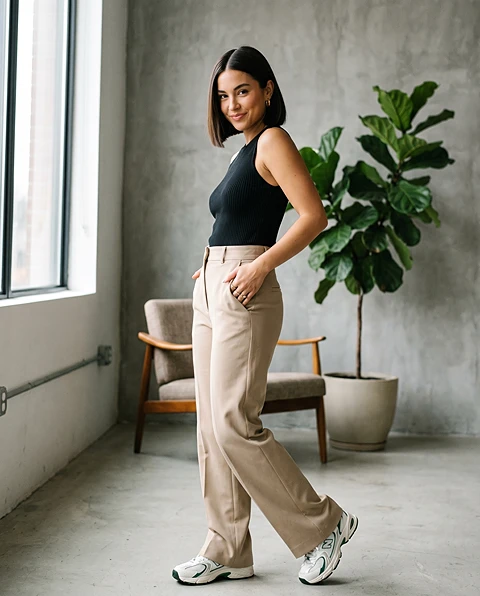
    Refresh Product Photos Without Reshoots result
    RESULT
    Character reference input
    Target scene input
    04↗

    Refresh Product Photos Without Reshoots

    Refresh product scenes, posters, landing page visuals, and campaign drafts by replacing the main subject while keeping the original design structure.
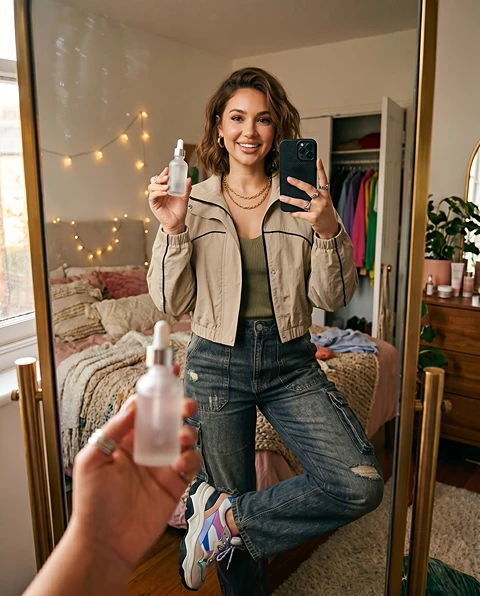
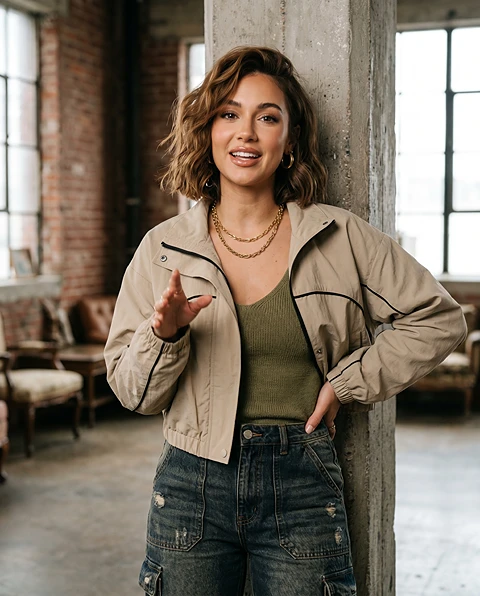
    Create Influencer and UGC-Style Mockups result
    RESULT
    Character reference input
    Target scene input
    05↗

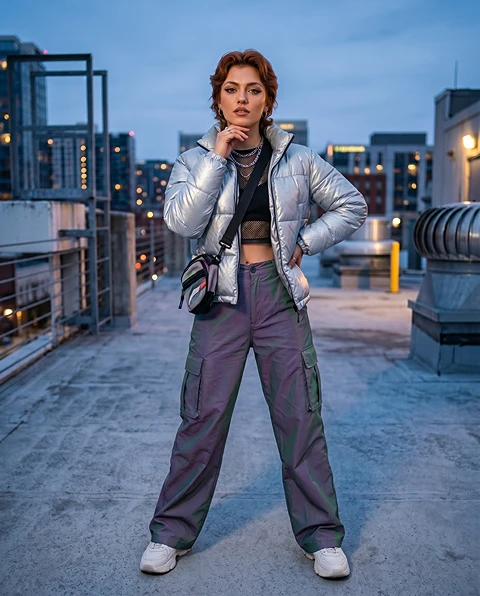
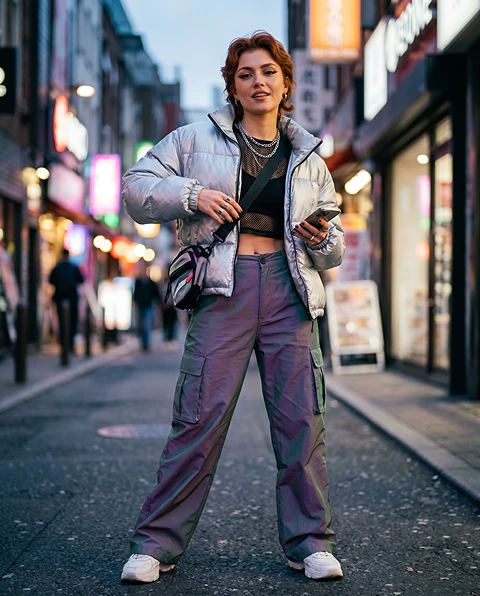
    Create Influencer and UGC-Style Mockups

    Preview influencer-style, UGC-style, or lifestyle visuals before producing final creator content, social posts, or branded campaign assets.
    Create Consistent Character Lookbooks result
    RESULT
    Character reference input
    Target scene input
    06↗

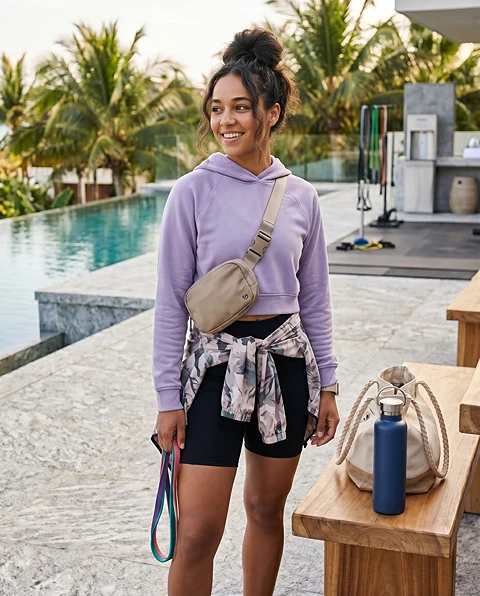
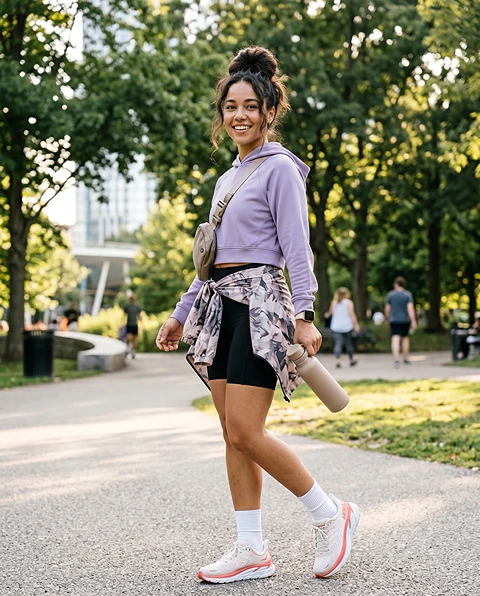
    Create Consistent Character Lookbooks

    Place the same character or subject into different scenes, outfits, poses, and visual themes to build a consistent image set for concepts, stories, or campaigns.

    See more
    Replace People in Lifestyle Photos result
    RESULT
    Character reference input
    Target scene input
    07↗

    Replace People in Lifestyle Photos

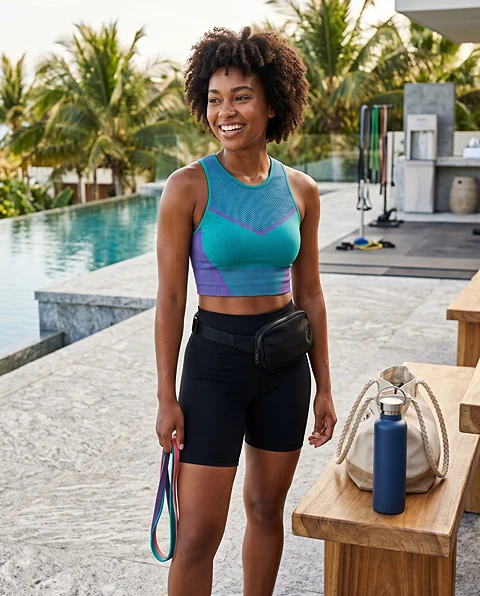
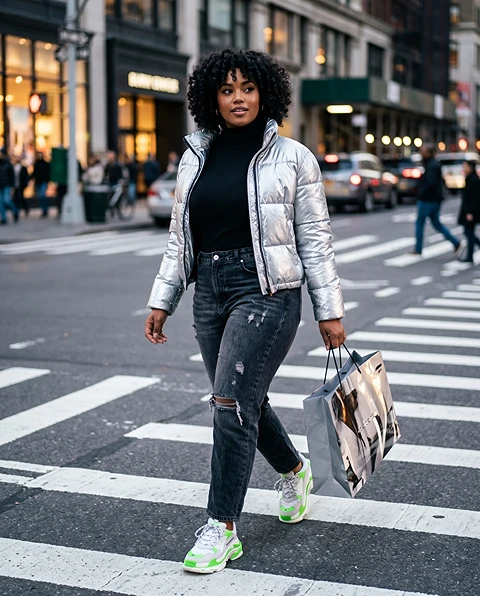
    Use AI to replace a person in a photo for fashion, travel, fitness, beauty, product, or lifestyle scenes while keeping the environment natural.

    See more
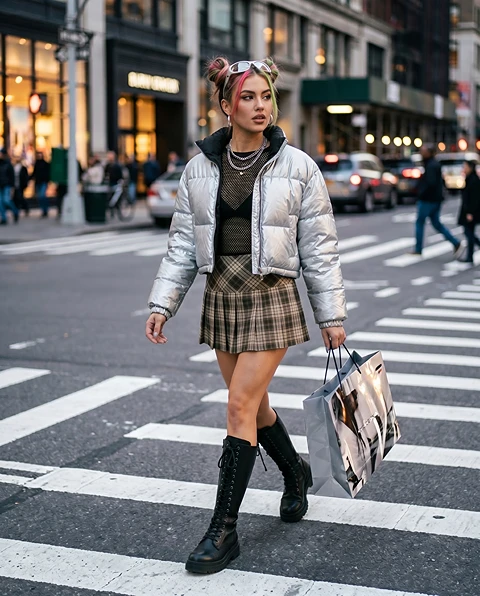
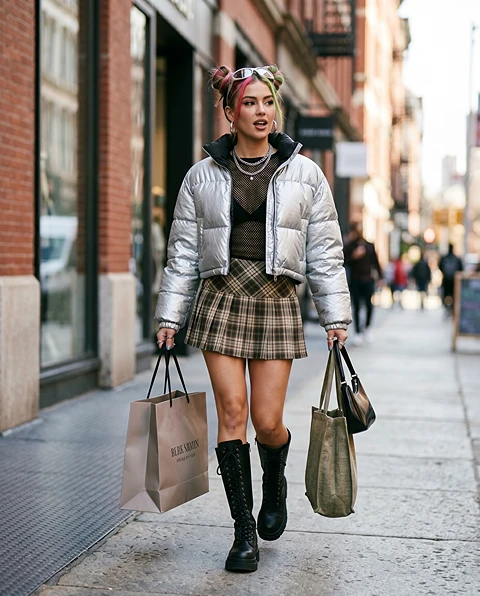
    A/B Test Model Looks Before a Photoshoot result
    RESULT
    Character reference input
    Target scene input
    08↗

    A/B Test Model Looks Before a Photoshoot

    Compare model looks, character styles, age ranges, fashion directions, or visual moods before spending budget on a full photoshoot.

    EXAMPLES

    AI Character Swap Example Gallery

    Test different people or characters in lookbook images, editorial scenes, or outfit-based visuals.
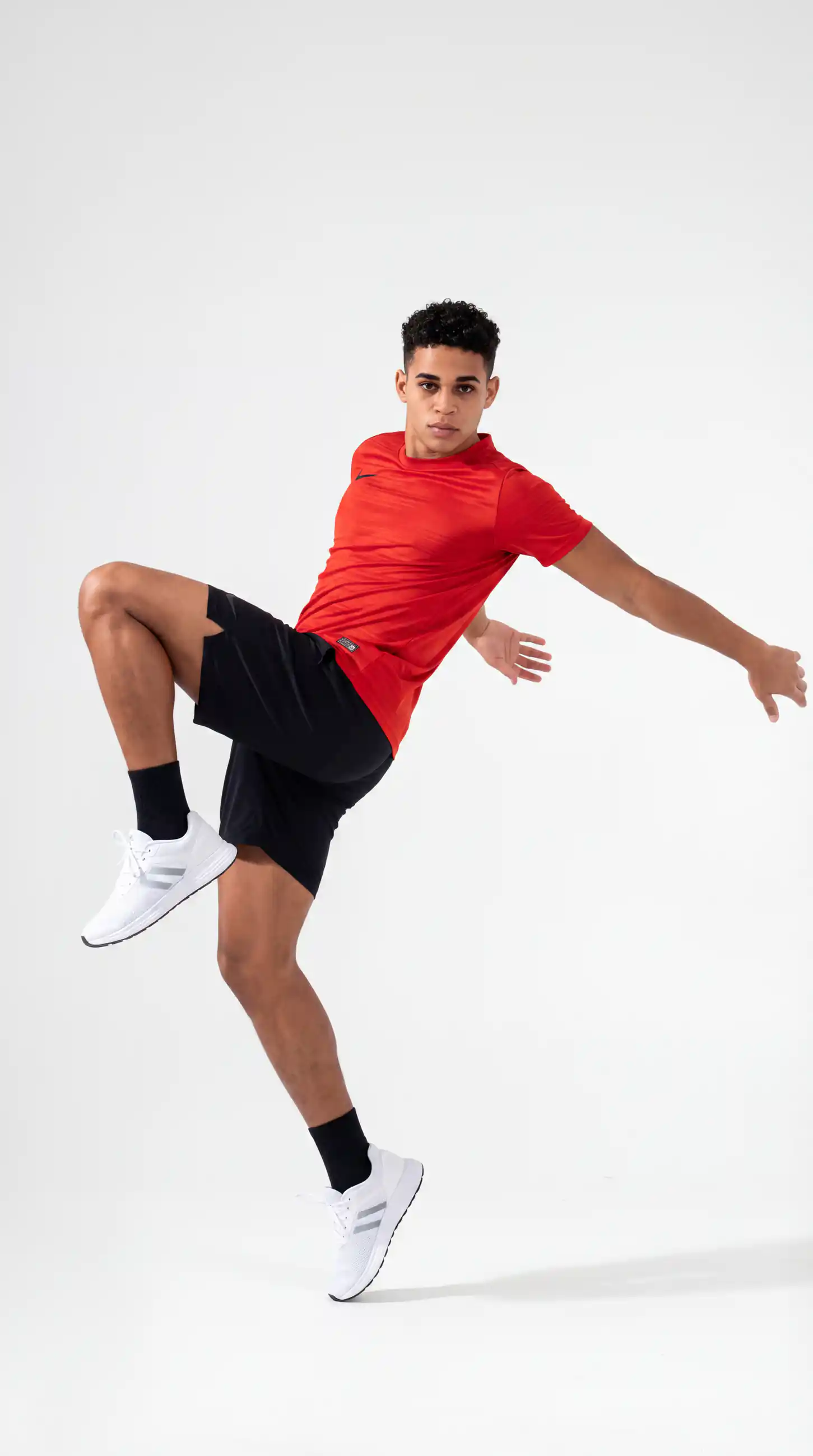
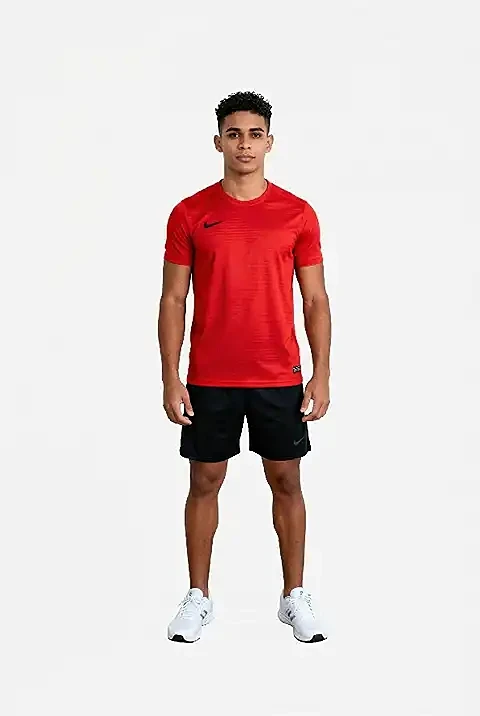
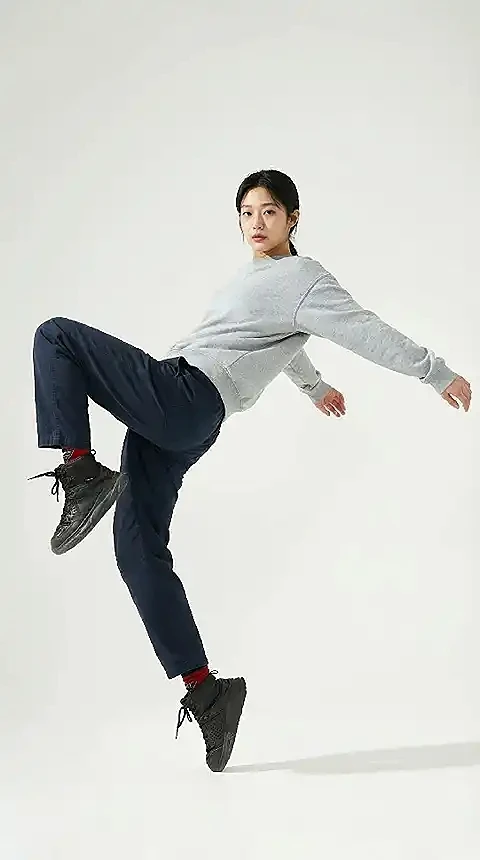
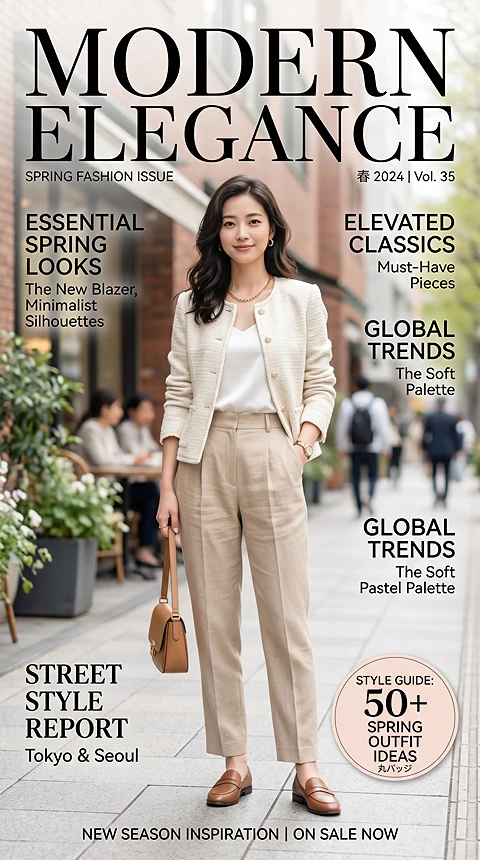
    Fashion and Outfit Concepts result
    RESULT
    Character reference input
    Target scene input

    Fashion and Outfit Concepts

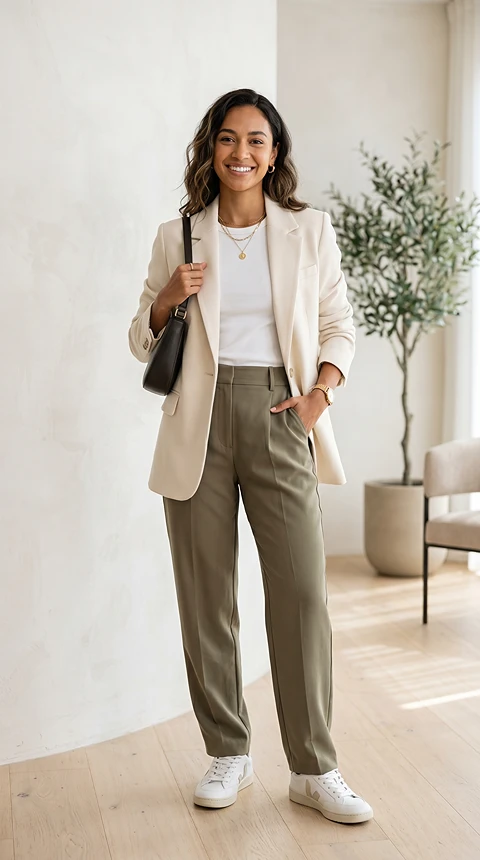
    Test different people or characters in lookbook images, editorial scenes, or outfit-based visuals.
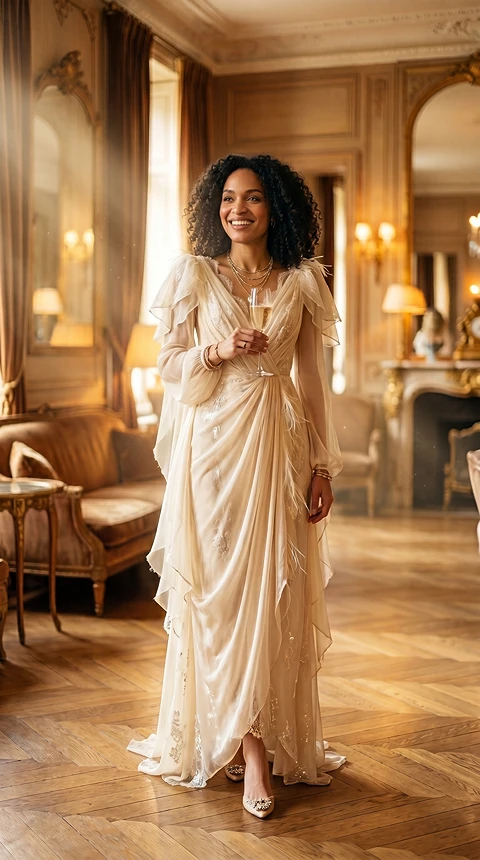
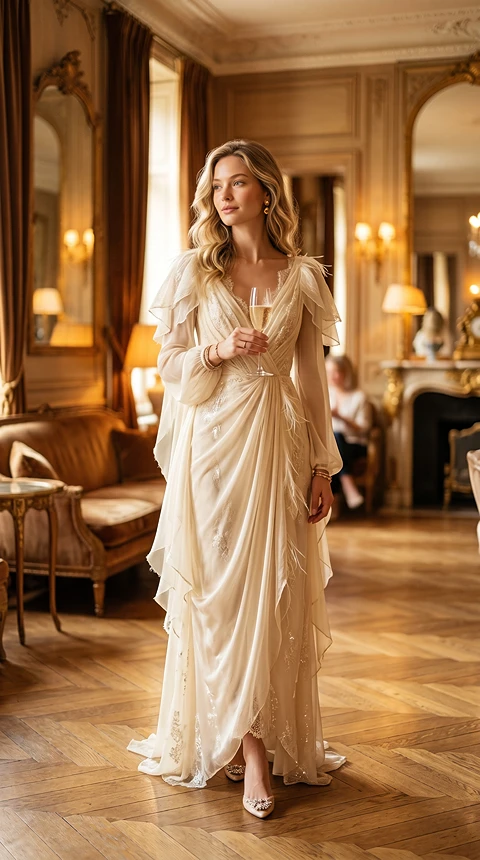
    Poster and Social Image Character Replacement result
    RESULT
    Character reference input
    Target scene input

    Poster and Social Image Character Replacement

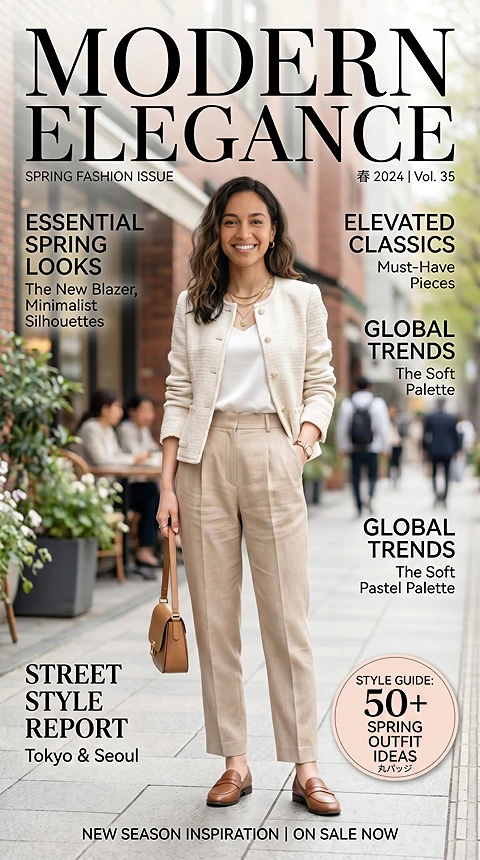
    Replace the main person in a poster, story visual, thumbnail, or promotional image while keeping the design structure.
    Personal and Creative Photo Edits result
    RESULT
    Character reference input
    Target scene input

    Personal and Creative Photo Edits

    Create playful edits for portraits, travel photos, profile images, story visuals, or themed social posts.

    AI PRESERVES

    What the AI Preserves

    Keep the location, environment, layout, and visual context of the target image while replacing the main person or character.
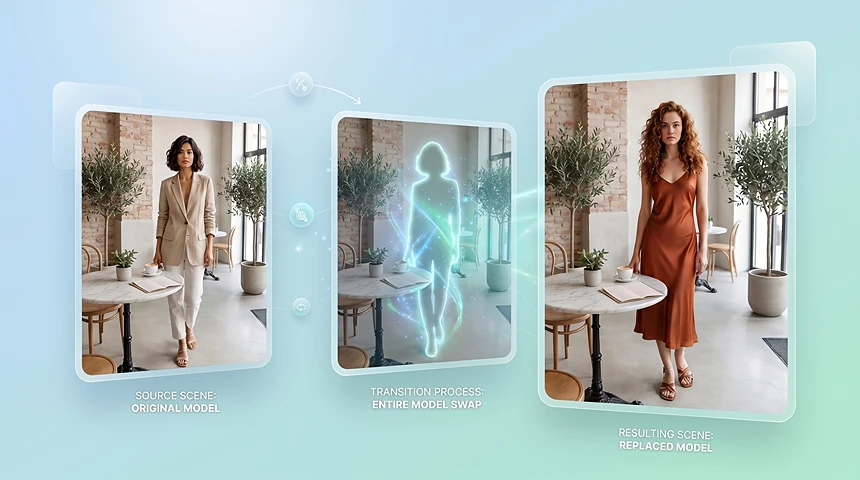
    Original Background and Scene

    Original Background and Scene

    Keep the location, environment, layout, and visual context of the target image while replacing the main person or character.
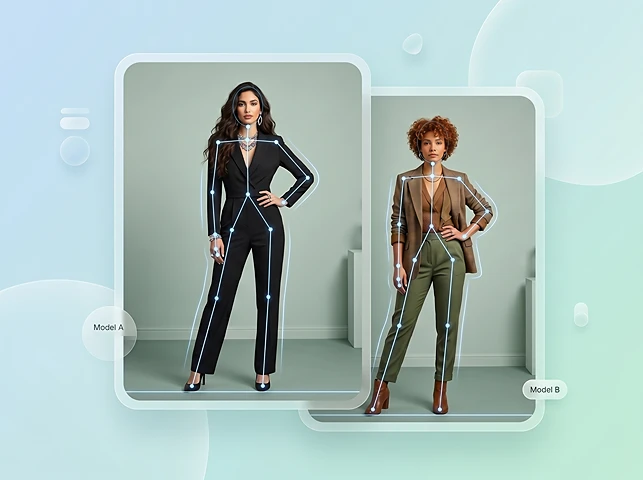
    Pose, Framing, and Camera Angle

    Pose, Framing, and Camera Angle

    Preserve the original body placement, pose direction, crop, and camera perspective so the new subject fits the image naturally.
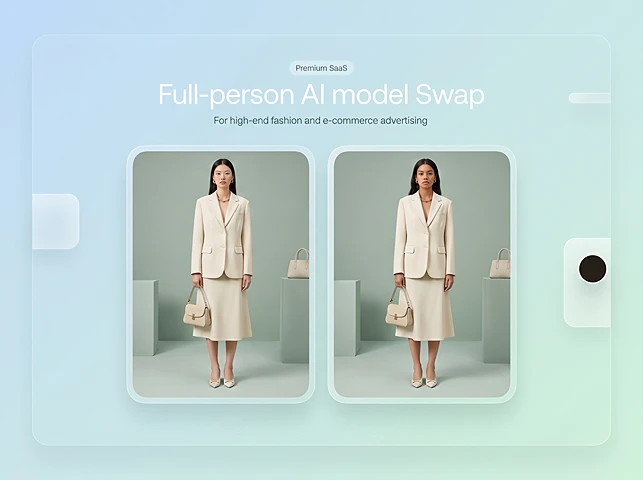
    Product and Outfit Details

    Product and Outfit Details

    For ecommerce and fashion images, keep the product, clothing shape, styling context, and scene structure as consistent as possible.
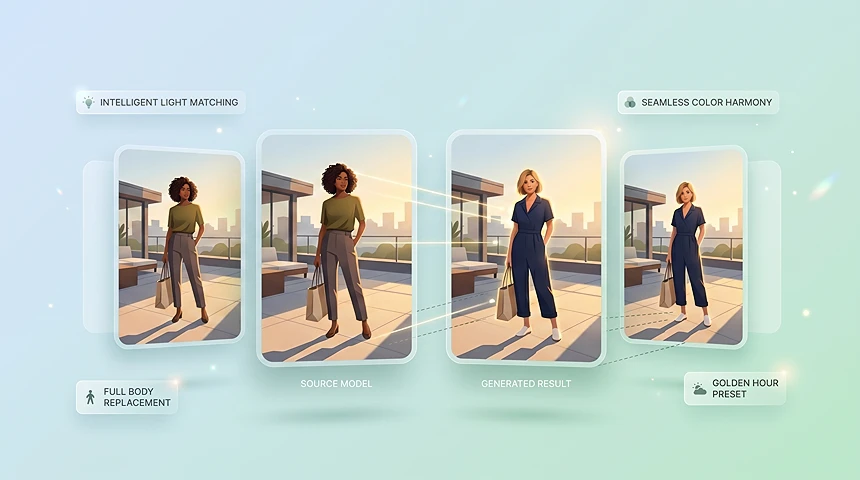
    Lighting and Color Tone

    Lighting and Color Tone

    Match the replacement subject to the target image's lighting direction, shadow style, color temperature, and overall visual mood.

    OVERVIEW

    What Is AI Image Character Swap?

    AI character swap for images lets you swap a character in an existing photo with another person, model, or subject while keeping the original scene, lighting, pose, and background as natural as possible.

    WHY CHOOSE THIS TOOL

    Why Choose This AI Character Swap Tool?

    Replace the full person while preserving the photo — built for ecommerce, campaigns, and creative testing.
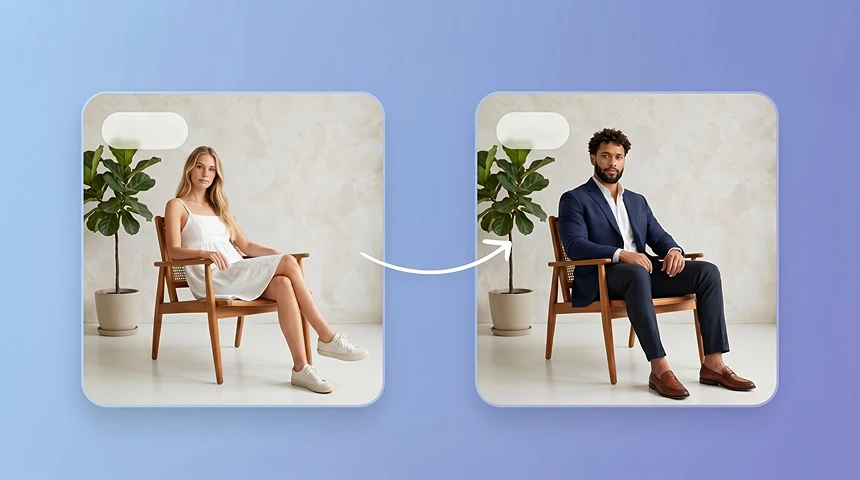
    Replace the Full Person While Preserving the Photo

    Replace the Full Person While Preserving the Photo

    Change the person, model, or character in a photo while keeping the original scene, product, background, pose, and composition intact.
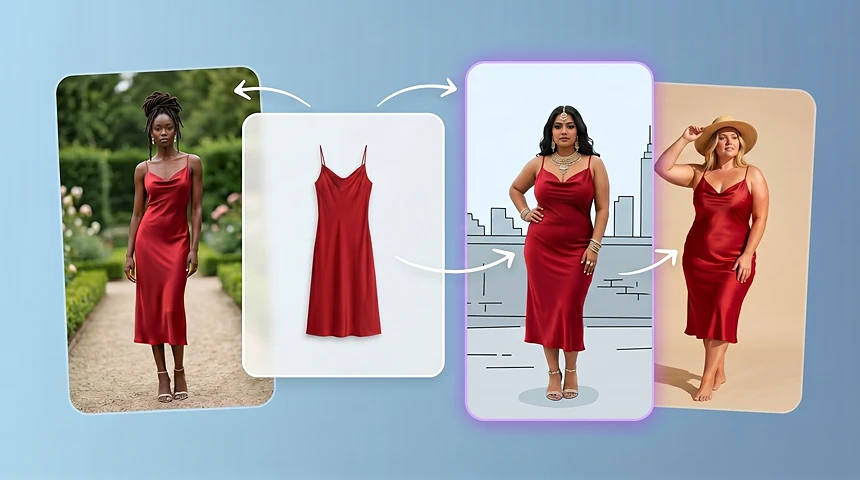
    Make AI Model Swap Easier for Ecommerce

    Make AI Model Swap Easier for Ecommerce

    Use AI model swap to preview ecommerce model variations with different model identities, body types, audience groups, or regional styles before planning a full photoshoot.
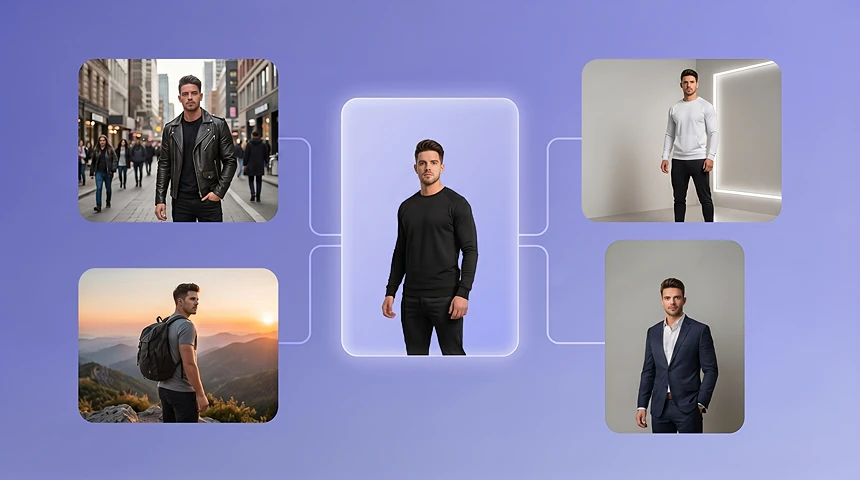
    Build Consistent Character Sets

    Build Consistent Character Sets

    Place the same person or character across different scenes, outfits, styles, and campaign concepts while keeping the visual identity recognizable.
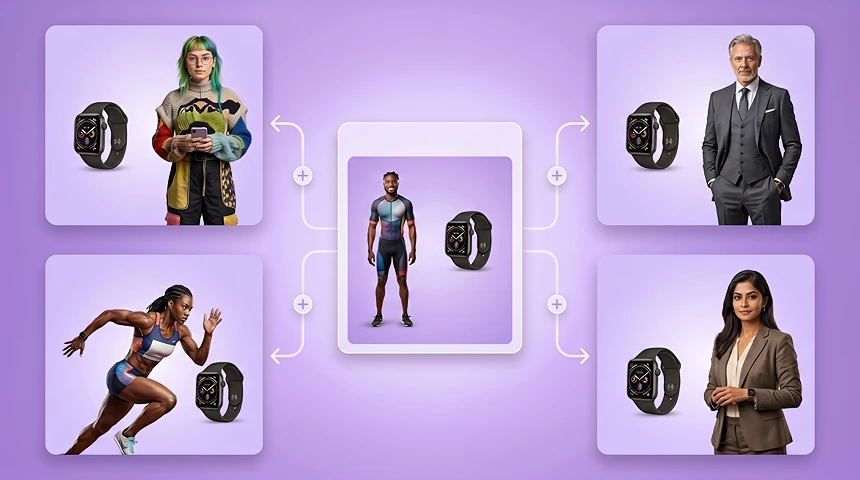
    Create Audience-Specific Model Variants

    Create Audience-Specific Model Variants

    Adapt one visual idea for different markets, demographics, creator styles, or customer segments by changing the main model or character.

    Refresh Existing Assets Instead of Starting Over

    Refresh Existing Assets Instead of Starting Over

    Reuse existing product scenes, ad drafts, posters, and landing page visuals by replacing the main character while keeping the layout.

    Move Faster From Concept to Creative Review

    Move Faster From Concept to Creative Review

    Generate character swap drafts quickly so teams can compare visual directions before committing budget, talent, or production time.

    WORKFLOW
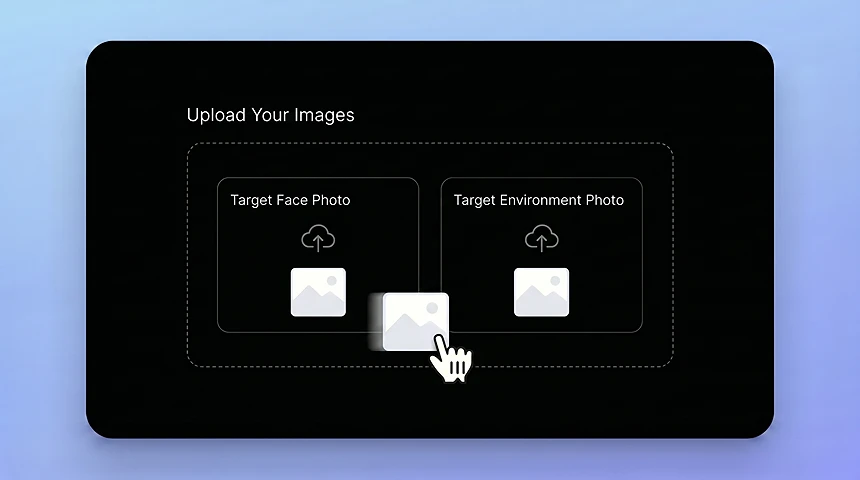
    How Image Character Swap Works

    1. Upload the Target Image and Character Reference
      01

      Upload the Target Image and Character Reference

      Start with the photo that contains the scene, pose, or composition you want to keep, then upload the person or character image you want to place into the target scene.
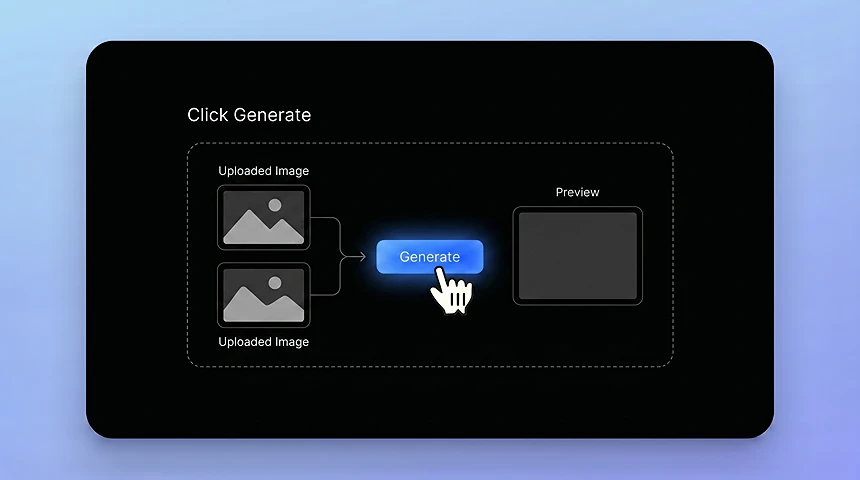
    2. Generate the Character Swap
      02

      Generate the Character Swap

      AI aligns the new subject with the original pose, lighting, proportions, and visual style.
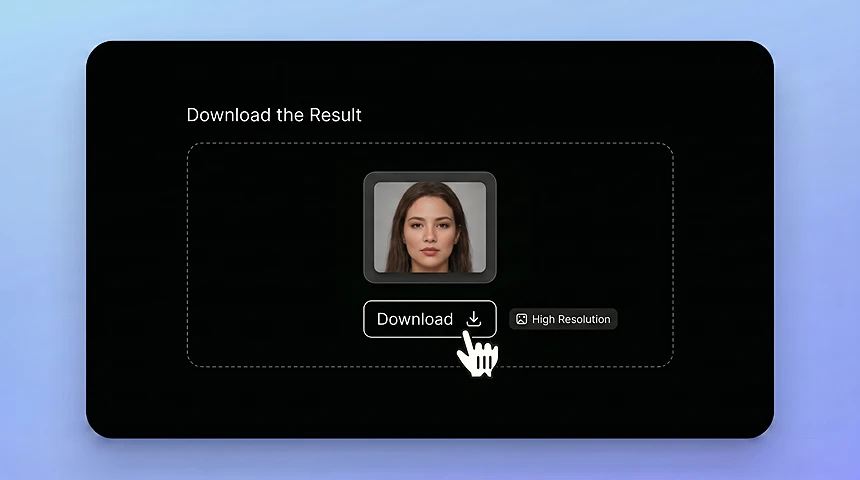
    3. Download the Result
      03

      Download the Result

      Save the finished image for ads, ecommerce visuals, social content, creative drafts, or campaign testing.

    Open Character Swap

    INPUT TIPS

    Best Images for AI Character Swap

    Clear scenes and strong references help the AI place the new subject more naturally.
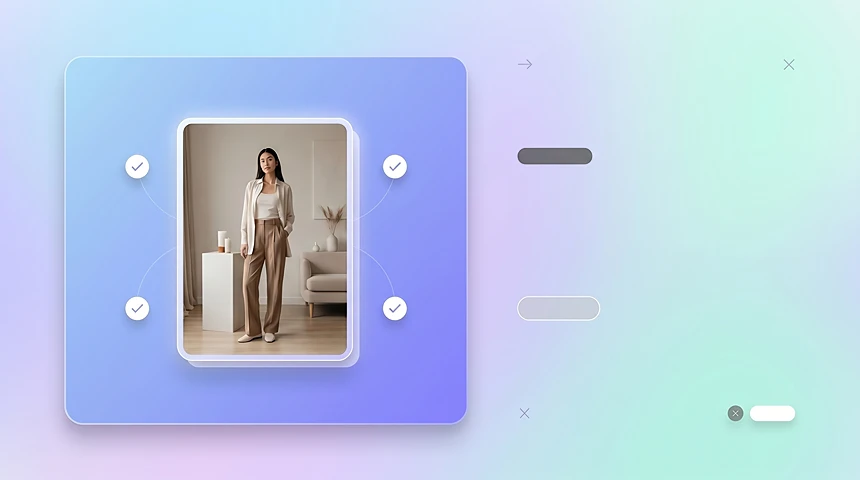
    Clear Target Scene

    Clear Target Scene

    Use a target image where the main person, product, background, and pose are easy to understand.
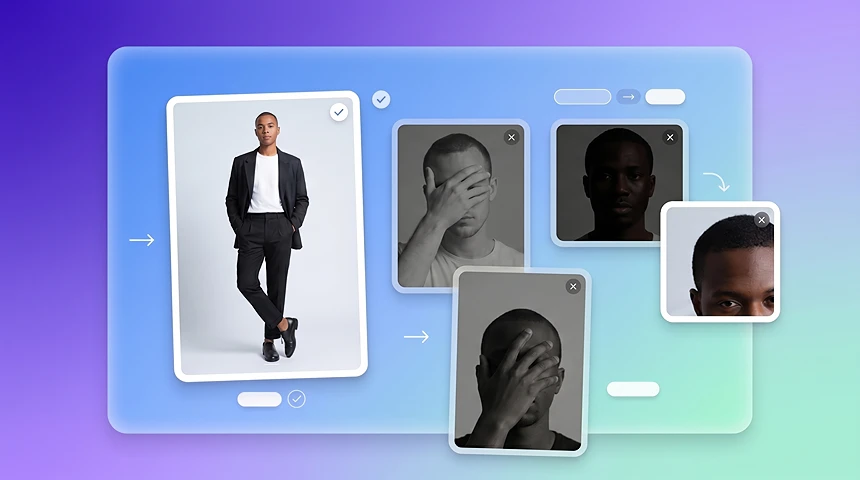
    Strong Character Reference

    Strong Character Reference

    Choose a reference image where the new person or character is visible, well-lit, and not heavily blocked by hair, hands, props, or shadows.
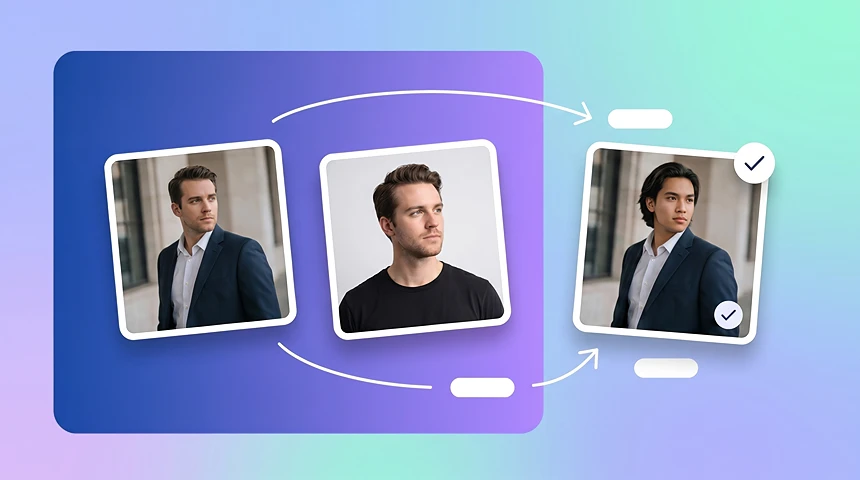
    Similar Pose Direction

    Similar Pose Direction

    When the target image and reference image have a similar body angle or face direction, the character swap result usually looks more natural.
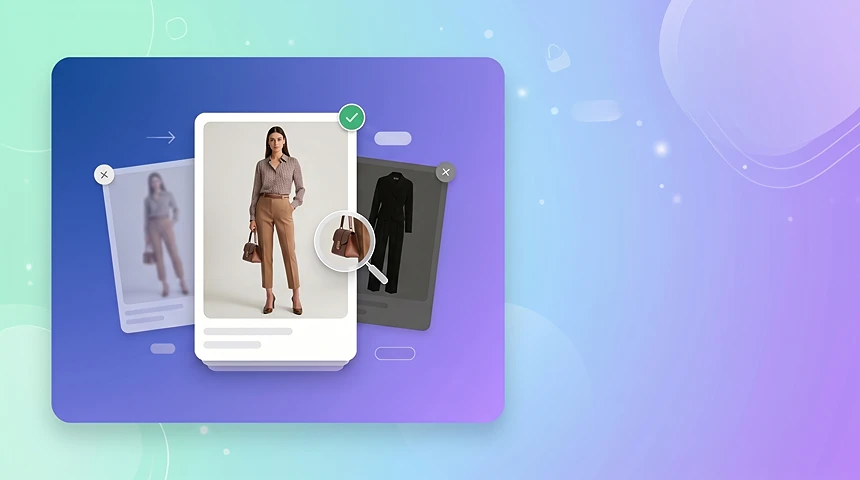
    Product or Outfit Clearly Visible

    Product or Outfit Clearly Visible

    For ecommerce images, start with photos where the product, outfit, or key selling detail is not hidden by motion blur, heavy shadows, or extreme cropping.

    COMPARISON

    Face Swap vs Character Swap

    Use face swap when you only need to change a face. Use character swap when you want to replace the whole person while keeping the original background, pose, lighting, and composition.

    Face Swap

    Face swap changes only the face in a photo.

    • Best when you only need to replace facial features.
    • The original body, outfit, pose, and setting stay mostly unchanged.

    Character Swap

    Character swap replaces the full person or character in an image, including the subject's overall appearance, body placement, proportions, and scene integration.

    • Better for changing the whole person, model, or character.
    • Aims to preserve the background, pose, lighting, and composition.

    More AI Tools

    Discover more powerful AI tools to enhance your content creation

    Image Face Swap 1
    Image Face Swap
    Video Character Swap 1
    Video Character Swap
    AI Avatar 1
    AI Avatar 2
    AI Avatar 3
    AI Avatar 4
    AI Avatar
    Product Avatar 1
    Product Avatar
    Design My Avatar 1
    Design My Avatar 2
    Design My Avatar 3
    Design My Avatar 4
    Design My Avatar
    Virtual Try-On 1
    Virtual Try-On

    AI Character Swap FAQ

    AI image character swap replaces a person, model, or character in a photo with another subject while preserving the original scene, lighting, pose, and background.

    Face swap changes only the face. Character swap replaces the full person or character, making it better for AI model swap, campaign visuals, product photos, and scene-based edits.

    Yes. Upload a target image and a character reference image, then generate a new photo where the replacement person fits into the original pose, background, and scene.

    No. AI handles alignment, blending, lighting, and scene matching, so you do not need manual cutouts, masks, or advanced editing skills.

    You can use it for ecommerce product photos, AI model swap images, ad creative testing, localized campaigns, creator mockups, posters, product scenes, character lookbooks, and visual testing.

    Yes, as long as you have the proper rights to use the source images, character references, product photos, and final generated visuals.

    The goal is to keep the original scene, background, composition, and lighting as natural as possible while replacing the main person or character.

    Use a clear target image, a strong character reference, similar pose direction when possible, and high-resolution images for cleaner output.

    A sharp, well-lit reference image with the person or character clearly visible usually gives the AI more useful visual information.

    You can try stylized character references when the target image and reference image are clear. Results may vary depending on image style, pose, and scene complexity.

    No. Character swap starts from an existing target image and a character reference image. It is designed to replace the person or character inside an existing visual, not generate an entirely new image from only a prompt.

    You can start with free credits to test the result before choosing whether you need more generation capacity.

    Commercial use depends on the rights of the images and people involved. Make sure you have permission to use the target image, reference character, and final output.

    This page is for replacing people or characters in still images. For video-based character replacement, use Video Character Swap.

    REPLACE PEOPLE, KEEP THE SCENE

    Create Natural Character Swaps in Your Browser

    Swap models and characters for ecommerce, ads, localization, and campaign testing without a new photoshoot.

    Try Character Swap Free