Topview
    • MCP/Skill
    • Plugin
    • API
    • Pricing
    1. Home
    2. Video Upscale

    AI Ads

    AI Video AgentAI Ads VideoAI Product VideoAI UGC VideoURL to Video

    AI Avatar

    AI Avatar GeneratorProduct AvatarDesign My AvatarAI Lip Sync

    AI Video

    AI Video GeneratorDrama StudioAI Video Body SwapAI Video UpscalerAI Video Watermark RemoverTikTok Watermark RemoverSora Watermark RemoverSubtitle RemoverAI Motion ControlAI Lip SyncURL to Video

    AI Image

    AI Image GeneratorAI Face SwapAI Image Character SwapAI Image UpscalerAI InpaintAI Image Text EditorPhoto Angle EditorAI RelightingAI Product PhotographyAI Virtual Try-OnAI Storyboard GeneratorExtract Color PaletteImage to Prompt

    AI Voice

    VoiceoverAI Voice CloningAI Music Generator

    3D

    3D World Generator3D Shot Composer

    Use Cases

    AdvertisingAffiliate MarketingEcommerceDTC BrandsAI Live Stream

    Resources

    BlogAffiliate ProgramLearning CenterAlternativeAPI

    Company

    Topview StudioPrivacy PolicyTerms
    Topview

    © 2026 TOPVIEW PTE. LTD.

    Singapore: 20 Collyer Quay #20-03, Singapore 049319
    Los Angeles: 15970 Los Serranos CC Dr #251, Chino Hills, CA 91709

    AI video upscaler

    AI Video Upscaler to Crisp 4K

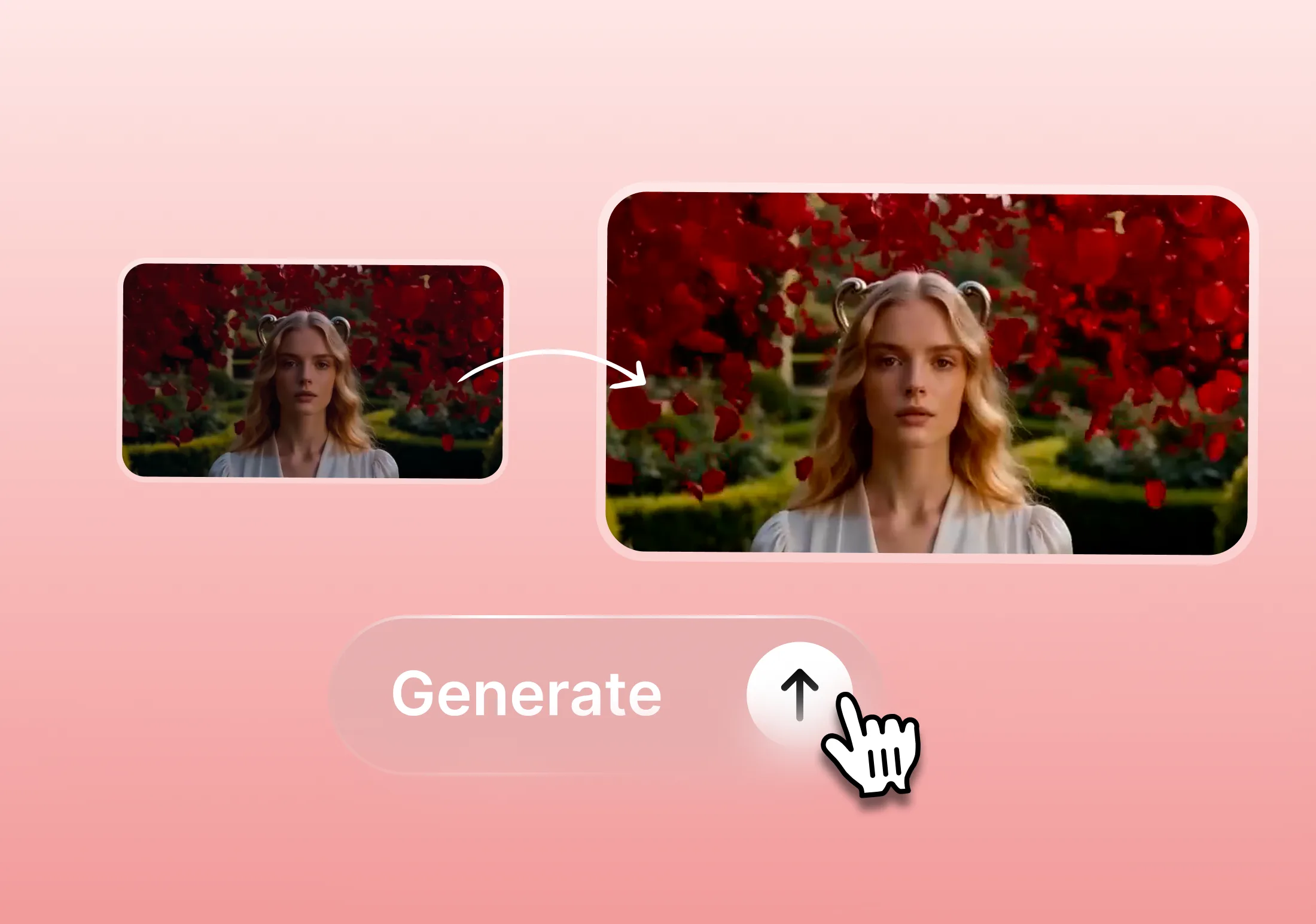
    Upload a low-res clip and choose your target quality. Topview rebuilds sharp textures, clean edges, and natural motion so blurry footage can look 4K-ready.

    Target quality
    • Free to try
    • Frame-by-frame AI enhance
    • Up to 4K output
    Why choose

    Why Choose This AI Video Upscaler

    This AI video upscaler is built for anyone who needs sharper, more usable footage — from ecommerce teams and filmmakers to content creators and marketers working with imperfect source video.

    From Blurry to 4K, Frame by Frame

    From Blurry to 4K, Frame by Frame

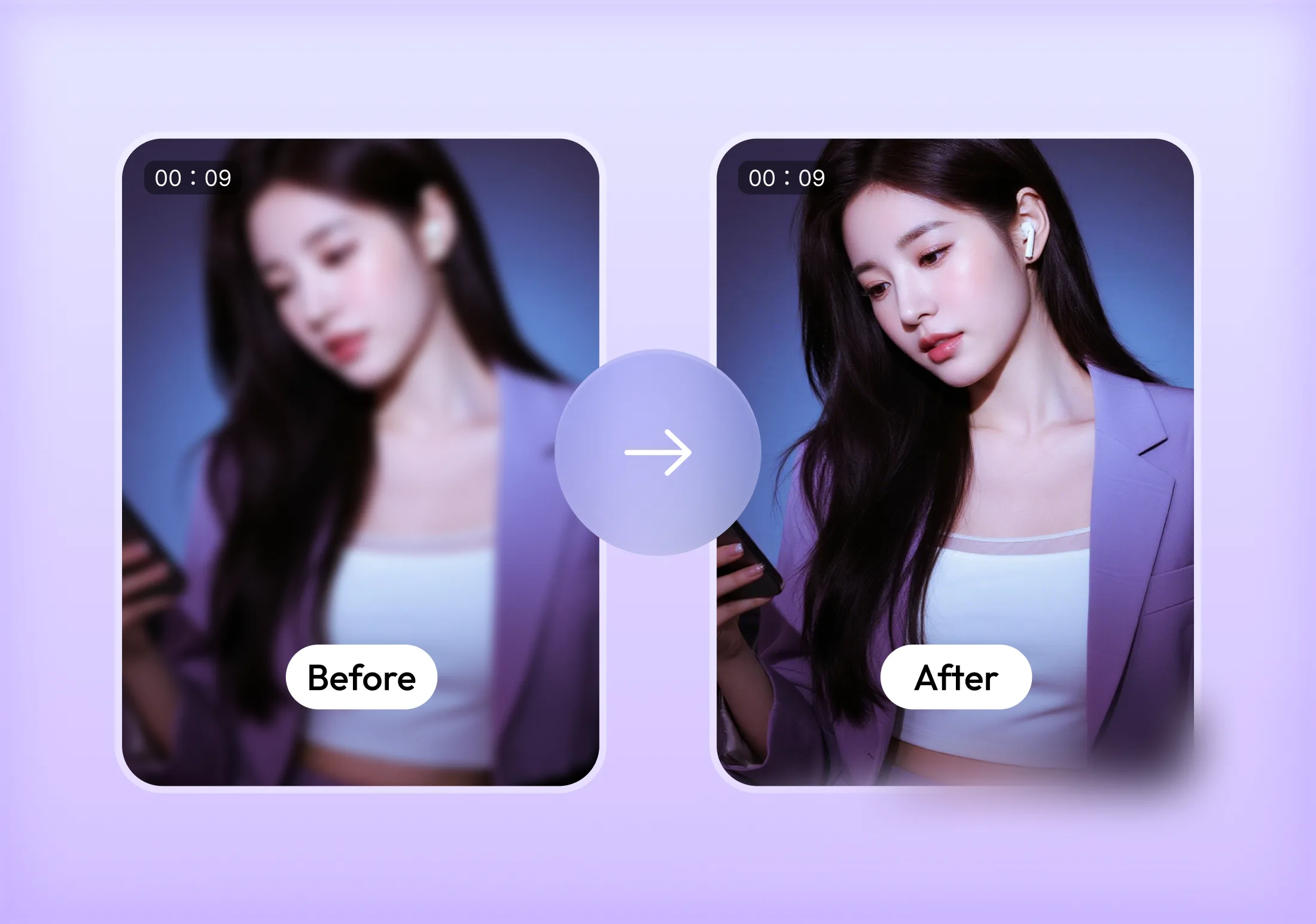
    Our AI analyzes each frame individually, rebuilding fine textures, clean edges, and natural detail instead of simply stretching pixels. The result is footage that looks genuinely sharper and more lifelike, not just bigger — even when the source clip is blurry, compressed, or shot in low light.
    Versatile Scaling for Any Output

    Versatile Scaling for Any Output

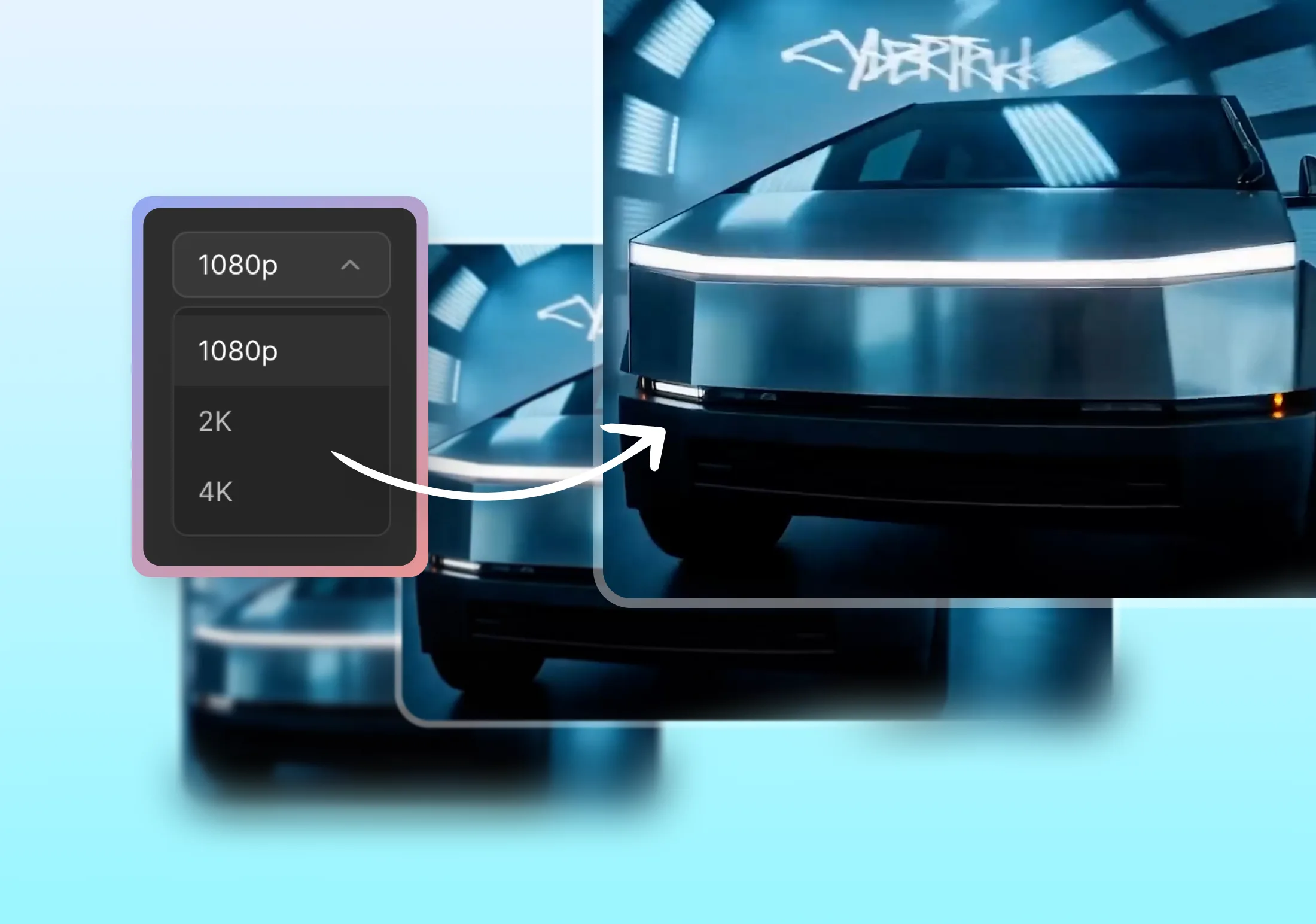
    Upscale from 480p or 720p up to 1080p, 2K, or 4K, with flexible scale factors like 2x and 4x. Whether you are preparing a clip for a big screen, a product page, or a social feed, you can choose the exact resolution your output needs without re-shooting or re-exporting from scratch.

    Universal Access, No Software Needed

    Universal Access, No Software Needed

    Everything runs in the cloud, so there is nothing to install and no powerful local GPU required. Upload from any browser on any device, let our servers handle the heavy processing, and download the enhanced result — perfect for teams that need consistent results without managing hardware.

    One-Click Cinematic Enhancement

    One-Click Cinematic Enhancement

    Beyond resolution, our AI video upscaler smooths motion, reduces compression artifacts, and balances color and contrast for a more cinematic look. One click is often enough to take a rough, low-quality clip and turn it into footage that feels ready for a client, an ad, or a portfolio.

    Who we serve

    Industries That Rely on AI Video Upscaling

    From product listings to feature films, teams across every industry use AI video upscaling to rescue low-quality footage and deliver sharper final content.

    Used by

    Ecommerce

    Upscale product demo clips, UGC, and supplier footage so listings and ads look sharp and trustworthy on every storefront and marketplace.

    Used by

    Real Estate

    Enhance walkthrough videos and drone footage shot on older cameras or phones, giving listings a crisp, professional presentation.

    Used by

    Marketing

    Rescue archival brand footage, low-res social clips, and legacy campaign assets for reuse in new, higher-resolution creative.

    Used by

    Film

    Restore and remaster older footage, dailies, or compressed proxies to a cleaner, higher-resolution finish for editing and distribution.

    Used by

    Creators

    Turn phone recordings, screen captures, and downloaded clips into sharper uploads that hold up on large screens and 4K feeds.

    Used by

    Education

    Upgrade lecture recordings, webinars, and training videos so course content looks clear and professional for every student.

    How to Upscale a Video in 3 Steps

    Go from a blurry, low-resolution clip to a sharp, high-definition video in minutes — no editing skills or software installs required.

    1. 1

      Upload your video

      Drag and drop any blurry, compressed, or low-resolution video clip from your device into the AI video upscaler.

    2. 2

      Select resolution

      Choose your target output — 1080p, 2K, or 4K — or pick a scale factor like 2x or 4x based on how much detail you need.

    3. 3

      Download the result

      Let the AI process every frame, then preview and download your enhanced, high-resolution video ready to share or publish.

    More AI Tools

    More AI Tools

    Explore Topview's complete suite of AI tools for ads, avatars, video, image, and voice workflows.

    AI Ads

    AI Video AgentAI Ads VideoAI Product VideoAI UGC VideoURL to Video

    AI Avatar

    AI Avatar GeneratorProduct AvatarDesign My AvatarAI Lip Sync

    AI Video

    AI Video GeneratorAI Video Body SwapAI Video Watermark RemoverAI Motion ControlURL to Video

    AI Image

    AI Image GeneratorAI Face SwapAI Image Character SwapAI Image UpscalerAI InpaintAI Image Text EditorPhoto Angle EditorAI RelightingAI Product Photography

    AI Voice

    VoiceoverAI Voice CloningAI Music Generator

    Frequently Asked Questions

    An AI video upscaler increases the resolution of a video while using machine learning to reconstruct detail, sharpen edges, and reduce noise or compression artifacts. Unlike simple resizing, it analyzes each frame to add believable detail so the enlarged footage looks genuinely clearer, not just bigger.

    Yes. The AI processes every frame individually, rebuilding textures, edges, and fine detail before scaling up to your chosen resolution, including 4K. Results depend on the quality of the source clip, but even heavily compressed or low-resolution footage typically comes out noticeably sharper and more watchable.

    You can upscale to common targets like 1080p, 2K, and 4K, or apply flexible scale factors such as 2x and 4x depending on your source resolution and desired output. This makes it easy to prepare the same footage for different destinations, from social feeds to large screens.

    No. Everything runs in the cloud through your browser, so there is nothing to download or install and no need for a powerful local GPU. You upload your clip, choose a resolution, and let our servers handle the processing.

    Processing time depends on the length, resolution, and target output of your clip. Short clips upscaled to 1080p or 2K typically finish in minutes, while longer footage or higher targets like 4K may take a bit longer. You can preview and download as soon as processing completes.

    The AI video upscaler accepts common video formats such as MP4 and MOV. There are practical limits on file size and duration to keep processing fast and reliable, so very long or extremely large files may need to be trimmed or split before upscaling.

    The AI primarily improves resolution, sharpness, and detail, and it can smooth out some compression artifacts and motion inconsistencies along the way. It is not a full stabilization or relighting tool, so extremely shaky or very poorly lit footage may still need dedicated editing beyond upscaling.

    Yes. Ecommerce and marketing teams often use it to enhance product demo clips, supplier footage, UGC, and legacy campaign assets so they look sharp and professional across listings, ads, and social channels, without needing to re-shoot the original video.

    Yes. Filmmakers use it to remaster archival footage, dailies, or compressed proxies, while creators use it to sharpen phone recordings, screen captures, and downloaded clips before publishing. The one-click enhancement also improves color balance and reduces artifacts for a more cinematic finish.

    Upscale Your Video to 4K Today

    Upload your footage, choose a target resolution, and let AI reconstruct sharp, detailed video ready for any screen or platform.

    Upscale Video Free

    Cloud-based processing. No installs required.

    AI Virtual Try-On
    AI Storyboard Generator