Topview
    • MCP/Skill
    • Plugin
    • API
    • Pricing
    1. Home
    2. AI Voice Cloning

    AI Ads

    AI Video AgentAI Ads VideoAI Product VideoAI UGC VideoURL to Video

    AI Avatar

    AI Avatar GeneratorProduct AvatarDesign My AvatarAI Lip Sync

    AI Video

    AI Video GeneratorDrama StudioAI Video Body SwapAI Video UpscalerAI Video Watermark RemoverTikTok Watermark RemoverSora Watermark RemoverSubtitle RemoverAI Motion ControlAI Lip SyncURL to Video

    AI Image

    AI Image GeneratorAI Face SwapAI Image Character SwapAI Image UpscalerAI InpaintAI Image Text EditorPhoto Angle EditorAI RelightingAI Product PhotographyAI Virtual Try-OnAI Storyboard GeneratorExtract Color PaletteImage to Prompt

    AI Voice

    VoiceoverAI Voice CloningAI Music Generator

    3D

    3D World Generator3D Shot Composer

    Use Cases

    AdvertisingAffiliate MarketingEcommerceDTC BrandsAI Live Stream

    Resources

    BlogAffiliate ProgramLearning CenterAlternativeAPI

    Company

    Topview StudioPrivacy PolicyTerms
    Topview

    © 2026 TOPVIEW PTE. LTD.

    Singapore: 20 Collyer Quay #20-03, Singapore 049319
    Los Angeles: 15970 Los Serranos CC Dr #251, Chino Hills, CA 91709

    AI Voice Cloning: Clone Any Voice in 3-20 Seconds

    Instant voice clone generator for 80+ languages, optimized for Japanese - upload audio, type text, and generate speech.

    Select Model

    Provide Reference Voice

    0/10000
    • 😊Happy
    • 😡Angry
    • 😢Sad
    • 😨Fear
    • 😤Hate
    • 😔Low
    • 😲Surprise
    • 😐Neutral
    Instant Voice Clone

    AI Voice Cloning Features

    Upload a short voice sample, clone the voice in seconds, then generate natural speech with emotion control and 80+ language output.

    Upload Audio

    3-20s voice sample

    MP3, WAV, M4A and more
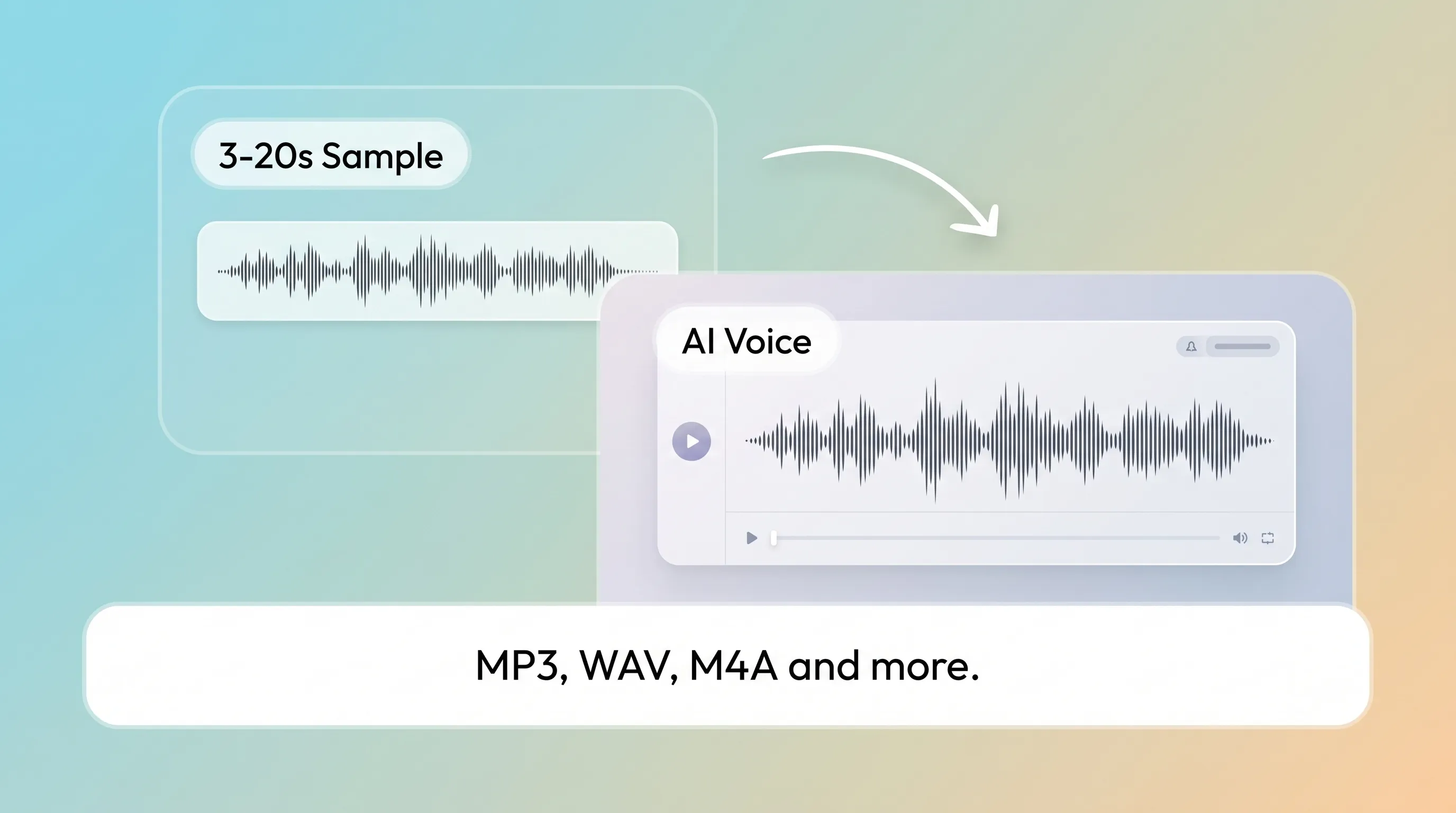
    3-20s voice sample
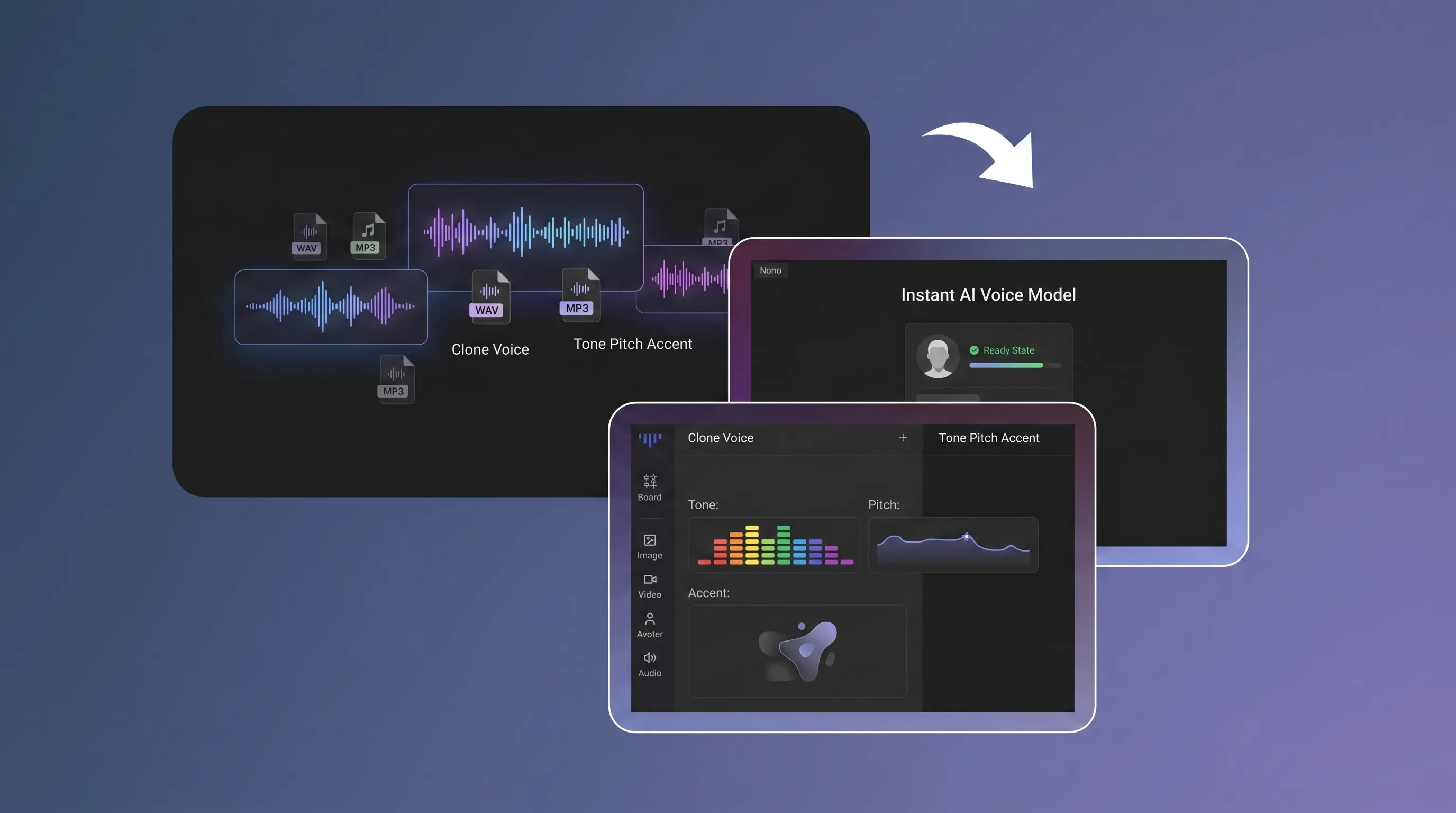
    Clone Voice

    Tone, pitch, accent analyzed

    Instant AI voice model

    Tone, pitch, accent analyzed
    Generate Speech

    10,000-char TTS output

    80+ languages with Japanese-optimized cloning
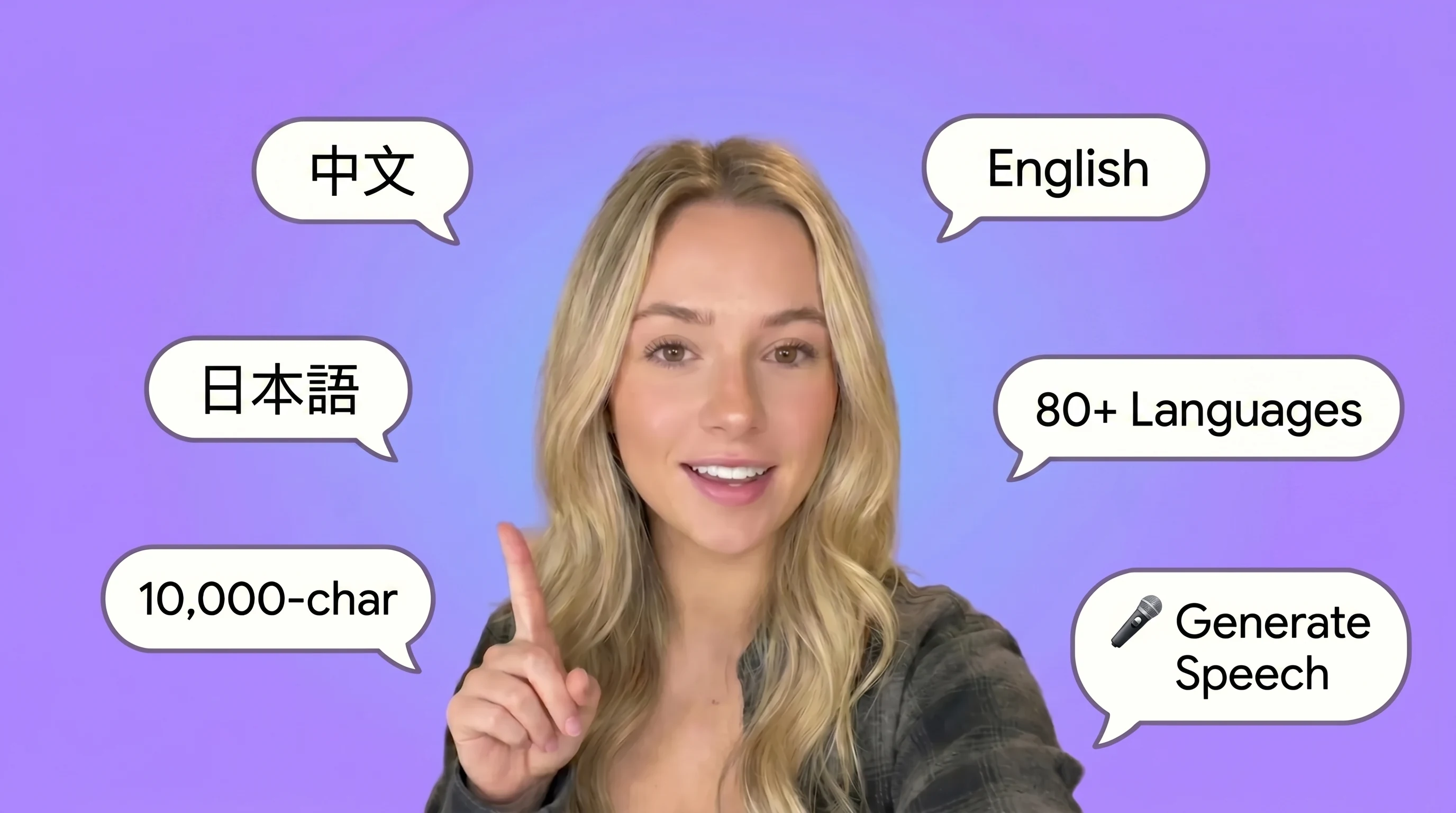
    10,000-char TTS output

    Clone a Voice Online with AI

    Topview's AI voice cloning tool turns 3-20 seconds of audio into a reusable voice clone. Upload a sample, and the voice clone generator analyzes tone, pitch, and accent to create a natural-sounding clone you can use for any script, helping you clone voice online and clone any voice faster.
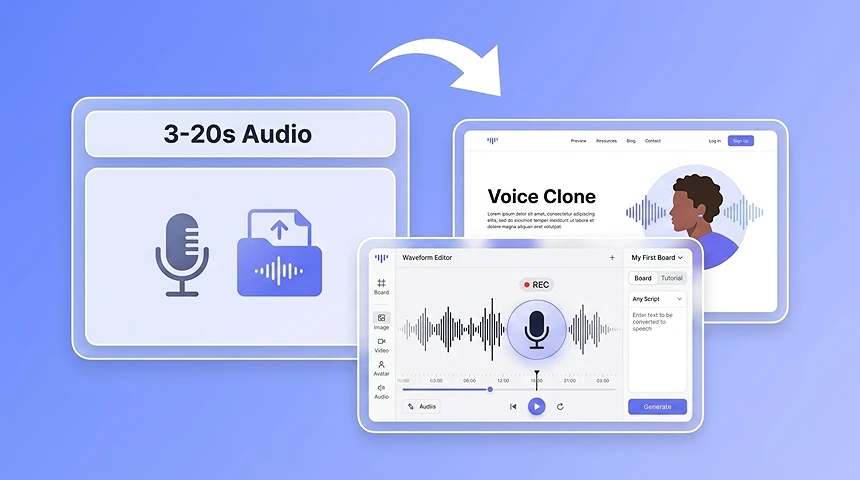
    Clone a Voice Online with AI

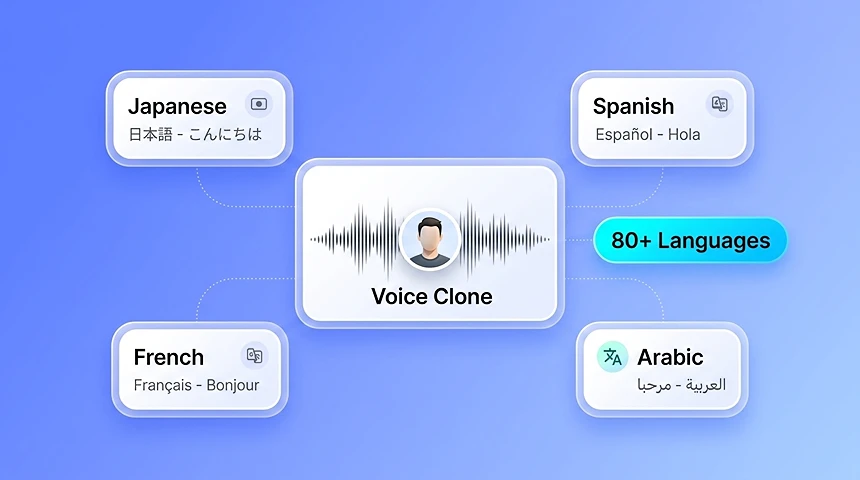
    AI Voice Cloning for 80+ Languages

    Clone a voice in one language and generate speech in 80+ others. Topview's multilingual voice cloning preserves tone and emotion across languages, so one voice clone can speak Spanish, French, Japanese, Arabic, and more with voice cloning AI. You can also try AI voice cloning free with Topview credits.
    AI Voice Cloning for 80+ Languages

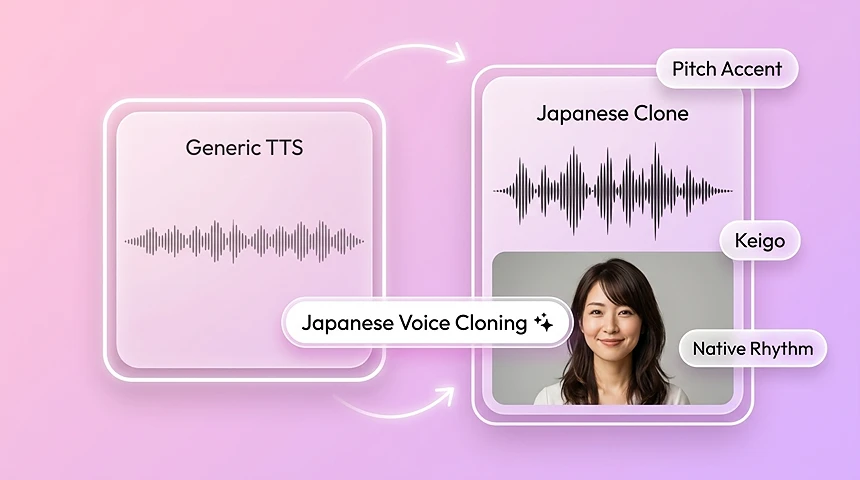
    Japanese Voice Cloning

    Topview's AI voice cloning is optimized for Japanese, including pitch-accent, keigo, and native rhythm. Create AI voice cloning Japanese outputs that preserve the original speaker's intonation instead of sounding machine-translated.
    Japanese Voice Cloning

    AI Voice Cloning Tool Features

    Built for instant voice clone workflows, 80+ language speech generation, Japanese-optimized cloning, and scalable audio production without subscription lock-in.

    Instant Voice Clone from Any Audio

    Upload multiple audio formats and clone a real voice from just a clean 3–20 second sample.

    80+ Language Voice Cloning

    Generate multilingual speech from one cloned voice across 80+ languages, with text input up to 10,000 characters.

    Best Japanese Voice Clone Quality

    Create Japanese voice clones with natural pronunciation, rhythm, and tone for dubbing, localization, and creator content.

    100 ms Time to First Audio

    Start hearing generated speech in as fast as 100 ms, so multilingual scripts feel faster to preview and iterate.

    Emotion-Controlled Voice Output

    Use eight core emotions plus slider or prompt-based controls to create expressive, natural AI voice output.

    Multi-Format Audio Support

    Supports MP3, WAV, M4A, FLAC, and other common audio formats so you can clone voice from audio you already have.

    AI Voice Cloning Use Cases

    From short video dubbing to multilingual publishing, AI voice cloning helps teams scale consistent audio faster.

    Short Video Dubbing

    Create consistent voiceovers for Reels, TikTok, and short-form video without re-recording every new script.

    See more

    Audiobook Production

    Generate long-form narration with the same cloned voice to reduce the time and cost of audiobook production.

    Virtual Avatars and Streamers

    Give virtual presenters and digital streamers a recognizable voice for live, recorded, or AI avatar content.

    See more

    Japanese and Multilingual Content

    Use one cloned voice to produce Japanese and 80+ language content while keeping your brand voice consistent across markets.

    How it works

    How AI Voice Cloning Works

    Turn a short voice sample into production-ready speech in three simple steps.

    1

    Upload Audio

    Upload any audio file in MP3, WAV, or M4A. Our AI only needs 3–20 seconds of clear speech.

    2

    Clone the Voice

    AI analyzes vocal characteristics including tone, pitch, accent, and Japanese speech nuance, then creates a digital voice model in seconds.

    3

    Generate Speech

    Type up to 10,000 characters, generate speech in 80+ languages, get first audio in as fast as 100 ms, and export HD audio.

    AI Voice Cloning Tool Comparison

    See how TopView AI compares with other popular voice cloning platforms on speed, language support, and pricing.

    FeatureTopView AIElevenLabsPlay.htVEED
    Min Audio Length
    3s
    10s
    30s
    30s
    Language Support
    80+ languages
    Multi-language
    Multi-language
    Multi-language
    Japanese Clone Quality
    Best
    Supported
    Supported
    Supported
    Time to First Audio
    100ms
    Not listed
    Not listed
    Not listed
    Emotion Control
    8 emotions + slider
    Limited
    Max Text Length
    10,000 chars
    5,000 chars
    3,000 chars
    2,000 chars
    Pay-per-use Pricing
    Subscription
    Subscription
    Subscription
    Explore

    More AI Tools

    Explore related tools for video, speech, and avatar creation.

    AI Ads

    AI Video AgentAI Ads VideoAI Product VideoAI UGC VideoURL to Video

    AI Avatar

    AI Avatar GeneratorProduct AvatarDesign My AvatarAI Lip Sync

    AI Video

    AI Video GeneratorAI Video Body SwapAI Video UpscalerAI Video Watermark RemoverAI Motion ControlURL to Video

    AI Image

    AI Image GeneratorAI Face SwapAI Image Character SwapAI Image UpscalerAI InpaintAI Image Text EditorPhoto Angle EditorAI RelightingAI Product PhotographyAI Virtual Try-OnAI Storyboard Generator

    AI Voice

    VoiceoverAI Music Generator

    AI Voice Cloning FAQ

    What is AI voice cloning?

    AI voice cloning is a technology that analyzes a short audio sample and recreates the speaker's tone, pitch, and vocal style as a digital voice model. With TopView AI, you can use that cloned voice for text-to-speech, dubbing, audiobooks, and more.

    How long does it take to clone a voice?

    It takes seconds. TopView AI can build a voice clone from just 3–20 seconds of clear speech, and generated speech can reach first audio in as fast as 100 ms.

    Is AI voice cloning free?

    You can try AI voice cloning free to test the workflow and output quality. After that, TopView uses a pay-per-use model, so you only pay for the audio you generate.

    What audio formats are supported?

    TopView AI supports common audio formats including MP3, WAV, M4A, and FLAC, making it easy to upload an existing recording and start cloning right away.

    How many languages does AI voice cloning support?

    TopView AI supports voice cloning and speech generation across 80+ languages, helping creators and teams produce multilingual content with the same voice identity.

    Does TopView support Japanese voice cloning?

    Yes. TopView AI is optimized for Japanese voice cloning, with strong pronunciation, rhythm, and tonal quality for Japanese dubbing, localization, avatars, and creator workflows.

    What is AI voice cloning?

    AI voice cloning uses deep learning to create a digital replica of a voice from a short audio sample. Topview's AI voice cloning tool captures tone, pitch, and accent from 3-20 seconds of audio, then generates new speech in that voice.

    How do I clone a voice online?

    Upload 3-20 seconds of clear audio to Topview. The AI voice clone generator analyzes the speaker's tone, pitch, and accent, then creates a reusable clone you can use with any script.

    Can I clone a Japanese voice with AI?

    Yes. Topview's AI voice cloning is optimized for Japanese, including pitch-accent, keigo, and natural rhythm, so Japanese voice clones sound more natural and preserve the original speaker's intonation.

    How much audio is needed to clone a voice?

    You can start with 3-20 seconds of clear speech. Longer samples may improve quality, but Topview can create an instant voice clone from a short clean sample.