Topview
    • MCP/Skill
    • Plugin
    • API
    • Pricing
    1. Home
    2. Image Upscale

    AI Ads

    AI Video AgentAI Ads VideoAI Product VideoAI UGC VideoURL to Video

    AI Avatar

    AI Avatar GeneratorProduct AvatarDesign My AvatarAI Lip Sync

    AI Video

    AI Video GeneratorDrama StudioAI Video Body SwapAI Video UpscalerAI Video Watermark RemoverTikTok Watermark RemoverSora Watermark RemoverSubtitle RemoverAI Motion ControlAI Lip SyncURL to Video

    AI Image

    AI Image GeneratorAI Face SwapAI Image Character SwapAI Image UpscalerAI InpaintAI Image Text EditorPhoto Angle EditorAI RelightingAI Product PhotographyAI Virtual Try-OnAI Storyboard GeneratorExtract Color PaletteImage to Prompt

    AI Voice

    VoiceoverAI Voice CloningAI Music Generator

    3D

    3D World Generator3D Shot Composer

    Use Cases

    AdvertisingAffiliate MarketingEcommerceDTC BrandsAI Live Stream

    Resources

    BlogAffiliate ProgramLearning CenterAlternativeAPI

    Company

    Topview StudioPrivacy PolicyTerms
    Topview

    © 2026 TOPVIEW PTE. LTD.

    Singapore: 20 Collyer Quay #20-03, Singapore 049319
    Los Angeles: 15970 Los Serranos CC Dr #251, Chino Hills, CA 91709

    AI Image Upscaler

    AI Image Upscaler: Increase Image Resolution Online

    Upscale low-resolution photos online with AI. Increase image resolution, restore fine details, and create sharper 1K, 2K, or 4K images for products, social content, ads, and more.

    Output scale

    • Free to try
    • Upscale to 4K
    • Natural detail recovery
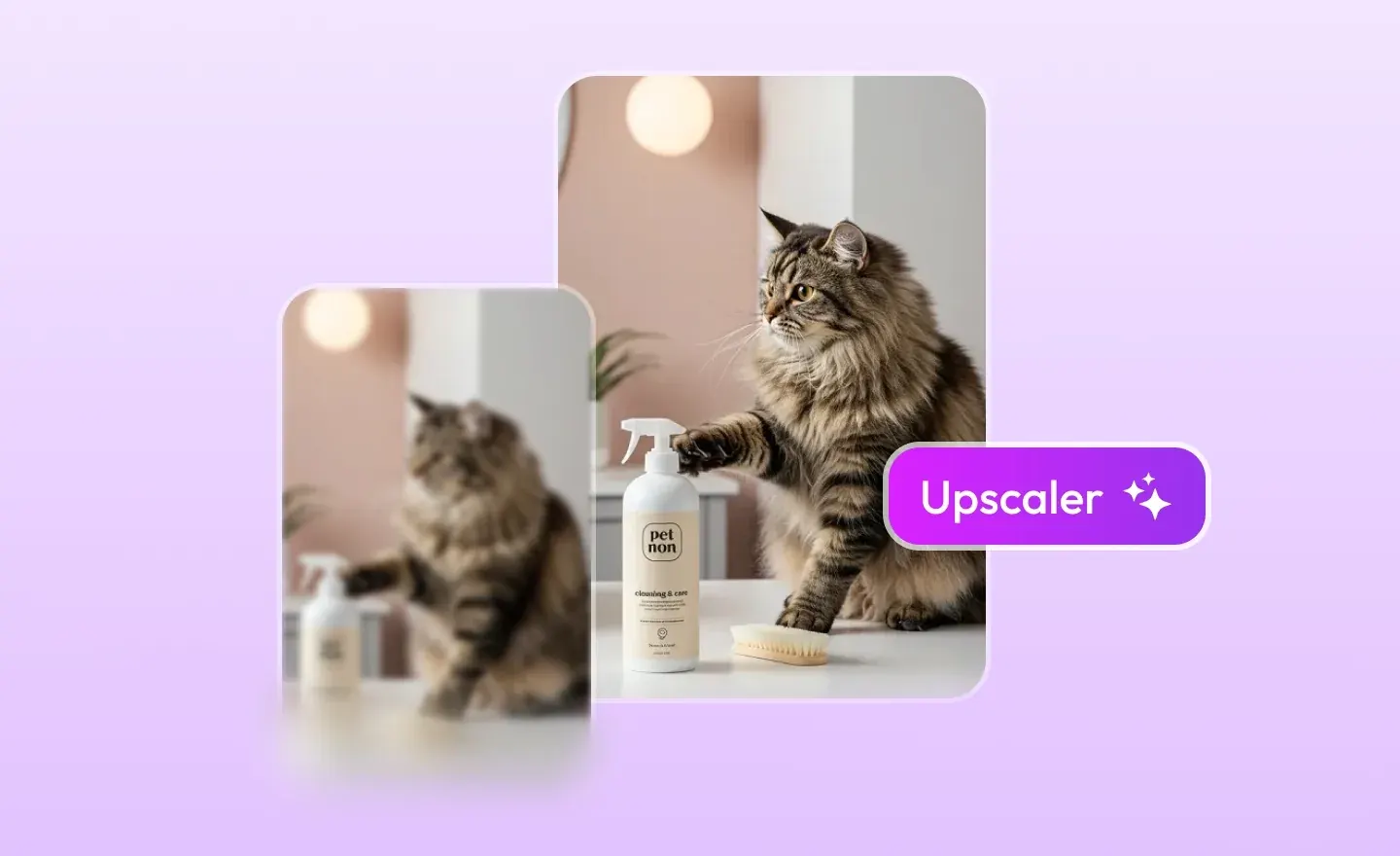
    Enhanced high-resolution image after AI upscaling
    Low-resolution image before AI upscaling
    BeforeAfter

    AI Image Upscaler - Increase Image Resolution with AI

    Use Topview's AI image upscaler to increase image resolution online, enhance low-resolution photos, and create sharper 1K, 2K, or 4K images with more natural details.

    WHAT IS AN AI IMAGE UPSCALER?

    What Is an AI Image Upscaler?

    An AI image upscaler increases image resolution by reconstructing missing detail instead of simply stretching pixels. AI image upscale technology can turn small, blurry, or low-resolution photos into sharper, higher-resolution images while preserving natural textures and important visual details.

    Increase Image Resolution Online with AI

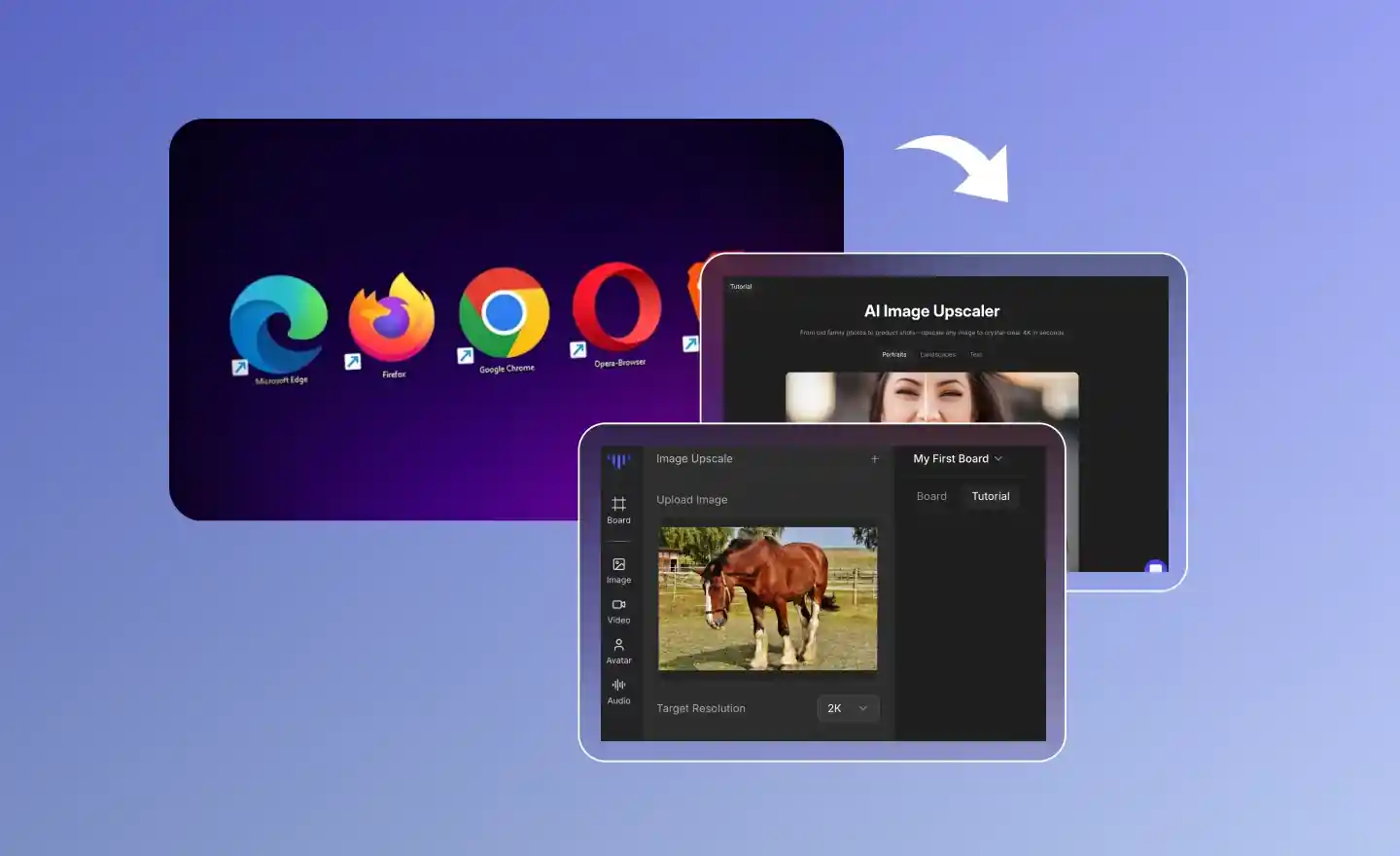
    Upload a low-resolution photo and create a sharper, higher-resolution version in your browser without complex editing software.

    4K Image Upscaler for Product and Marketing Photos

    Upscale product, ecommerce, advertising, and social images to 4K-ready output when the original image and target use case support it.

    See more

    AI Image Upscale for Sharper Details

    Reconstruct fine details, refine edges, and improve clarity so an enlarged image looks more natural than a basic resize.

    Improve Image Quality Without Over-Sharpening

    Enhance clarity while keeping natural textures, product outlines, packaging text, and other important details readable.

    WHY CHOOSE OUR AI IMAGE UPSCALER

    Why Choose Our AI Image Upscaler

    Designed for AI creators. Trusted by professionals. Built for scale.
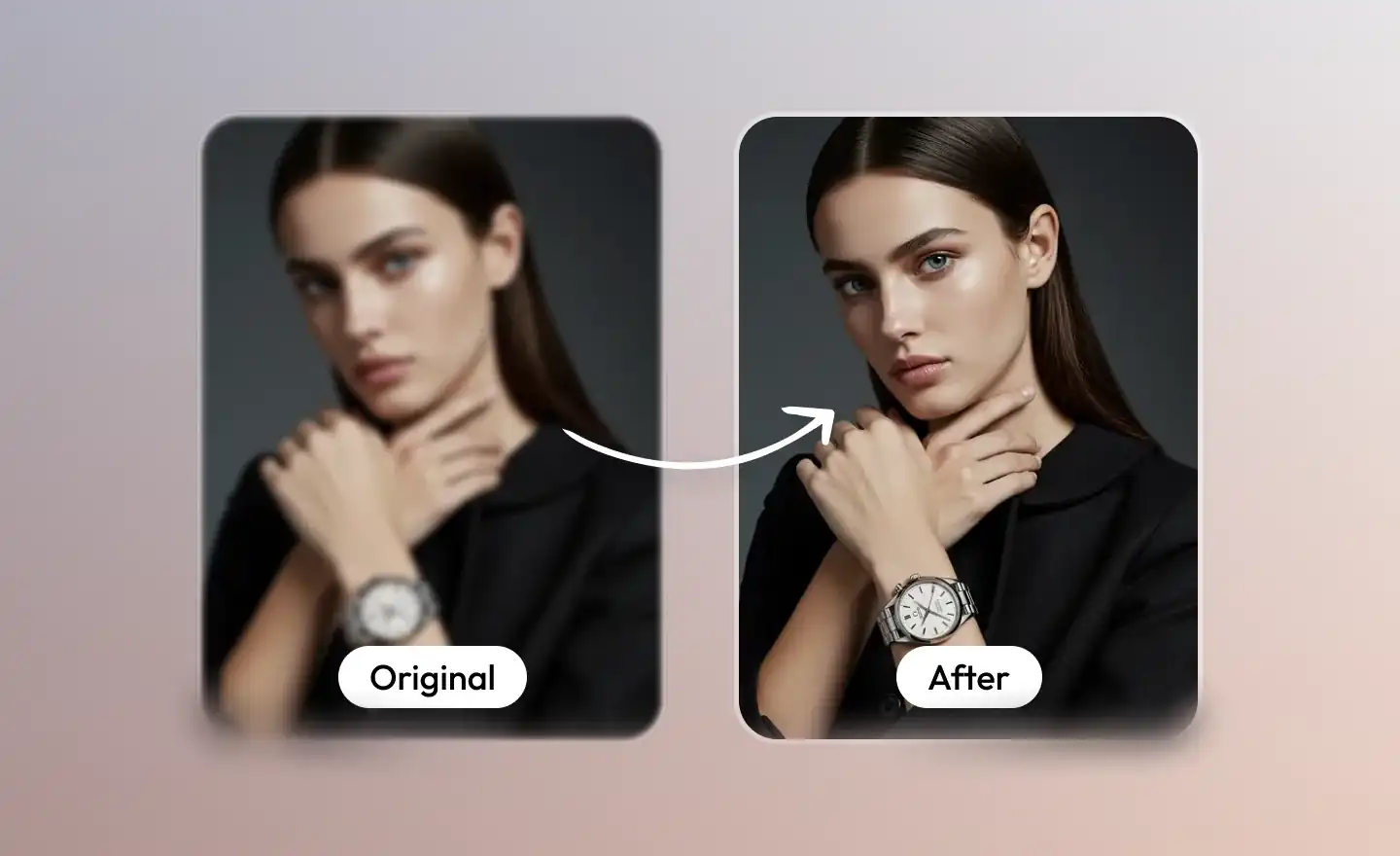
    Low-resolution photo transformed to brilliant high-resolution result

    Bring Low-Res Photos Back to Life.

    From Blurry to Brilliant in One Click

    Automatically reconstruct missing details and enhance clarity. See the difference instantly with sharper textures and a cleaner look that breathes new life into every pixel.
    AI EnhancedHigh FidelityReal-time
    Naturally textured upscaled image without over-processing artifacts

    Details Done Right, Not Artificial.

    Natural Textures, No Over-Processing

    Say goodbye to the "AI-painted" look. Our algorithm avoids over-sharpening and artifacts, ensuring the result looks like a high-definition original rather than a synthetic smear.
    AI EnhancedHigh FidelityReal-time
    Crisp edges and sharp text on upscaled ecommerce product image

    Perfect for E-commerce and Branding.

    Crisp Edges & Sharp Text

    Make logos, packaging text, and product outlines pop. Enhance the readability of your marketing assets, making them ideal for high-converting product pages and professional posters.
    AI EnhancedHigh FidelityReal-time
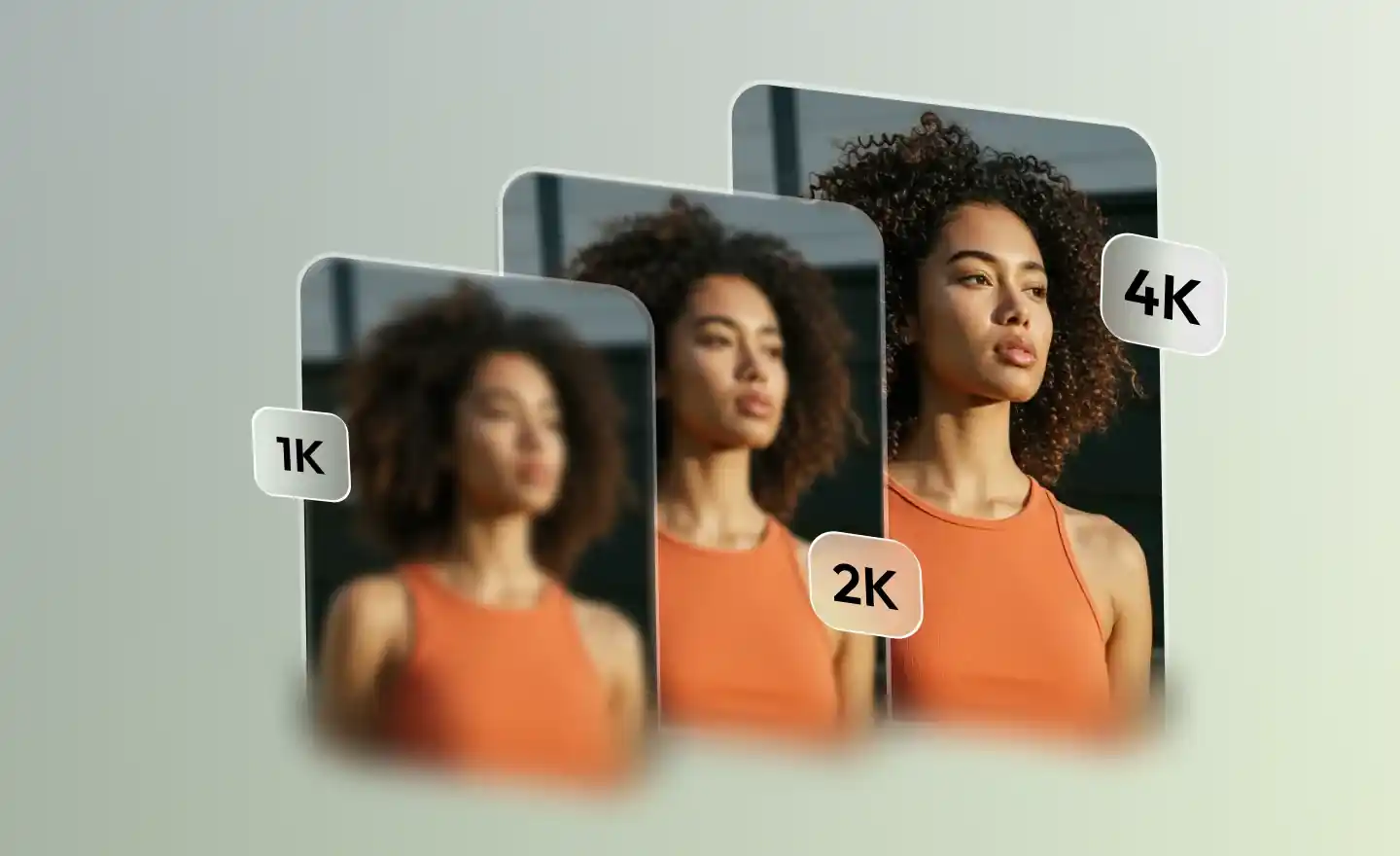
    High-resolution 4K upscaled output for multiple use cases

    Up to 4K Excellence.

    Choose 1K, 2K, or 4K Image Upscaling

    Select the output resolution that fits your use case, from social posts and product pages to advertising assets and larger-format creative work.
    AI EnhancedHigh FidelityReal-time
    Browser-based AI image upscaler delivering instant professional results

    Zero Installation, Full Power.

    Browser-Based, Instant Results

    Skip the heavy software. Upscale your images directly in your browser and get professional-grade results in seconds—anytime, anywhere.

    AI EnhancedHigh FidelityReal-time

    INDUSTRIES

    Industries Our AI Image Upscaler Serves

    From ecommerce to education, upscale images that look professional everywhere they appear.

    1

    E-Commerce

    Create flawless product visuals that drive conversions.

    2

    Real Estate

    Showcase properties in their best light without distractions.

    3

    Marketing Agencies

    Deliver high-end campaign assets at record speed.

    4

    Film & Production

    Accelerate post-production with AI-powered cleanup.

    5

    Content Creators

    Maintain a polished feed with effortless editing tools.

    6

    Education

    Create clear, distraction-free educational materials.

    WORKFLOW
    How to Use AI Image Upscaler

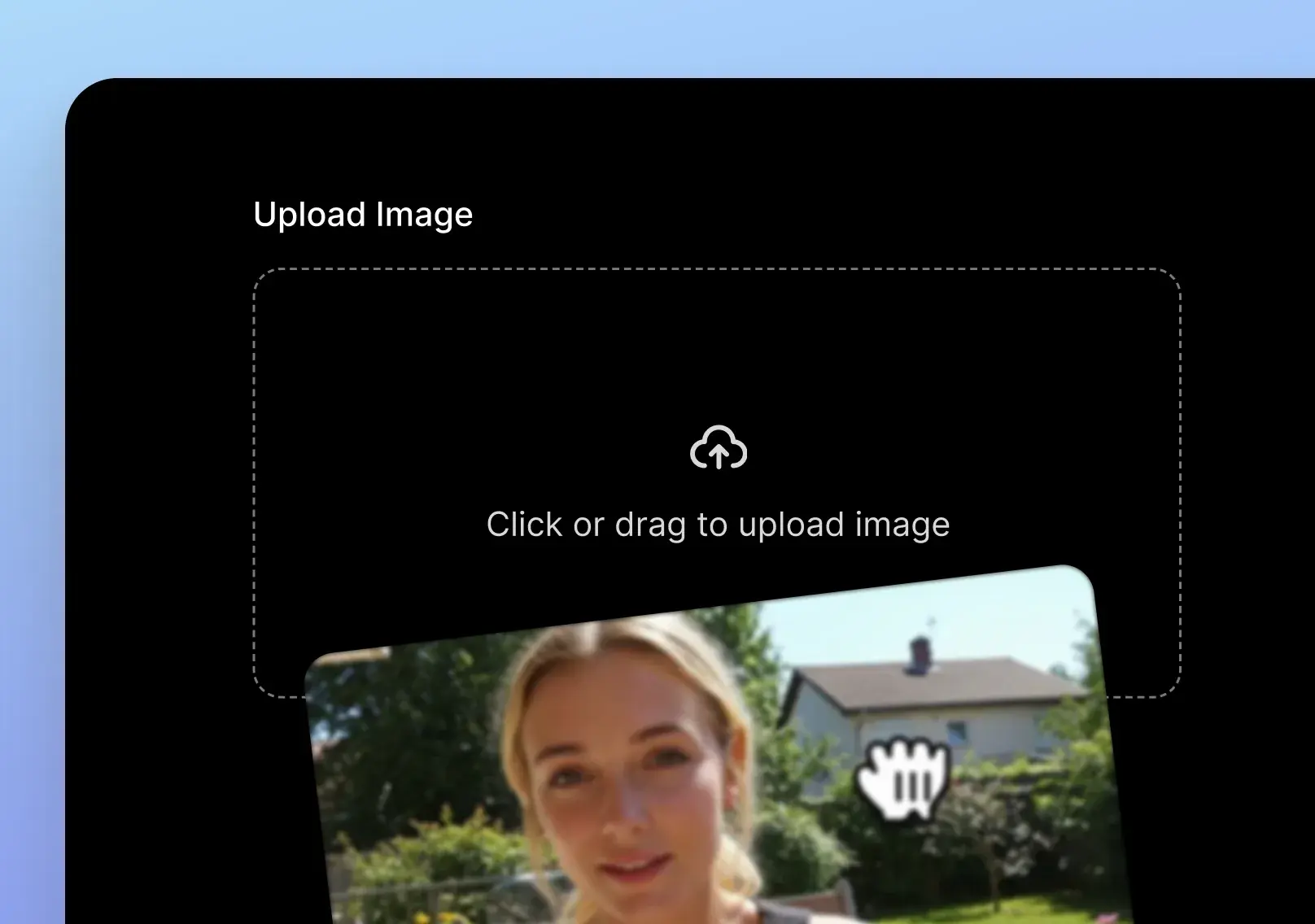
    1. Upload a JPG, PNG, or WEBP image to the AI upscaler
      01

      Upload a Low-Resolution Image

      Upload a JPG, PNG, or WEBP image that you want to enlarge and enhance.
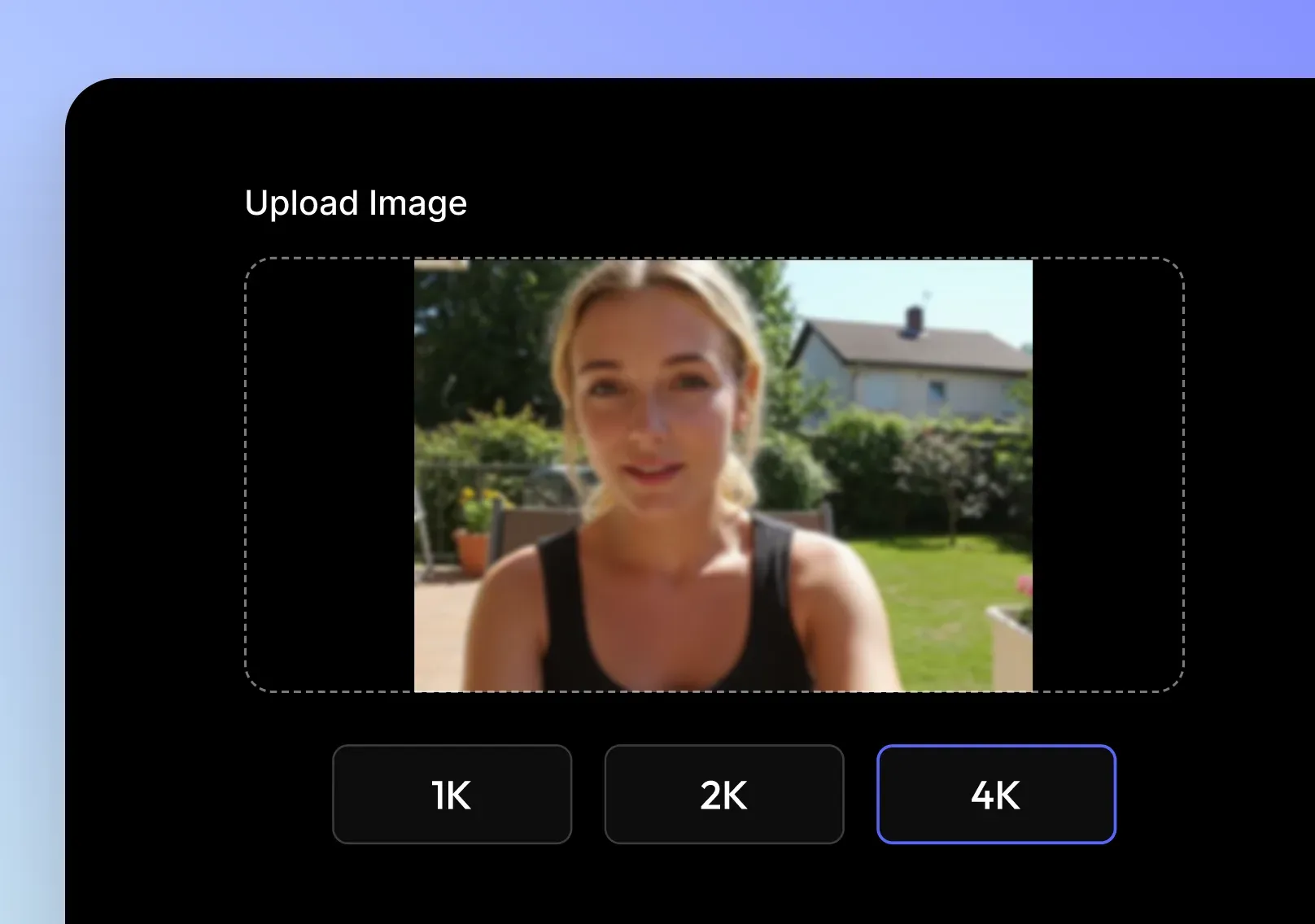
    2. Select 1K, 2K, or 4K output resolution for upscaling
      02

      Select 1K, 2K, or 4K Resolution

      Choose the output resolution based on your image quality and publishing needs.
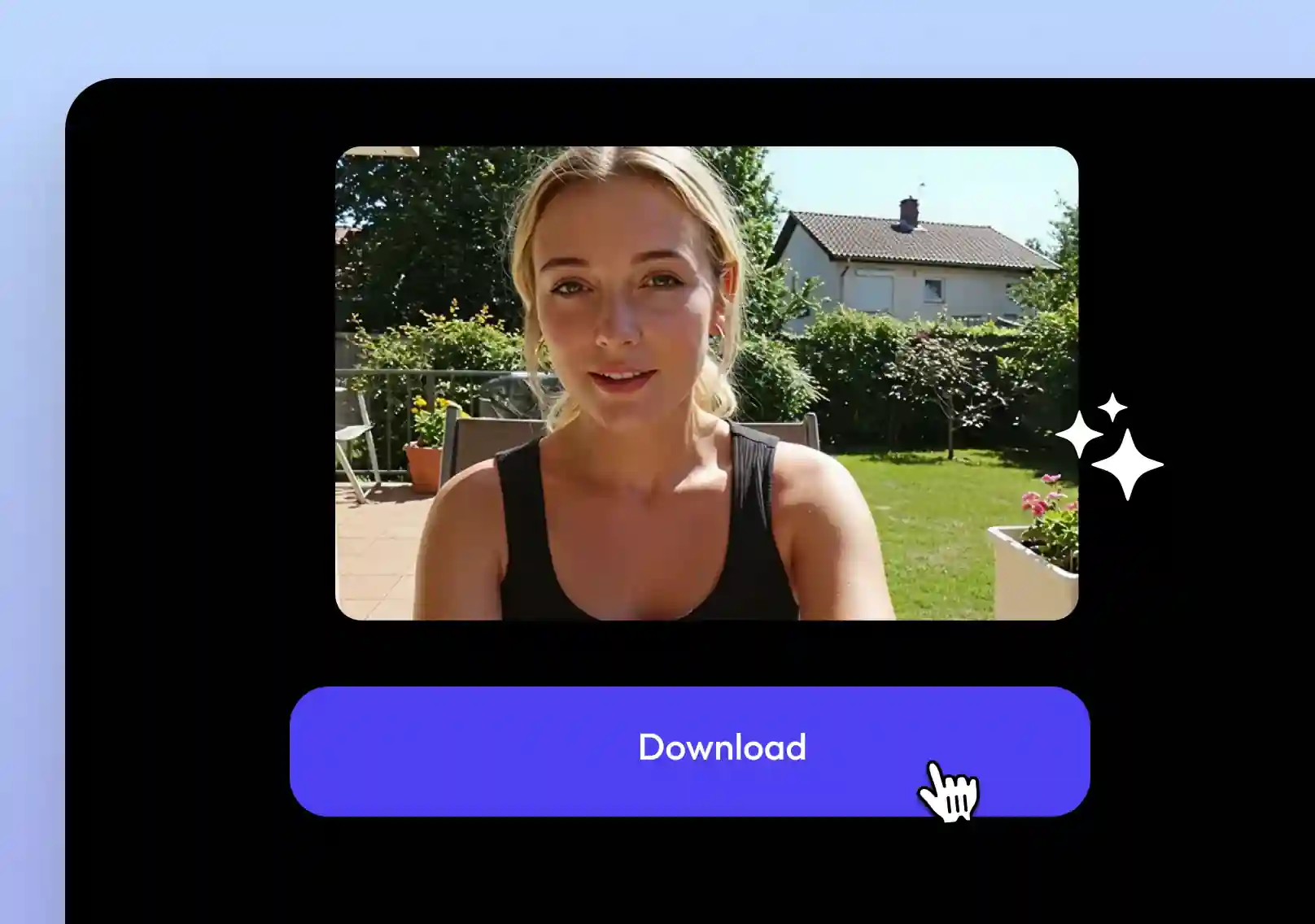
    3. Preview and download the high-quality upscaled image
      03

      Download the Upscaled Image

      Preview the enhanced details and download your higher-resolution result.

    Open Image Upscaler
    More AI Tools

    More AI Tools

    Explore Topview's complete suite of AI tools for ads, avatars, video, image, and voice workflows.

    AI Image Generator 1
    AI Image Generator 2
    AI Image Generator 3
    AI Image Generator 4
    AI Image Generator
    AI Product Photography 1
    AI Product Photography
    AI Relighting 1
    AI Relighting
    Photo Angle Editor 1
    Photo Angle Editor
    AI Inpaint 1
    AI Inpaint
    AI Image Text Editor 1
    AI Image Text Editor 2
    AI Image Text Editor

    AI Image Upscaler FAQ

    An AI resolution upscaler uses machine learning to enlarge images while improving sharpness, texture, and detail, instead of simply stretching pixels.

    Yes. You can use the standard image upscaling features for free, without a watermark or login, subject to the current product limits.

    We support JPG, PNG, and WEBP. Output is available as high-quality PNG or JPG.

    You can upscale to 1K, 2K, or 4K resolution depending on your needs and original image quality.

    Absolutely. Your uploads are encrypted and automatically deleted after processing. No data is stored or reused.

    Yes, our batch mode allows multi-file processing for creators and enterprises.

    Yes, the Image Upscaler API lets developers integrate bulk upscaling into any creative workflow.

    Upload a low-resolution image, choose 1K, 2K, or 4K output, and let the AI image upscaler reconstruct details and improve clarity. You can then preview and download the higher-resolution image online.

    Yes. Upload an image, select 4K when available for the input and workflow, and download a clearer, higher-resolution result for web, ecommerce, or creative use.

    A regular resize tool may blur the image, but an AI image upscaler is designed to preserve and enhance details while increasing resolution.

    The best AI image upscaler should increase resolution, improve clarity, support product and marketing images, and let you preview or download high-resolution results quickly.

    This page is for upscaling still images. For video enhancement, use Video Upscale to improve video resolution and quality.