Topview
    • MCP/Skill
    • Plugin
    • API
    • Pricing
    1. Home
    2. Image To Prompt

    AI Ads

    AI Video AgentAI Ads VideoAI Product VideoAI UGC VideoURL to Video

    AI Avatar

    AI Avatar GeneratorProduct AvatarDesign My AvatarAI Lip Sync

    AI Video

    AI Video GeneratorDrama StudioAI Video Body SwapAI Video UpscalerAI Video Watermark RemoverTikTok Watermark RemoverSora Watermark RemoverSubtitle RemoverAI Motion ControlAI Lip SyncURL to Video

    AI Image

    AI Image GeneratorAI Face SwapAI Image Character SwapAI Image UpscalerAI InpaintAI Image Text EditorPhoto Angle EditorAI RelightingAI Product PhotographyAI Virtual Try-OnAI Storyboard GeneratorExtract Color PaletteImage to Prompt

    AI Voice

    VoiceoverAI Voice CloningAI Music Generator

    3D

    3D World Generator3D Shot Composer

    Use Cases

    AdvertisingAffiliate MarketingEcommerceDTC BrandsAI Live Stream

    Resources

    BlogAffiliate ProgramLearning CenterAlternativeAPI

    Company

    Topview StudioPrivacy PolicyTerms
    Topview

    © 2026 TOPVIEW PTE. LTD.

    Singapore: 20 Collyer Quay #20-03, Singapore 049319
    Los Angeles: 15970 Los Serranos CC Dr #251, Chino Hills, CA 91709

    Topview Image to Prompt

    Turn Any Image into a Reusable AI Prompt

    Select an image in Topview Canvas and reverse-engineer it into clear Content and Visual Style sections — ready to edit, copy, and reuse for the next generation.

    Open in Canvas

    Meet Topview Image to Prompt

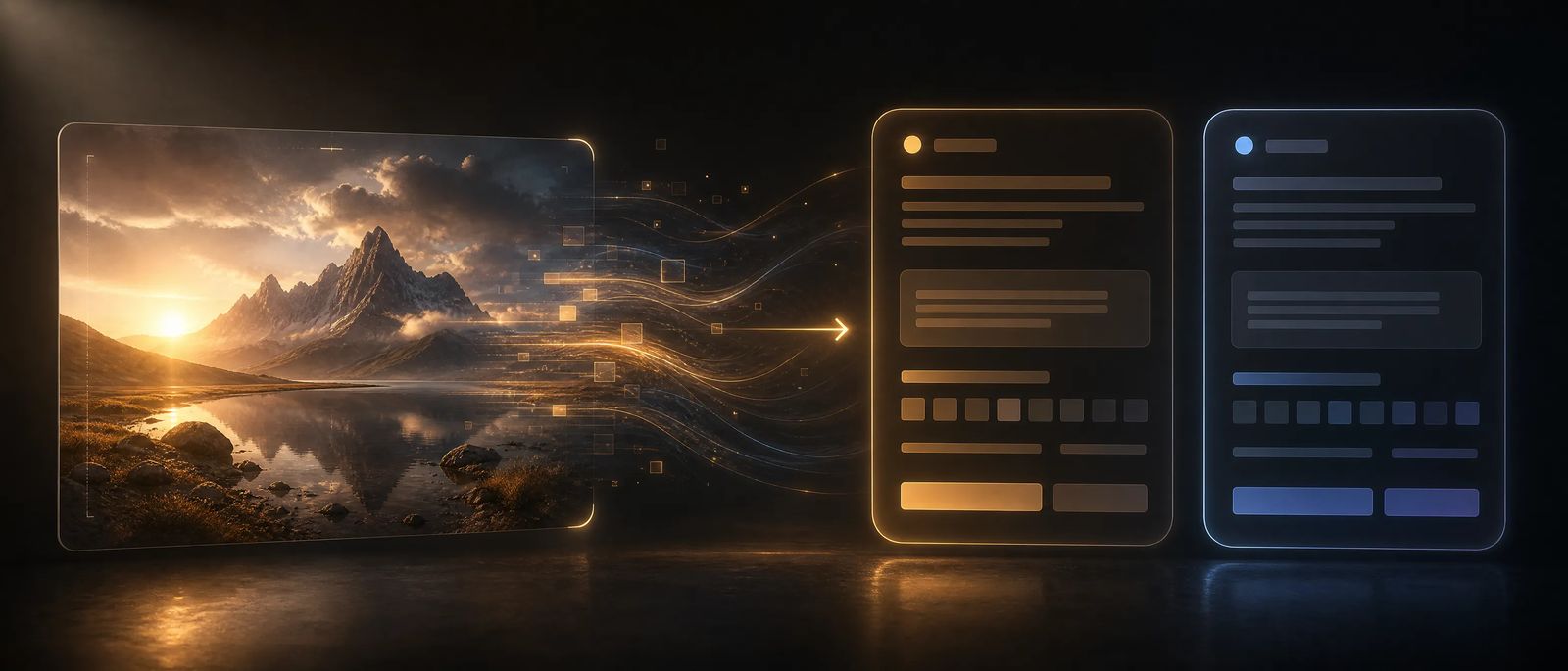
    Most image-to-prompt tools dump one long caption. Topview splits what is in the frame from how it looks — so you can reuse content, restyle looks, or keep both for a closer remake without leaving Canvas.

    Try Image to Prompt
    Canvas Agent returning Content and Visual Style sections from a selected image

    What you get

    Built for Creators Who Need Prompts They Can Actually Reuse

    Start from a real frame, get structured language Agent can act on, and stay inside the same canvas where you generate the next image or video.
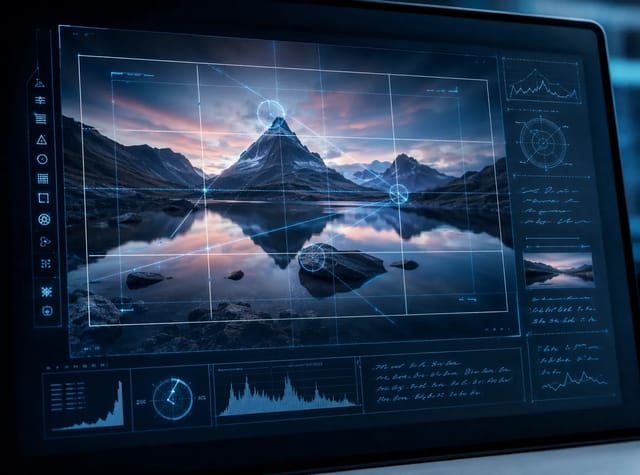
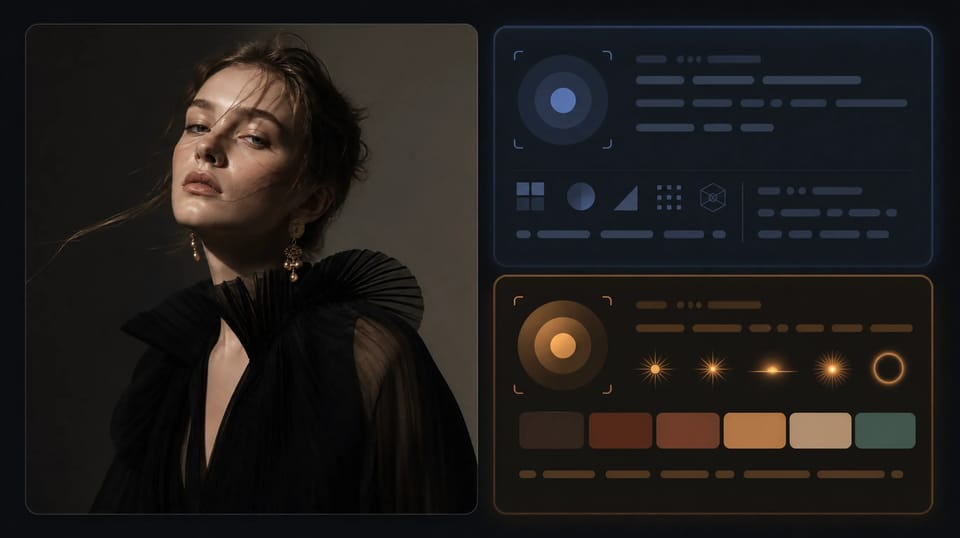
    Content section describing subjects, composition, and camera framing
    01

    Objective Content Description

    Get subjects, setting, spatial relationships, composition, action, camera angle, lens, and framing — without mixing in style fluff.
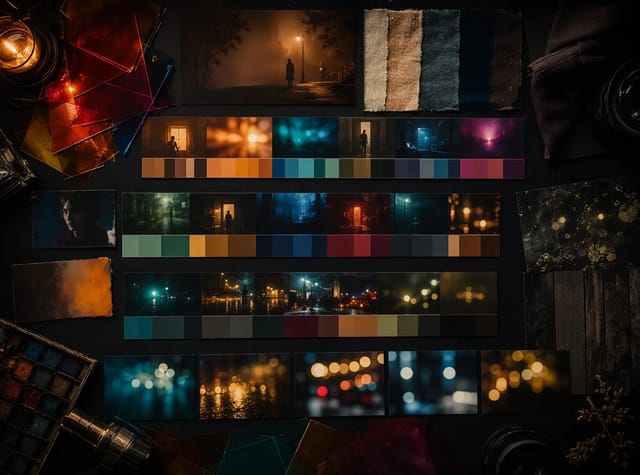
    Visual Style section covering lighting, color, and art direction
    02

    Separate Visual Style Section

    Capture art direction, medium, lighting, color script, texture, depth, and finish as its own reusable block.
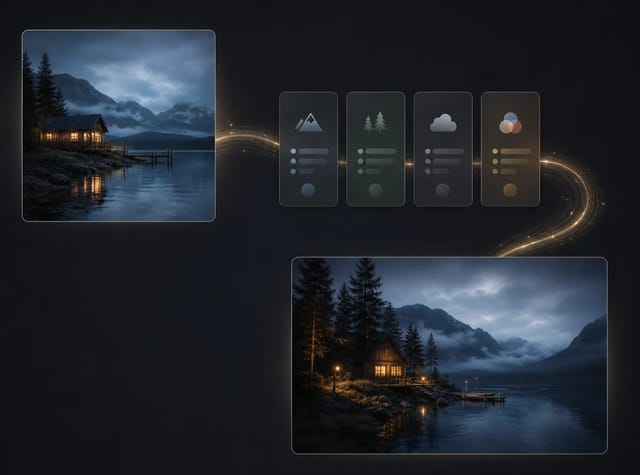
    Image toolbar Image to Prompt action opening Canvas Agent
    03

    One Click from the Image Toolbar

    Run Image to Prompt on an image node. Agent opens, references the image, and auto-submits so you are not rewriting the instruction by hand.

    See the difference

    From Source Image to Structured Prompt

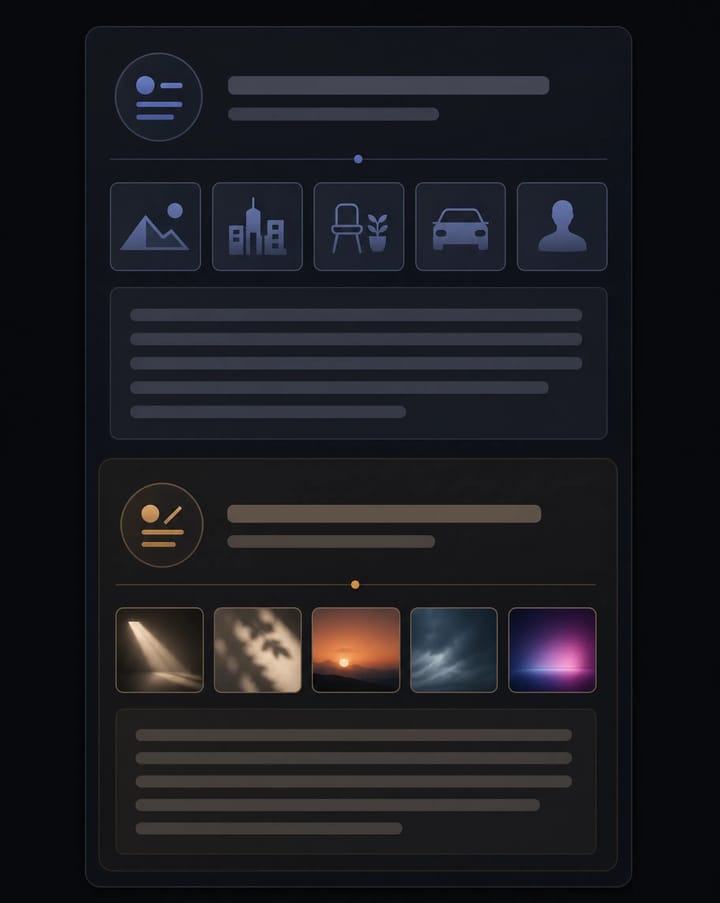
    Start with a product shot, campaign still, or AI frame. Image to Prompt returns two labeled sections you can paste back into generation — Content for what happens, Visual Style for how it looks.
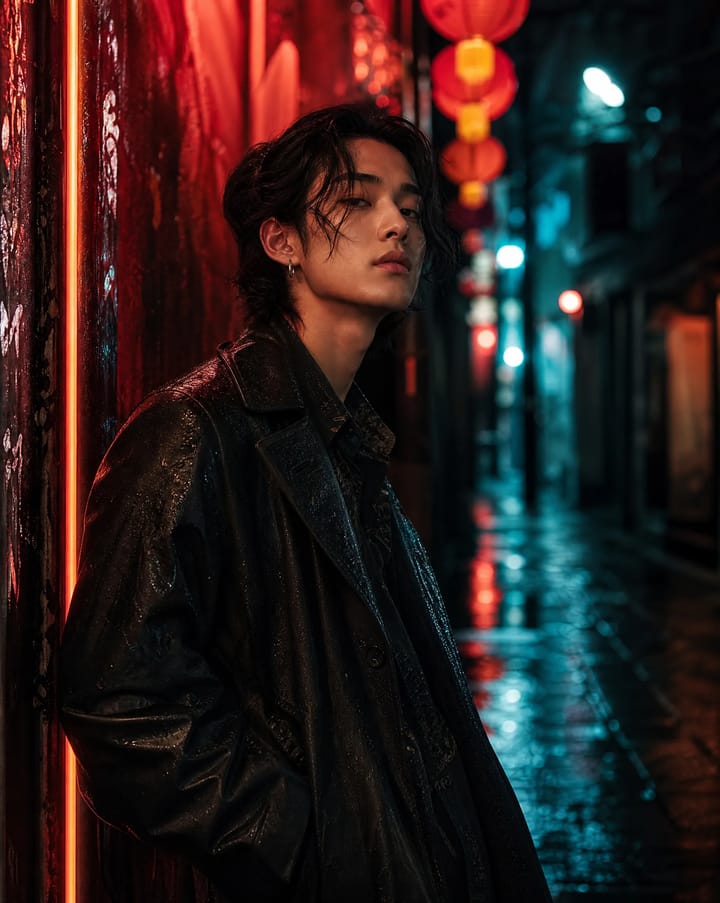
    Source image before Image to Prompt reverse engineering
    Source image
    Content and Visual Style prompt sections generated from the source image
    Prompt sections

    How to use it

    Reverse-Engineer a Prompt in Three Steps

    No prompt engineering required up front. Select the image, run Image to Prompt, then reuse the structured result.

    01

    Open Canvas and Select an Image

    Upload or generate an image, then select the image node you want to reverse-engineer.

    02

    Choose Image to Prompt

    Open More on the image toolbar and run Image to Prompt. Agent opens with the image referenced and submits automatically.

    03

    Copy, Edit, and Generate Again

    Use the Content and Visual Style sections as-is, tweak either part, then create the next image or video without leaving Canvas.

    Where it helps

    Reuse Looks Without Guessing the Prompt

    Use Image to Prompt when a frame already has the look you want — and you need language that can recreate or remix it.

    01

    Remake or Remix a Reference

    Turn a hero still into editable prompt language so you can keep the composition and change the style — or the reverse.

    02

    Build a Prompt Library from Real Frames

    Extract reusable Content and Visual Style blocks from campaign images, product shots, and AI outputs.

    03

    Stay Inside the Canvas Workflow

    Skip tab-hopping between upload tools. Reverse-engineer, edit, and generate in the same Topview Canvas session.

    Turn the Image into a Prompt. Keep Creating.

    Open Topview Canvas, select an image, and run Image to Prompt to get Content and Visual Style sections in one step.

    Open in Canvas

    Frequently Asked Questions

    Image to Prompt analyzes a selected image in Topview Canvas and reverse-engineers it into two labeled sections: Content (what is in the frame) and Visual Style (how it looks). You can copy, edit, and reuse those sections for the next generation.

    It solves a similar job — turn an image into prompt language — but runs inside Topview Canvas Agent with a fixed Content + Visual Style structure, and stays in the same workspace where you generate images and videos.

    Mixing subject details with style words makes prompts hard to reuse. Separate sections let you keep the scene and swap the look, or keep the look and change the subject, without rewriting everything.

    Open Canvas, select an editable image node, open More in the image toolbar, and choose Image to Prompt. Agent opens with the image referenced and submits automatically.

    No. Finished images do not store the original prompt or seed. Image to Prompt reconstructs a high-quality, reusable estimate from what the vision model can see — treat it as a strong starting point, then edit.

    No. You can reverse-engineer product photos, campaign stills, frames, and AI outputs. Clear subjects and a readable visual style produce the most useful prompts.

    Topview uses a credits system. You can try Image to Prompt with available credits on your plan. We do not claim unlimited free generations.

    Yes. Video nodes have a related Video to Prompt action that reverse-engineers motion and pacing as well. This page focuses on the image workflow.