Topview
    • MCP/Skill
    • Plugin
    • API
    • Pricing
    1. Home
    2. Story Board

    AI Ads

    AI Video AgentAI Ads VideoAI Product VideoAI UGC VideoURL to Video

    AI Avatar

    AI Avatar GeneratorProduct AvatarDesign My AvatarAI Lip Sync

    AI Video

    AI Video GeneratorDrama StudioAI Video Body SwapAI Video UpscalerAI Video Watermark RemoverTikTok Watermark RemoverSora Watermark RemoverSubtitle RemoverAI Motion ControlAI Lip SyncURL to Video

    AI Image

    AI Image GeneratorAI Face SwapAI Image Character SwapAI Image UpscalerAI InpaintAI Image Text EditorPhoto Angle EditorAI RelightingAI Product PhotographyAI Virtual Try-OnAI Storyboard GeneratorExtract Color PaletteImage to Prompt

    AI Voice

    VoiceoverAI Voice CloningAI Music Generator

    3D

    3D World Generator3D Shot Composer

    Use Cases

    AdvertisingAffiliate MarketingEcommerceDTC BrandsAI Live Stream

    Resources

    BlogAffiliate ProgramLearning CenterAlternativeAPI

    Company

    Topview StudioPrivacy PolicyTerms
    Topview

    © 2026 TOPVIEW PTE. LTD.

    Singapore: 20 Collyer Quay #20-03, Singapore 049319
    Los Angeles: 15970 Los Serranos CC Dr #251, Chino Hills, CA 91709

    AI Storyboard Generator: From Script or Idea to Shot-by-Shot Frames

    Paste a script or describe a rough idea and see the shots in minutes. Built for filmmakers, agencies, and content teams who plan before they shoot.

    AI Storyboard

    Your story

    0/500

    Reference image

    Aspect ratio

    Story:

    A fierce clash of cyan and crimson blades illuminates the cyberpunk cityscape as a futuristic heroine battles and defeats her dark adversary.

    Example reference image for AI storyboard generation
    Example storyboard frames generated from story text and reference image

    Storyboard AI Workflow

    AI Storyboard Example for a Film Scene

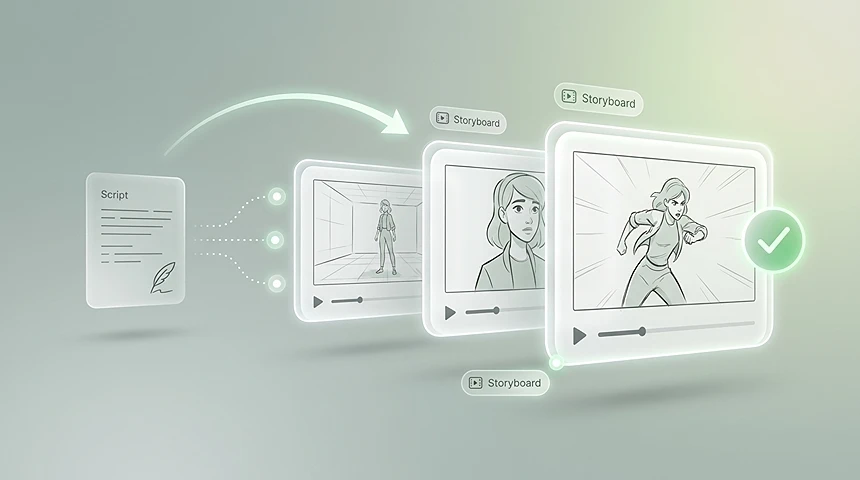
    AI Storyboard from Script

    Paste a scene, script section, or short video idea and turn it into visual storyboard frames for faster planning.
    AI Storyboard Example for an Ad

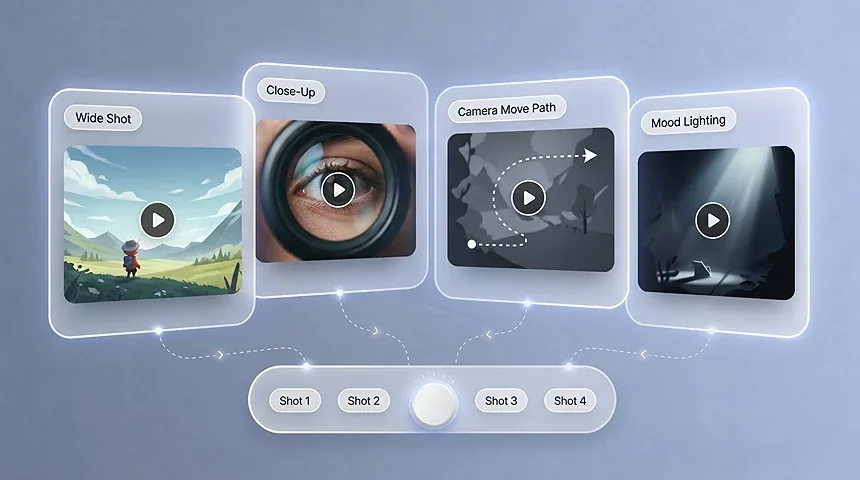
    AI Storyboarding for Shot Planning

    Explore shot types, camera movement, composition, mood, and scene continuity before production begins.
    AI Storyboard Example for a Music Video

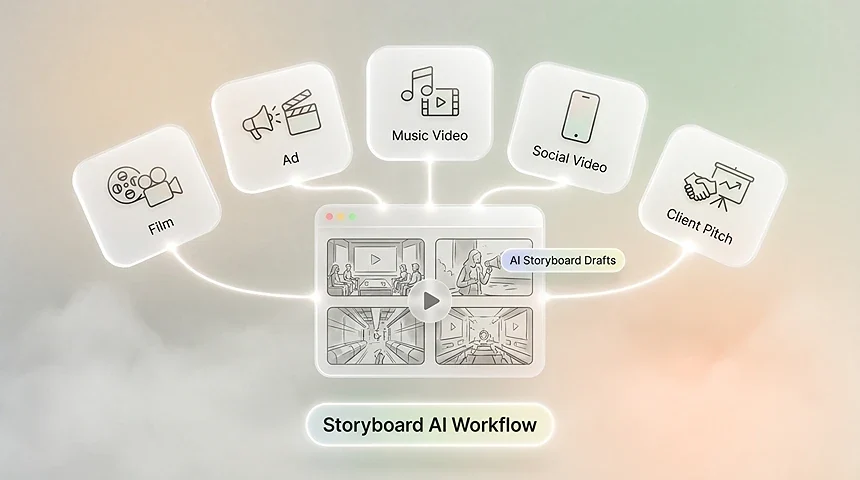
    Create Storyboards Online

    Create storyboard drafts in the browser and use them for films, ads, music videos, social videos, and client pitches.

    USE CASES

    AI Storyboard Generator Use Cases

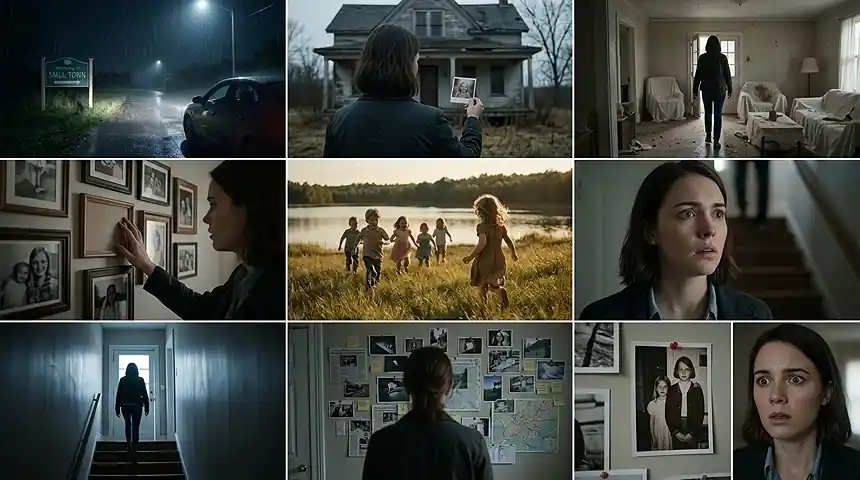
    Plan films, pitch creative ideas, map music videos, and turn raw text into a professional 3×3 visual blueprint before production starts.
    Client ads and commercial work

    Commercials

    Client ads and commercial work

    Paste the approved script and generate a storyboard for commercial spots in one pass. Walk into the client meeting with frames they can react to instead of paragraphs they have to imagine, and shorten the approval loop before any footage exists.
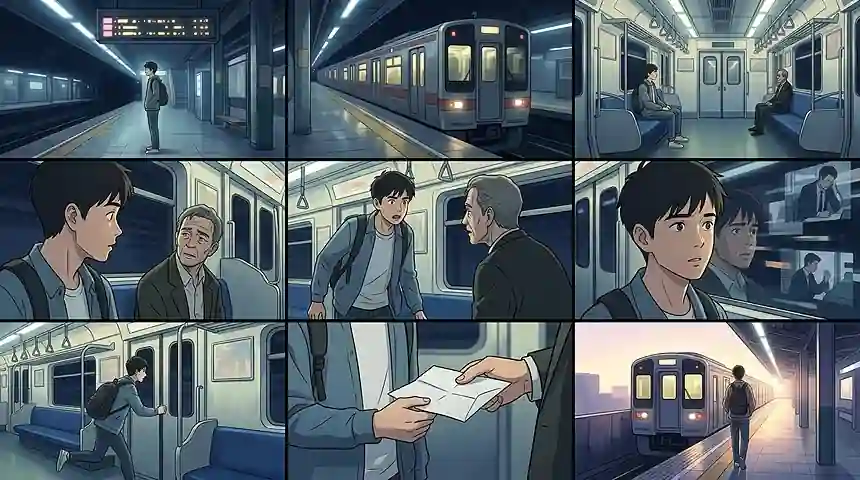
    Films and narrative shorts

    Narrative

    Films and narrative shorts

    Turn a screenplay or a rough scene list into a visual sequence you can read like a mini movie. Lock the staging and pacing you want before you commit a crew, a location, or a shooting day to it.
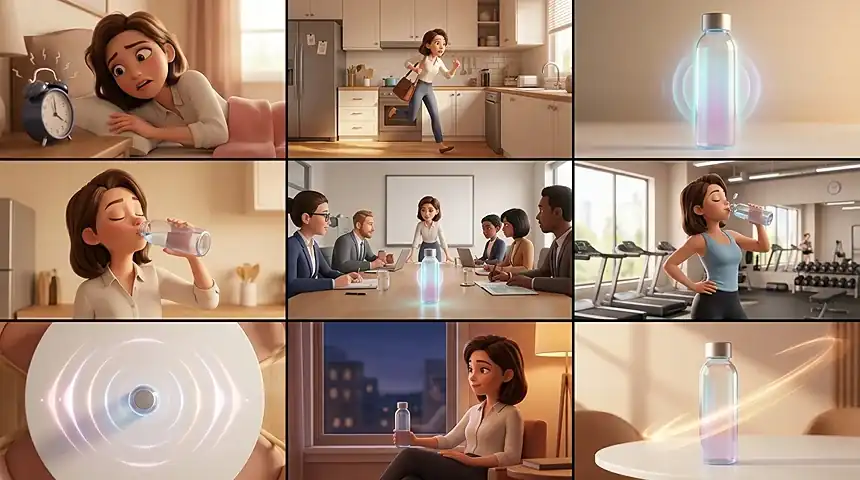
    Animation and motion pre-visualization

    Animation

    Animation and motion pre-visualization

    See how scenes flow, how characters move between frames, and where the cuts land before the animators start. A clear board keeps the art style and the shot flow consistent from the first pass.
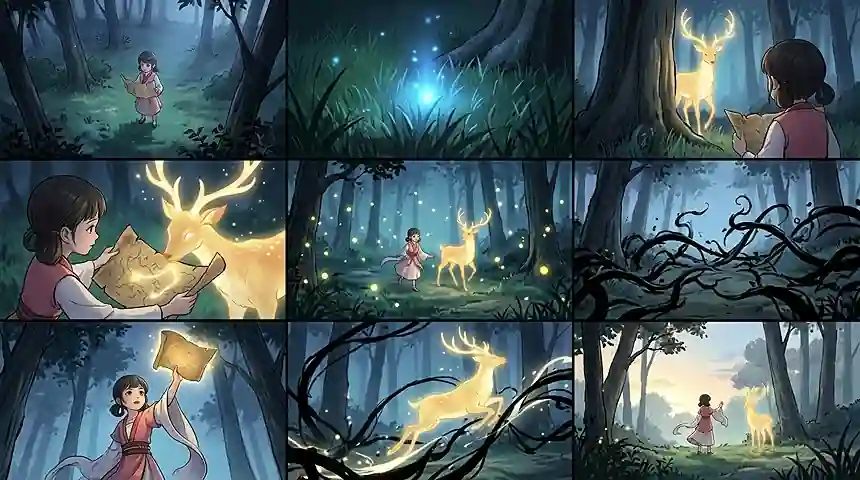
    Social and branded video

    Social

    Social and branded video

    Map out short-form spots, product demos, and internal training videos so stakeholders approve the story, not just the script. When the board is clear, the shoot day runs on decisions that were already made.
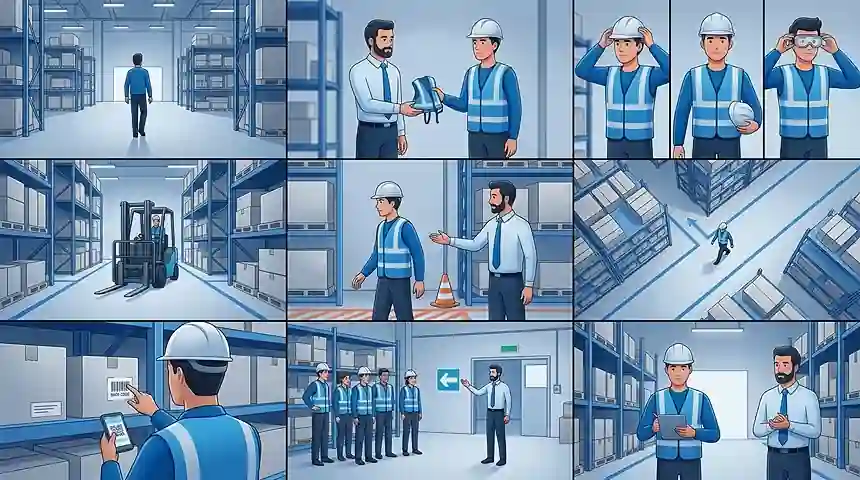
    Corporate Videos and Training Content

    Corporate

    Corporate Videos and Training Content

    Outline explainer videos, company stories, internal training videos, product education, and presentation content. A storyboard helps business teams review the message, structure, and visual flow before production.
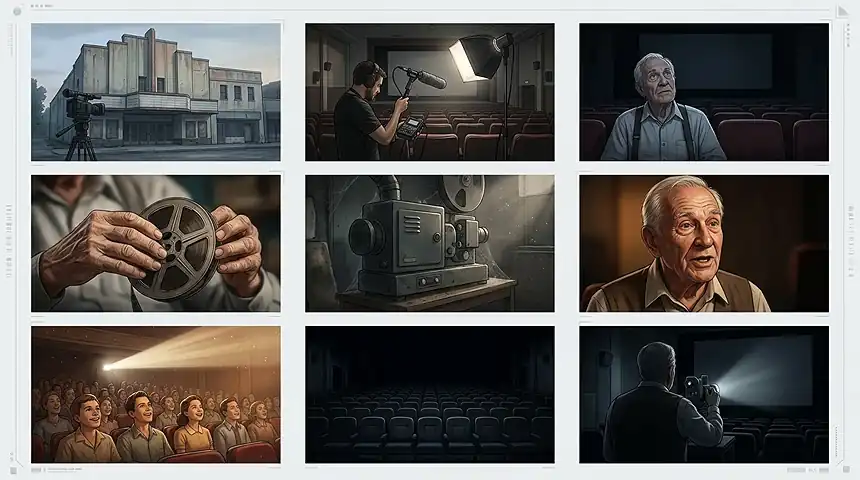
    Documentaries and Interview Scenes

    Documentary

    Documentaries and Interview Scenes

    Plan documentary openings, interview setups, reenactment scenes, b-roll ideas, and visual transitions. Use AI storyboard frames to organize the story arc before the edit or production day.

    WHY CHOOSE THIS TOOL

    Why Choose This AI Storyboard Generator?

    Turn early ideas into a shared visual plan — explore shots, keep scenes cohesive, and align your team before production starts.
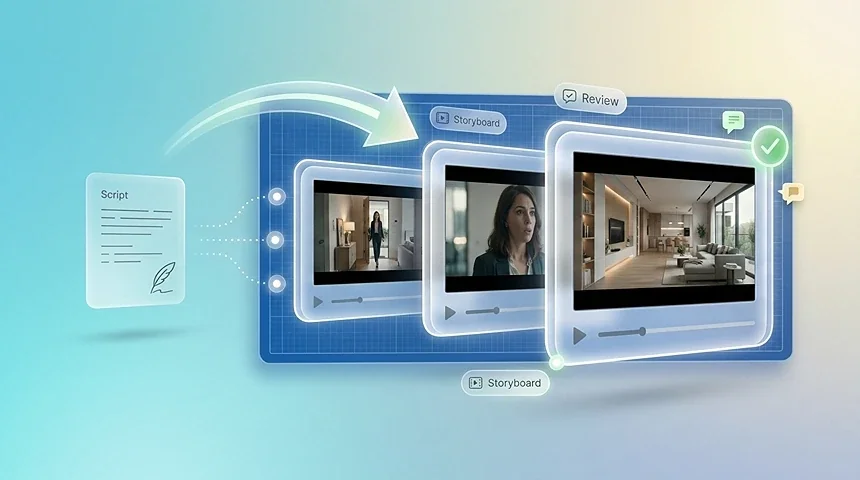
    Script In, Storyboard Out

    Visual Blueprint

    Script In, Storyboard Out

    Paste a script or describe a rough scene and the generator returns storyboard frames shot by shot. Each panel gives you a visual to review before you record.
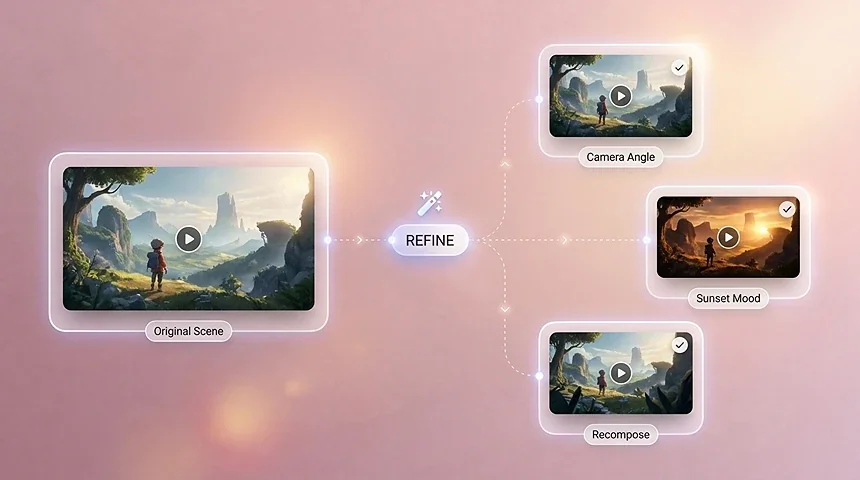
    No Drawing Skills Needed

    Fast Iteration

    No Drawing Skills Needed

    Describe the action in plain words and the AI turns it into a storyboard frame. You never open a drawing app or stare at an empty template.
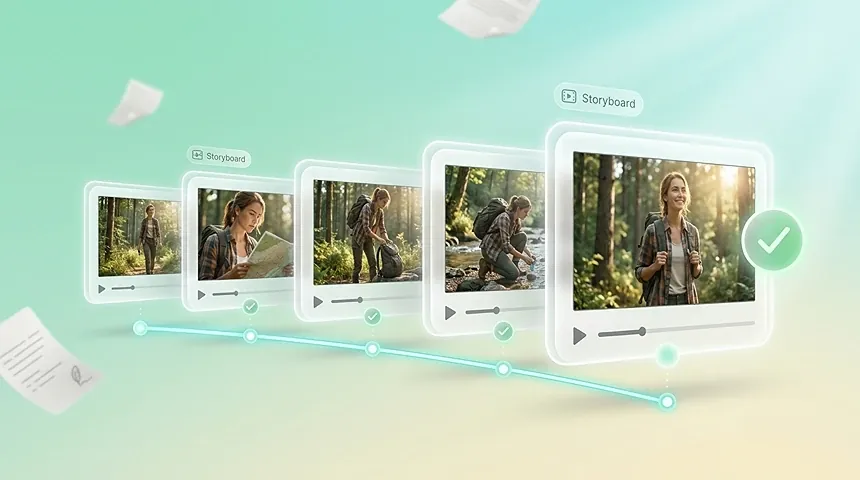
    Plan Every Shot Before the Shoot

    Visual Consistency

    Plan Every Shot Before the Shoot

    Walk into production knowing what each frame should look like. A visual storyboard keeps the crew aligned and cuts costly guesswork on set.
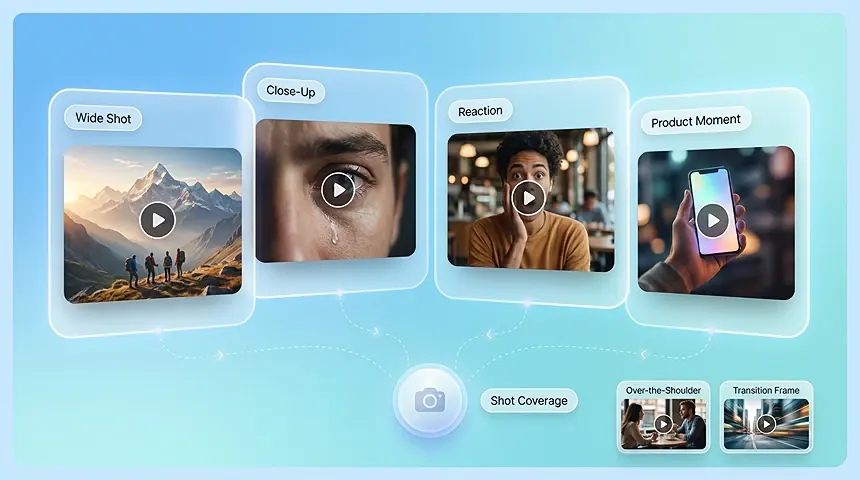
    Explore Shot Coverage Earlier

    Shot Coverage

    Explore Shot Coverage Earlier

    Plan close-ups, wide shots, establishing shots, reaction shots, product moments, and transition frames before committing to a production direction.
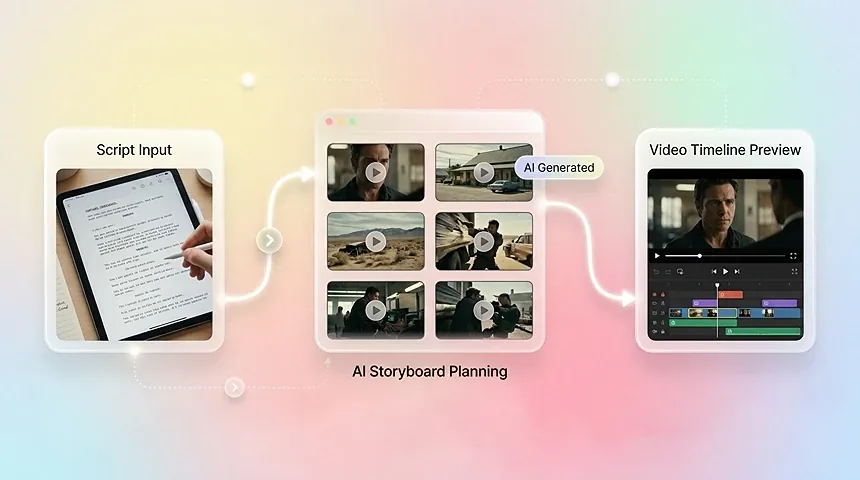
    Move From Storyboard to Video Planning

    Video Pipeline

    Move From Storyboard to Video Planning

    Use the board as a bridge between the script and the final video. Storyboard frames can guide AI video prompts, editing order, scene timing, and production feedback.
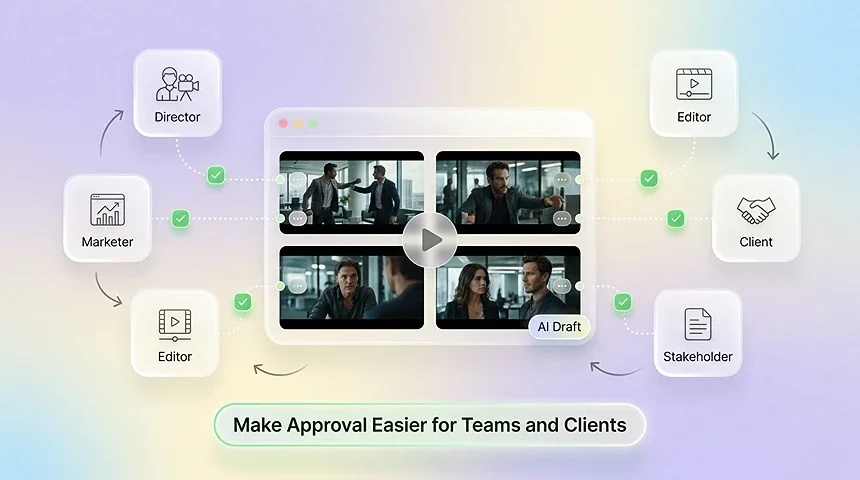
    Make Approval Easier for Teams and Clients

    Team Alignment

    Make Approval Easier for Teams and Clients

    Use storyboard drafts to align directors, marketers, editors, clients, and stakeholders before work moves into production. A shared visual plan makes feedback more concrete.

    OVERVIEW

    What Is an AI Storyboard Generator?

    An ai storyboard generator is a tool that reads your script, treatment, or even a one-line idea and lays it out as a shot-by-shot storyboard. You no longer need to draw every frame or pay for a full pre-production pass to make your vision visible. The ai storyboard generator breaks the material into scenes, suggests framing and camera notes, and returns a board you can edit frame by frame before production starts. It is built for the people who used to wait on a storyboard artist: directors, ad teams, animation studios, and creators who need everyone aligned on what will actually be shot.

    WHO IT'S FOR

    Who Is the AI Storyboard Generator For?

    From solo creators to full production teams — anyone who needs to plan shots and align on a visual direction before the camera rolls.

    1

    Film & Video Directors

    Pre-visualize scenes and lock in shot flow before production, turning a script into a clear visual plan without hiring a storyboard artist.

    2

    Ad & Brand Teams

    Map the hook, product moment, and call to action for commercials and brand videos, then share storyboard drafts for fast client sign-off.

    3

    Music Video Creators

    Match visual beats to rhythm and mood, and explore multiple creative treatments quickly before shooting or editing.

    4

    Students & Educators

    Learn and teach shot composition, camera angles, and narrative pacing with a hands-on way to visualize ideas frame by frame.

    5

    Social & Content Creators

    Plan cinematic short-form videos for TikTok, YouTube Shorts, and Reels — from the opening shot to the closing frame.

    6

    Production Studios

    Standardize pre-production across projects and generate consistent storyboard drafts at scale to keep teams aligned.

    WORKFLOW
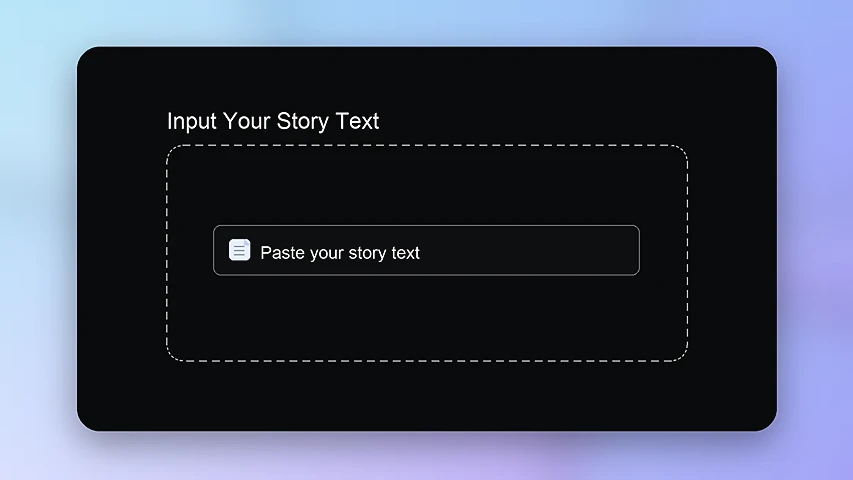
    How to make a storyboard in minutes

    1. Paste a script or idea into the AI storyboard generator
      01

      Paste your script or idea

      Type your screenplay, treatment, or a rough paragraph into the editor. If you can describe the scene, you can start.
    2. Review generated storyboard frames shot by shot
      02

      Review the generated frames

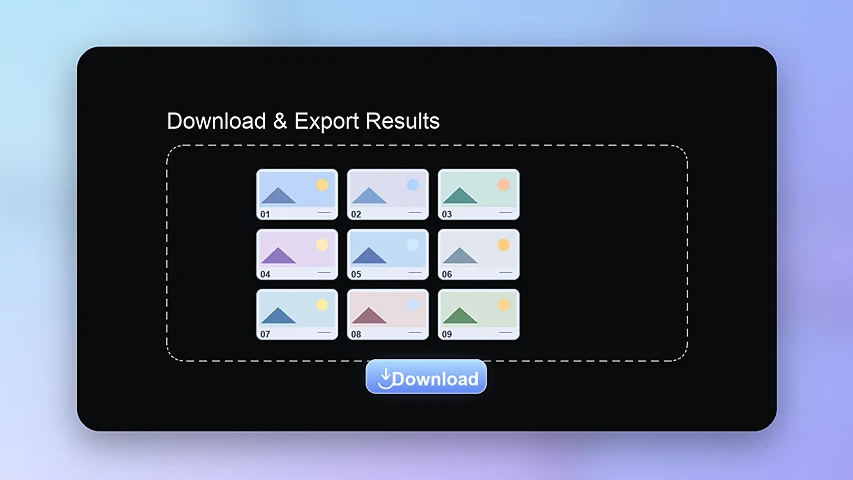
      The generator breaks the story into shots and returns a storyboard panel for each one, in order. Read through the scenes and check each frame before you move on.
    3. Edit and regenerate storyboard frames
      03

      Export and share your storyboard

      Download the frames or share the board link with your team and clients. Everyone reviews the same visual plan before production starts.

    Open AI Storyboard
    Explore

    More AI Tools

    Discover more powerful AI tools to enhance your content creation.

    AI Ads

    AI Video AgentAI Ads VideoAI Product VideoAI UGC VideoURL to Video

    AI Avatar

    AI Avatar GeneratorProduct AvatarDesign My AvatarAI Lip Sync

    AI Video

    AI Video GeneratorAI Video Body SwapAI Video UpscalerAI Video Watermark RemoverAI Motion ControlURL to Video

    AI Image

    AI Image GeneratorAI Face SwapAI Image Character SwapAI Image UpscalerAI InpaintAI Image Text EditorPhoto Angle EditorAI RelightingAI Product PhotographyAI Virtual Try-On

    AI Voice

    VoiceoverAI Voice CloningAI Music Generator

    AI Storyboard Generator FAQ

    Yes. Paste your script or describe a rough idea in plain text and the generator returns storyboard frames shot by shot. Scenes are split for you, so you start from the story instead of from a blank board.

    No. You describe the scene in words and the AI builds the visual for each shot. It is built for directors, writers, and creators who plan in words, not with a pencil.

    Yes. Edit the description and regenerate the shot you want to change. Keep the frames that work and refine the rest until the board matches the story in your head.

    Plan a short film, a commercial, a product video, or any scene-based content before you book a crew or a location. Seeing every shot in advance makes it easier to align your team and avoid costly reshoots.

    Yes. AI storyboarding can help plan scenes for short films, indie films, pitch decks, music videos, ads, and other video projects where shot order and visual direction matter.

    Yes. It is useful for planning short ads, vertical videos, Reels, Shorts, TikTok concepts, product moments, and campaign ideas before creating the final video.

    A storyboard can be used as a planning reference for AI video generation. It helps define the shots, visual style, pacing, and key moments before you generate or edit video clips.

    No. You can start with text, prompts, or scripts. Drawing skills can still help with art direction, but they are not required to create the first storyboard draft.

    Include the setting, character action, mood, shot type, camera movement, visual style, and the story beat you want the frame to communicate.

    You can create scene boards, ad concepts, pitch visuals, music video plans, social video layouts, storyboard templates, and visual references for production planning.

    You can start with a script excerpt, scene description, story summary, or a short creative idea typed directly into the story input. You can also add optional reference images to guide the visual style of the generated frames.

    Yes. You can upload up to 9 reference images to guide the look, characters, or setting, and choose an aspect ratio such as 16:9, 9:16, or 1:1 depending on where the final video will be published.

    Yes. After the storyboard is generated, you can preview the frames and then download or export them as images for your production team, pitch deck, or the next step in video production.

    Yes. Paste a script or scene into the story input, generate the board, then review each frame. You can refine the text and regenerate frames you want to change — no drawing skills required.

    An AI storyboard generator reads your script, treatment, or short idea and breaks it into scenes and shots. It then produces a visual frame for each shot, with notes on framing, camera, and staging that you can edit. You get the plan a storyboard artist would draw, minus the weeks and the drawing skill.

    Yes. Start with the free ai storyboard generator and paste your own script to see real frames within minutes. You only pay when you need advanced exports, more collaborators, or larger projects, and you can decide that later.

    Yes, teams use an online storyboard generator to pitch ad concepts, align on brand films, and pre-visualize client work before production. Frames generated here are meant to be edited and exported for exactly that kind of review loop.

    They often do. Dialogue and sound cues are usually written under the panels so the crew knows what is heard while the frame plays. If you are presenting live, you can leave the dialogue out of the board and speak it instead.

    FROM SCRIPT TO VISUAL PLAN

    See Your Script Before You Shoot

    Paste a script or a rough idea into the AI storyboard generator and get a visual board you can edit and share in minutes. Try it free on your next project.

    Try Free