Topview
    • MCP/Skill
    • Plugin
    • API
    • Pricing
    1. Home
    2. Extract Color Palette

    AI Ads

    AI Video AgentAI Ads VideoAI Product VideoAI UGC VideoURL to Video

    AI Avatar

    AI Avatar GeneratorProduct AvatarDesign My AvatarAI Lip Sync

    AI Video

    AI Video GeneratorDrama StudioAI Video Body SwapAI Video UpscalerAI Video Watermark RemoverTikTok Watermark RemoverSora Watermark RemoverSubtitle RemoverAI Motion ControlAI Lip SyncURL to Video

    AI Image

    AI Image GeneratorAI Face SwapAI Image Character SwapAI Image UpscalerAI InpaintAI Image Text EditorPhoto Angle EditorAI RelightingAI Product PhotographyAI Virtual Try-OnAI Storyboard GeneratorExtract Color PaletteImage to Prompt

    AI Voice

    VoiceoverAI Voice CloningAI Music Generator

    3D

    3D World Generator3D Shot Composer

    Use Cases

    AdvertisingAffiliate MarketingEcommerceDTC BrandsAI Live Stream

    Resources

    BlogAffiliate ProgramLearning CenterAlternativeAPI

    Company

    Topview StudioPrivacy PolicyTerms
    Topview

    © 2026 TOPVIEW PTE. LTD.

    Singapore: 20 Collyer Quay #20-03, Singapore 049319
    Los Angeles: 15970 Los Serranos CC Dr #251, Chino Hills, CA 91709

    Topview Extract Palette

    Color Palette from Image — Grab a Usable Palette in Seconds

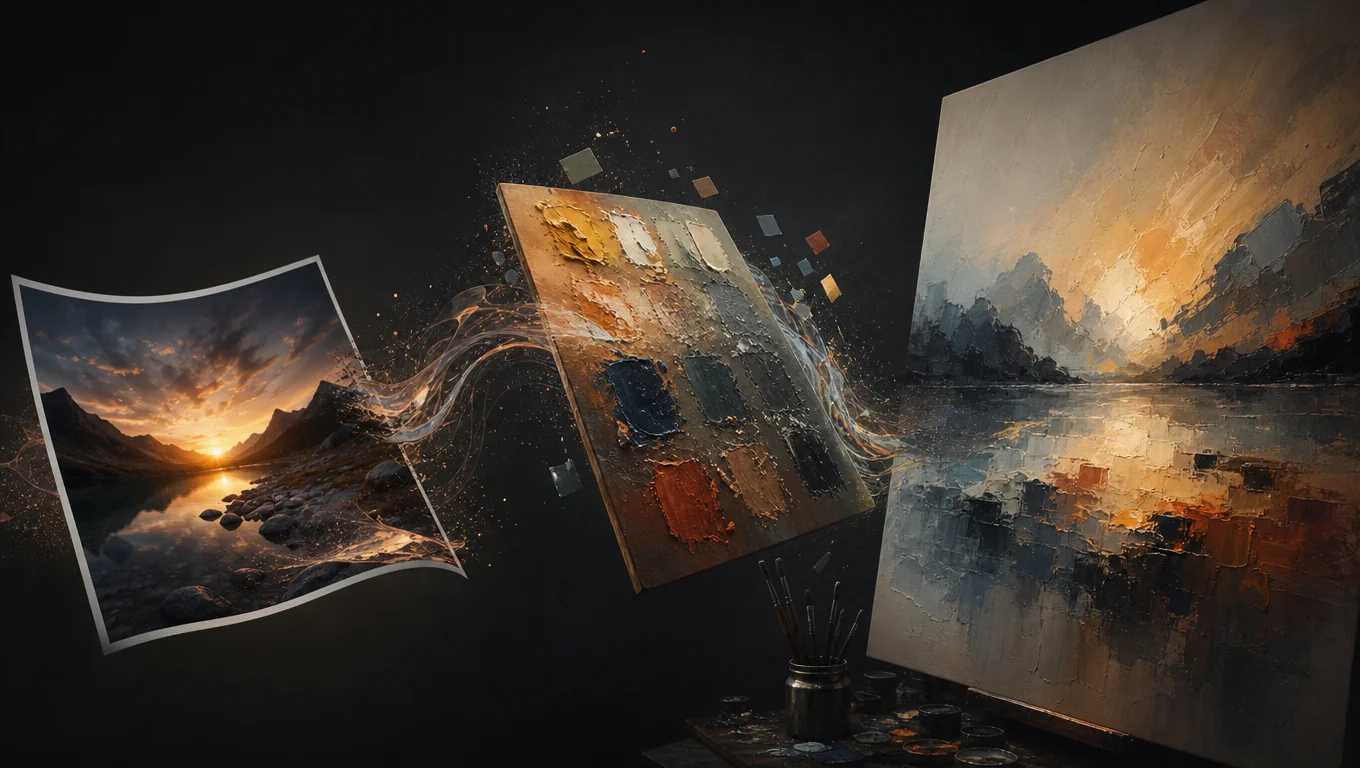
    Turn any photo, screenshot, or film frame into a working palette in seconds. Copy HEX, RGB, HSL, or CMYK values straight into your project.

    Extract Palette

    Run the same Extract Palette action as Canvas. Preview swatches here, then open Canvas to land the palette board next to your image.

    Palette strip appears after extract

      Source image

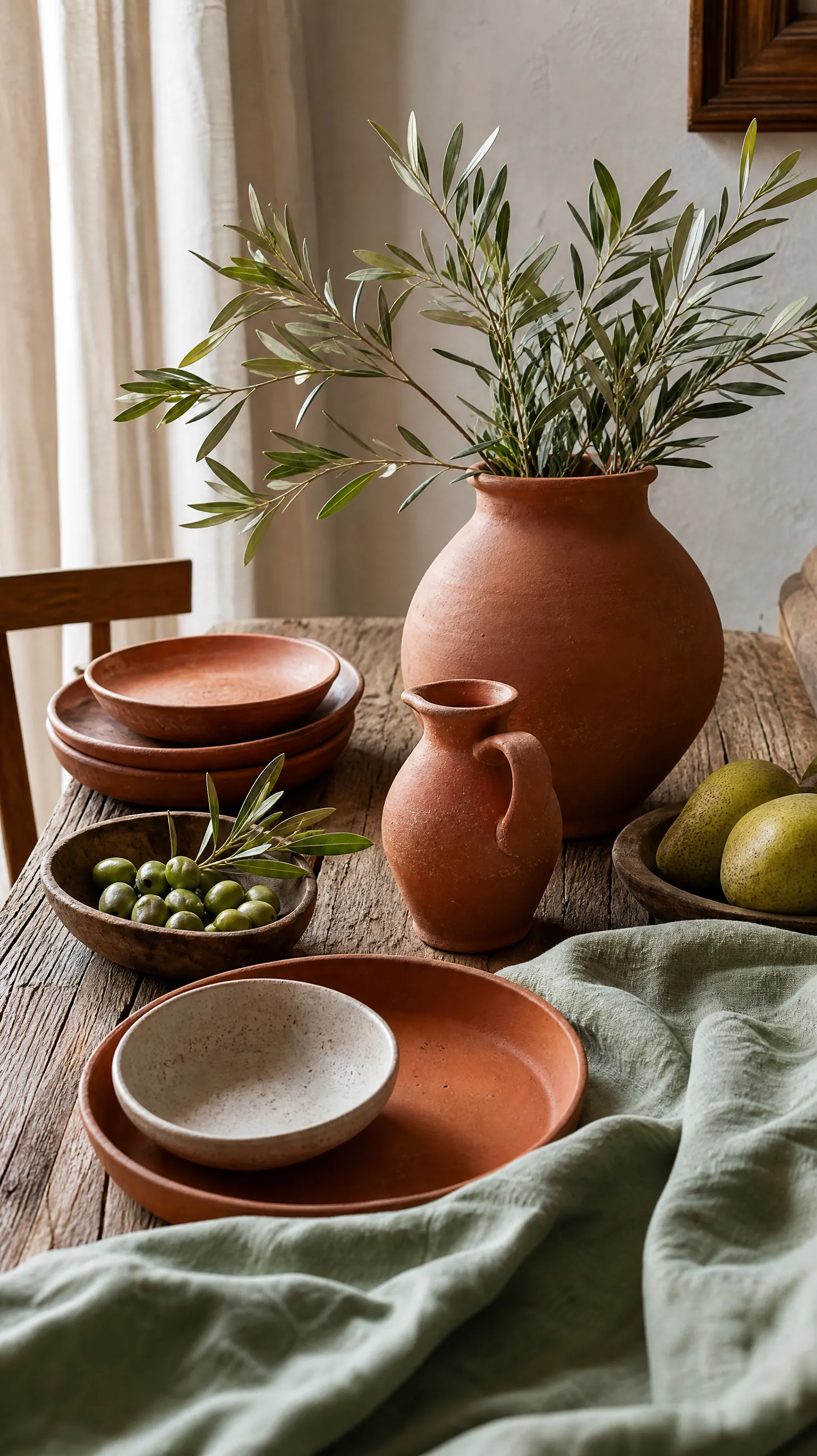
      Source image used for color palette extraction

      BEFORE VS AFTER

      From Source Frame to Palette Board

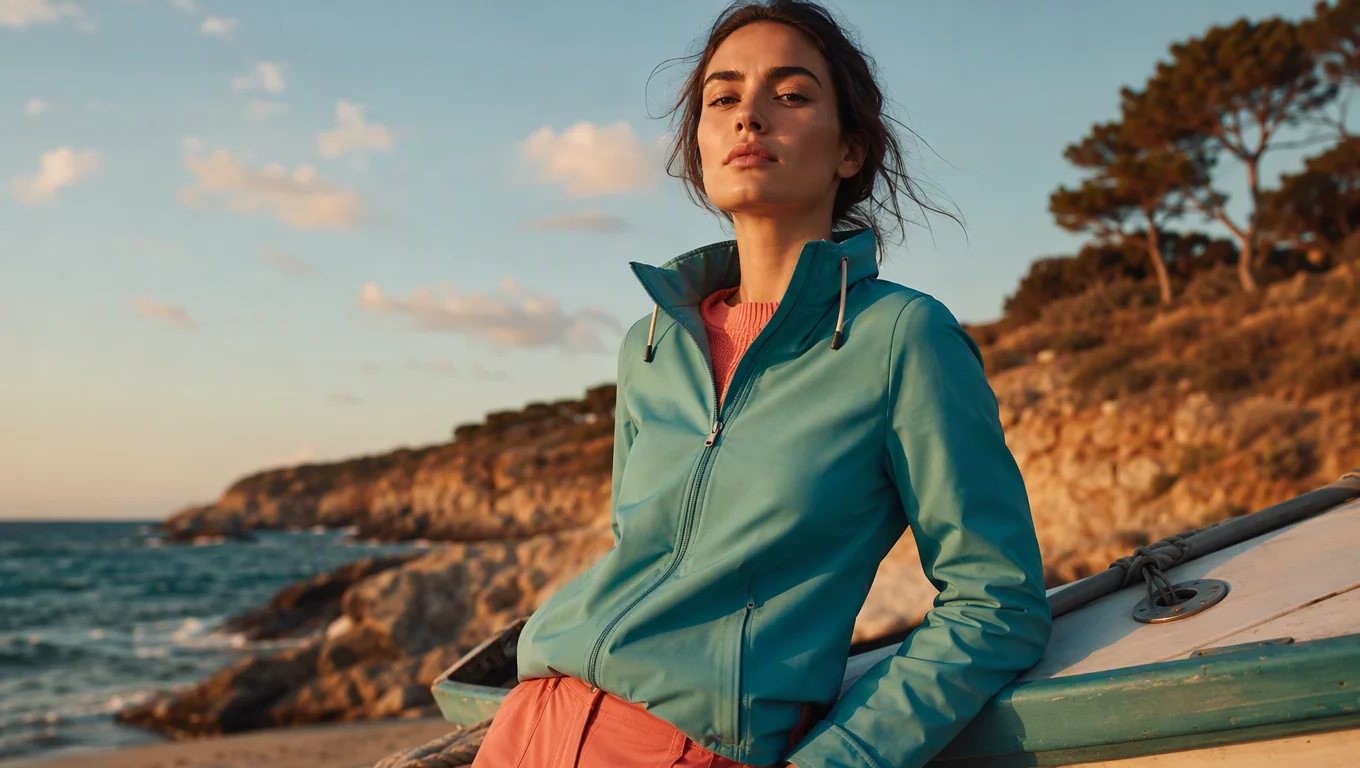
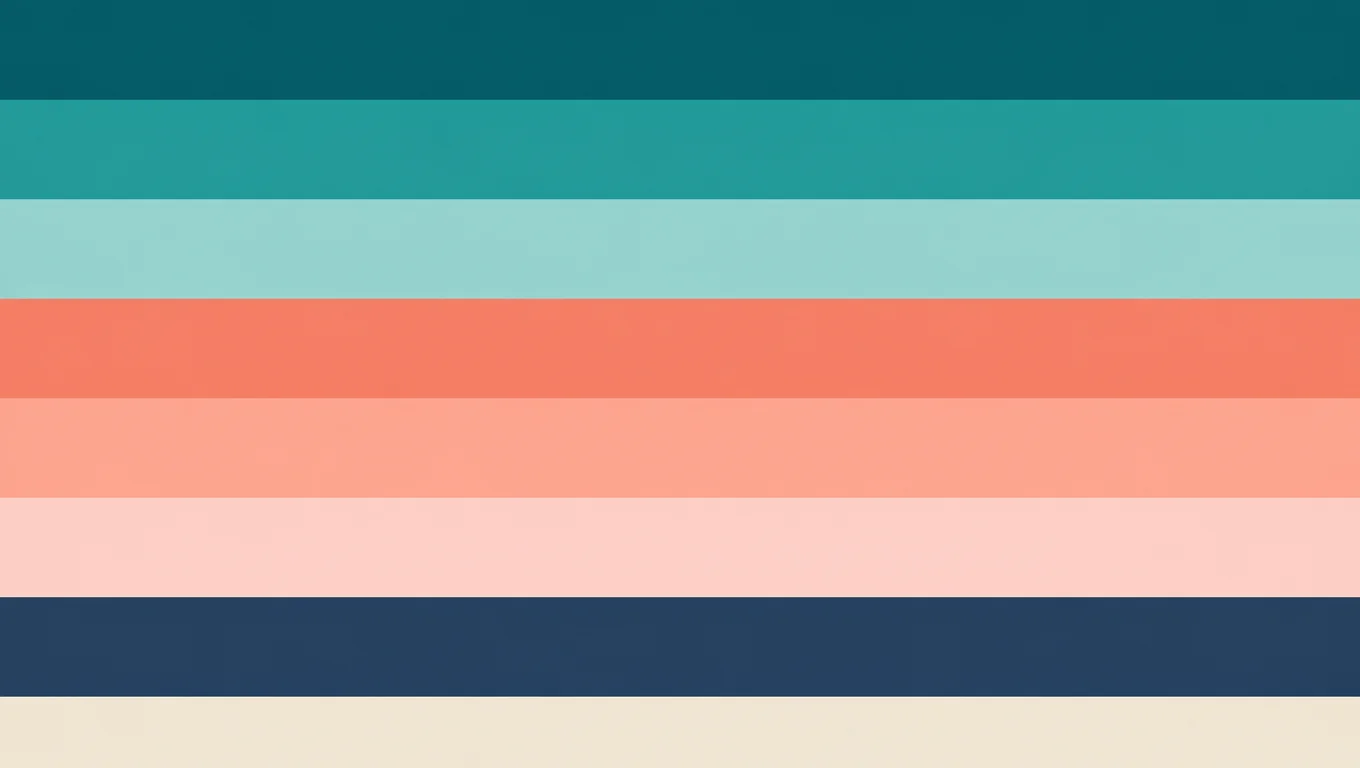
      See how Extract Palette turns campaign stills, product shots, and AI frames into clear 8-color boards you can keep on the canvas.

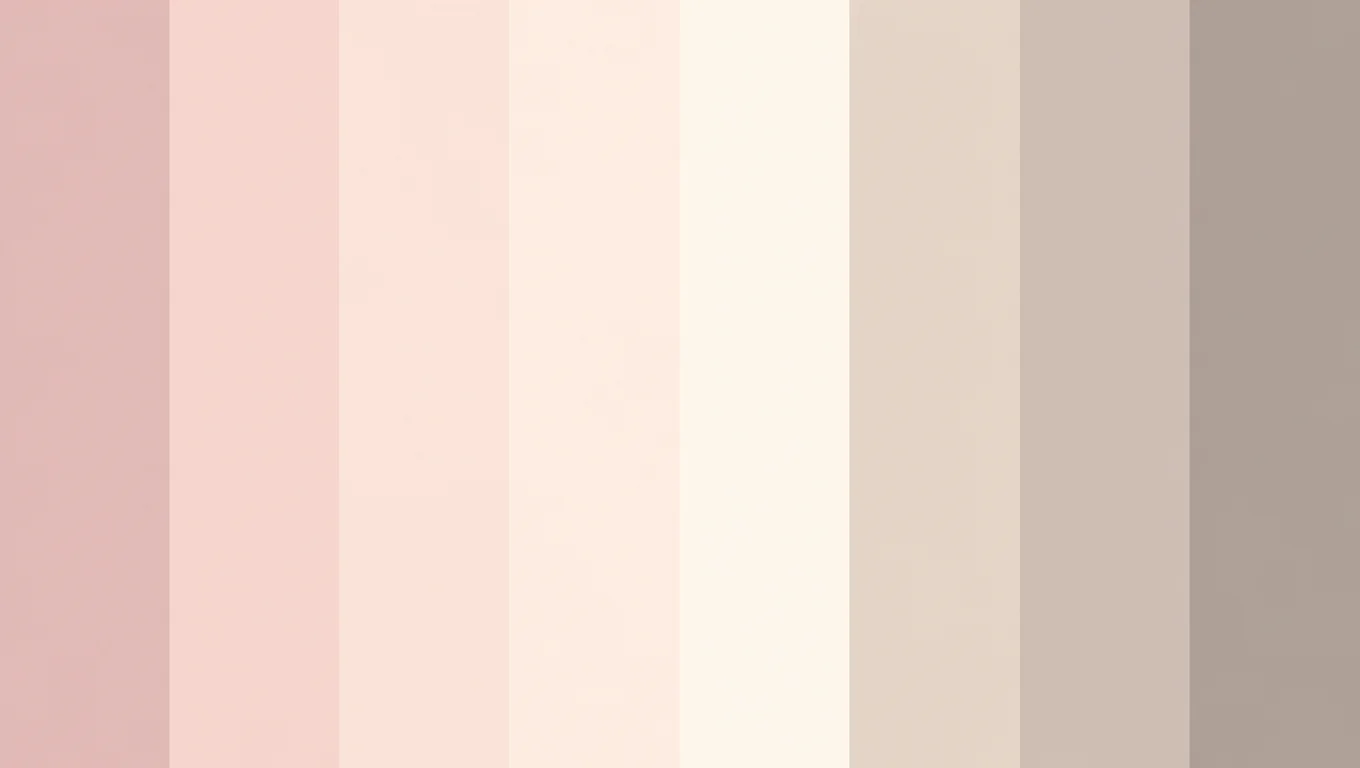
      Campaign still next to its extracted 8-color palette board
      Campaign still next to its extracted 8-color palette board

      Campaign hero to brand board

      Pull the dominant look from a hero still so decks and variants stay in one color family.
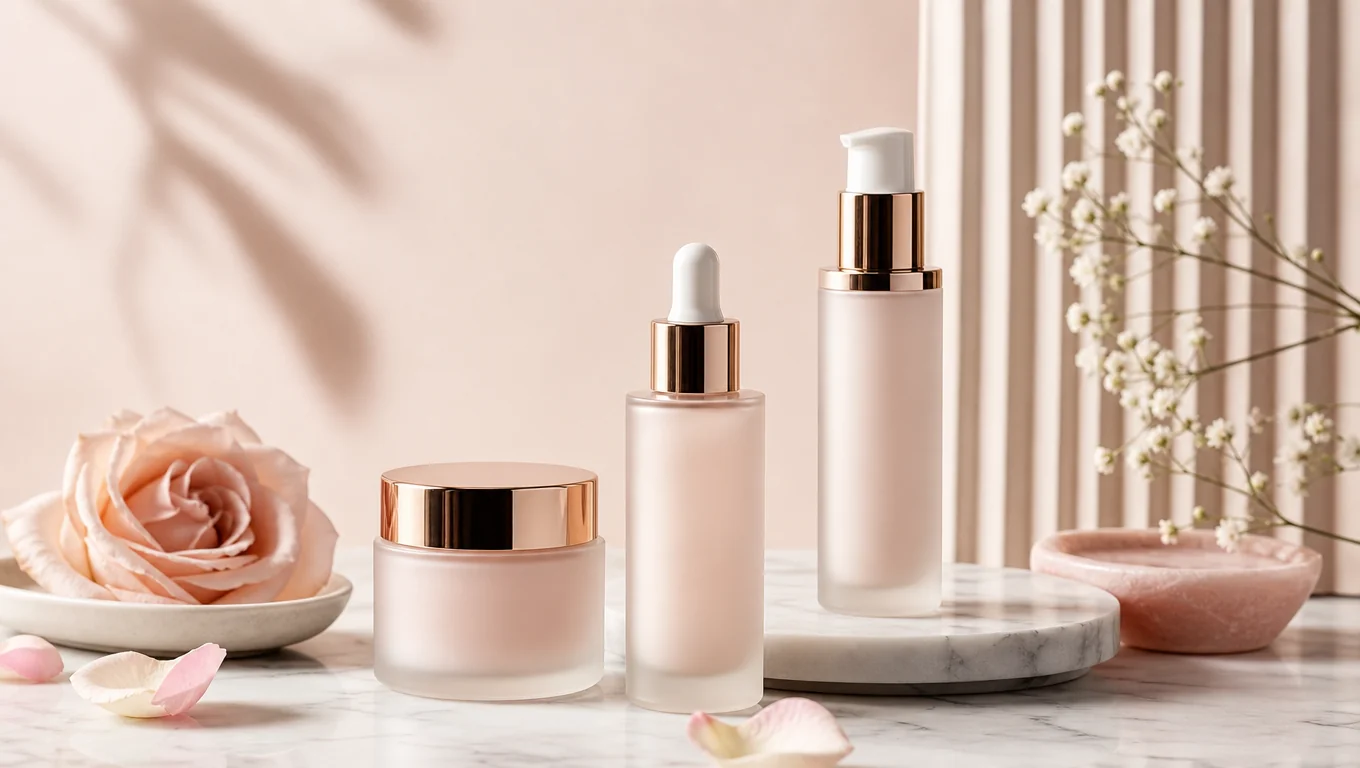
      Product photo and extracted palette board for packaging cues
      Product photo and extracted palette board for packaging cues

      Product shot to packaging cues

      Sample product photography into a compact palette for packaging and PDP creatives.
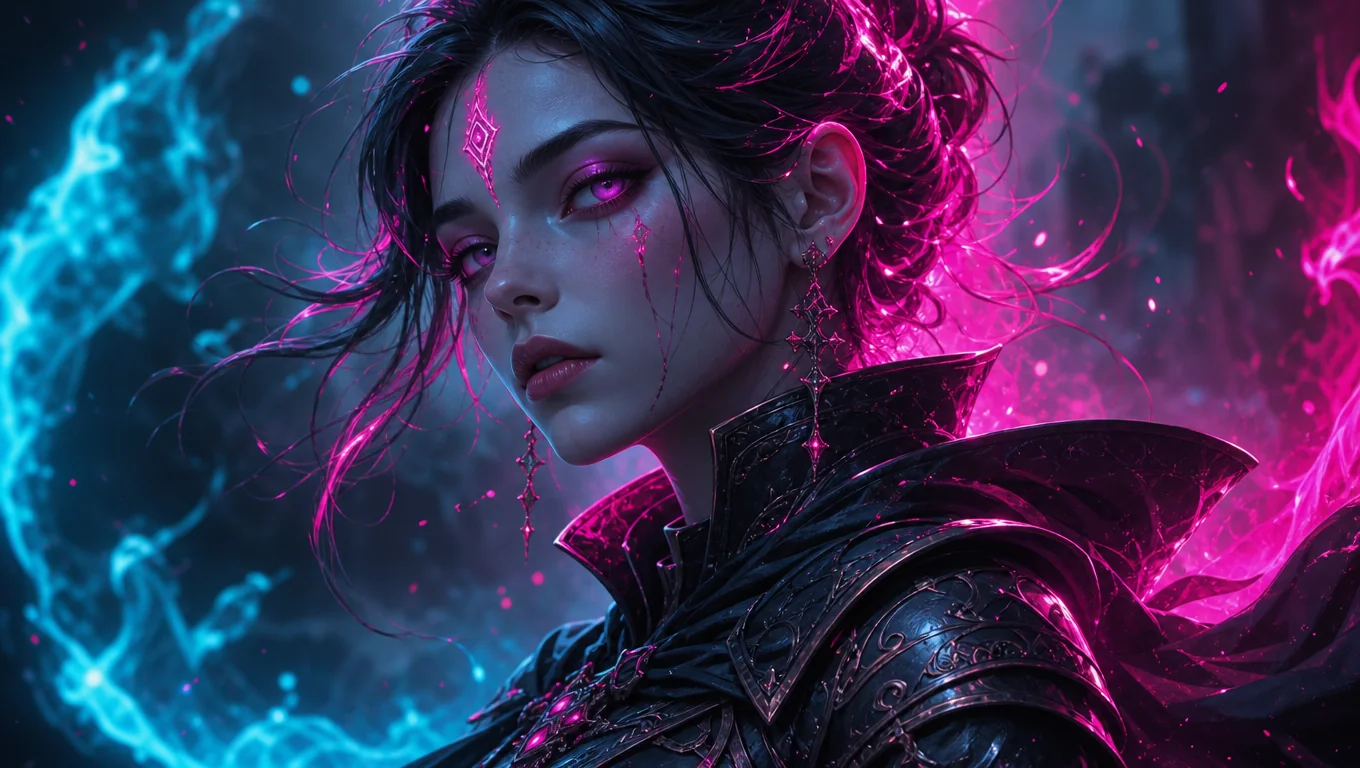
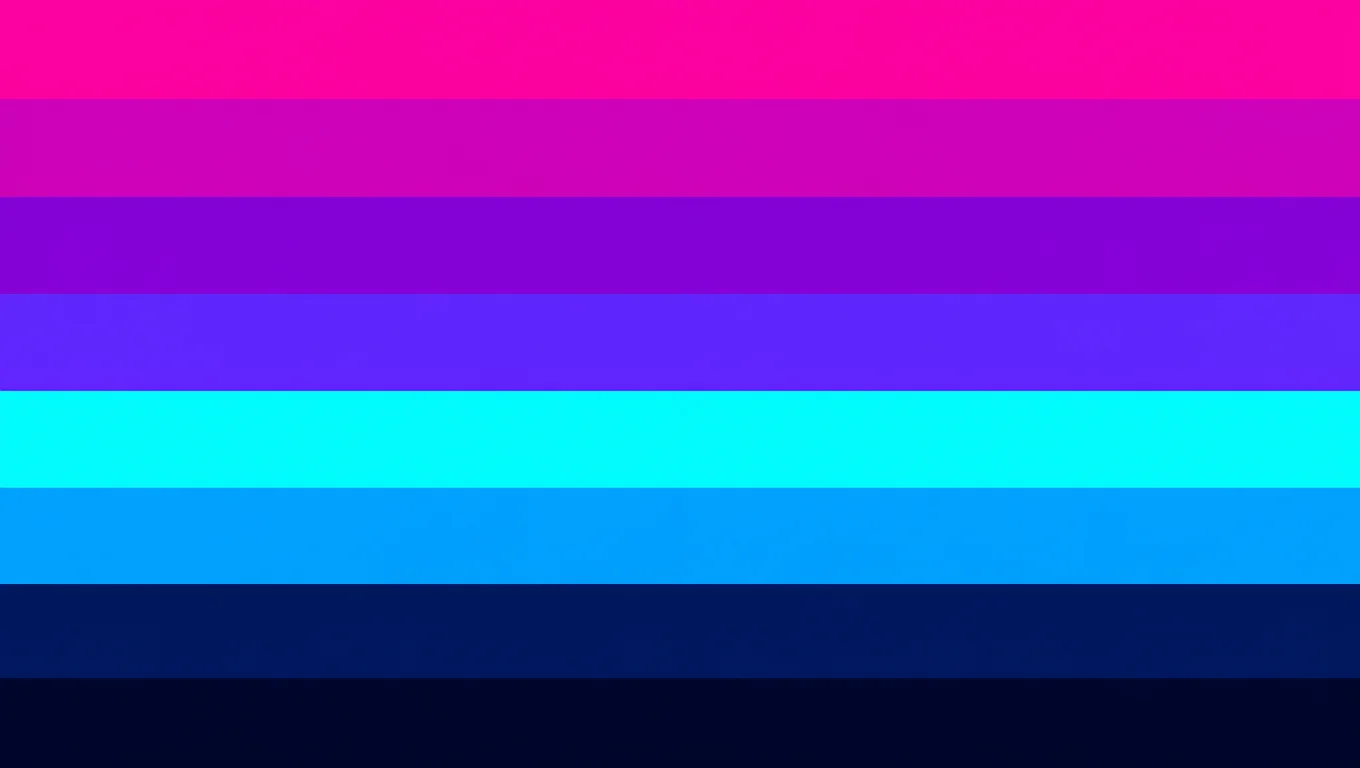
      AI still and palette board used as a style reference
      AI still and palette board used as a style reference

      AI still to style reference

      Keep a palette board beside generations so new images follow the same color mood.
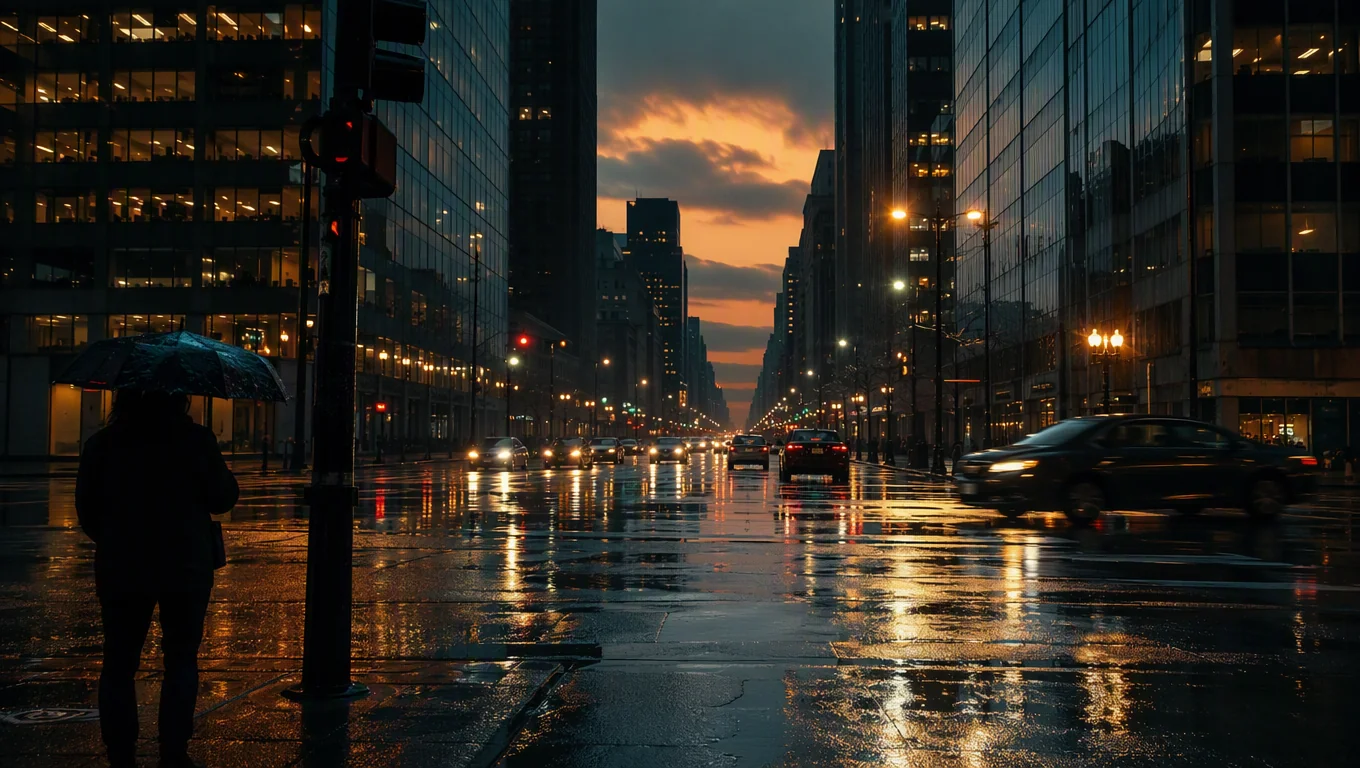
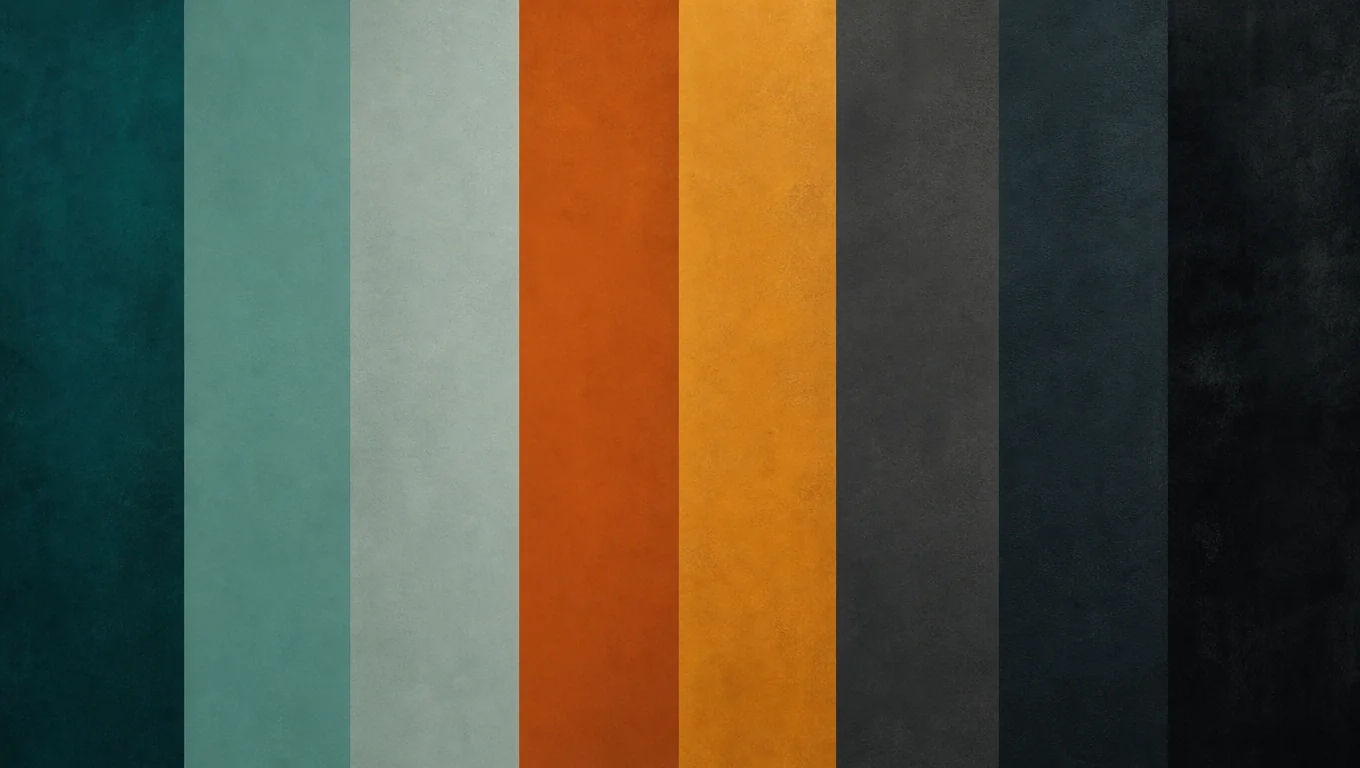
      Film frame transformed into a visual mood palette board
      Film frame transformed into a visual mood palette board

      Film still to reusable color board

      Extract a color palette from a film still or key frame, then keep HEX swatches for lookbooks, storyboards, and previs reviews.

      A Color Palette Generator from Image That Fits Your Workflow

      A color palette from image tool turns what you can see into colors you can actually use. Drop in a photo, a screenshot, or a frame from a film scene, and the tool pulls the dominant and accent tones. Upload once, and every swatch is ready with HEX, RGB, HSL, or CMYK.

      WHY TOPVIEW

      Built for Creators Who Need Colors That Match the Image

      Extract once, keep the board on canvas, and reuse the same color direction across ads, characters, and AI generations.
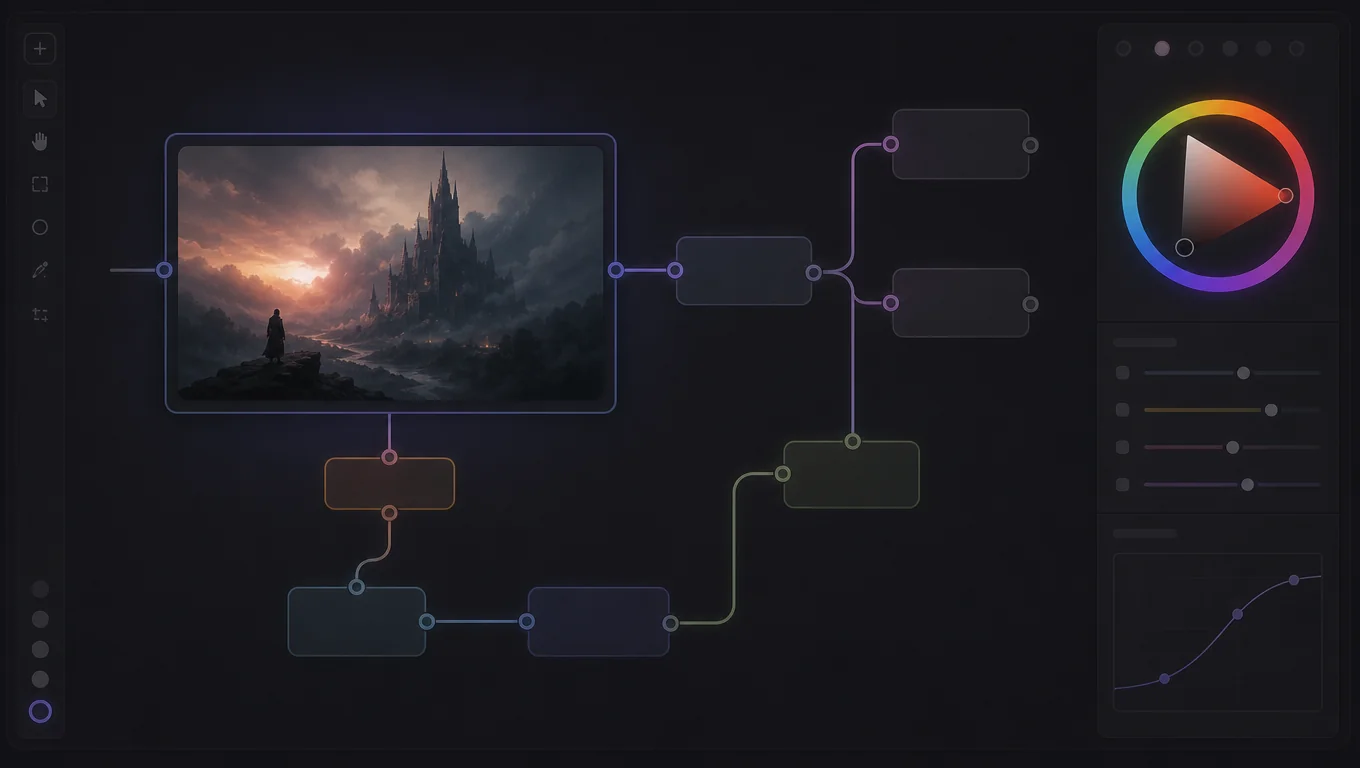
      Canvas ImageNode More menu highlighting Extract Palette

      Canvas-native action

      Colors You See at Once

      Upload a photo and the tool pulls dominant and accent colors automatically. You see the palette the way a hex colors picker from image would show it, ready to use.
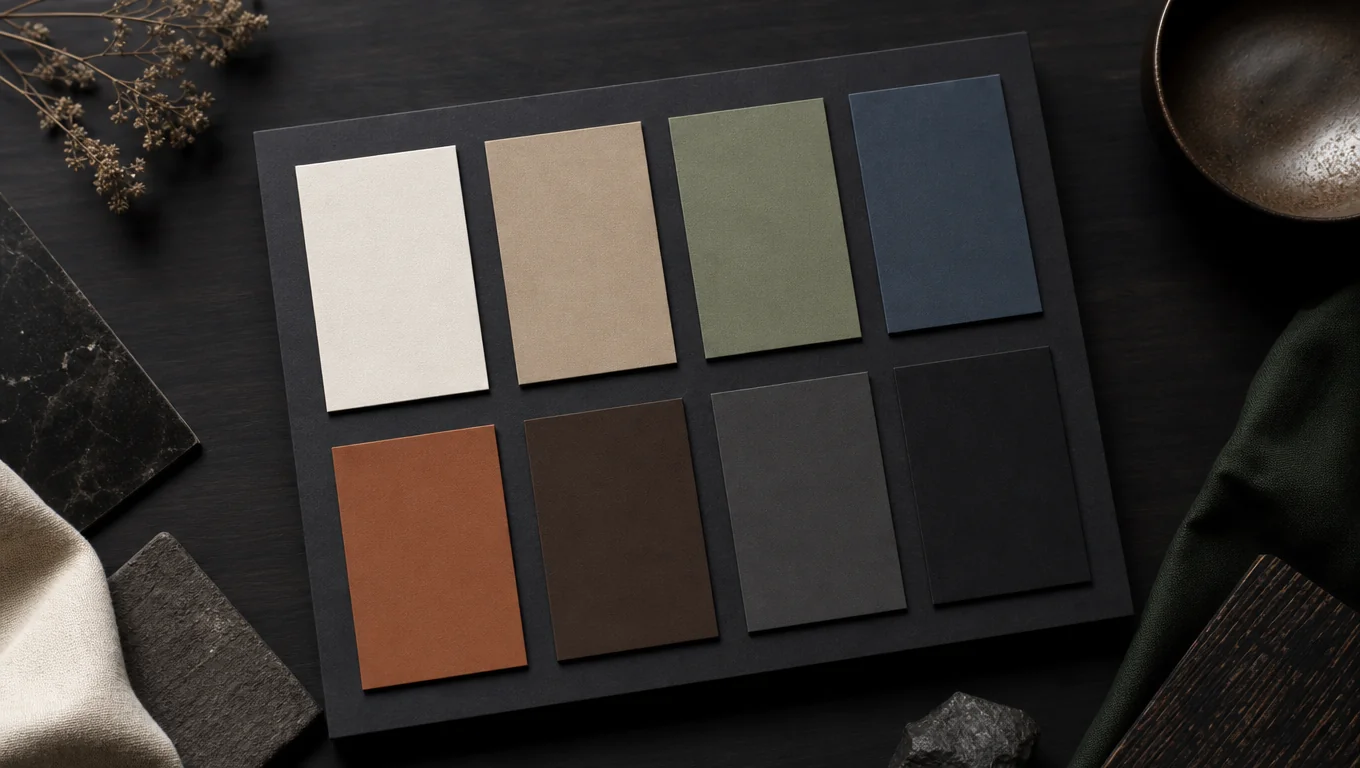
      ImageNodeMore menuExtract Palette
      Clean eight-color palette board generated from a source image

      Default 8-color board

      Every Value, Every Format

      Copy exact hex colors from image output in HEX, RGB, HSL, or CMYK. No manual conversion and no eyedropper guessing between apps.
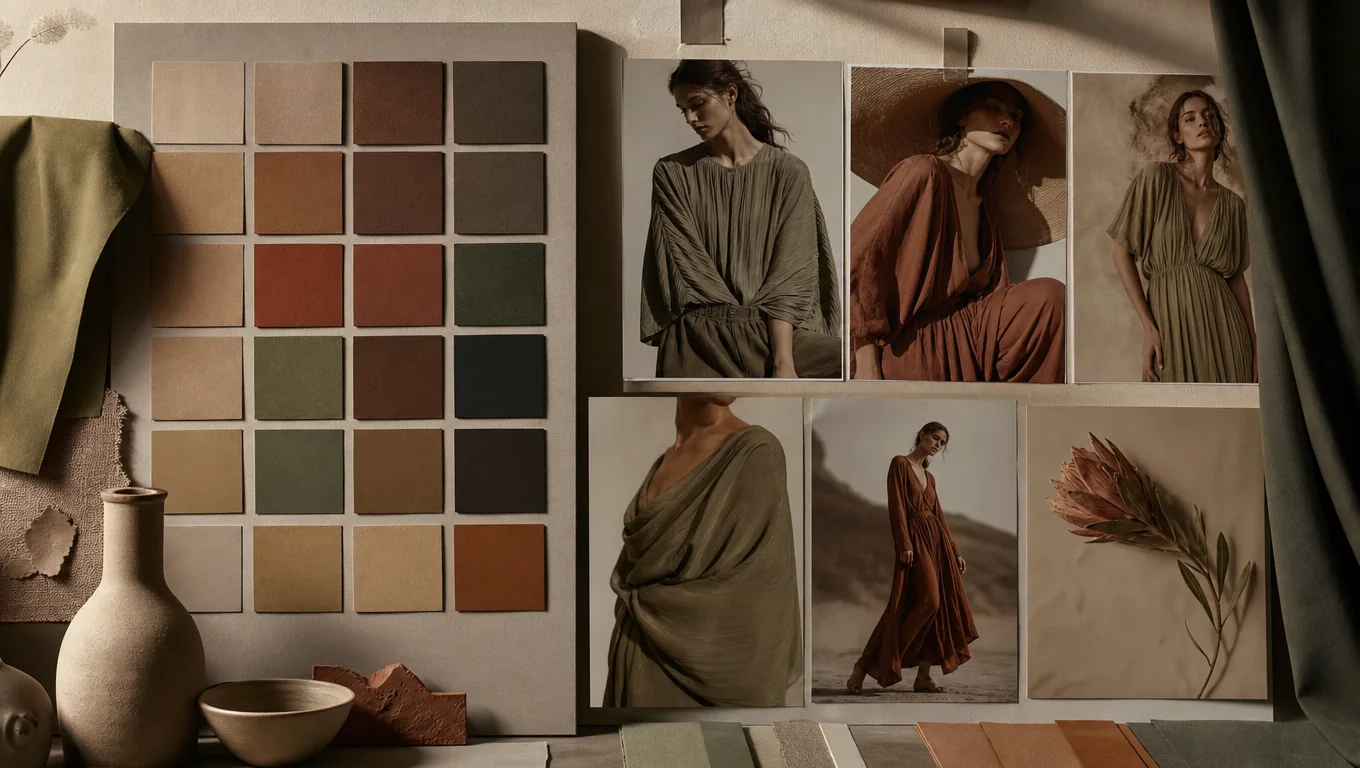
      8 colorsVisual boardProportion strip
      Fine-tuning a color swatch without rebuilding the palette

      Stay in the workflow

      Fine-Tune, Don't Start Over

      Drag any swatch to adjust a shade until it feels right. Small changes stay inside the same palette, so you keep the balance instead of rebuilding it.
      BrandAdsAI style
      Palette board kept beside creatives on Topview Canvas

      Reuse the board

      Palettes That Come Back

      Save each palette and pull it up when you need it again. One image can give you a scheme you reuse for weeks of designs.

      HEXRGBHSLCMYK

      WHO IT IS FOR

      Made for Color-Critical Creative Work

      Use Extract Palette when a real frame should set the color direction for everything that follows.

      1

      Brand & performance marketers

      Lock campaign colors from a hero asset before multiplying variants.

      2

      Design & art directors

      Turn stills into reviewable boards for decks, packaging, and look development.

      3

      AI image & video creators

      Keep a palette reference next to generations for consistent mood.

      4

      Film & storyboard teams

      Sample key frames into boards that travel with the canvas project.

      HOW IT WORKS

      How to Extract Color Palette from Image

      Preview on this page, then finish in Canvas where the palette board lands as an image node.

      1. 01

        Upload the Image

        Drop a photo, a screenshot, or a film frame into the picker and let the tool read the colors in the image.

      2. 02

        Check the Palette

        The tool starts to extract colors from image automatically and shows dominant and accent swatches. Preview them next to your photo to confirm the mood.

      3. 03

        Copy and Save

        Copy the value you need or grab the whole palette in HEX, RGB, HSL, or CMYK. Save it so you can reuse it later without extracting the same image twice.

      Try Extract Palette in Canvas
      MORE AI TOOLS

      Keep building in Topview

      After you lock the palette, continue with image, video, and avatar tools on the same platform.

      AI Ads

      AI Video AgentAI Ads VideoAI Product VideoAI UGC VideoURL to Video

      AI Avatar

      AI Avatar GeneratorProduct AvatarDesign My AvatarAI Lip Sync

      AI Video

      AI Video GeneratorAI Video Body SwapAI Video UpscalerAI Video Watermark RemoverAI Motion ControlURL to Video

      AI Image

      AI Image GeneratorAI Face SwapAI Image Character SwapAI Image UpscalerAI InpaintAI Image Text EditorPhoto Angle EditorAI RelightingAI Product PhotographyAI Virtual Try-OnAI Storyboard Generator

      AI Voice

      VoiceoverAI Voice CloningAI Music Generator

      Extract Color Palette FAQ

      Upload the image, and the tool extracts dominant and accent colors in seconds. You see swatches with their color values and can copy them straight into your project.

      Each swatch comes with HEX, RGB, HSL, and CMYK values. Pick the format your design tool expects and copy it directly.

      Yes. Drop in a frame from a film and pull the palette from the scene the same way you would from any photo, so you can match the mood of a shot.

      Yes. Drag any swatch to fine-tune the shade until it fits. The palette stays together while you adjust it.

      Yes, save the palette and come back to it. Reuse it across future designs without extracting the same image twice.

      No. Copy the color values and use them in any tool that accepts HEX, RGB, HSL, or CMYK, from presentation decks to video editors.

      Those tools are great for HEX exploration. Topview keeps the palette board on the same canvas as your creatives and AI workflow so the color direction stays attached to the project.

      The Hero uses a lightweight on-page extract for instant feedback. Opening Canvas runs the full Extract Palette pipeline and creates the official palette board node.

      Make a Palette You Will Actually Reuse

      Create color palette from image in seconds using a photo or film still you already have. Copy the values once, then reuse the look in your next designs.

      Try Free