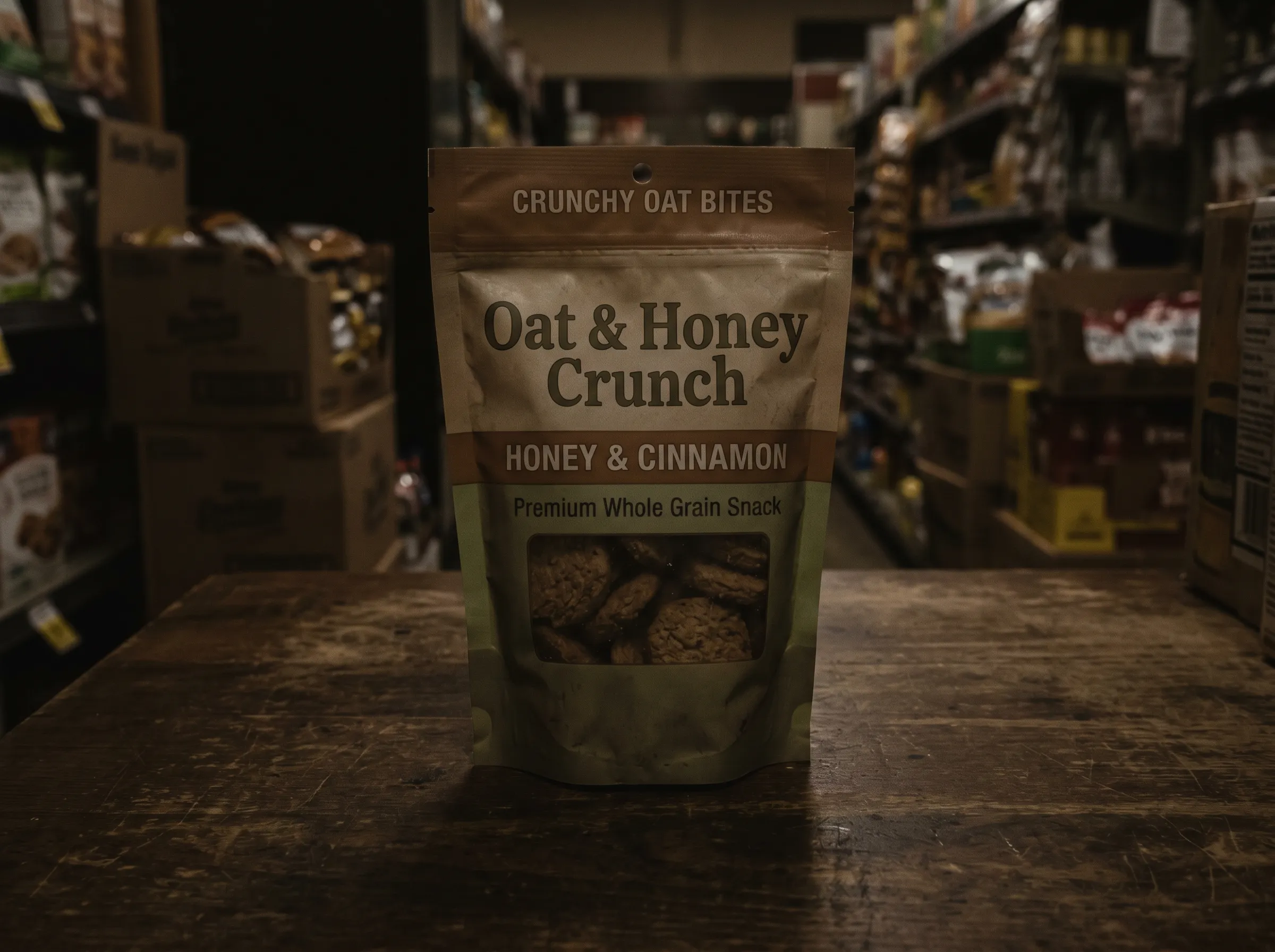

Relight Photos in Flat Light
A photo taken indoors can look dead. Relight it with a new light direction and watch depth and mood come back in seconds.
Upload a photo or clip and point the light where it belongs. Relight AI fixes flat or backlit shots and sets the mood in seconds — no studio setup.
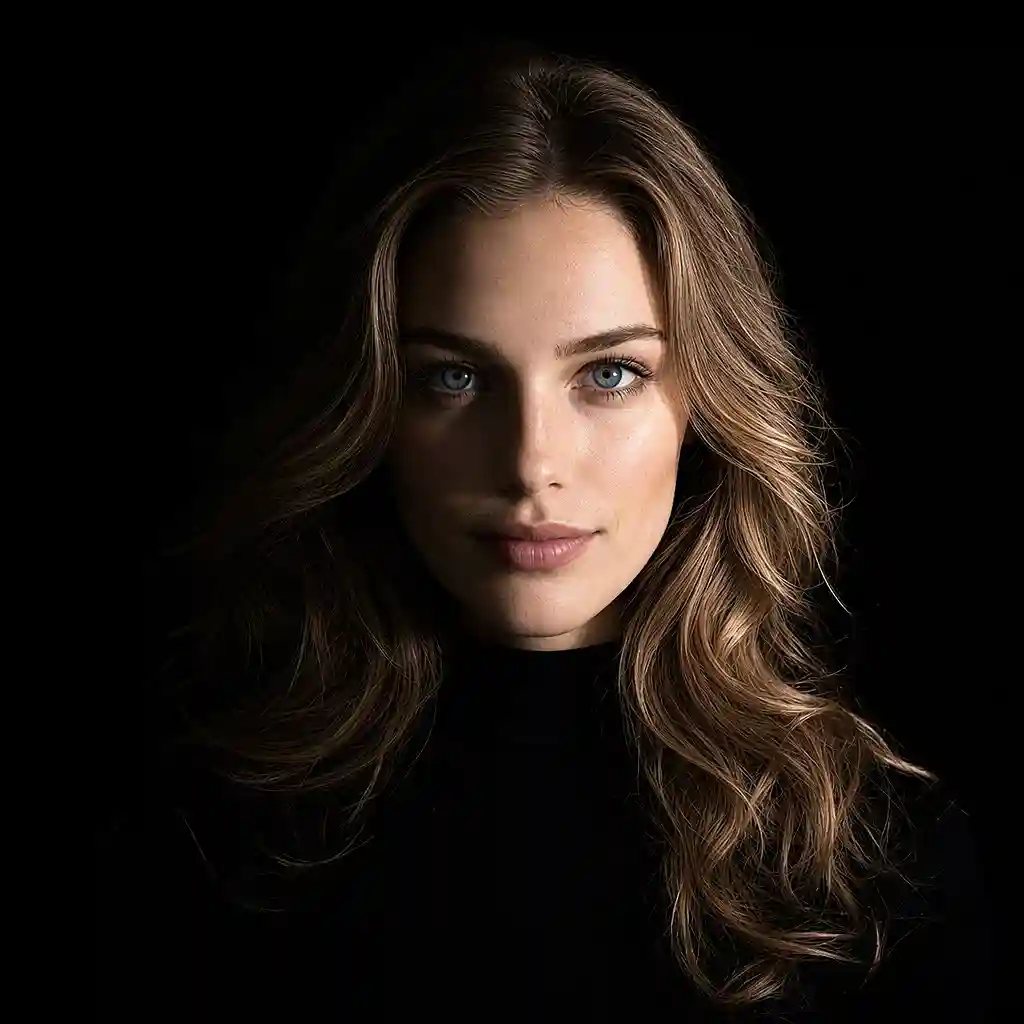
BEFORE VS AFTER
Preview how AI relighting improves portraits, interiors, product shots, and more with more intentional light.
A photo taken indoors can look dead. Relight it with a new light direction and watch depth and mood come back in seconds.
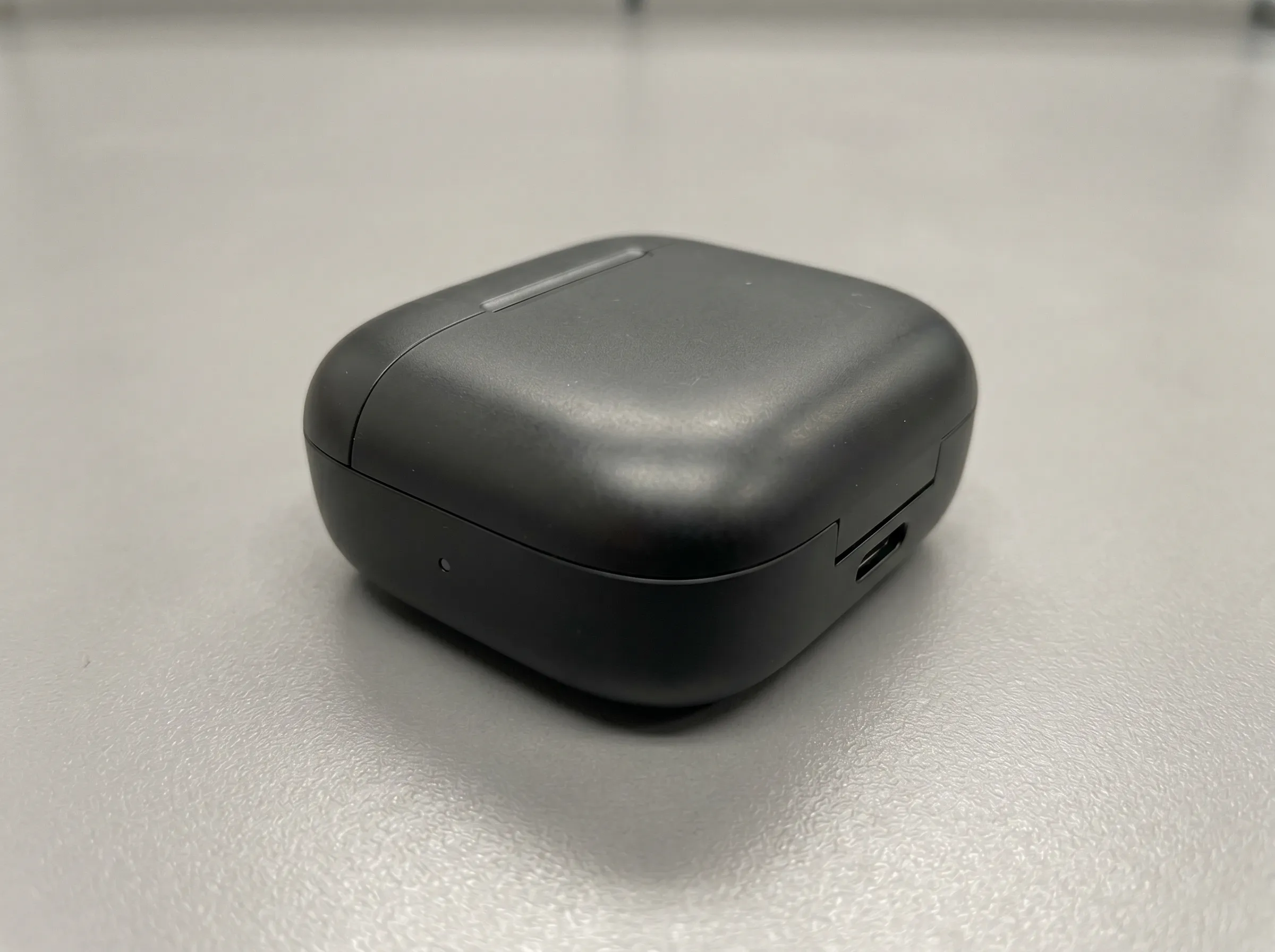
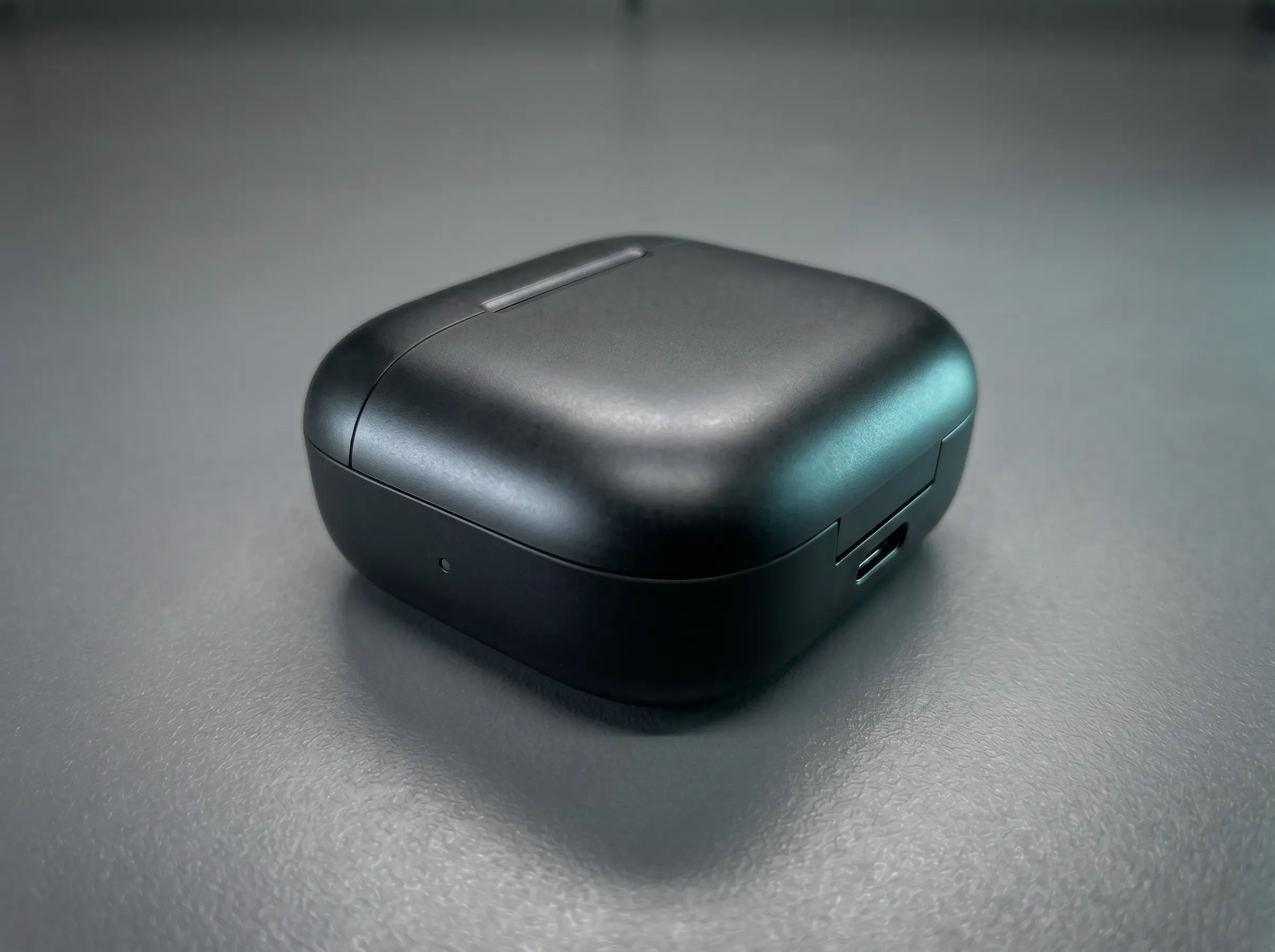
Backlit faces hide in shadow. Drag the light so faces read clearly, then export the shot you intended to take.
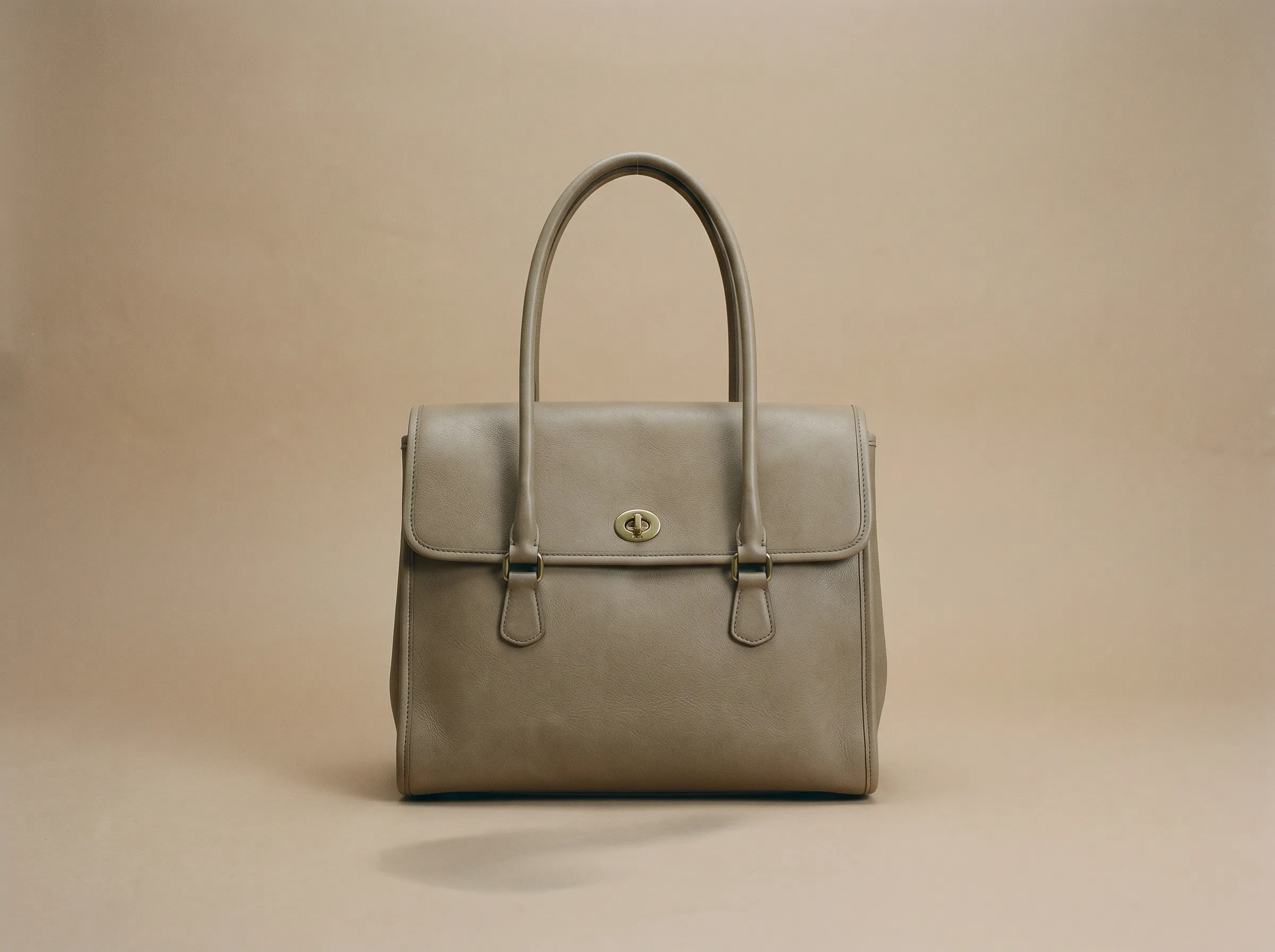
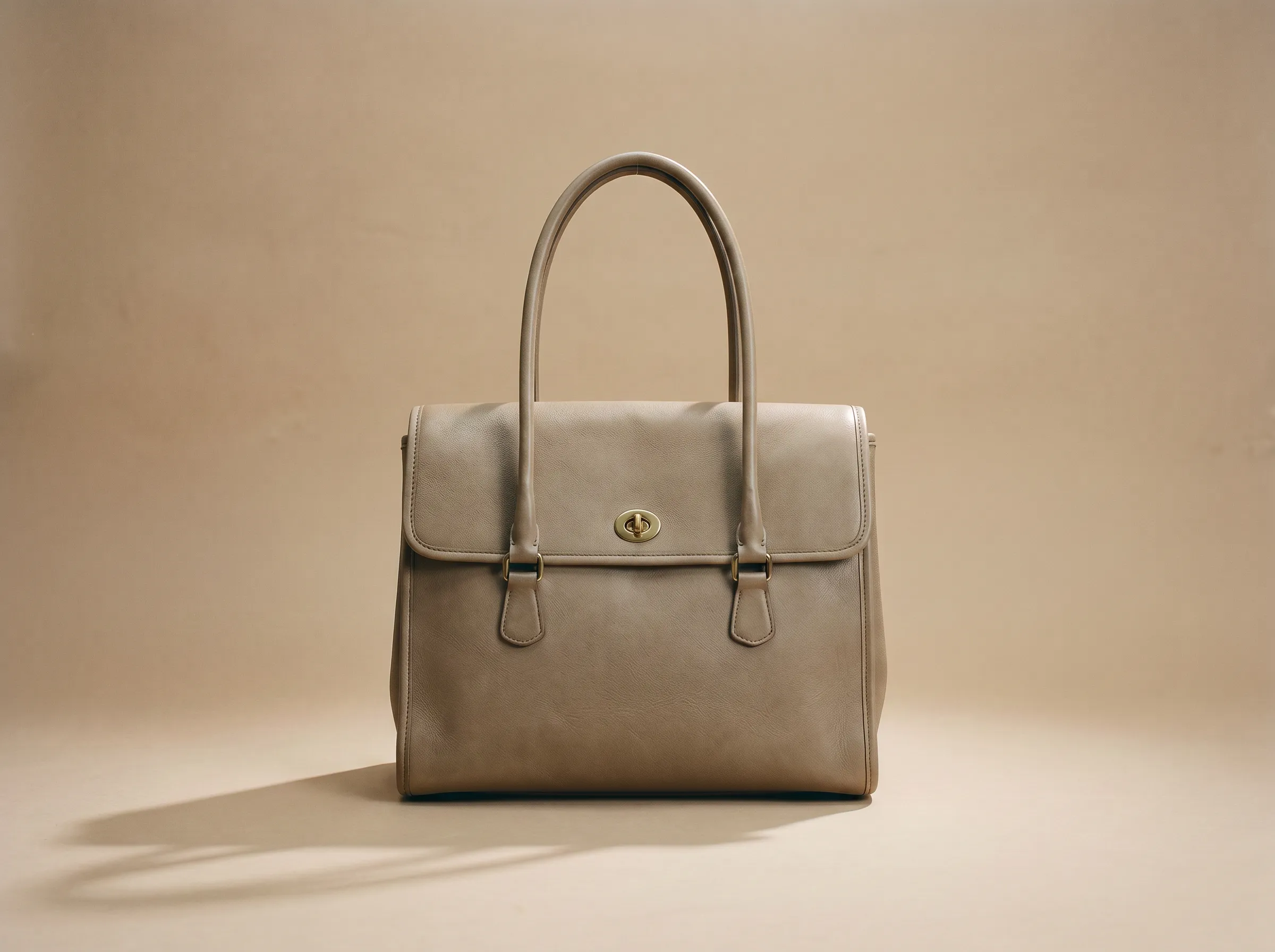
Change light and atmosphere on a portrait, a product shot, or a clip. The subject stays recognizable and natural.
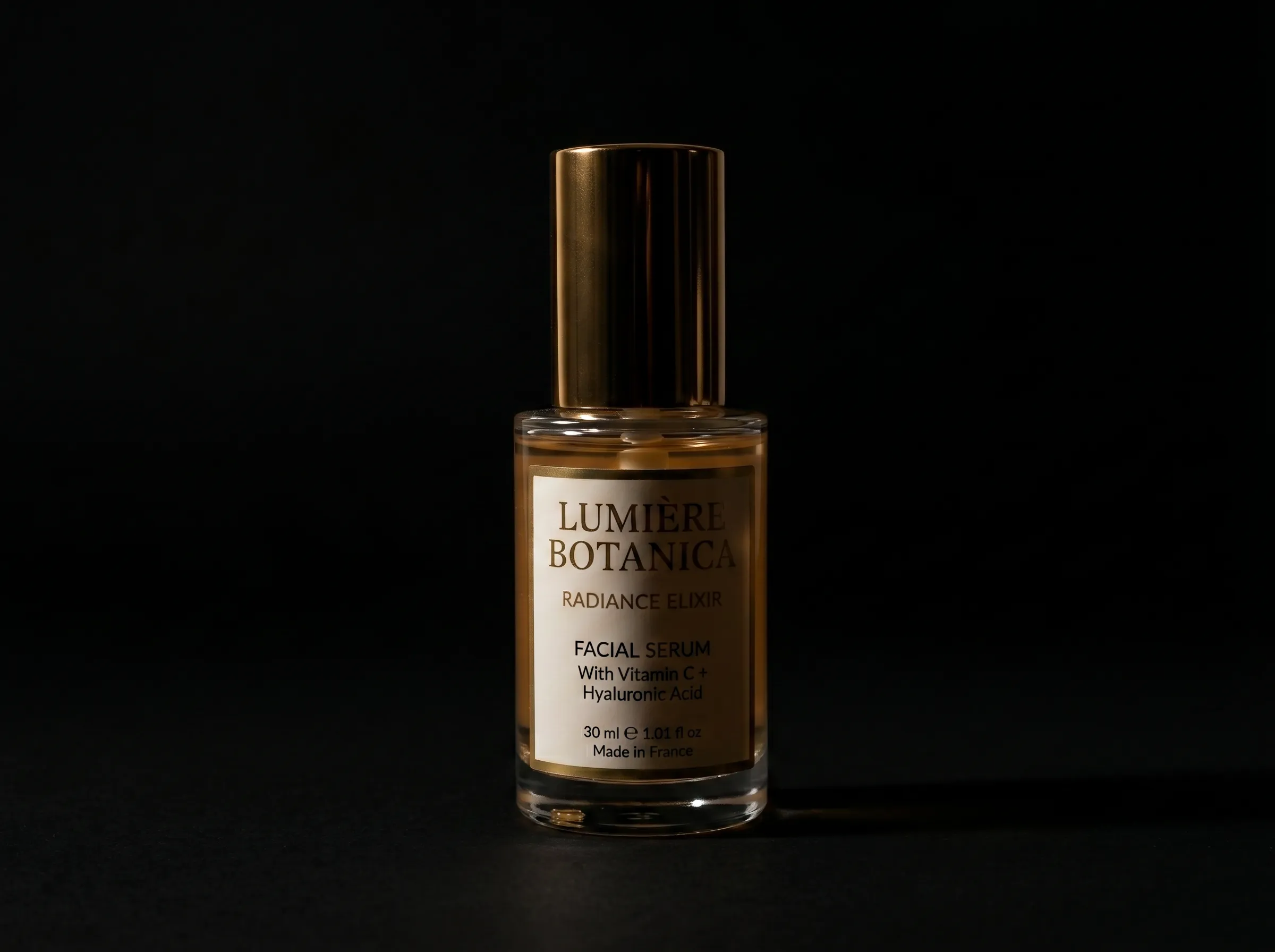
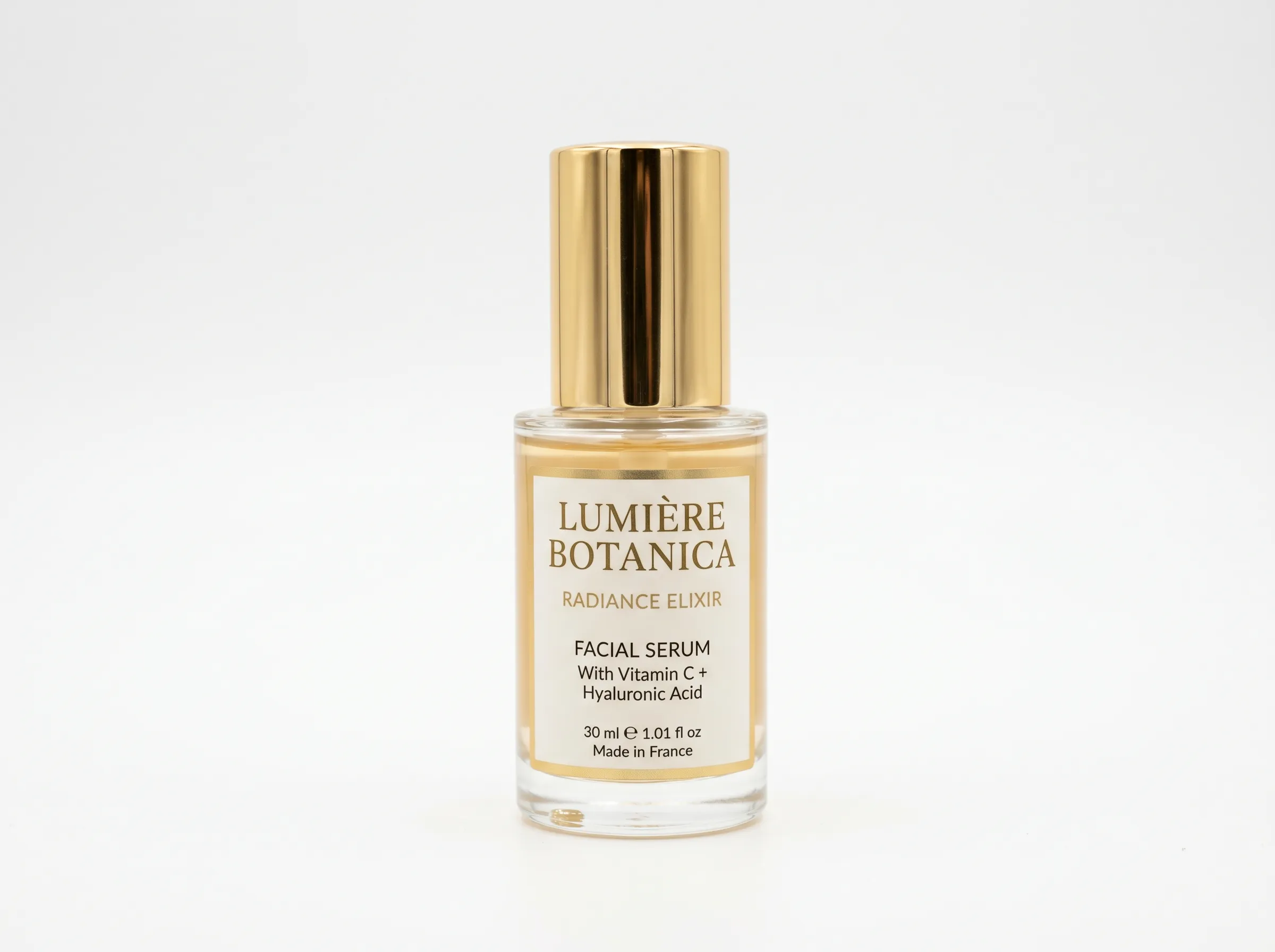
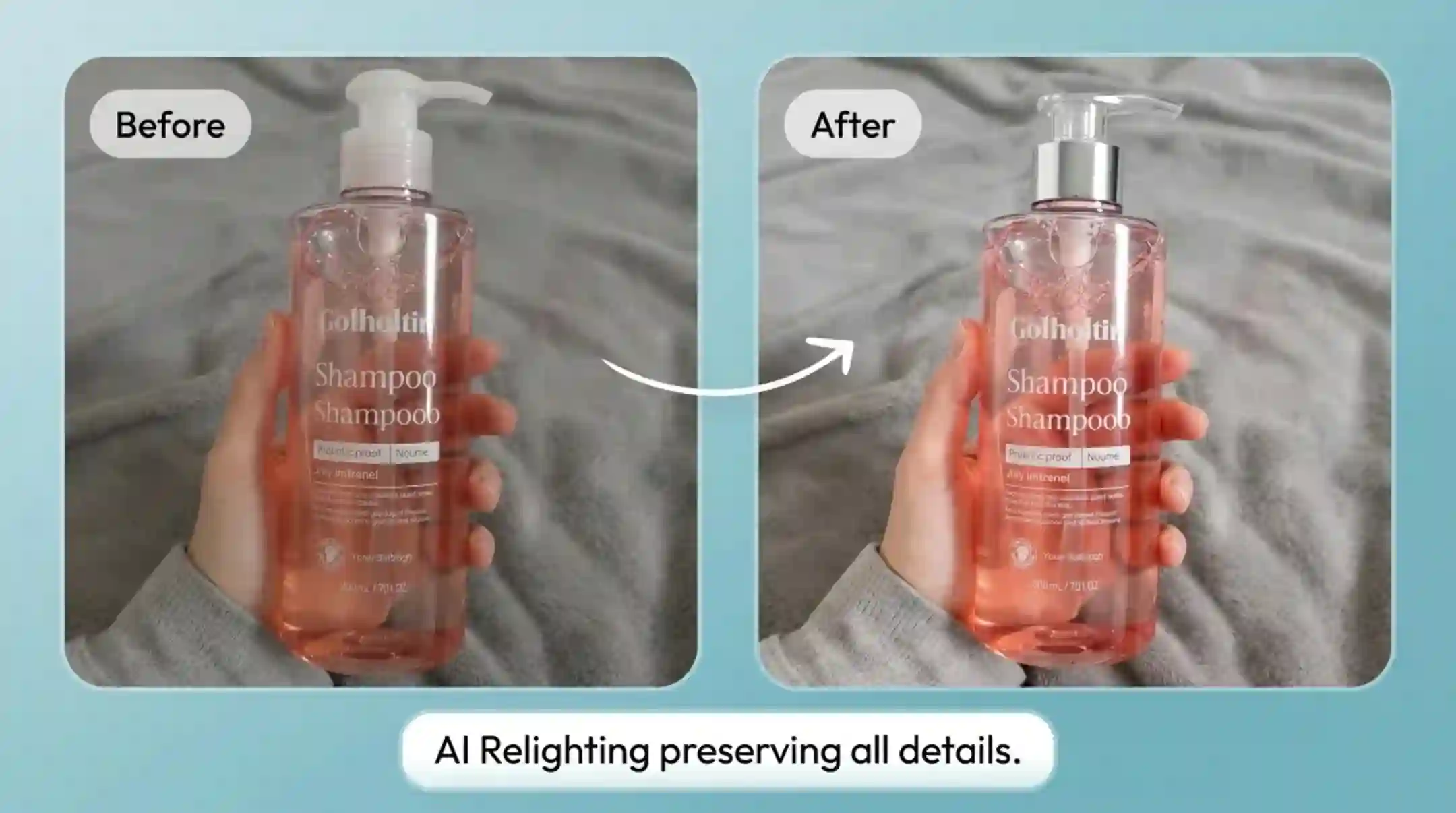
Low depth and weak product contours → Sharper edges with premium studio shading
AI relighting changes the lighting of an existing photo without a new photoshoot. It analyzes the image, then lets you adjust light direction, brightness, color temperature, and shadows to create a more balanced, natural, or studio-style result. It can also help fix backlit, low-light, and flat-looking photos.
AI RELIGHTING FEATURES
Adjust existing photo lighting with AI controls for direction, brightness, color, shadows, presets, and browser-based relighting.
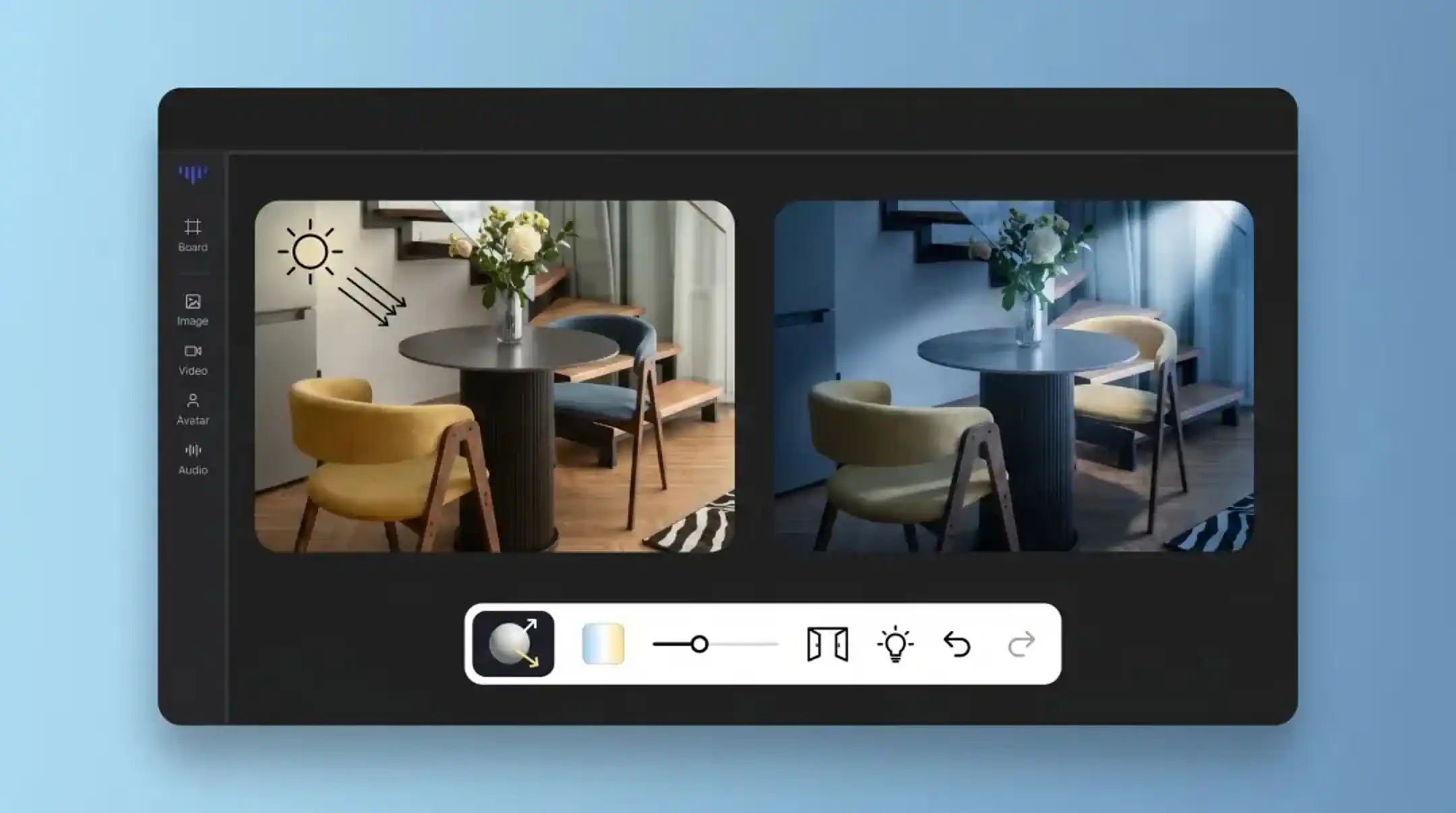
Feature 01
Relight clips the same way you edit a still: move the light, watch it update, keep the subject natural. Set the mood once and preview before you export.
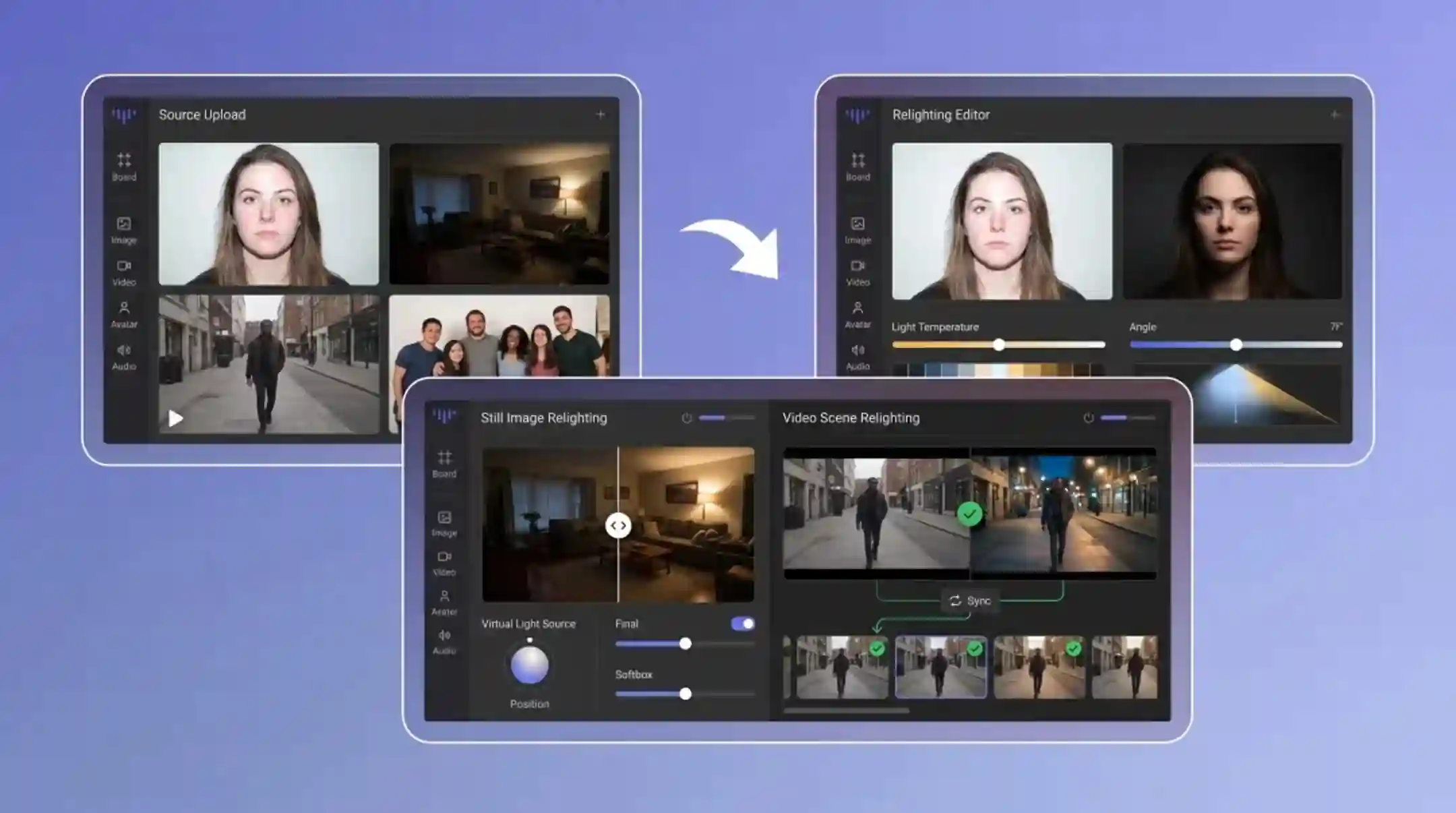
Feature 02
No softboxes, no reflectors, no reshoot. Upload a dark or backlit frame and add clean, natural light in seconds from your browser.
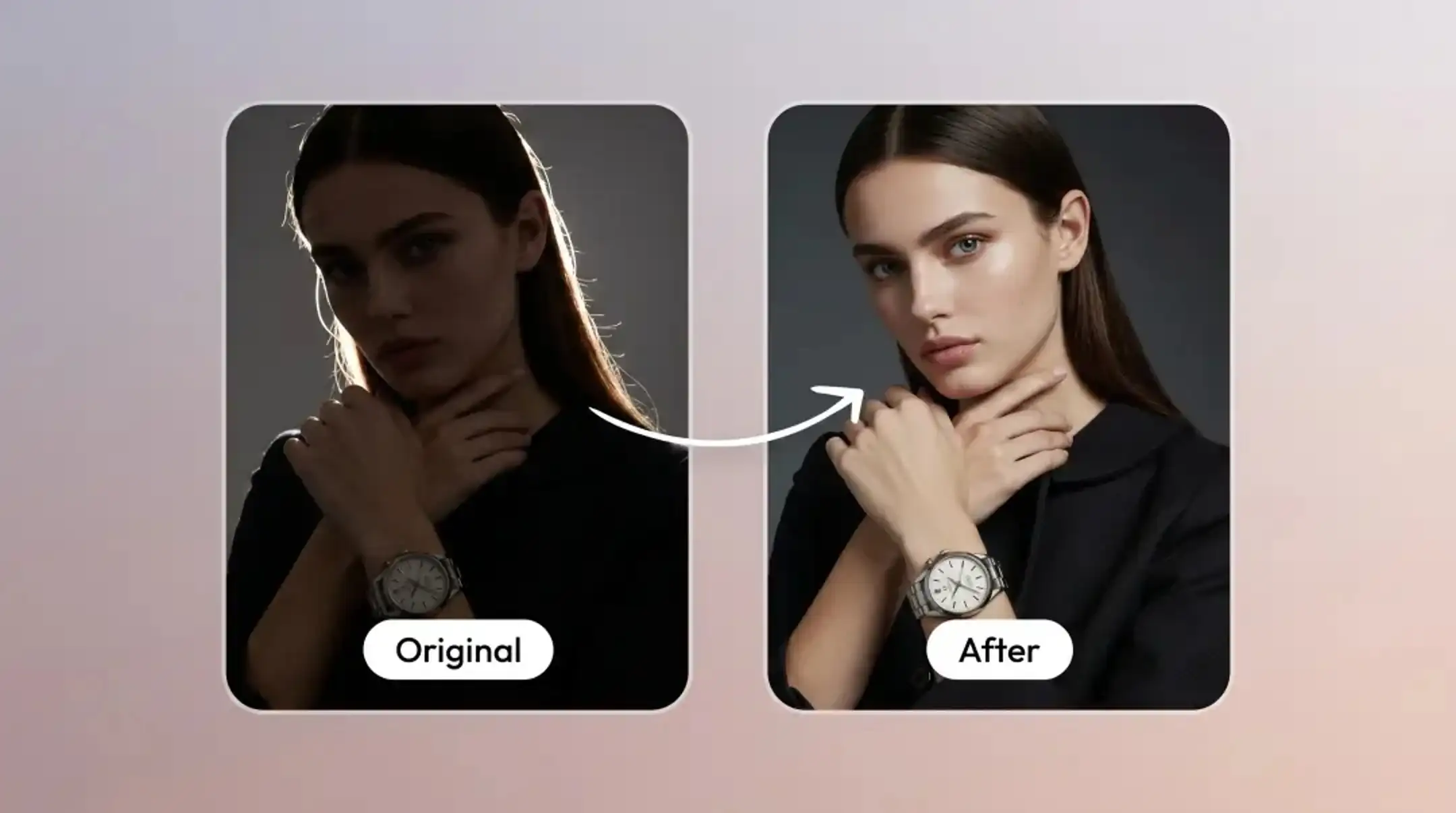
Feature 03
Change where light comes from instead of brightening the whole image. Relight adjusts direction and intensity while faces and details stay natural.
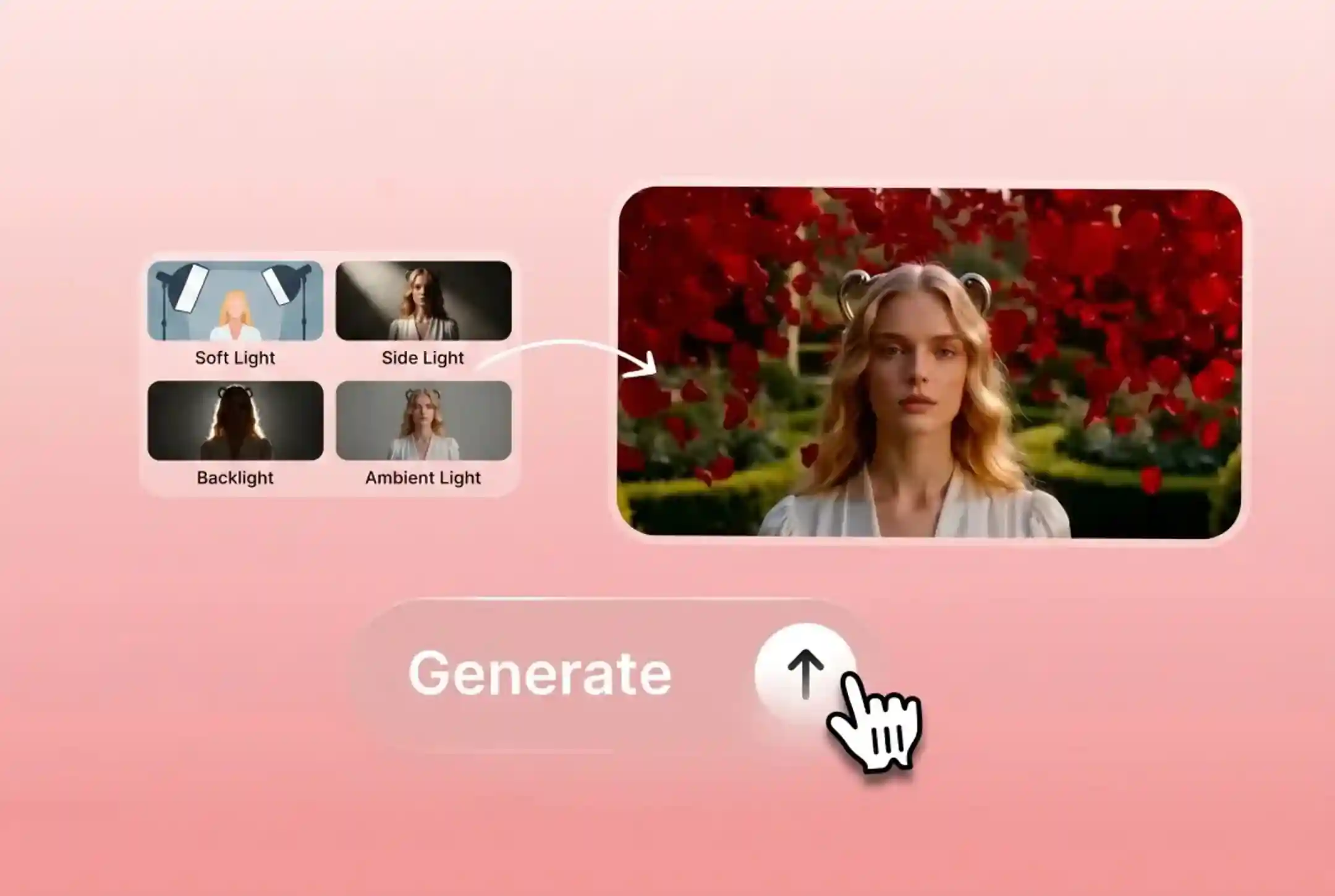
Feature 04
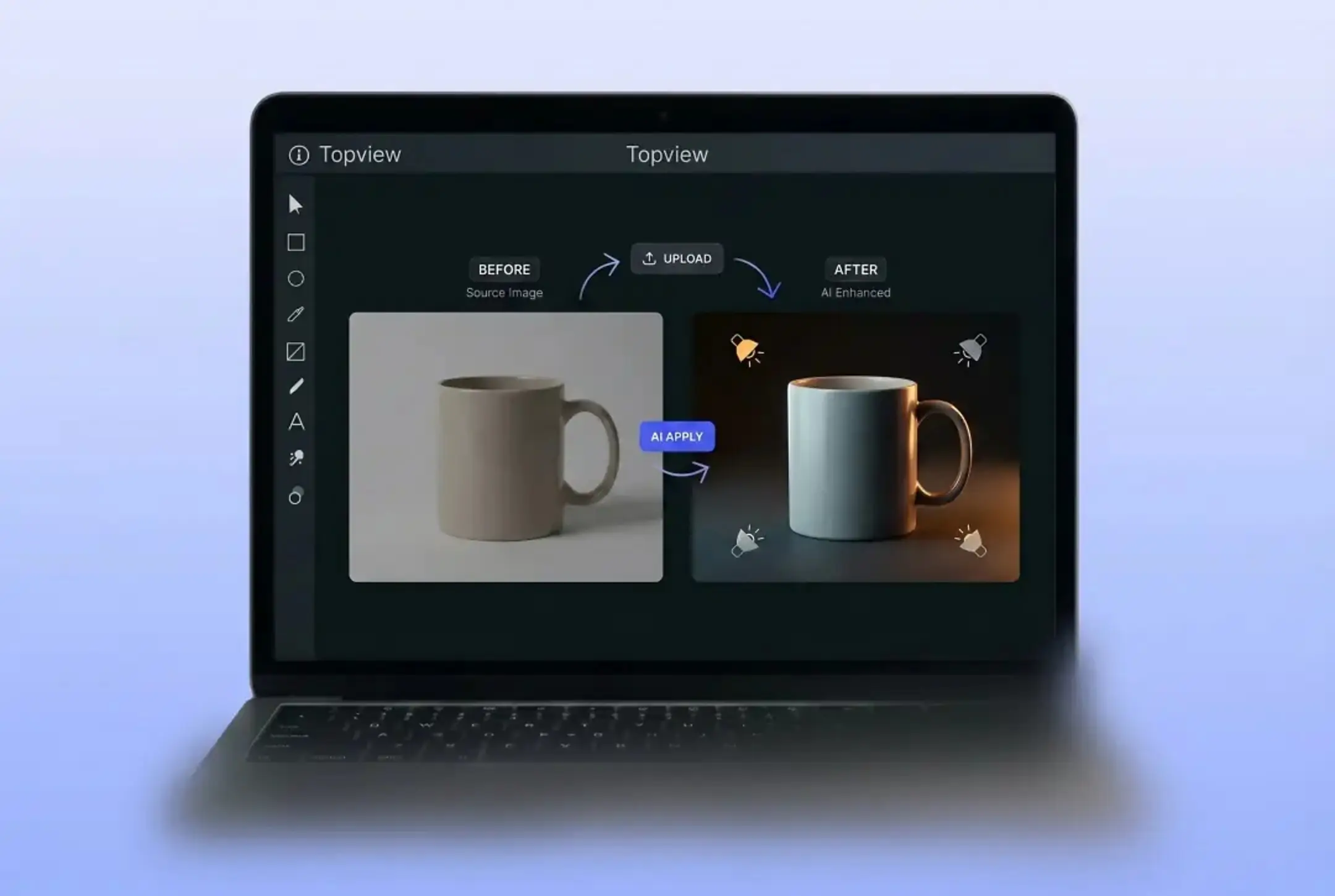
Apply soft light, side light, backlight, ambient light, and other studio-style presets in one click.
Feature 05
Keep edges, skin, fabric, product surfaces, and natural textures clear while changing the light.
Feature 06
Upload a photo and adjust the lighting in your browser without professional studio equipment or advanced photography skills.
WHO NEEDS AI RELIGHTING?
From product photography to portrait enhancement, AI relighting serves every visual workflow.
Unify product image lighting across your entire catalog without reshooting. Save on photography costs while maintaining studio quality.
Fix backlit selfies and dimly-lit indoor photos. Get studio-quality portrait lighting without the studio.
Enhance your Instagram, Pinterest, and social media photos with professional lighting. Make every post look polished and on-brand.
Make room photos brighter and more inviting. Enhance property listings with better lighting for higher engagement.
HOW IT WORKS
Transform your lighting in three simple steps — no professional equipment required.
Drop in a still image or a short video where the light is wrong.
Drag the light direction or pick a mood, and preview the relit result live.
When the light looks right, download the relit photo or clip and move on.
Explore Topview's complete suite of AI tools for ads, avatars, video, image, and voice workflows.
STUDIO LIGHT IN ONE CLICK
Try Relight AI on a photo or video you were about to delete. Change light direction and mood in seconds, then export the shot you meant to take.
Try Free