Topview
    • MCP/Skill
    • Plugin
    • API
    • Pricing
    1. Home
    2. Image Face Swap

    AI Ads

    AI Video AgentAI Ads VideoAI Product VideoAI UGC VideoURL to Video

    AI Avatar

    AI Avatar GeneratorProduct AvatarDesign My AvatarAI Lip Sync

    AI Video

    AI Video GeneratorDrama StudioAI Video Body SwapAI Video UpscalerAI Video Watermark RemoverTikTok Watermark RemoverSora Watermark RemoverSubtitle RemoverAI Motion ControlAI Lip SyncURL to Video

    AI Image

    AI Image GeneratorAI Face SwapAI Image Character SwapAI Image UpscalerAI InpaintAI Image Text EditorPhoto Angle EditorAI RelightingAI Product PhotographyAI Virtual Try-OnAI Storyboard GeneratorExtract Color PaletteImage to Prompt

    AI Voice

    VoiceoverAI Voice CloningAI Music Generator

    3D

    3D World Generator3D Shot Composer

    Use Cases

    AdvertisingAffiliate MarketingEcommerceDTC BrandsAI Live Stream

    Resources

    BlogAffiliate ProgramLearning CenterAlternativeAPI

    Company

    Topview StudioPrivacy PolicyTerms
    Topview

    © 2026 TOPVIEW PTE. LTD.

    Singapore: 20 Collyer Quay #20-03, Singapore 049319
    Los Angeles: 15970 Los Serranos CC Dr #251, Chino Hills, CA 91709

    AI Face Swap Online: Create Realistic Face Swap Photos

    Swap a face in a photo online while keeping facial details, lighting, skin tone, expression, and the target image natural. Start with free credits.

    AI Image Face Swap

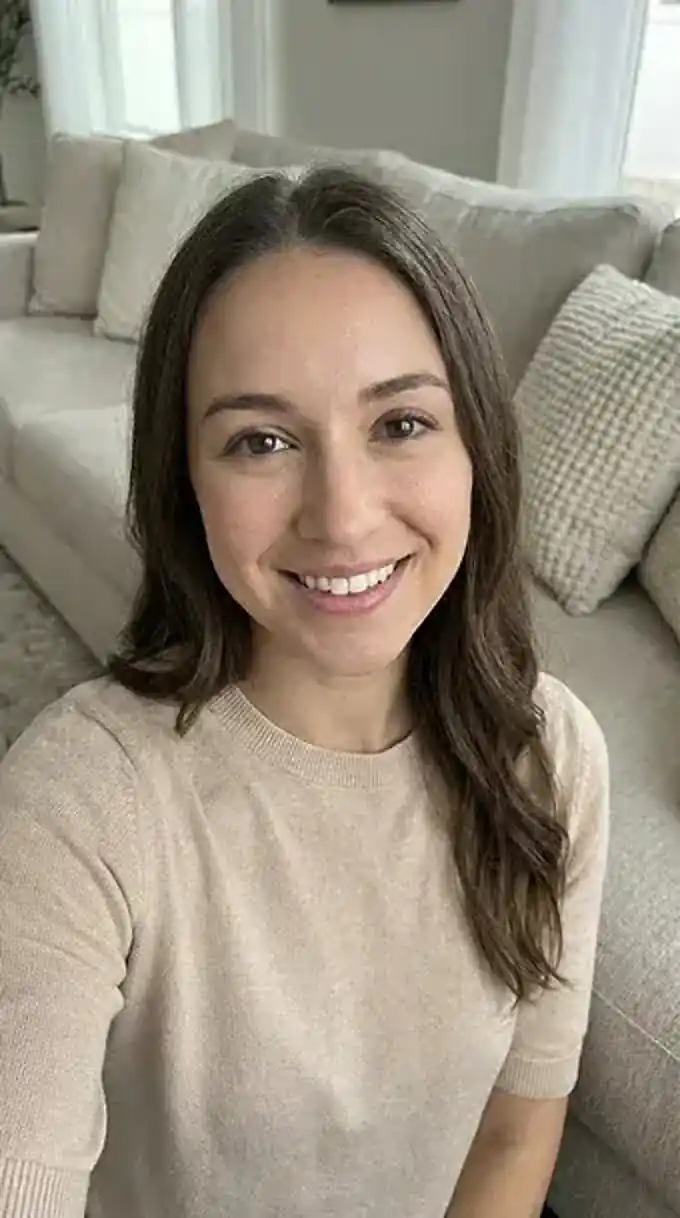
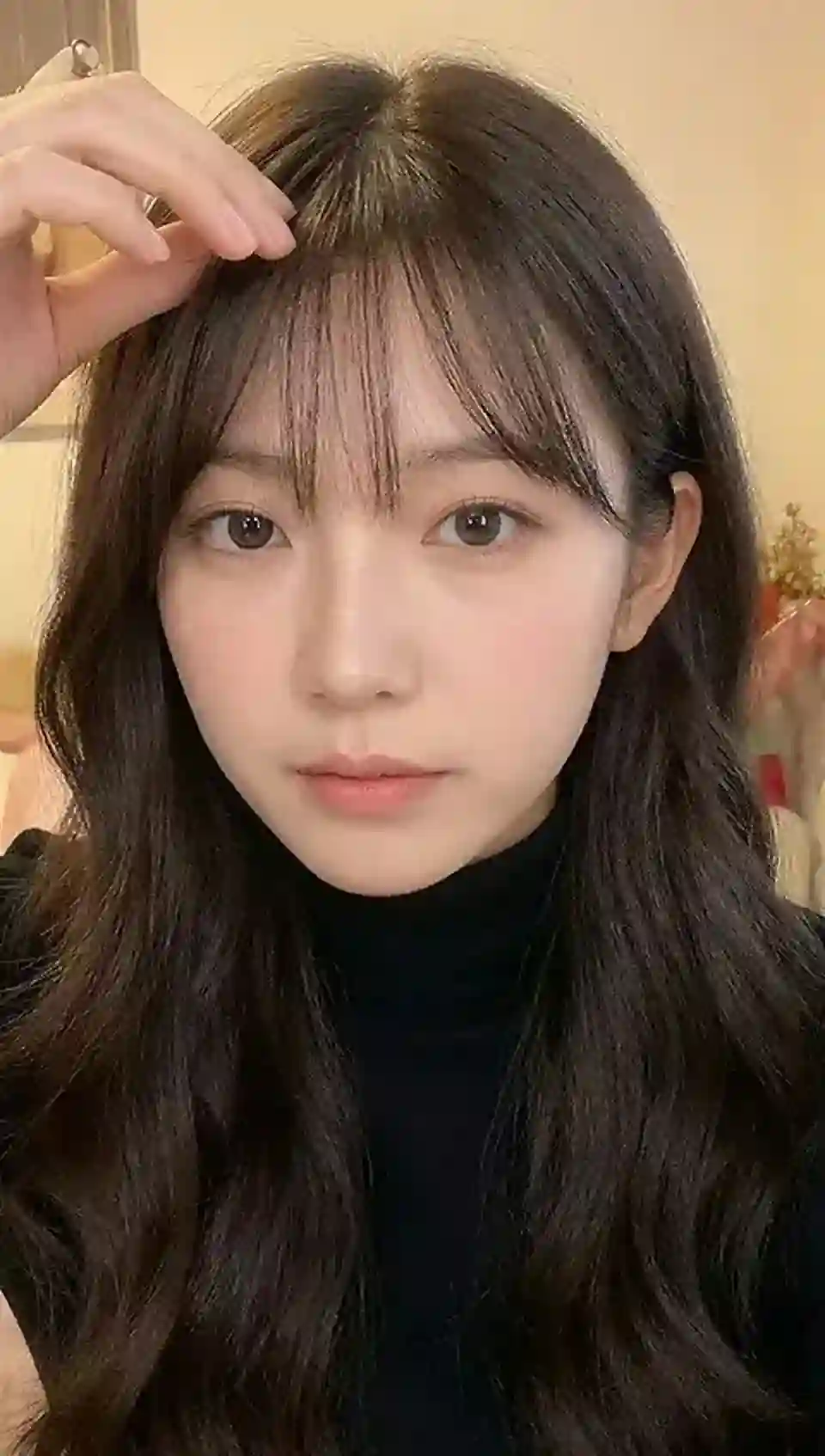
    Your target image

    Your face image
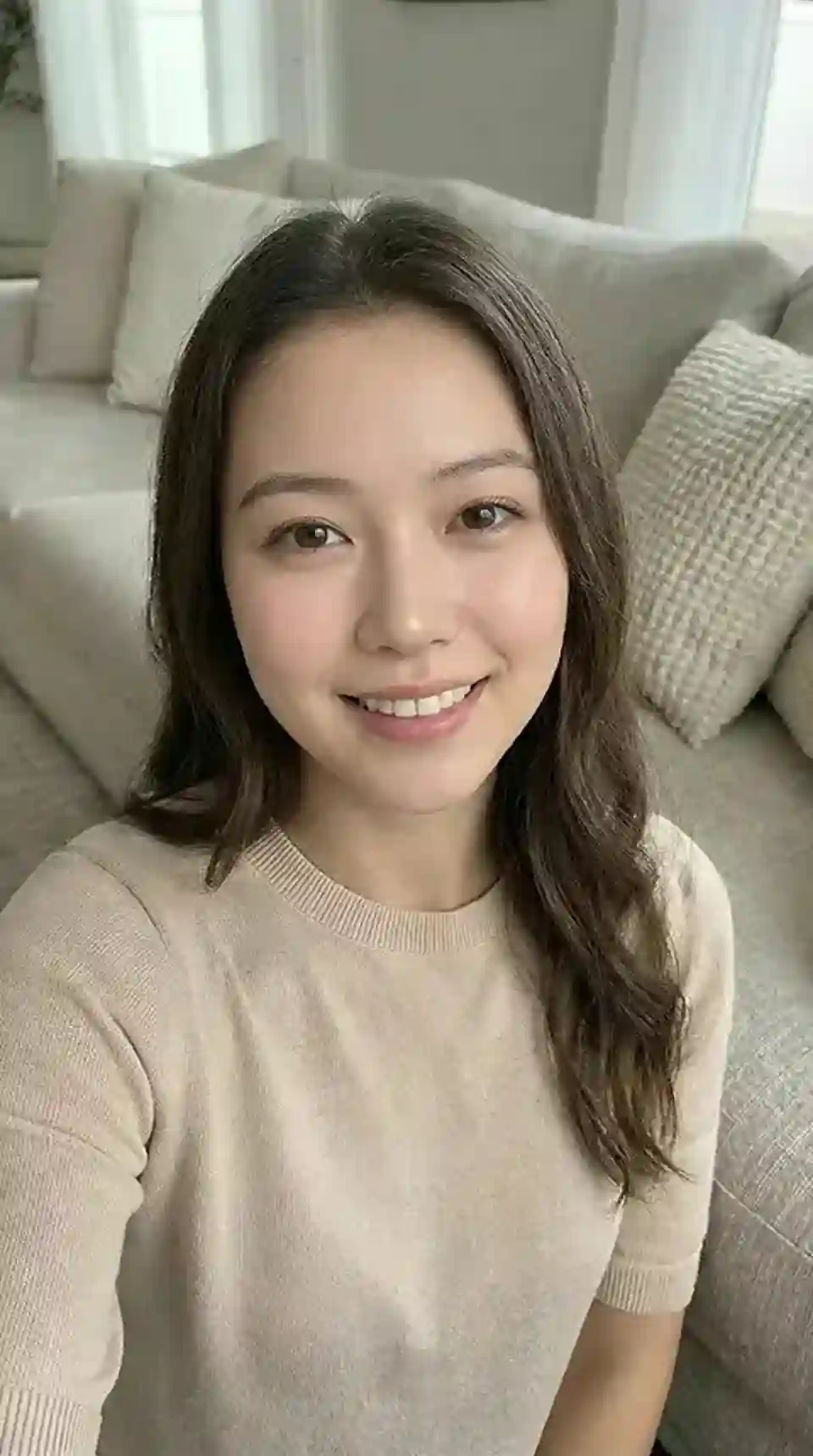
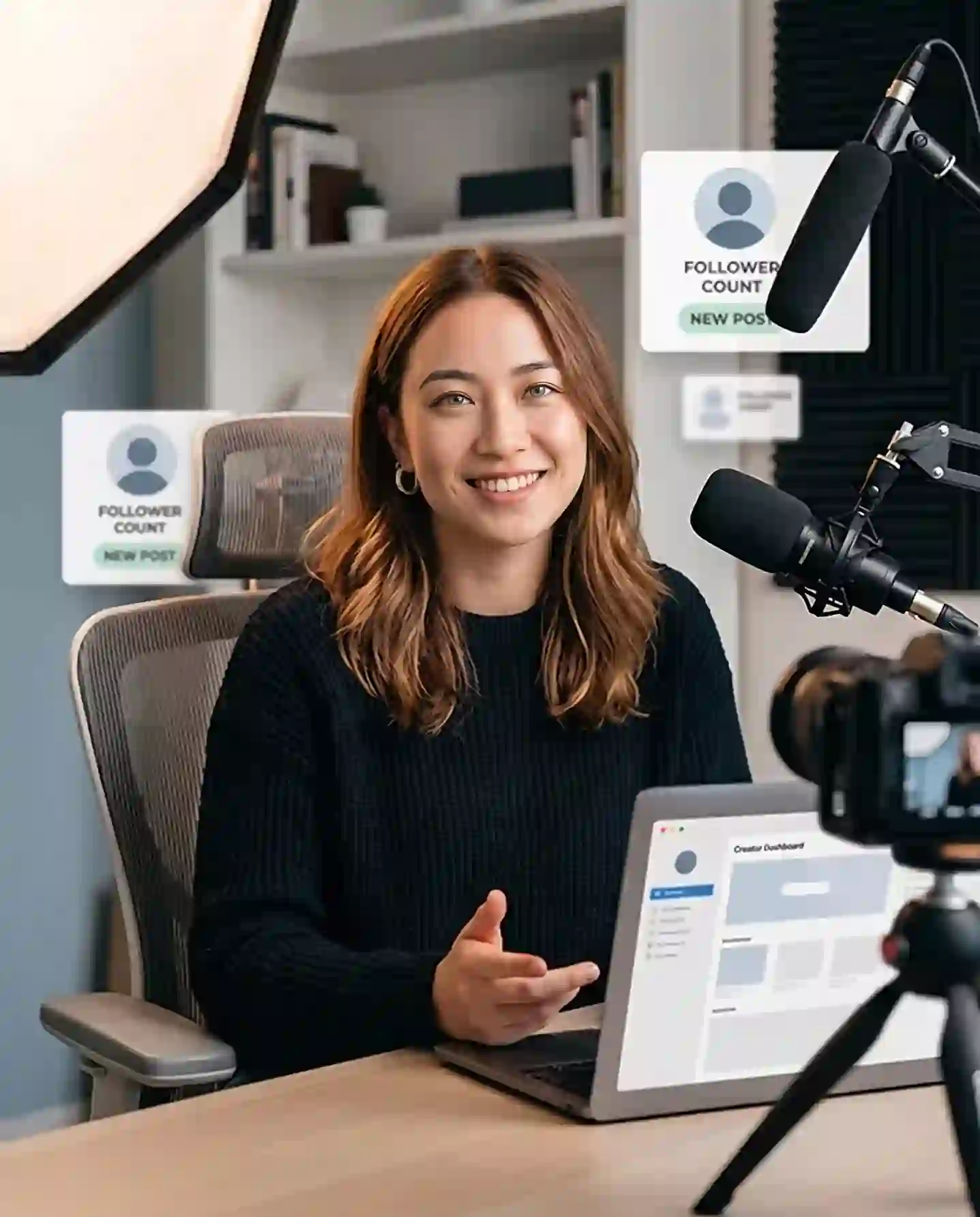
    AI face swap result preview
    Example target scene for AI face swap
    Example face reference for AI face swap

    Image Face Swap — Create Realistic Face Swaps in Seconds

    Place one face into another image and let AI match facial details, lighting, skin tone, expression, and the natural look of the target photo.

    Use it to create profile pictures, social posts, memes, ecommerce model images, ad concepts, creator mockups, and localized campaign visuals without Photoshop or manual editing.

    Realistic AI Photo Face Swap

    Match facial structure, skin tone, lighting, and expression so the swapped face looks natural in the target image.

    No Photoshop Needed

    Skip manual masking, cutting, retouching, and color matching.

    Face Swap in Seconds

    Turn a face image and a target photo into a polished result quickly for social, creative, and marketing use.

    Start With Free Credits

    Test the AI face swap result first before deciding whether you need more generation capacity.

    USE CASES

    Face Swap Use Cases

    From social content to ecommerce and ad campaigns, see where AI face swap helps you create faster.
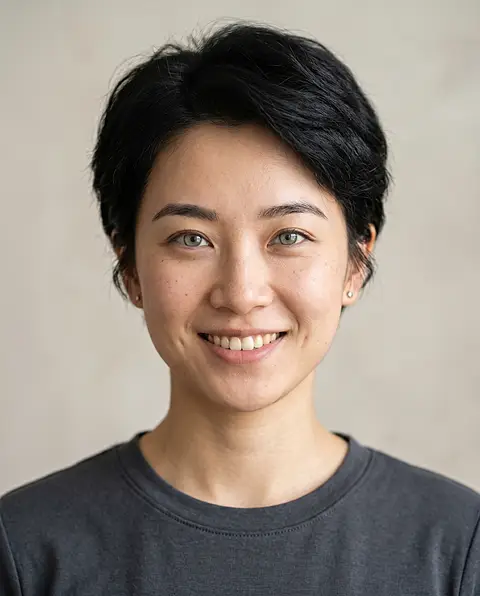
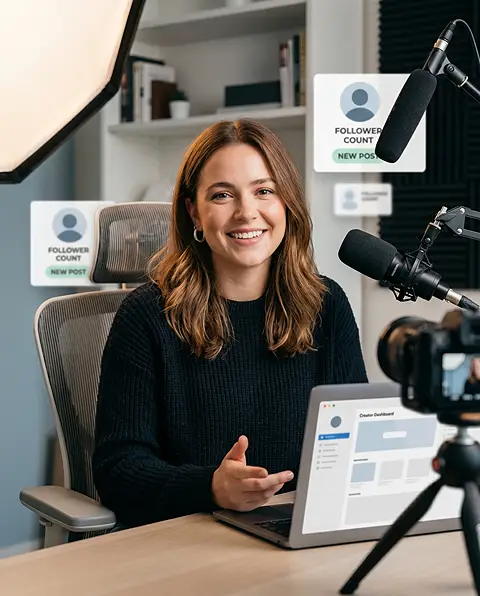
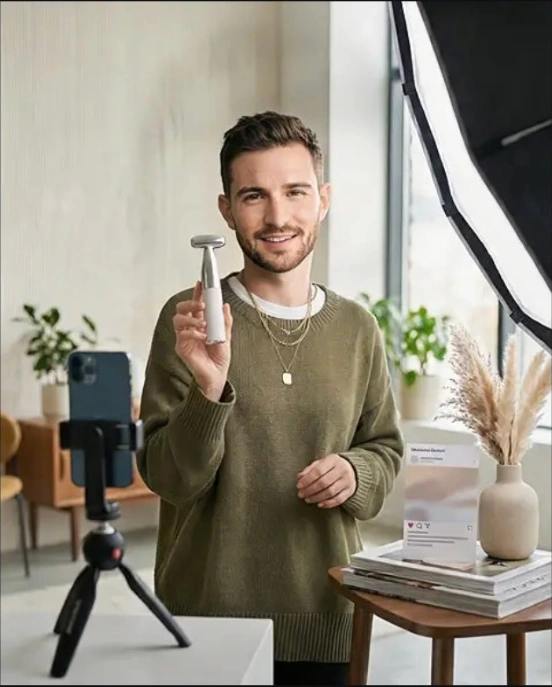
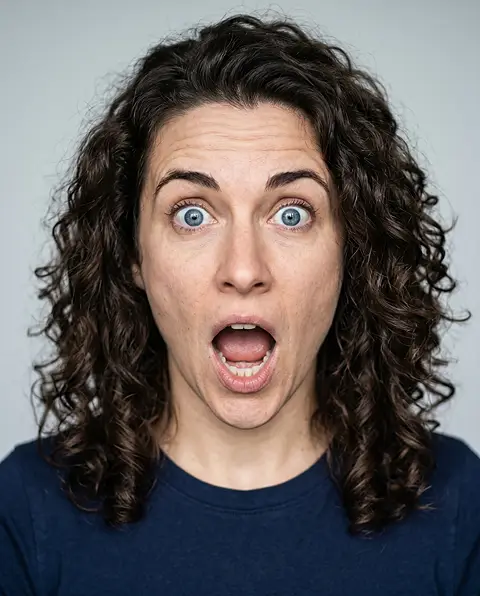
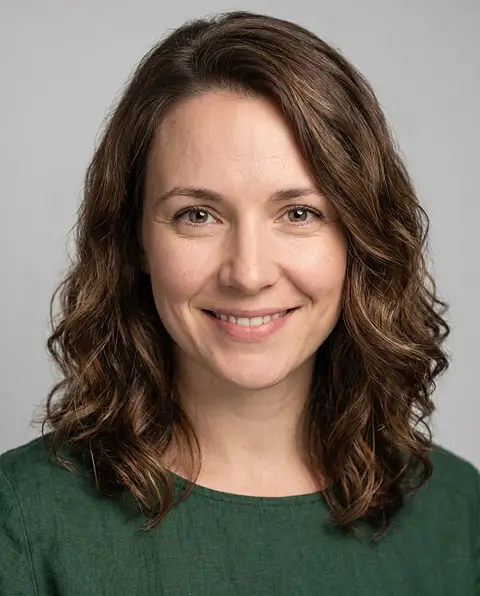
    Creator Profile Images face
    Creator Profile Images target
    Creator Profile Images result

    Creator Profile Images

    Create profile pictures, creator avatars, and social media icons that feel more polished, expressive, or on-brand.

    See more
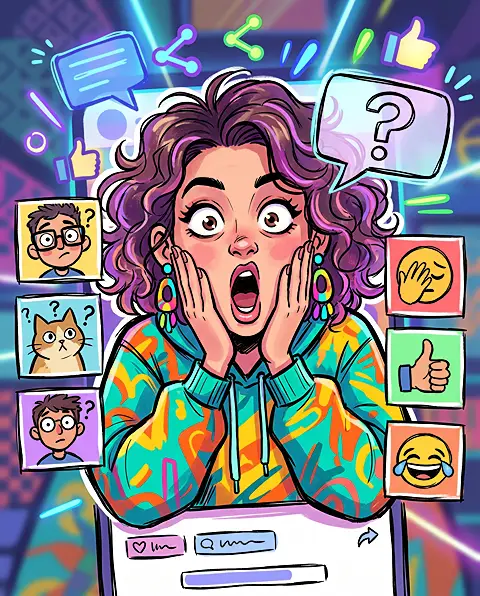
    Meme and Pop Culture Edits face
    Meme and Pop Culture Edits target
    Meme and Pop Culture Edits result

    Meme and Pop Culture Edits

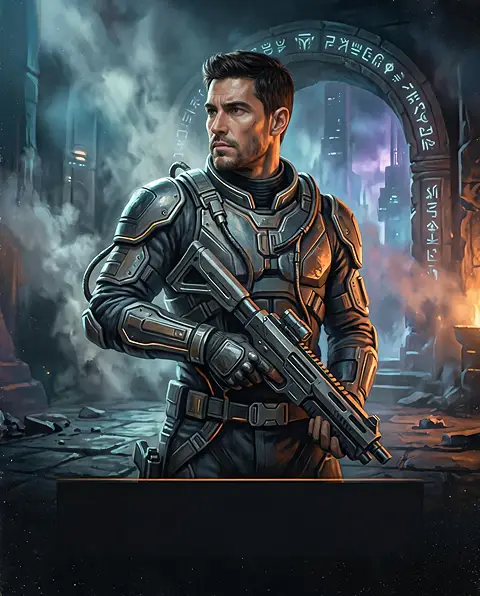
    Put faces into meme formats, reaction images, movie-style scenes, character looks, or playful parody images for social sharing.

    See more
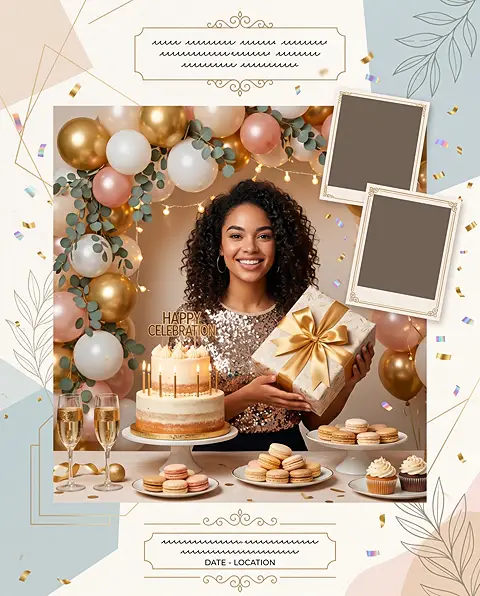
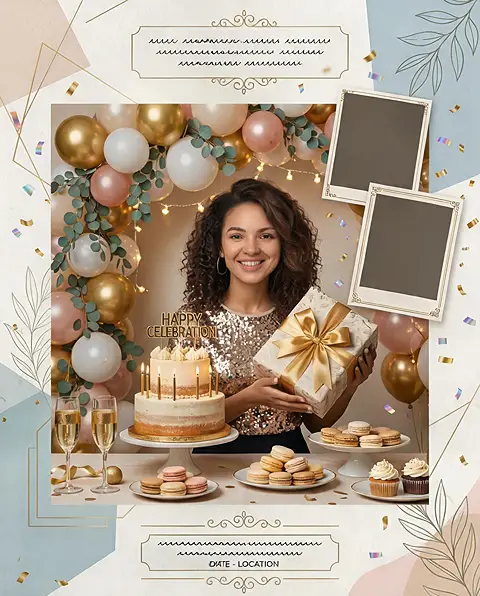
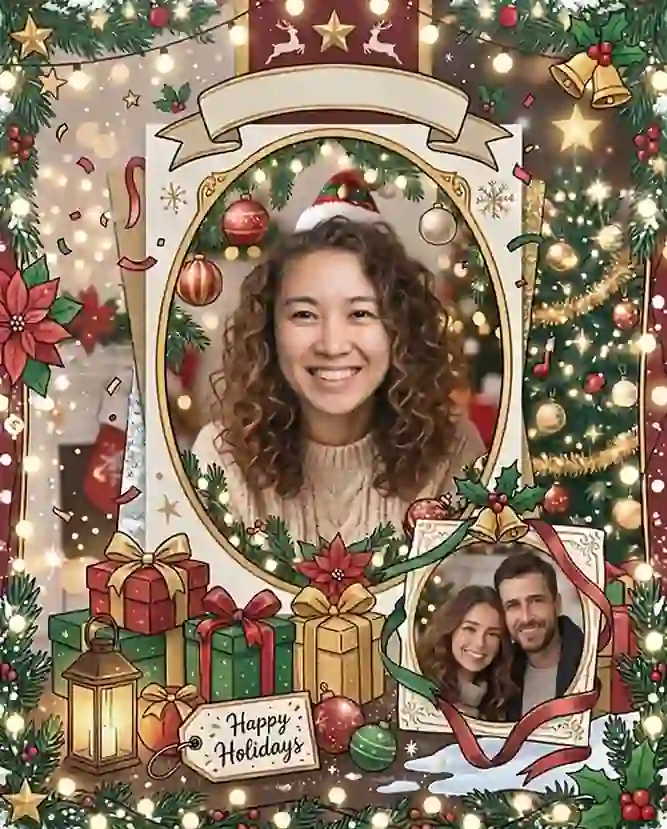
    Event Posters and Greeting Cards face
    Event Posters and Greeting Cards target
    Event Posters and Greeting Cards result

    Event Posters and Greeting Cards

    Create personalized visuals for birthdays, holidays, parties, invitations, family moments, and themed celebrations.

    See more
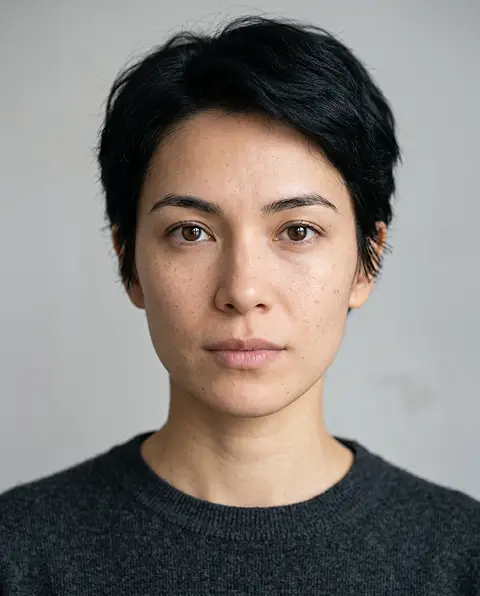
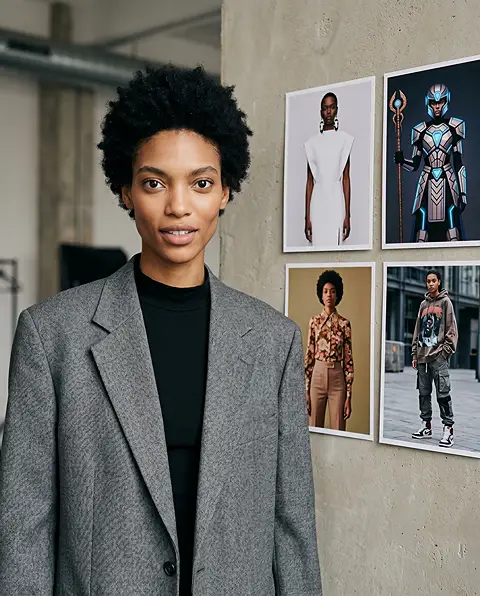
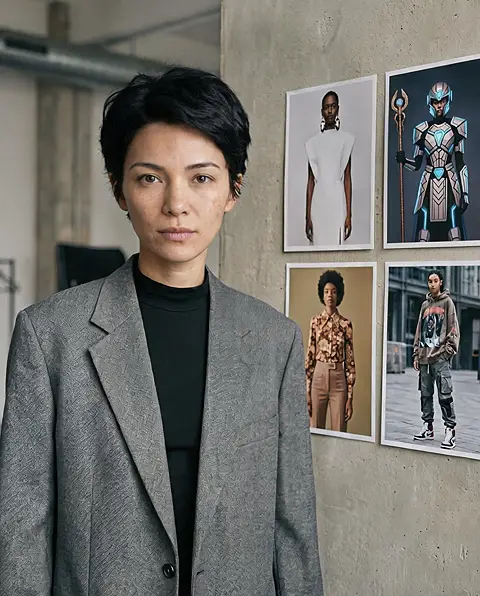
    Style and Character Preview face
    Style and Character Preview target
    Style and Character Preview result

    Style and Character Preview

    Test how a face looks with different outfits, aesthetics, portrait styles, roleplay concepts, or creative themes before making a final image set.

    See more
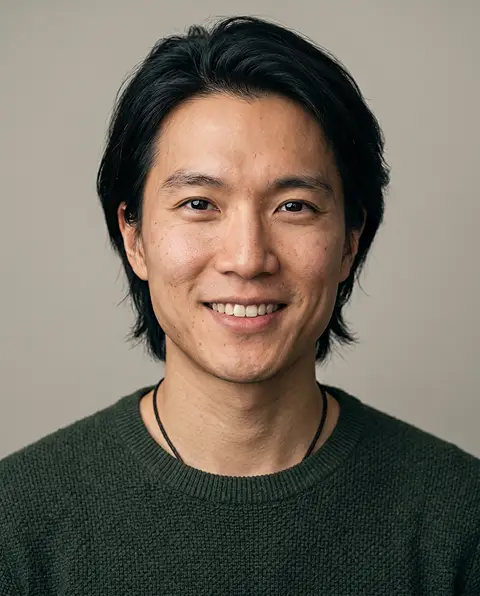
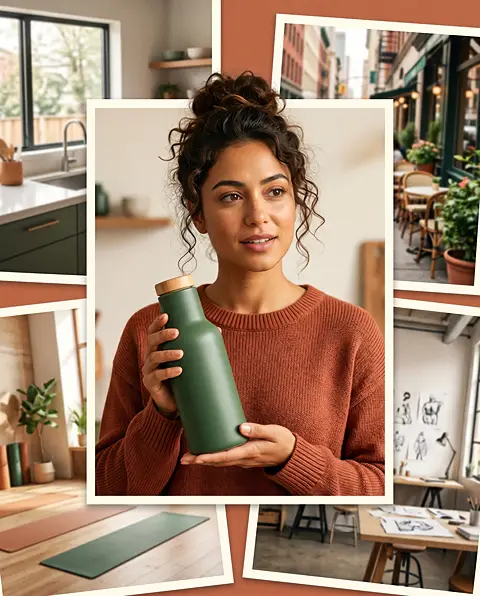
    Localized Campaign Visuals face
    Localized Campaign Visuals target
    Localized Campaign Visuals result

    Localized Campaign Visuals

    Adapt one campaign idea for different markets by testing faces that better match local audiences, creator styles, or cultural contexts.
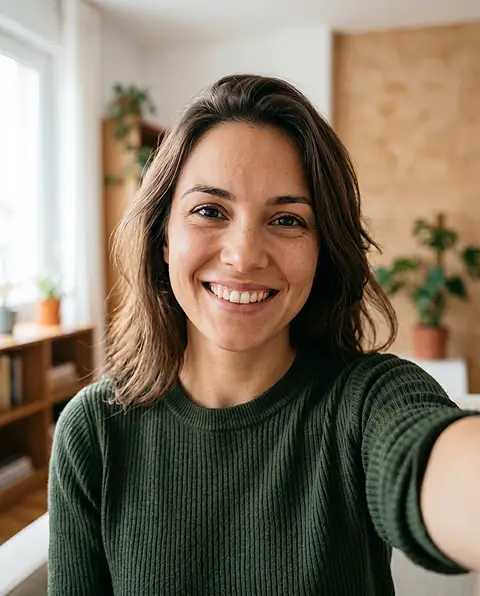
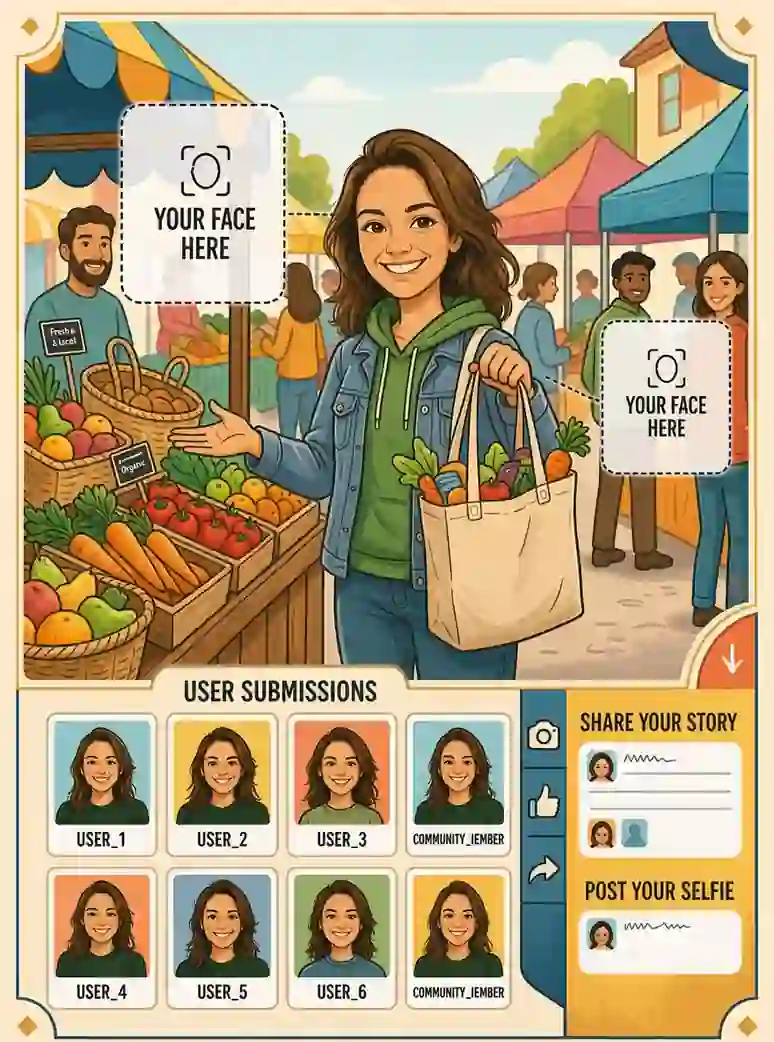
    User-Generated Campaigns face
    User-Generated Campaigns target
    User-Generated Campaigns result

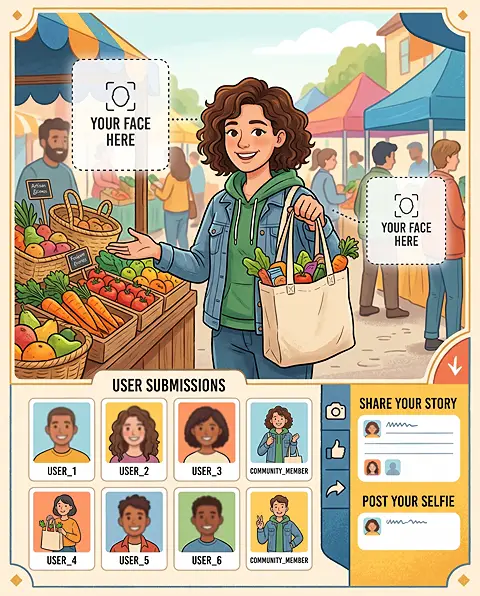
    User-Generated Campaigns

    Let customers, fans, or community members imagine themselves inside a branded poster, mascot image, product scene, or campaign character.
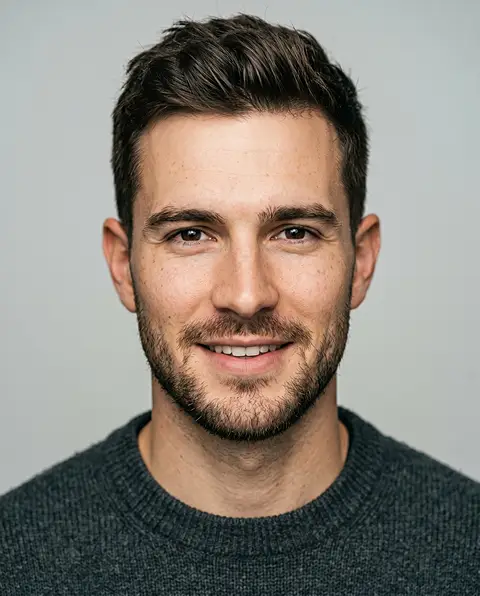
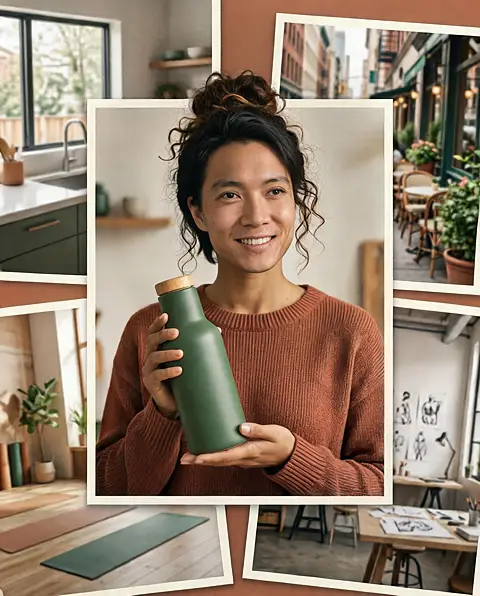
    Creator and Influencer Mockups face
    Creator and Influencer Mockups target
    Creator and Influencer Mockups result

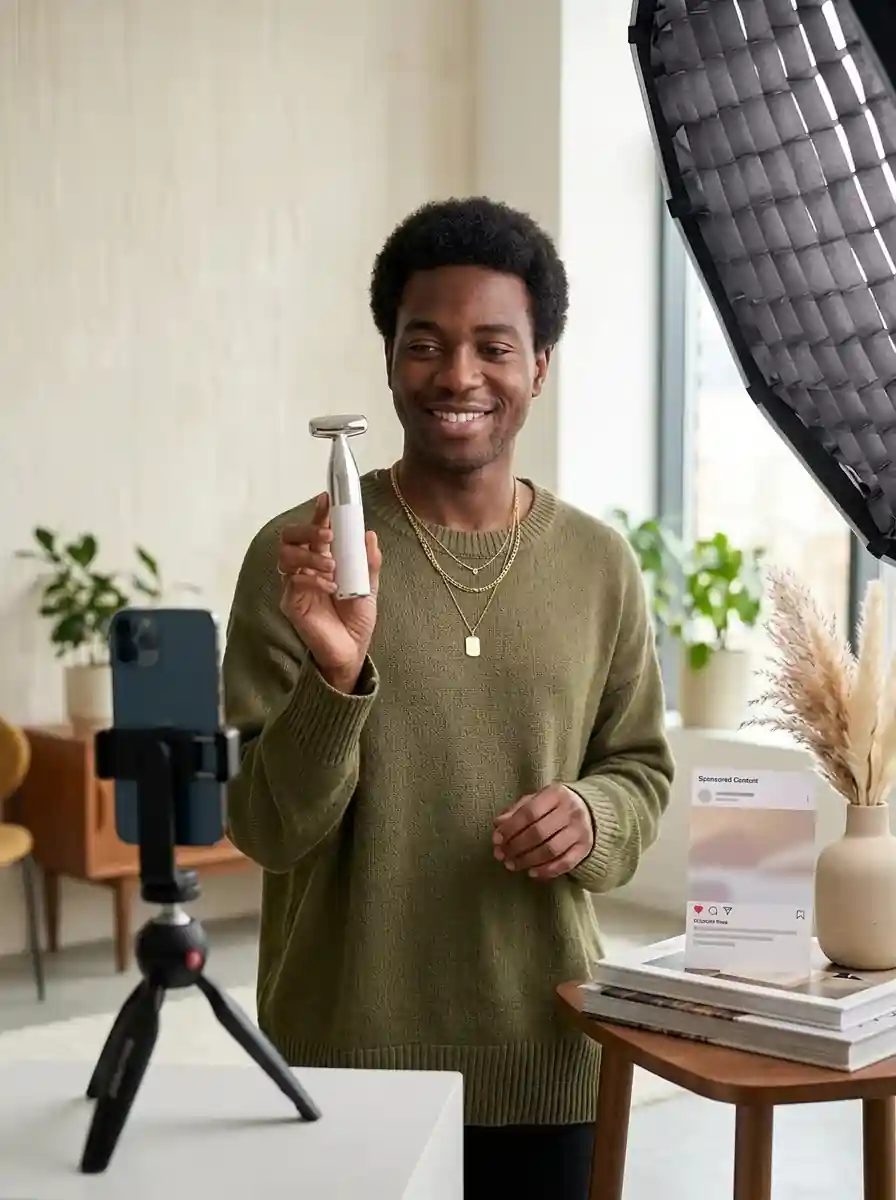
    Creator and Influencer Mockups

    Preview creator-style images before producing final branded content, influencer collaboration assets, or paid social concepts.

    TEMPLATES

    Face Swap Templates to Try

    Start from ready-made ideas and drop in a face to get a polished result in seconds.

    Face
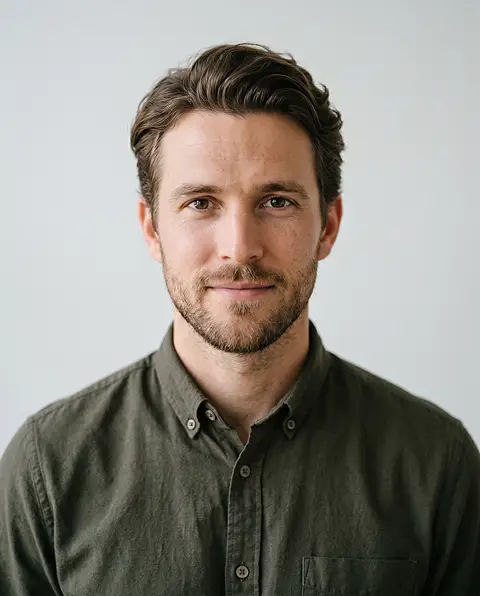
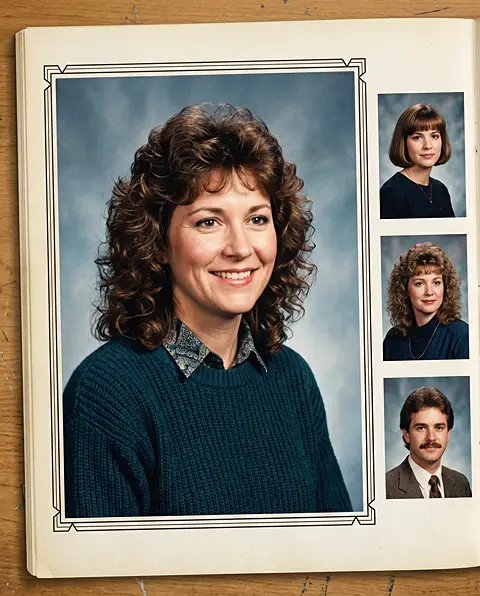
    Retro Yearbook Portrait face

    Target

    Retro Yearbook Portrait target

    Result

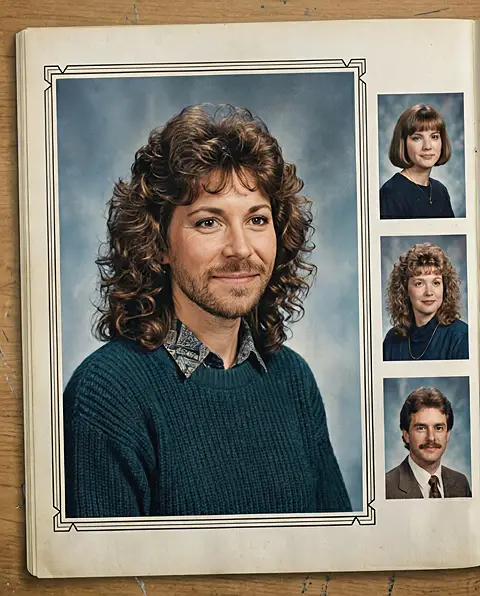
    Retro Yearbook Portrait result

    Retro Yearbook Portrait

    Turn a selfie into a nostalgic school portrait, 90s-style profile photo, or throwback social image.

    Face
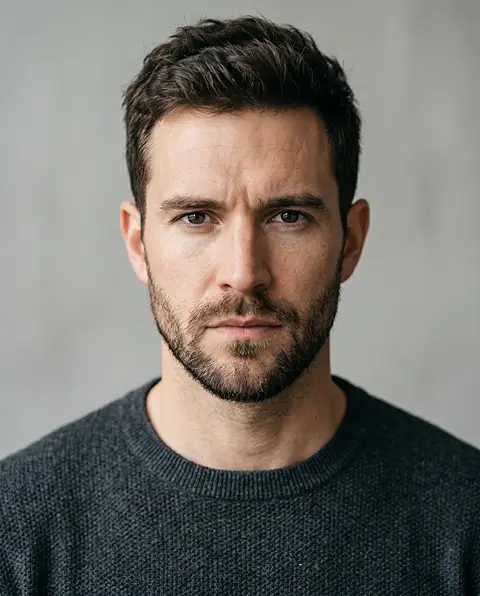
    Movie Poster Scene face

    Target

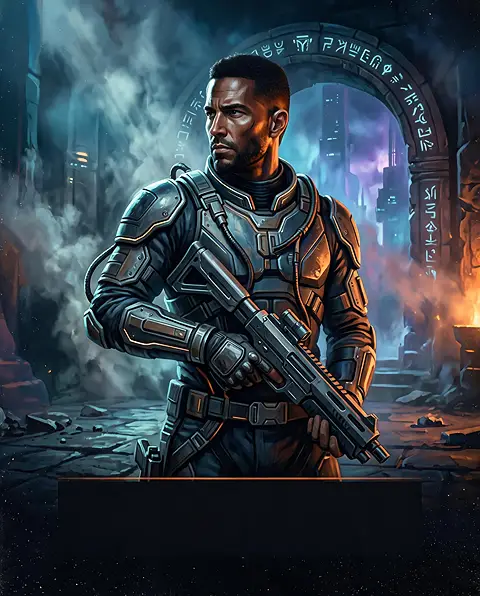
    Movie Poster Scene target

    Result

    Movie Poster Scene result

    Movie Poster Scene

    Place a face into a cinematic poster, dramatic character shot, or iconic scene-inspired image.

    Face
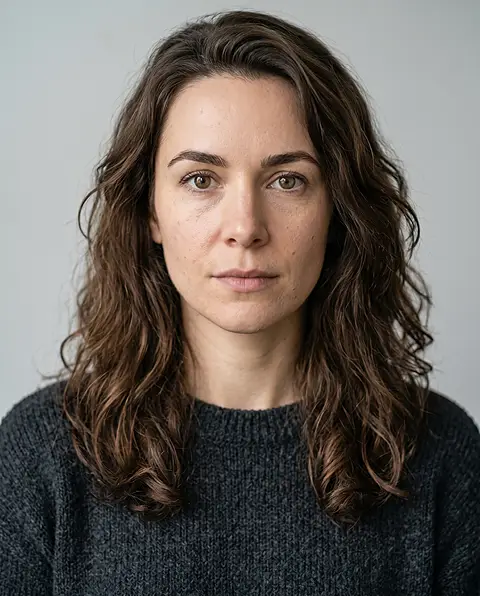
    Famous Artwork Remix face

    Target

    Famous Artwork Remix target

    Result

    Famous Artwork Remix result

    Famous Artwork Remix

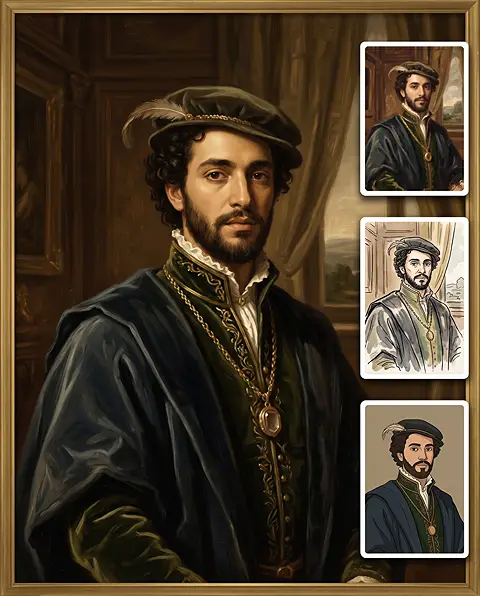
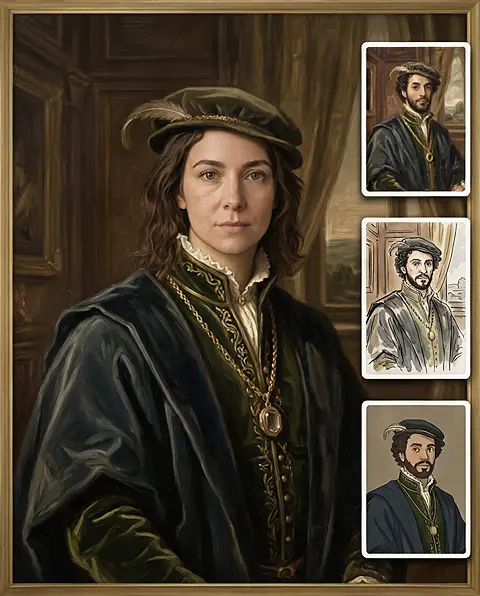
    Add a face to a painting-style portrait, illustration, digital artwork, or historical-inspired image.

    Face
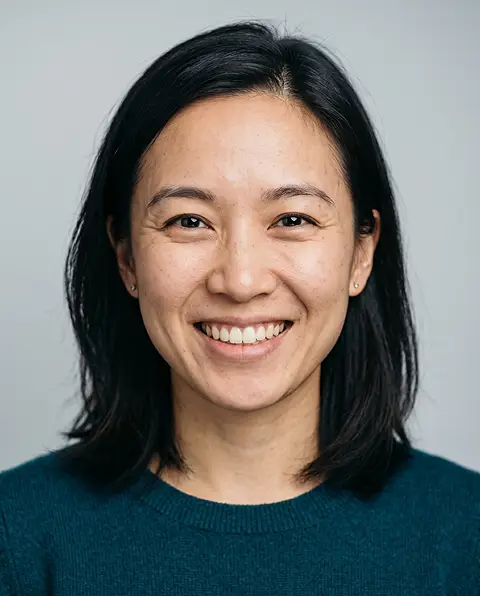
    Holiday and Event Collage face

    Target

    Holiday and Event Collage target

    Result

    Holiday and Event Collage result

    Holiday and Event Collage

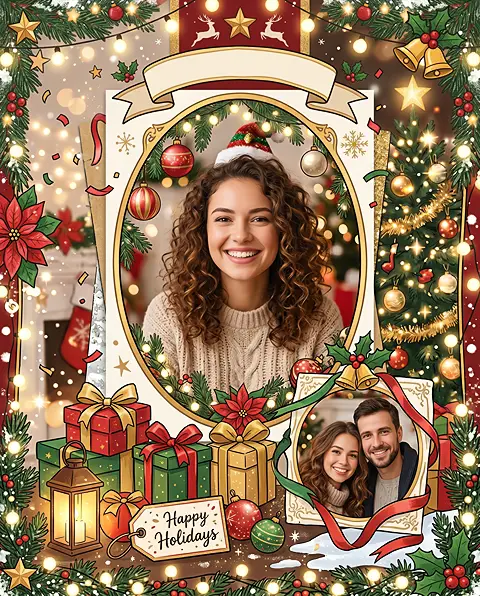
    Create birthday posters, holiday cards, party invites, family collages, or celebration images with familiar faces.

    Face
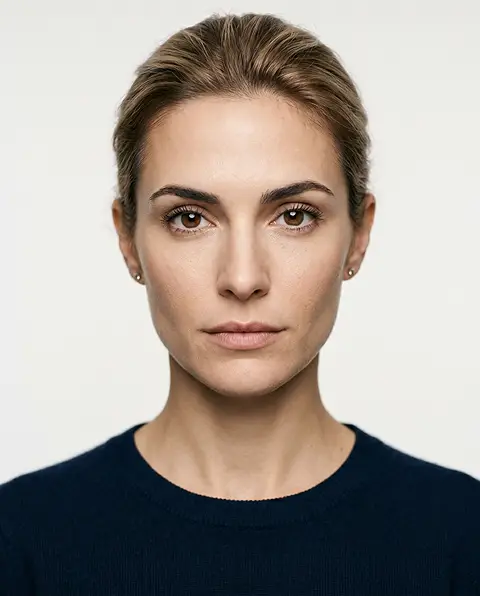
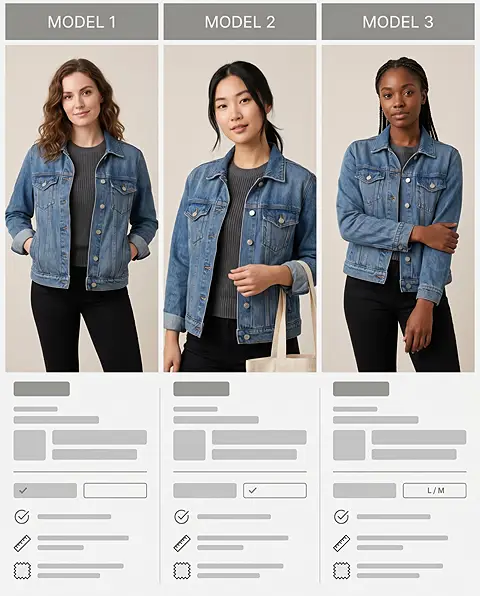
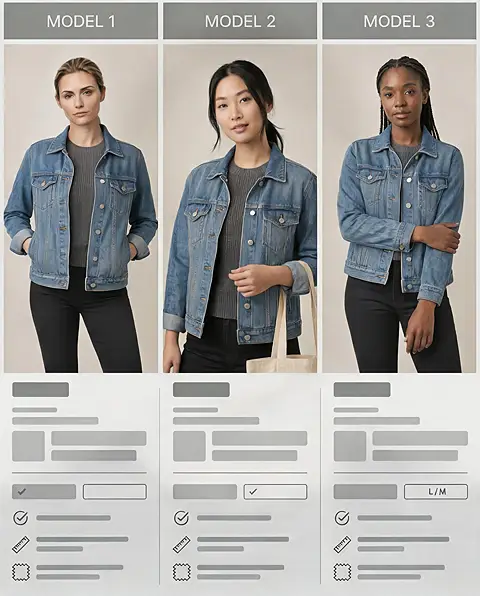
    Product Model Comparison Board face

    Target

    Product Model Comparison Board target

    Result

    Product Model Comparison Board result

    Product Model Comparison Board

    Show the same product with several model faces to compare which look fits the category, audience, or brand message best.

    Face
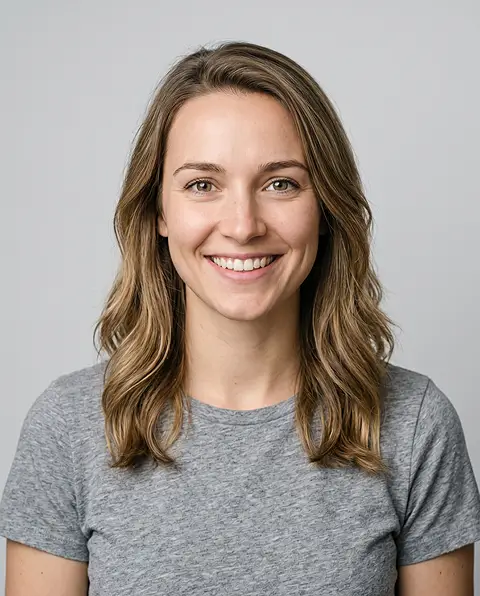
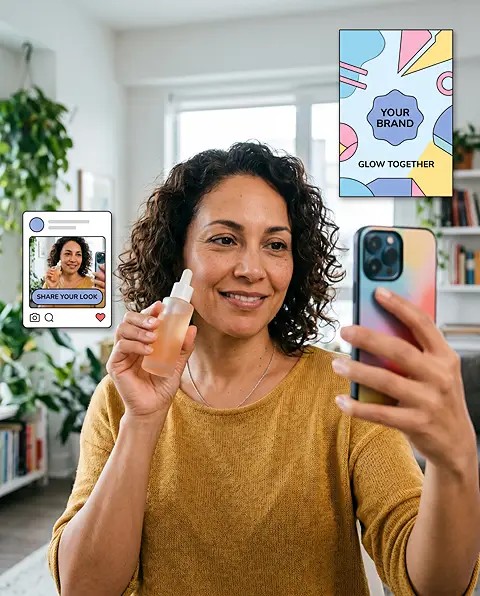
    Customer Selfie Campaign face

    Target

    Customer Selfie Campaign target

    Result

    Customer Selfie Campaign result

    Customer Selfie Campaign

    Turn customer or fan selfies into branded posters, character images, community visuals, or shareable campaign entries.

    OVERVIEW

    What Is AI Image Face Swap?

    AI face swap is a way to change a face in a photo by replacing one person's facial features with another person's face. A realistic face swap matches the target image's angle, lighting, skin tone, shadows, expression, and overall visual style so the result looks natural rather than pasted on.

    1

    Creators

    Content creators, streamers, and social media influencers who constantly need fresh, eye-catching visuals. They post daily across platforms and want a fast way to produce profile pictures, memes, and thumbnails that stand out, without spending hours in design tools.

    2

    Marketers

    Growth and performance marketers running ads and campaigns at scale. They live in a world of constant testing and iteration, and need to produce many creative variations quickly to find what resonates with different audiences and channels.

    3

    Ecommerce Teams

    Online sellers and brand teams managing product listings and storefronts. They need consistent, professional model and product imagery for multiple markets but often can't justify the time and cost of repeated photo shoots.

    4

    Anyone

    Everyday users and hobbyists with no design or editing background. They simply want realistic, natural-looking face swaps for fun, gifts, or personal projects, and need a tool that just works without any learning curve.

    AI Face Swap vs. AI Character Swap

    AI face swap replaces the face while keeping the target person’s pose, clothing, and scene. AI character swap is intended for replacing a broader person or character in an image. Use Image Character Swap when you need a full-person or full-character replacement.

    Image Character Swap→

    WHY CHOOSE AI FACE SWAP

    Why Choose Our AI Image Face Swap?

    Professional-grade face swapping made simple, fast, and remarkably realistic.
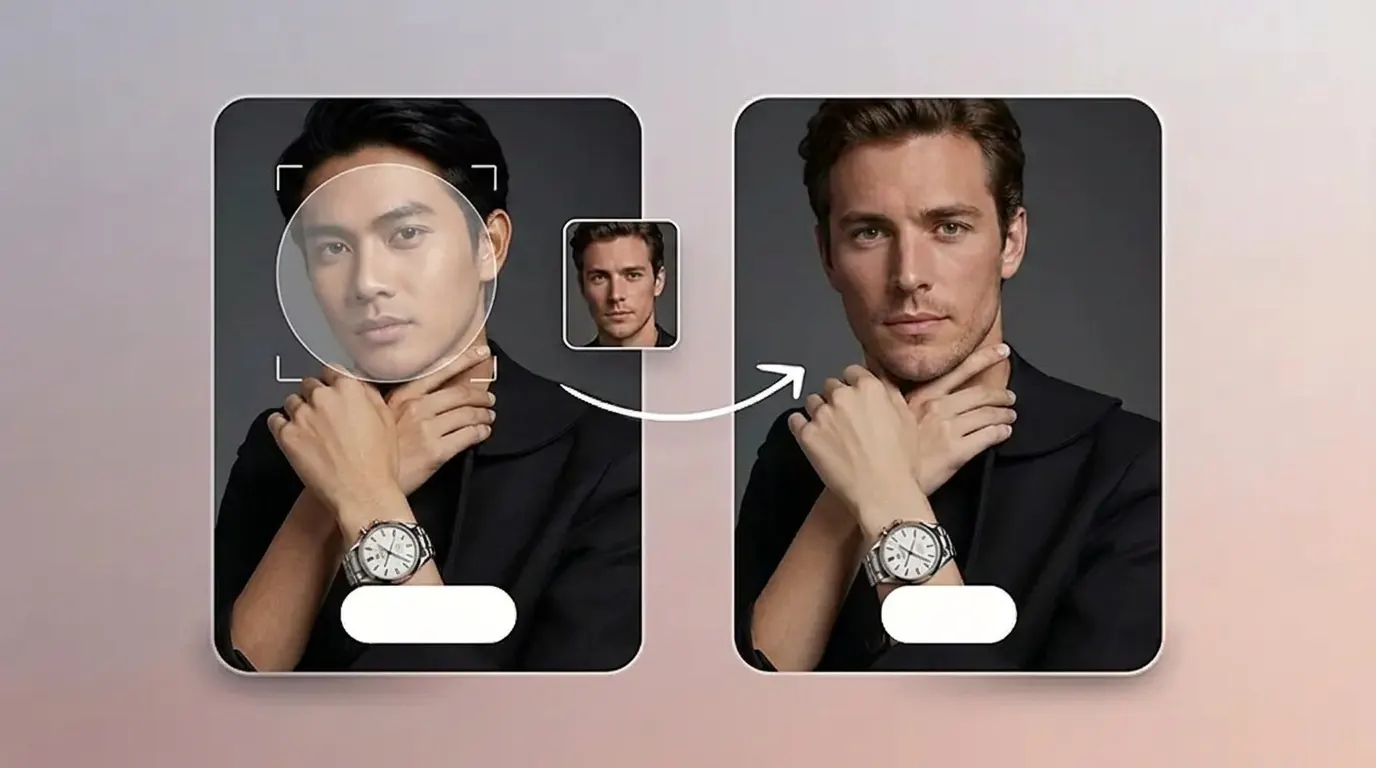
    Realistic AI Face Swap for Photos

    Realistic blending

    Realistic AI Face Swap for Photos

    Create natural-looking results by blending facial features, skin tone, lighting, and expression into the target photo.
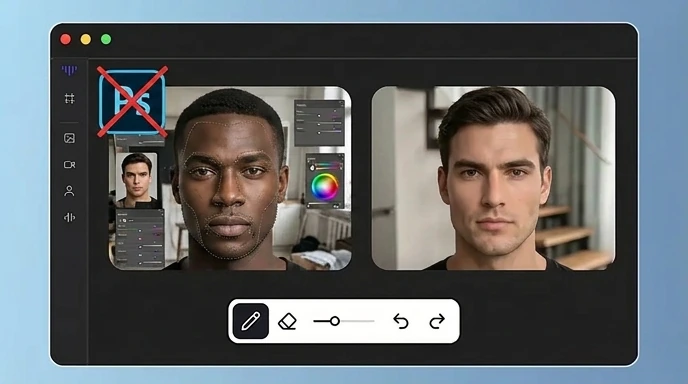
    Photo RealCommercial ReadyBrowser Based
    No Photoshop or Manual Editing Needed

    Zero editing skills

    No Photoshop or Manual Editing Needed

    Create face swap images without masking, cutting, retouching, color correction, or advanced photo editing skills.
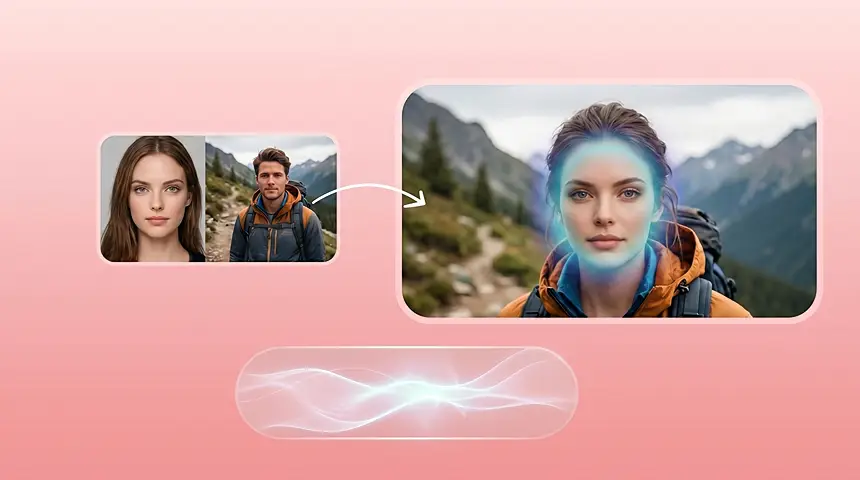
    Photo RealCommercial ReadyBrowser Based
    Create Face Swap Images in Seconds

    Seconds, not hours

    Create Face Swap Images in Seconds

    Quickly turn one face and one target photo into a polished image for social posts, profile pictures, ads, and creative drafts.
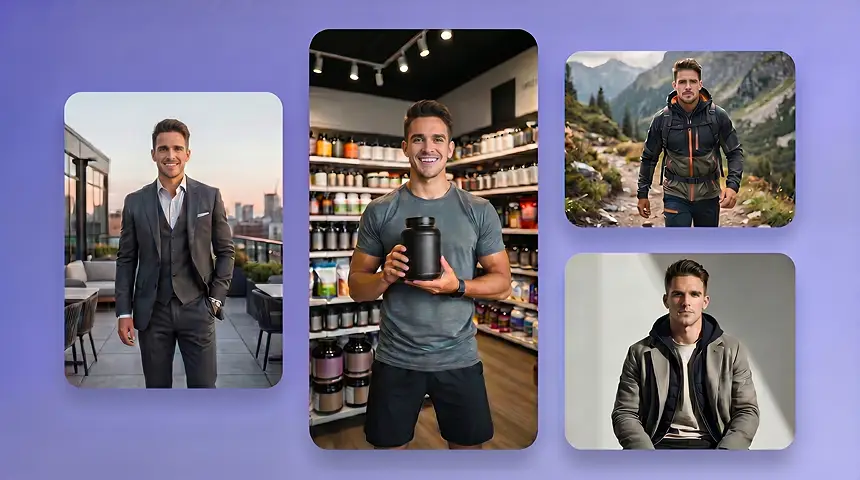
    Photo RealCommercial ReadyBrowser Based
    Keep Faces Natural Across Different Looks

    Consistent identity

    Keep Faces Natural Across Different Looks

    Test the same face across portraits, product scenes, creator-style images, and campaign visuals while keeping the person recognizable.
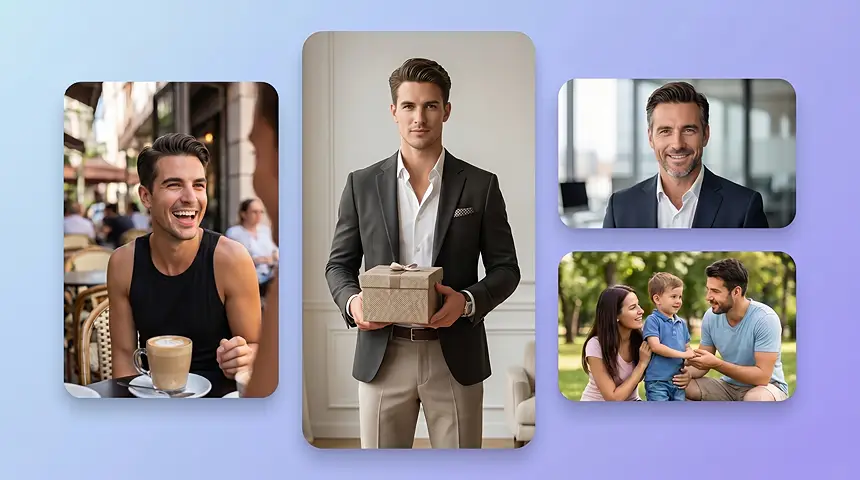
    Photo RealCommercial ReadyBrowser Based
    Made for Social, Ecommerce, and Ads

    Built for every channel

    Made for Social, Ecommerce, and Ads

    Create images for social feeds, thumbnails, profile icons, product model photos, ad concepts, and localized campaign visuals.
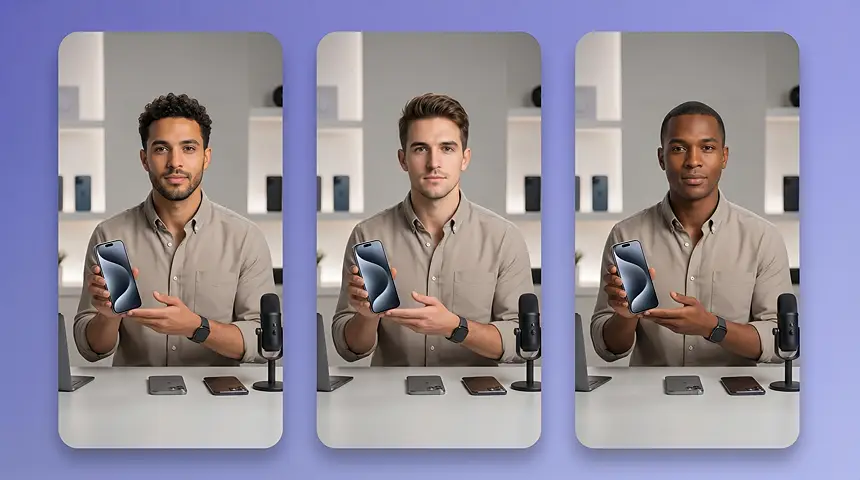
    Photo RealCommercial ReadyBrowser Based
    Test More Creative Variations Faster

    Faster creative testing

    Test More Creative Variations Faster

    Compare different faces, expressions, model looks, personas, and audience directions without arranging a new photoshoot every time.

    Photo RealCommercial ReadyBrowser Based

    FEATURES

    Realistic AI Face Swap for Photos

    Create natural face swap photos online and put them to work across social, ecommerce, and ads.
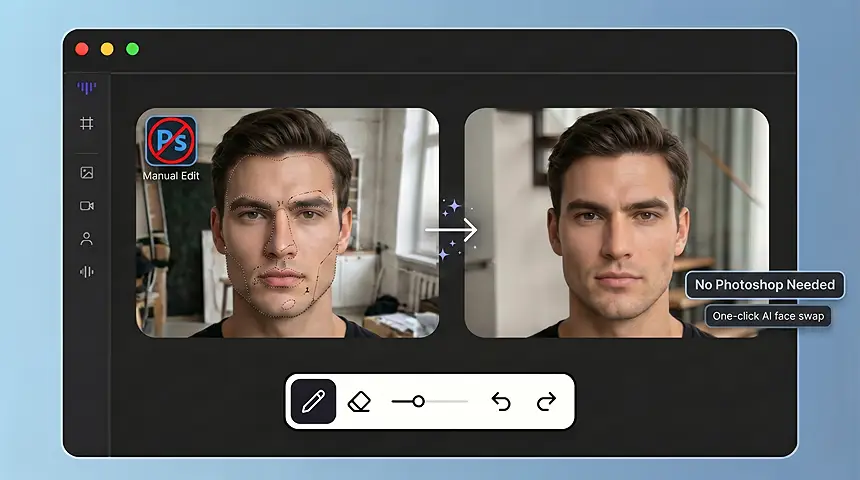
    Create Realistic Face Swap Photos

    Create Realistic Face Swap Photos

    Match facial structure, skin tone, lighting, expression, and shadows so the swapped face looks natural in the target photo.
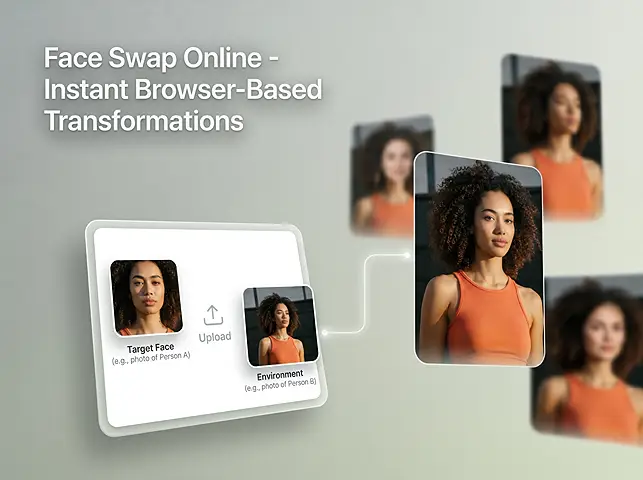
    Change a Face in a Photo Online

    Change a Face in a Photo Online

    Upload a face image and a target photo, then create a new face swap image in your browser without manual masking or Photoshop.
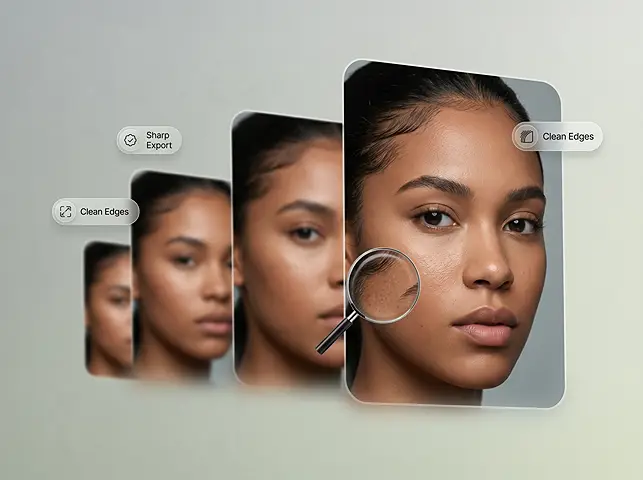
    Use AI Face Swap for Ecommerce and Ads

    Use AI Face Swap for Ecommerce and Ads

    Test different model looks, creator-style visuals, and campaign concepts without arranging a new photoshoot for every variation.

    WORKFLOW
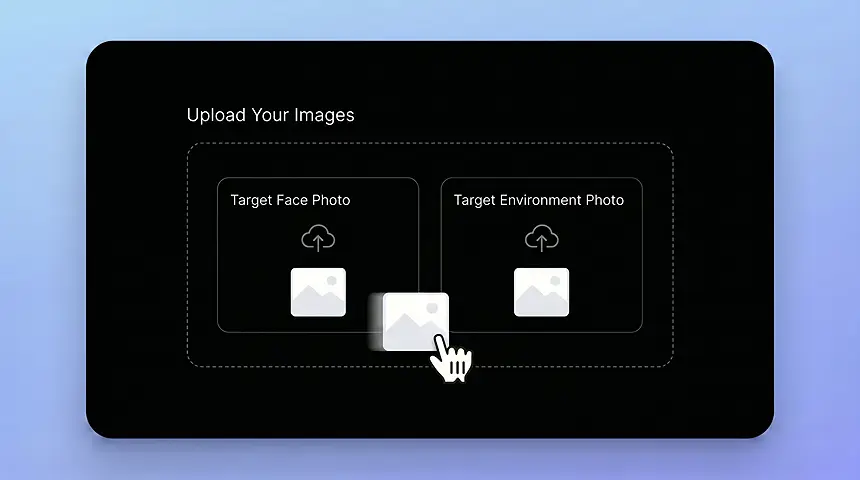
    How Image Face Swap Works

    1. Upload Your Images
      01

      Upload the Face Image and Target Photo

      Upload the face image you want to use and the target photo where the face should appear.
    2. Click Generate
      02

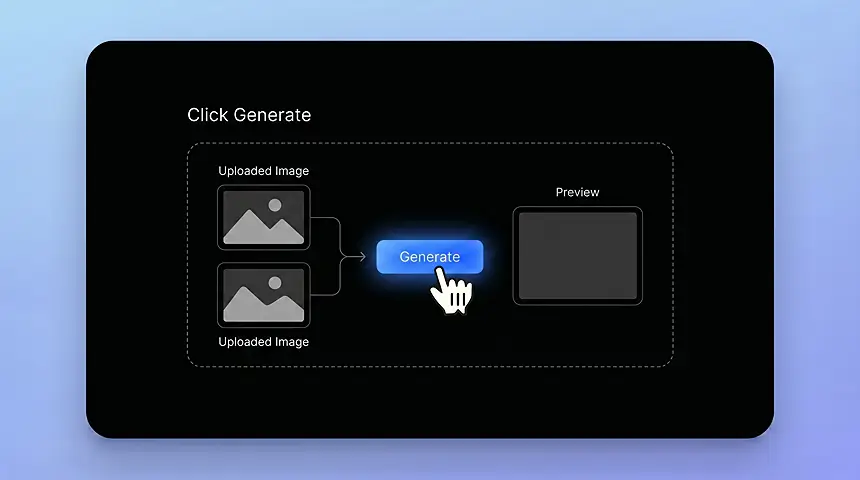
      Click Generate

      Hit the Generate button and let the AI swap the face into the target photo automatically.
    3. Download the Result
      03

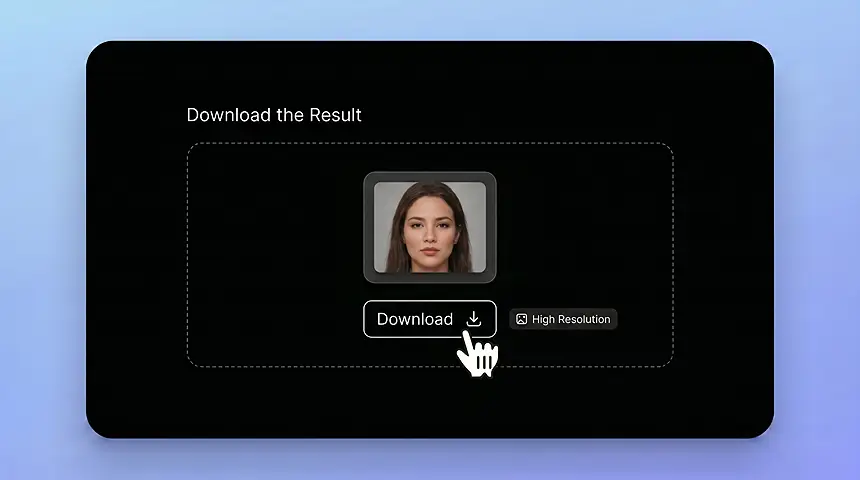
      Download the Face Swap Result

      Preview the face swap result and download it in high resolution, ready for ads, stores, or social media.

    Open AI Face Swap

    More AI Tools

    Discover more powerful AI tools to enhance your content creation

    Image Character Swap 1
    Image Character Swap
    Video Character Swap 1
    Video Character Swap
    AI Avatar 1
    AI Avatar 2
    AI Avatar 3
    AI Avatar 4
    AI Avatar
    Product Avatar 1
    Product Avatar
    Design My Avatar 1
    Design My Avatar 2
    Design My Avatar 3
    Design My Avatar 4
    Design My Avatar
    Virtual Try-On 1
    Virtual Try-On

    Frequently asked questions

    AI face swap uses artificial intelligence to replace one face in a photo with another face while matching facial features, lighting, skin tone, and expression. The goal is a natural blend that looks like the person belongs in the target image, not a pasted sticker.

    Upload the face image and the target photo, then generate the result. The AI replaces the face in the target image and blends facial details, lighting, skin tone, and expression automatically.

    You can start with free credits to test the AI face swap result. Additional generation capacity may require a paid plan.

    No. AI handles face alignment and blending automatically, so you do not need manual masking, cutting, or color matching. Upload, generate, and download—no advanced photo editing background required.

    Yes. You can create face swap images for TikTok, Instagram, YouTube thumbnails, profile pictures, memes, and community posts. High-resolution exports help keep results sharp across platforms.

    Yes, when you have the proper image and likeness rights, you can use them for ecommerce visuals, ad creative testing, product scenes, and campaign drafts. Always confirm consent and commercial usage rights first.

    The result depends on image quality, angle, lighting, and facial visibility, but the AI is designed to blend faces naturally into the target photo. Clear, well-lit source images usually produce the most convincing results.

    Common formats such as JPG and PNG are suitable for most image face swap workflows. Start with high-resolution uploads whenever possible for cleaner edges and better detail.

    AI face swap should be used with consent and proper rights, especially when the image includes a recognizable person or is used for commercial content. Do not create misleading or harmful content involving someone without permission.

    Use clear, well-lit, high-resolution photos with visible faces and similar face angles between the source image and target image. Avoid heavy occlusion from hair, hands, sunglasses, or extreme shadows when possible.

    A realistic face swap matches the target photo's face angle, lighting, skin tone, expression, shadows, and image quality. Clear photos with visible faces and similar angles usually produce more natural results.

    AI face swap changes the face in a photo, while AI character swap can replace a broader person or character. Use AI face swap for facial replacement and Image Character Swap for full-person or full-character edits.

    This page is built for face swaps in still images. For video-based character replacement, use Video Character Swap.

    START WITH FREE CREDITS

    Create Realistic Face Swaps in Seconds

    Blend one person's facial features onto another portrait with studio-quality precision—no Photoshop required.

    Try AI Face Swap Free