Turn scripts into natural-sounding voiceovers in minutes. No microphone, no reshoots - just pick a voice and generate.
0/1200
Voiceover
AI Voice Generator: Text to Speech for Video
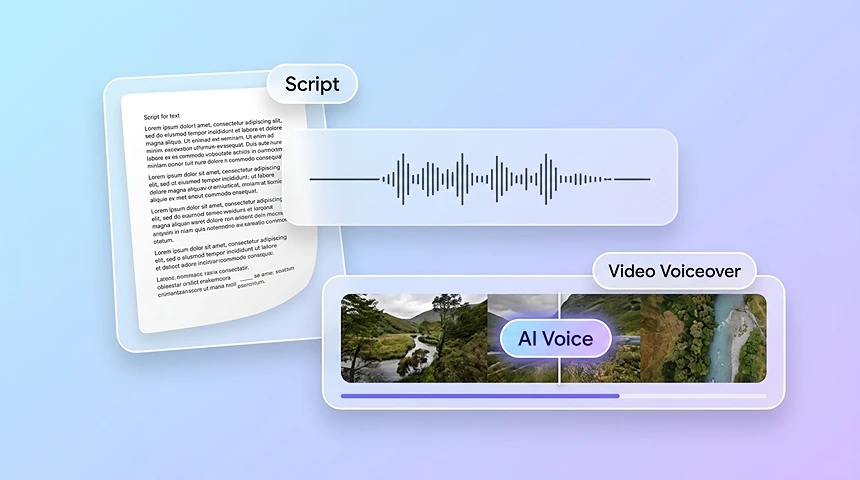
Topview's AI voice generator turns text to speech for video into natural-sounding speech designed for video voiceover. Type or paste a script, pick a voice, and use TTS for video to generate studio-quality voiceover in minutes - no microphone, no retakes, no audio editing.
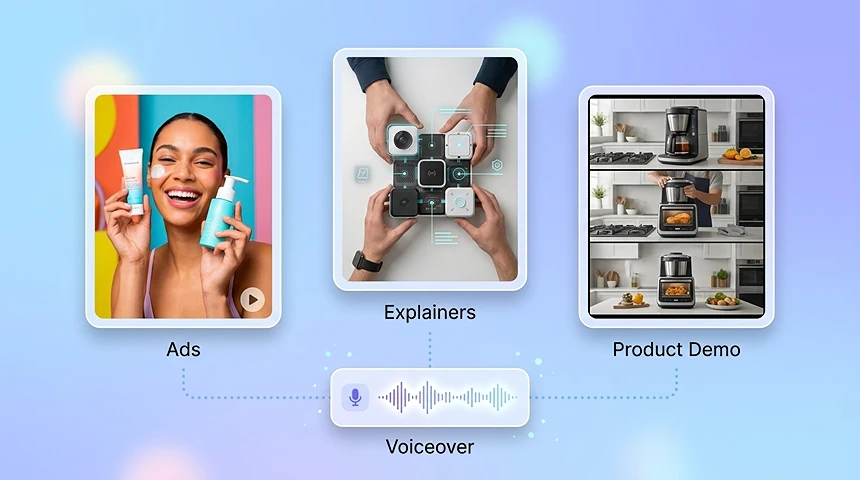
AI Voice Generator for Ads and Explainers
Create AI voiceovers for ads without booking talent or renting a studio. Generate an AI voiceover for video, short social ad hooks, product explainers, brand videos, and voiceover for ads with consistent tone and energy.
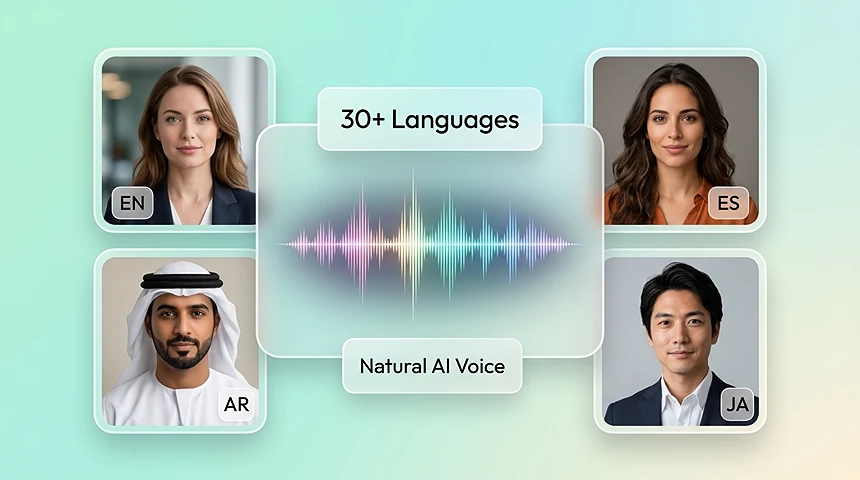
AI Voice Generator with Natural AI Voices in Multiple Languages
Reach global audiences with natural AI voices in 30+ languages and regional accents. Create multilingual voiceover and AI voiceover in multiple languages for Spanish, French, Japanese, Arabic, and more without rebooking voice talent.
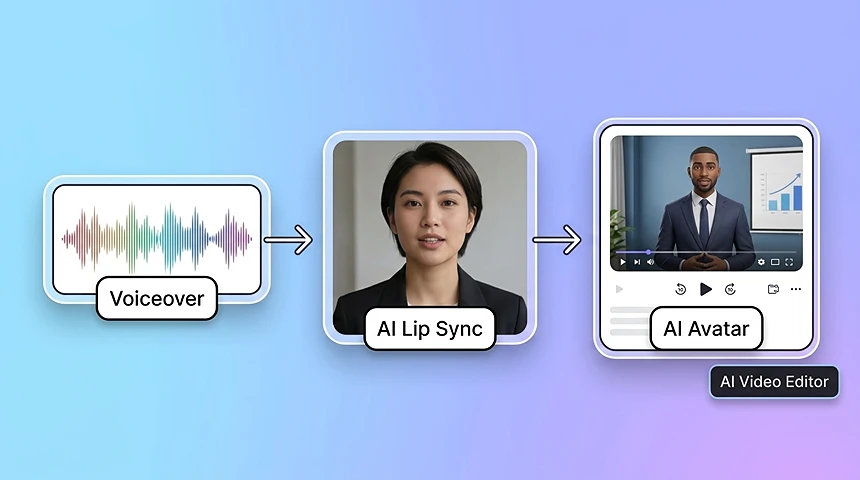
AI Voice Generator for Lip Sync and AI Avatar
Topview's voiceover generator is part of an end-to-end AI Video Editor stack. After you generate audio, send AI voiceover to video with AI Lip Sync to animate a talking photo, or pair it with an AI Avatar for a spokesperson video.
What Is an AI Voice Generator?
AI voiceover turns written scripts into natural-sounding speech using advanced text-to-speech. Use it to narrate videos, localize content, and pair audio with lip-sync without a recording studio.
Natural Prosody
Models that handle pacing, emphasis, and breathing for speech that sounds human—not robotic.
Multilingual Output
Generate voiceovers in many languages so you can reach global audiences from one script.
Brand-Ready Tone
Pick voices that match your brand—warm, authoritative, energetic, or calm—for consistent messaging.
Video-First Workflow
Built for creators who need clean audio exports that slot into editing, ads, and lip-sync pipelines.
How to Create Voiceovers with an AI Voice Generator
Go from script to polished narration in three quick steps
01Step 1
Write or Paste Your Script
Add your script in the editor. Use clear sentences and punctuation to guide pacing and pauses.
02Step 2
Choose a Voice & Language
Select the voice, language, and style that fit your video. Preview lines until the tone feels right.
03Step 3
Generate and Export
Generate the full read, listen to the result, then export audio for your timeline or lip-sync workflow.
Why Use an AI Voice Generator for Video Voiceovers
Faster production, consistent quality, and a workflow tuned for modern video teams
Minutes Instead of Reshoots
Update copy and regenerate audio instantly—no booking talent or scheduling pick-ups for small script changes.
Pairs with Lip Sync
Create narration first, then sync it to avatars or footage for talking-head and UGC-style content.
Consistent Brand Voice
Reuse the same voice profile across campaigns so every asset sounds like the same brand.
Clear Pronunciation Control
Fine-tune tricky words and product names so technical scripts still sound confident on the first listen.
Built for Short-Form and Ads
Optimized for punchy hooks, promos, and explainers where pacing and clarity drive conversions.
Browser-Based Creation
Work directly in the browser—no DAW required to produce clean voiceover tracks for your edits.
Explore
More AI Tools
Discover more powerful AI tools to enhance your content creation
An AI voiceover is speech generated from text using AI voices. It is used for narration, ads, explainers, and dubbing-style workflows without traditional recording.
Can I use AI voiceovers for commercial projects?
Yes. Many teams use AI voiceovers in ads, social content, and internal communications. Always follow your plan’s licensing terms for the specific voices you select.
How do I make the voice sound more natural?
Use short sentences, add commas for pauses, spell out acronyms if needed, and preview multiple voices. Small script edits often improve rhythm more than regenerating blindly.
Does it support multiple languages?
Yes. You can generate voiceovers in multiple languages to localize campaigns without re-recording every line.
Can I pair voiceover with lip sync?
Yes. Generate your audio, then use lip sync tools to align mouth movement with the new track for avatars or talking videos.
Will my script data be kept private?
Topview processes your content to generate results. Follow your organization’s policy for sensitive scripts and avoid sharing confidential material you cannot upload.
What is an AI voice generator?
An AI voice generator converts text into spoken audio using synthetic voices trained on real human speech. Topview's AI voice generator creates natural voiceovers for video, ads, explainers, avatars, and lip-sync workflows.
How do I create a voiceover from text?
Paste or type your script into Topview, choose a voice and language, and click generate. The AI voiceover generator creates natural-sounding audio in seconds that you can download or send to the video editor.
Can I use AI voiceover for video ads?
Yes. AI voiceover is useful for short social ads, product explainers, and brand videos. Topview includes energetic and conversational voice styles for hooks, CTAs, and campaign variations.
Can I generate voiceovers in multiple languages?
Yes. Topview supports AI voiceover in 30+ languages with regional accent options, so you can localize one script for different markets without rebooking voice talent.
Can I use AI voiceover with a video editor?
Yes. After generating audio, you can pair the voiceover with video edits, captions, B-roll, AI Lip Sync, or AI Avatar workflows inside Topview.
Does the AI voice generator support voice cloning?
Yes. Topview can support voice cloning and natural AI voices, helping teams keep a consistent brand voice across multiple videos and campaigns.
What is the best AI voice generator for video voiceovers?
The best AI voice generator for video should create natural audio, support multiple languages, and connect directly with video editing, lip sync, and avatar workflows. Topview is built for that full video pipeline.