Topview
    • MCP/Skill
    • Plugin
    • API
    • Pricing
    1. Home
    2. AI Clothes Changer

    AI Ads

    AI Video AgentAI Ads VideoAI Product VideoAI UGC VideoURL to Video

    AI Avatar

    AI Avatar GeneratorProduct AvatarDesign My AvatarAI Lip Sync

    AI Video

    AI Video GeneratorDrama StudioAI Video Body SwapAI Video UpscalerAI Video Watermark RemoverTikTok Watermark RemoverSora Watermark RemoverSubtitle RemoverAI Motion ControlAI Lip SyncURL to Video

    AI Image

    AI Image GeneratorAI Face SwapAI Image Character SwapAI Image UpscalerAI InpaintAI Image Text EditorPhoto Angle EditorAI RelightingAI Product PhotographyAI Virtual Try-OnAI Storyboard GeneratorExtract Color PaletteImage to Prompt

    AI Voice

    VoiceoverAI Voice CloningAI Music Generator

    3D

    3D World Generator3D Shot Composer

    Use Cases

    AdvertisingAffiliate MarketingEcommerceDTC BrandsAI Live Stream

    Resources

    BlogAffiliate ProgramLearning CenterAlternativeAPI

    Company

    Topview StudioPrivacy PolicyTerms
    Topview

    © 2026 TOPVIEW PTE. LTD.

    Singapore: 20 Collyer Quay #20-03, Singapore 049319
    Los Angeles: 15970 Los Serranos CC Dr #251, Chino Hills, CA 91709

    AI Clothes Changer for Ecommerce Outfit Swaps

    Swap garments on existing model photos with an AI clothes changer built for sellers and brands. Upload a model shot and a garment reference, then generate listing-ready outfit variants for PDP, ads, and social—start free online.

    AI Clothes Changer

    Model photo

    Garment image
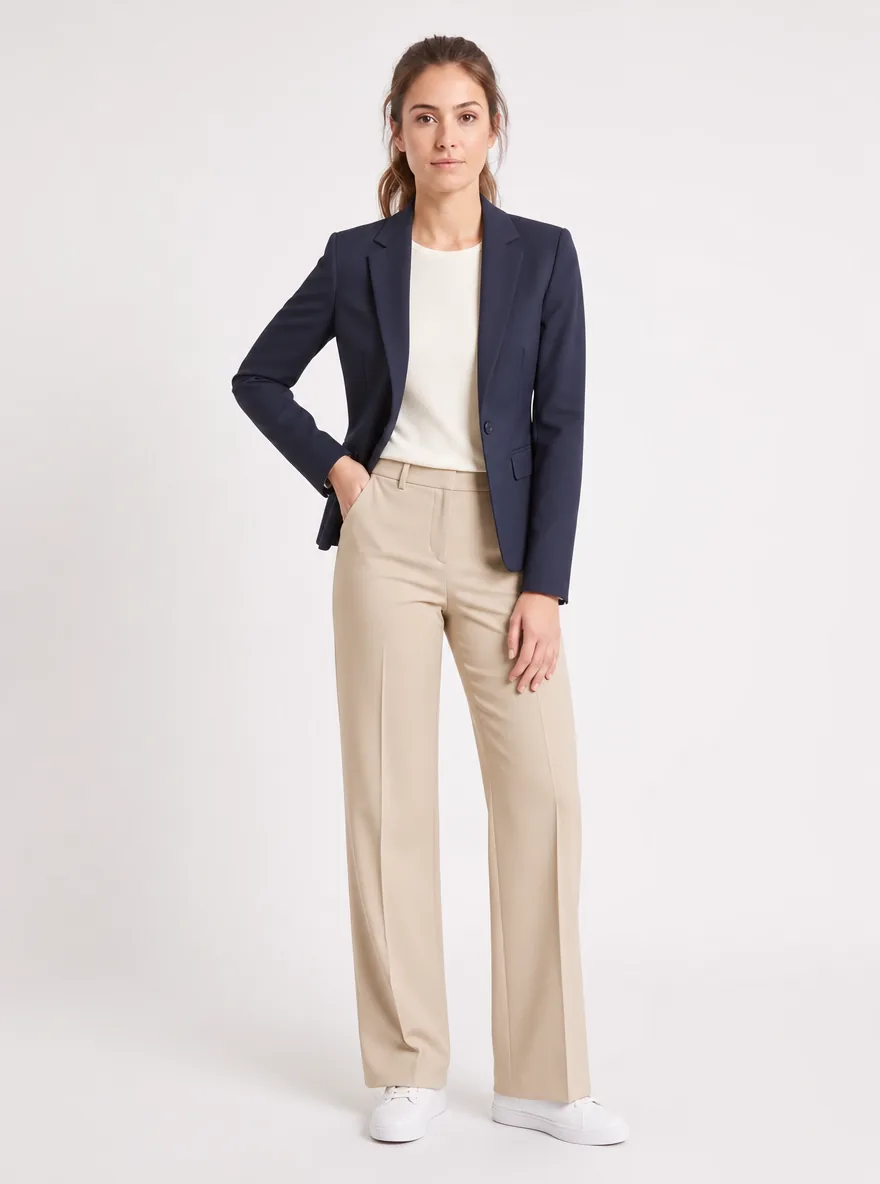
    AI clothes changer ecommerce outfit swap result example
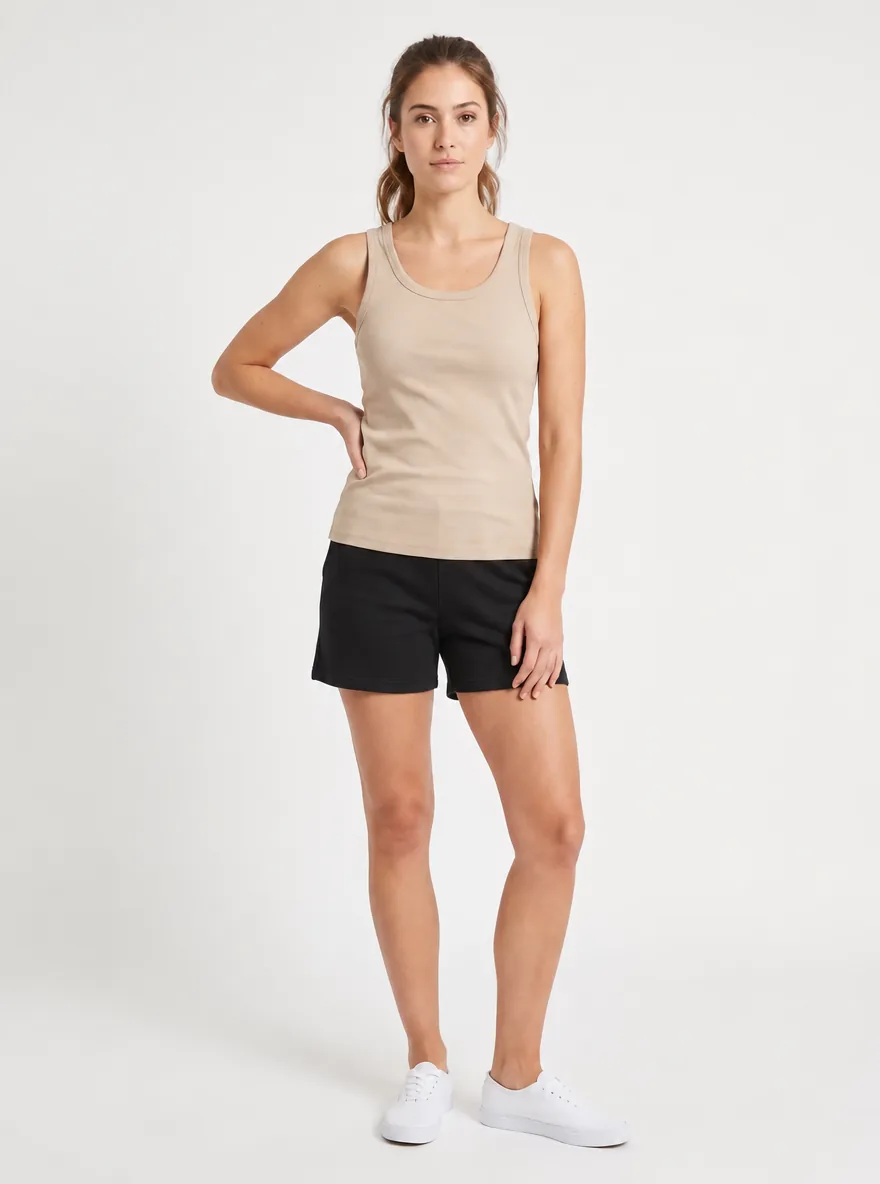
    Example ecommerce model photo for AI clothes changer
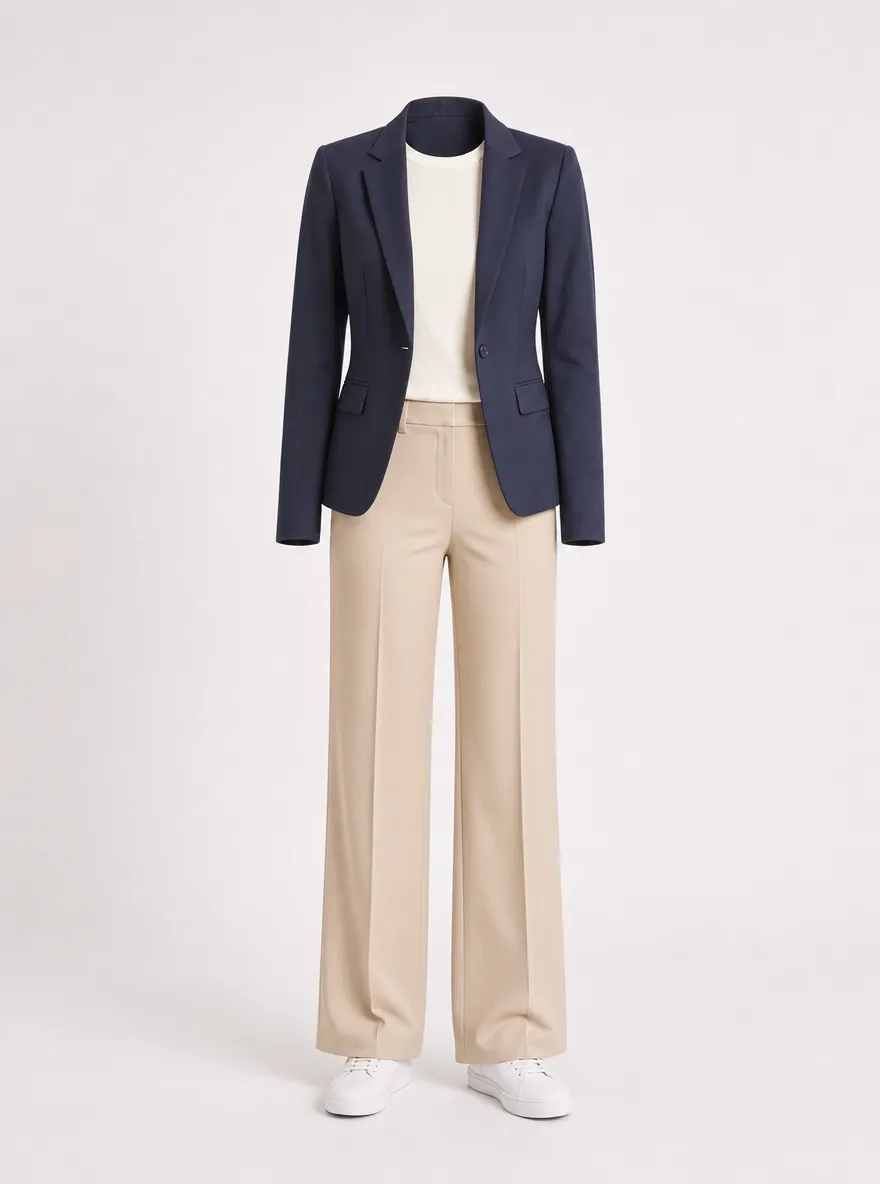
    Example garment product reference for AI clothes changer

    OUTFIT SWAP FOR SELLERS

    What Is an AI Clothes Changer for Ecommerce?

    An AI clothes changer (also called clothes change AI) replaces clothing on a model photo while keeping pose and identity. Merchants use it to preview new SKUs, refresh catalogs, and produce ad variants without a full reshoot.

    For multi-category virtual try-on (glasses, rings, shoes), use the Virtual Try-On hub. This page focuses on garment and outfit swaps for product teams.

    How Clothes Changer AI Works for Product Teams

    Three steps to change clothes AI on catalog model photos.

    1. 01

      Upload a clear model or talent photo

      Use a well-lit full- or half-body ecommerce model shot. Clean silhouettes help the AI clothes changer place garments accurately for listing previews.

    2. 02

      Add the garment or outfit reference

      Upload a product flat lay, ghost mannequin, or look reference. Clear edges and fabric detail improve clothes change AI results for SKU variants.

    3. 03

      Generate listing and campaign variants

      Create multiple outfit swaps, compare looks, and export assets for PDP heroes, ads, and social creatives.

    Try AI Clothes Changer Free

    Why Merchants Prefer TopView for Outfit Swaps

    Faster catalog refresh, more SKU visuals, fewer reshoots.

    Free AI clothes changer to validate looks

    Test silhouette and color directions on an existing model base before you book studio time or buy more samples.

    Seasonal colorway boards from one model hero

    Swap garments across a drop calendar without rebuilding lights, poses, or casting for every SKU.

    Outfit hooks built for paid-social A/B tests

    Spin alternate tops, layers, and full looks for Meta and TikTok tests while keeping the same talent identity.

    Reuse flats and model heroes you already shot

    Feed garment flats plus approved model frames—no need to rebuild the set just to preview another outfit.

    Ecommerce Use Cases for an AI Clothes Changer

    Practical ways product and growth teams ship outfit visuals faster.
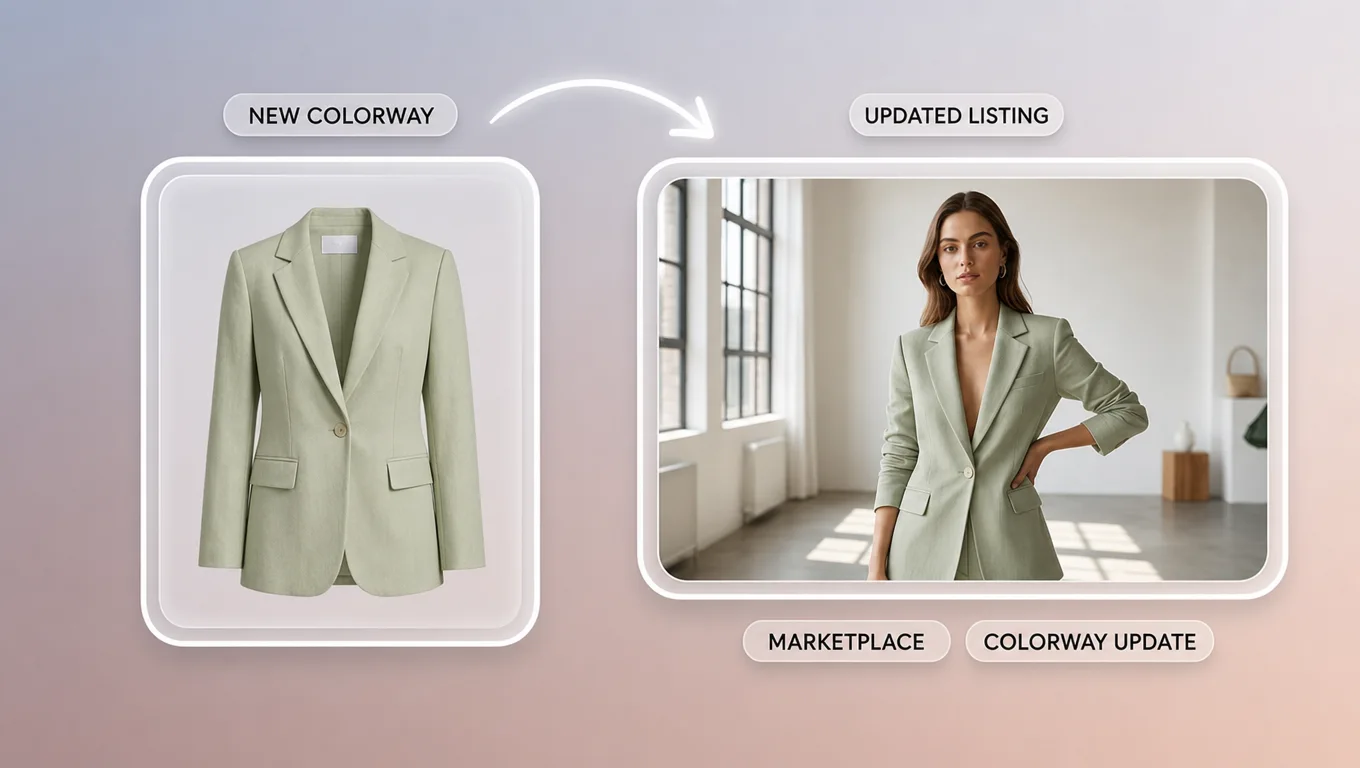
    AI clothes changer marketplace listing outfit update preview

    Marketplace listing outfit updates

    Refresh apparel listings when fabric or colorways change—without rebooking models.

    See more
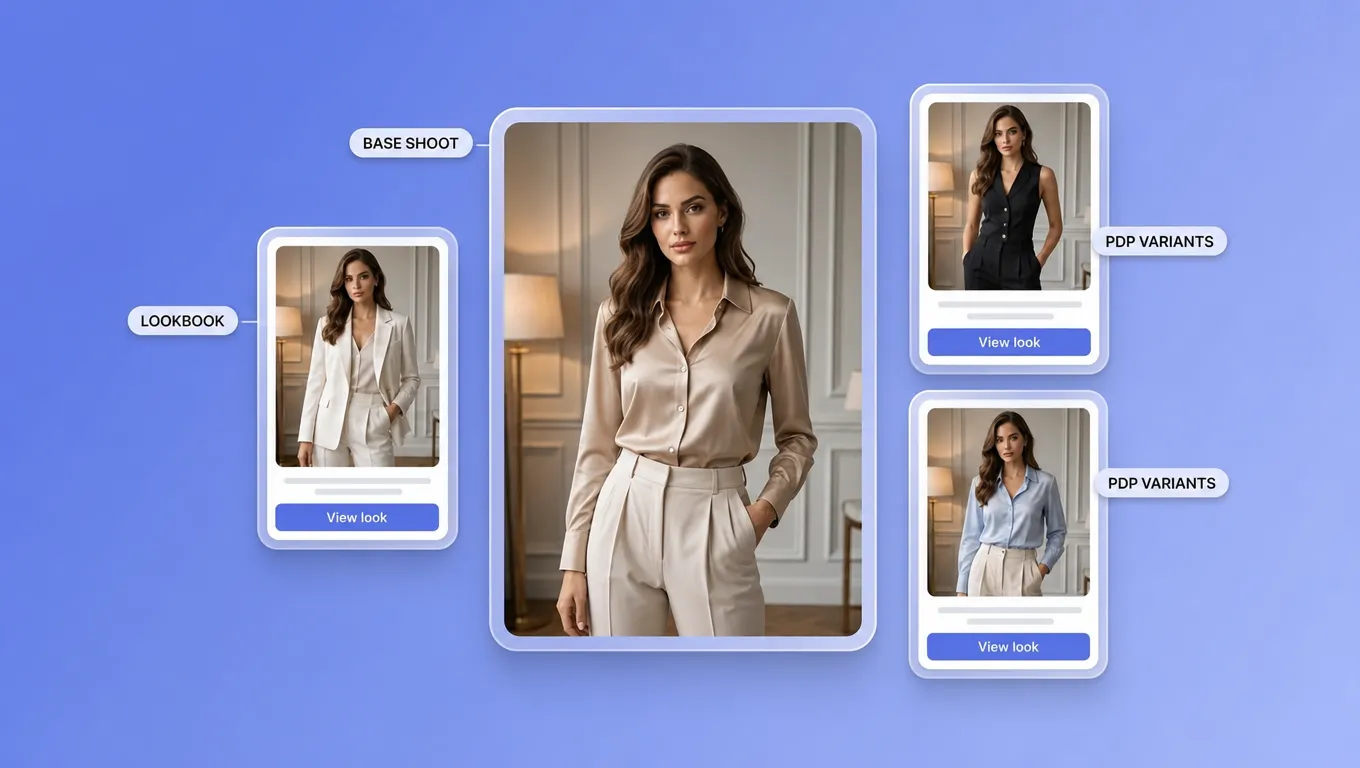
    AI clothes changer PDP and lookbook outfit variants preview

    PDP and lookbook variants

    Generate alternate outfits for product detail pages and lookbooks from one base shoot.

    See more
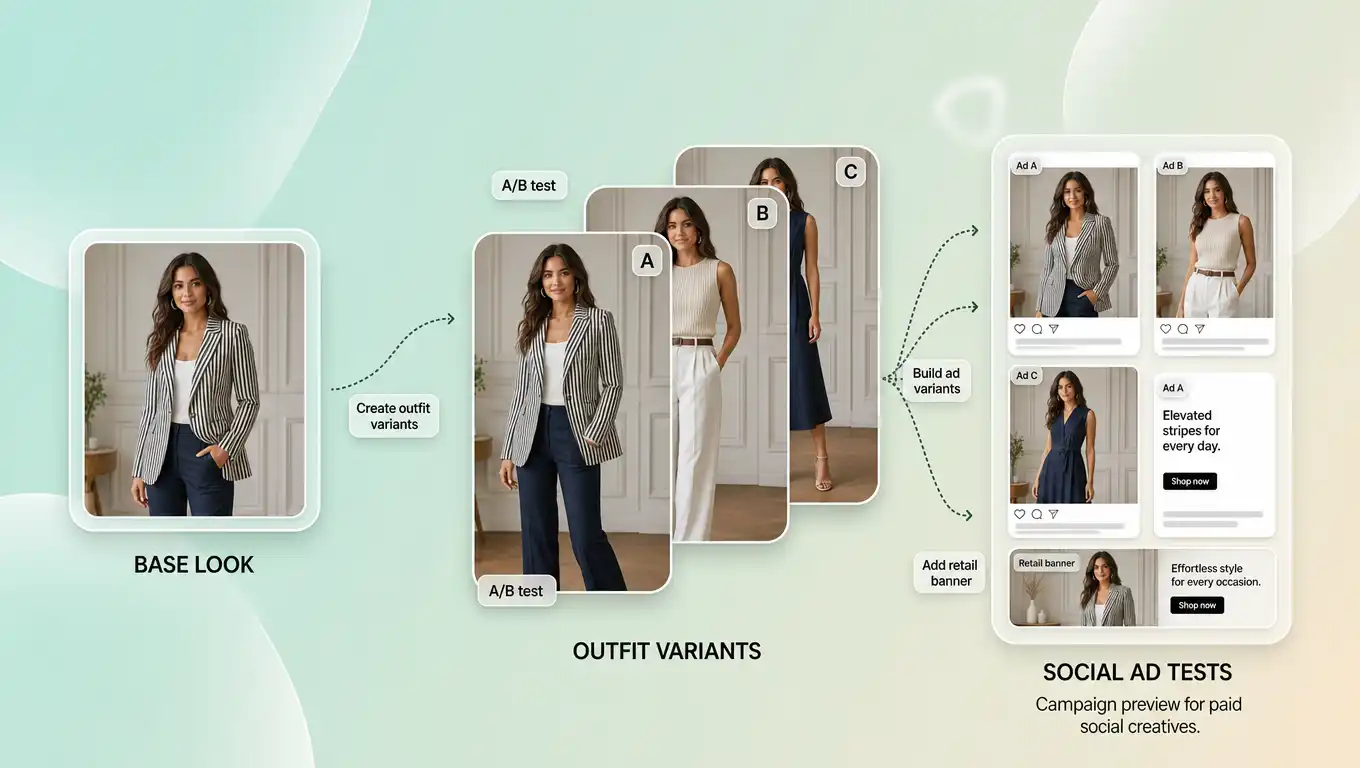
    AI clothes changer paid social and ad outfit creatives preview

    Paid social and ad creatives

    Spin outfit variants for A/B tests across Meta, TikTok, and retail media.

    See more
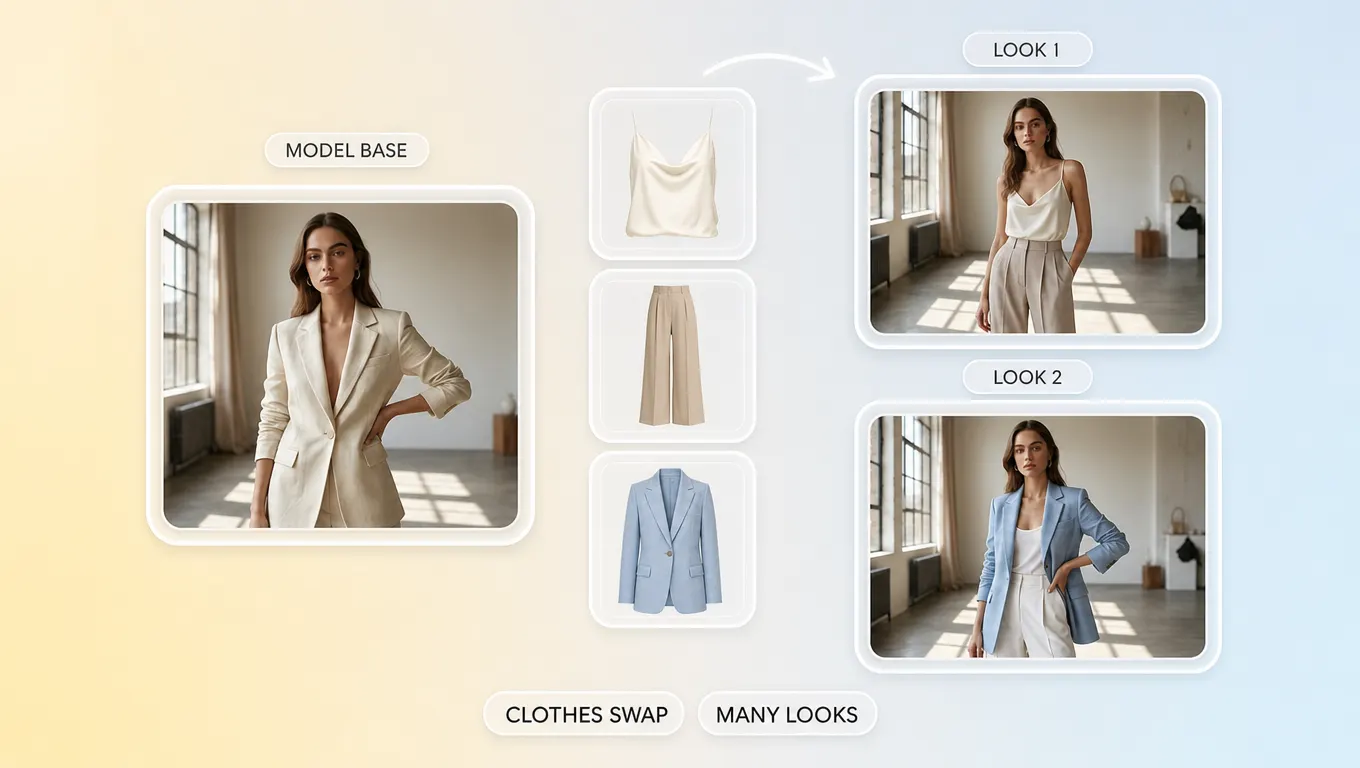
    AI clothes swap and outfit changer merchandising workflow preview

    AI clothes swap / outfit changer workflows

    Run AI clothes swap and AI outfit changer style iterations when merchandising needs many looks from few models.

    See more

    Tips for Cleaner Outfit Swap Results

    Practical guidance for cleaner listing and campaign outfit swaps.

    1. 1. Prefer front-facing shots with clear torso and sleeve linesVisible shoulders and sleeves help garment edges land cleanly on ecommerce model photos.
    2. 2. Upload high-resolution garment flatsAvoid heavy folds that hide silhouette; clear flats improve clothes-change AI SKU variants.
    3. 3. Match camera height between model and garmentSimilar framing reduces warped shoulders and uneven hemlines in the swap.
    4. 4. Compare sleeve length and hem before locking PDPGenerate two to three options, then pick the cleanest drape for the catalog hero.
    5. 5. Export the strongest frame for PDPUse the cleanest result on product pages; keep alternate frames for ads and social.

    AI Clothes Changer FAQ

    An AI clothes changer swaps clothing on a person or model photo using generative AI—used by ecommerce teams to preview outfits for listings and ads.

    Swap Outfits on Models You Already Shot

    Open TopView’s AI clothes changer and generate ecommerce-ready outfit swaps from assets you already own.

    Try AI Clothes Changer Free