Topview
    • MCP/Skill
    • Plugin
    • API
    • Pricing
    1. Home
    2. Virtual Ring Try On

    AI Ads

    AI Video AgentAI Ads VideoAI Product VideoAI UGC VideoURL to Video

    AI Avatar

    AI Avatar GeneratorProduct AvatarDesign My AvatarAI Lip Sync

    AI Video

    AI Video GeneratorDrama StudioAI Video Body SwapAI Video UpscalerAI Video Watermark RemoverTikTok Watermark RemoverSora Watermark RemoverSubtitle RemoverAI Motion ControlAI Lip SyncURL to Video

    AI Image

    AI Image GeneratorAI Face SwapAI Image Character SwapAI Image UpscalerAI InpaintAI Image Text EditorPhoto Angle EditorAI RelightingAI Product PhotographyAI Virtual Try-OnAI Storyboard GeneratorExtract Color PaletteImage to Prompt

    AI Voice

    VoiceoverAI Voice CloningAI Music Generator

    3D

    3D World Generator3D Shot Composer

    Use Cases

    AdvertisingAffiliate MarketingEcommerceDTC BrandsAI Live Stream

    Resources

    BlogAffiliate ProgramLearning CenterAlternativeAPI

    Company

    Topview StudioPrivacy PolicyTerms
    Topview

    © 2026 TOPVIEW PTE. LTD.

    Singapore: 20 Collyer Quay #20-03, Singapore 049319
    Los Angeles: 15970 Los Serranos CC Dr #251, Chino Hills, CA 91709

    Virtual Engagement Ring Try On for Product Photos

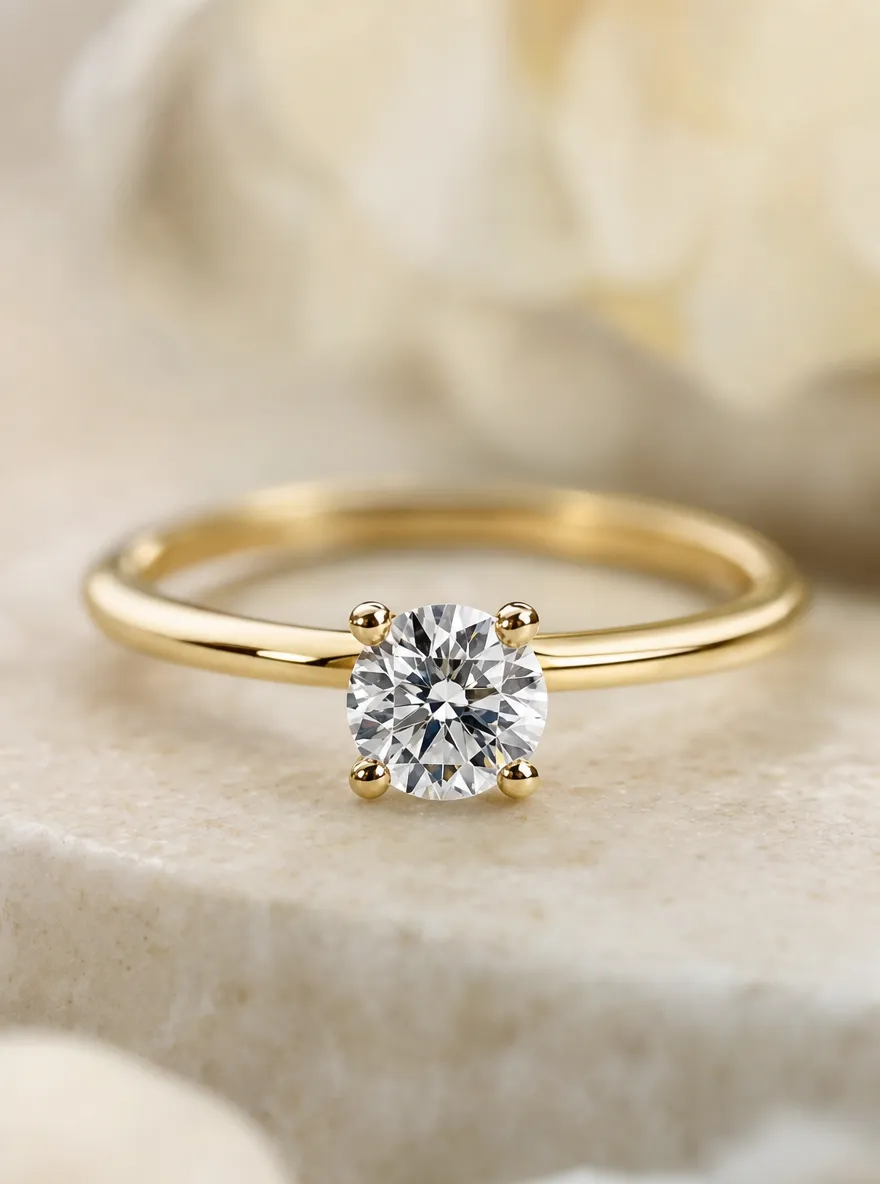
    Run virtual ring try on on model hand photos to merchandise engagement rings and fashion bands. Jewelry sellers use it for listing heroes, sales assistants’ style boards, and campaign creatives—without booking a new hand shoot for every SKU.

    Virtual Ring Try-On

    Model hand photo

    Ring product image
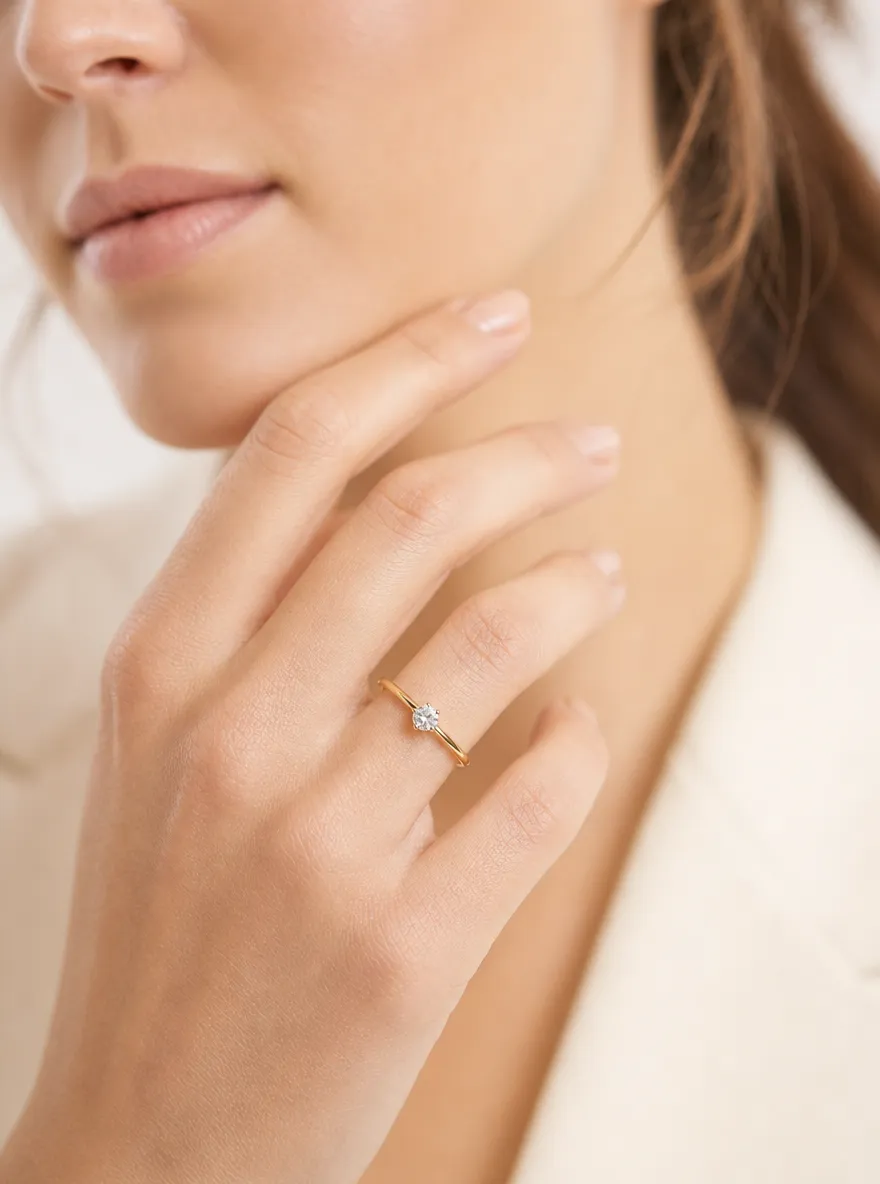
    Virtual ring try on result on a model hand for jewelry listings
    Model hand photo for virtual ring try on merchandising
    Ring product image for virtual try on listings

    JEWELRY PREVIEW FOR RETAIL

    What Is Virtual Ring Try On for Jewelers?

    Virtual try on ring tooling places a ring SKU onto a hand photo so teams can compare metal, stone, and silhouette for ecommerce. Virtual engagement ring try on is the same workflow focused on bridal and proposal assortments.

    virtual jewelry try on

    WORKFLOW

    How Virtual Ring Try On Works for Jewelry Teams

    1. 01

      Upload a clear model hand photo

      Use a well-lit ecommerce hand shot with fingers visible and a relatively straight pose. Clean knuckles and nail tips help virtual ring try on place the SKU naturally for listing previews.

    2. 02

      Add the ring product reference

      Upload a catalog shot of the ring—solitaire, halo, band, or fashion piece. Clear metal and stone detail improves virtual try on ring results across bridal and fashion SKUs.

    3. 03

      Generate listing and campaign previews

      Create hand-on-ring variants, compare looks, and export assets for jewelry PDPs, ads, and sales style boards.

    Start Virtual Ring Try On

    WHY TOPVIEW

    Why Jewelers Preview Rings on TopView

    Faster listing heroes, more SKU visuals, fewer hand reshoots.

    Hand-on ring boards for catalog drops

    Produce multiple ring-on-hand variants from one ecommerce hand base for marketplace and bridal listings.

    Engagement ring virtual try on for bridal assortments

    Merchandise solitaires and vintage-inspired bands for PDPs and sales boards without reshooting every setting.

    Fair SKU comparisons on the same hand

    Keep one hand photo fixed while swapping ring images so metal and silhouette decisions stay visually honest.

    Reuse hand and ring photos you already own

    Feed existing hand frames and product stills—no need to rebuild a jewelry set for every SKU preview.

    ECOMMERCE USE CASES

    Ecommerce Use Cases for Virtual Ring Try On

    Practical ways jewelry and growth teams ship ring visuals faster.
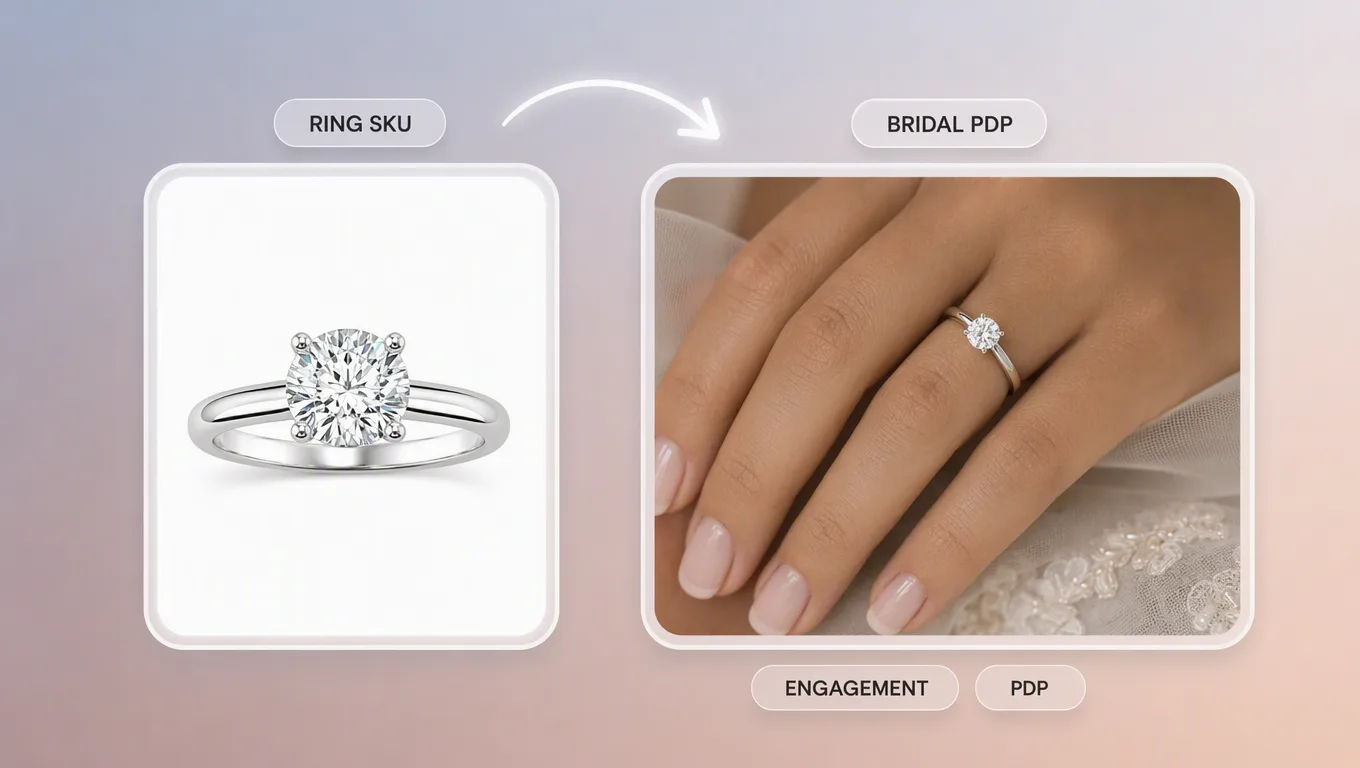
    Virtual engagement ring try on preview for bridal PDP listings

    Virtual engagement ring try on for bridal PDPs

    Merchandise solitaires and vintage-inspired bands on model hands for engagement ring PDP galleries and lookbooks.
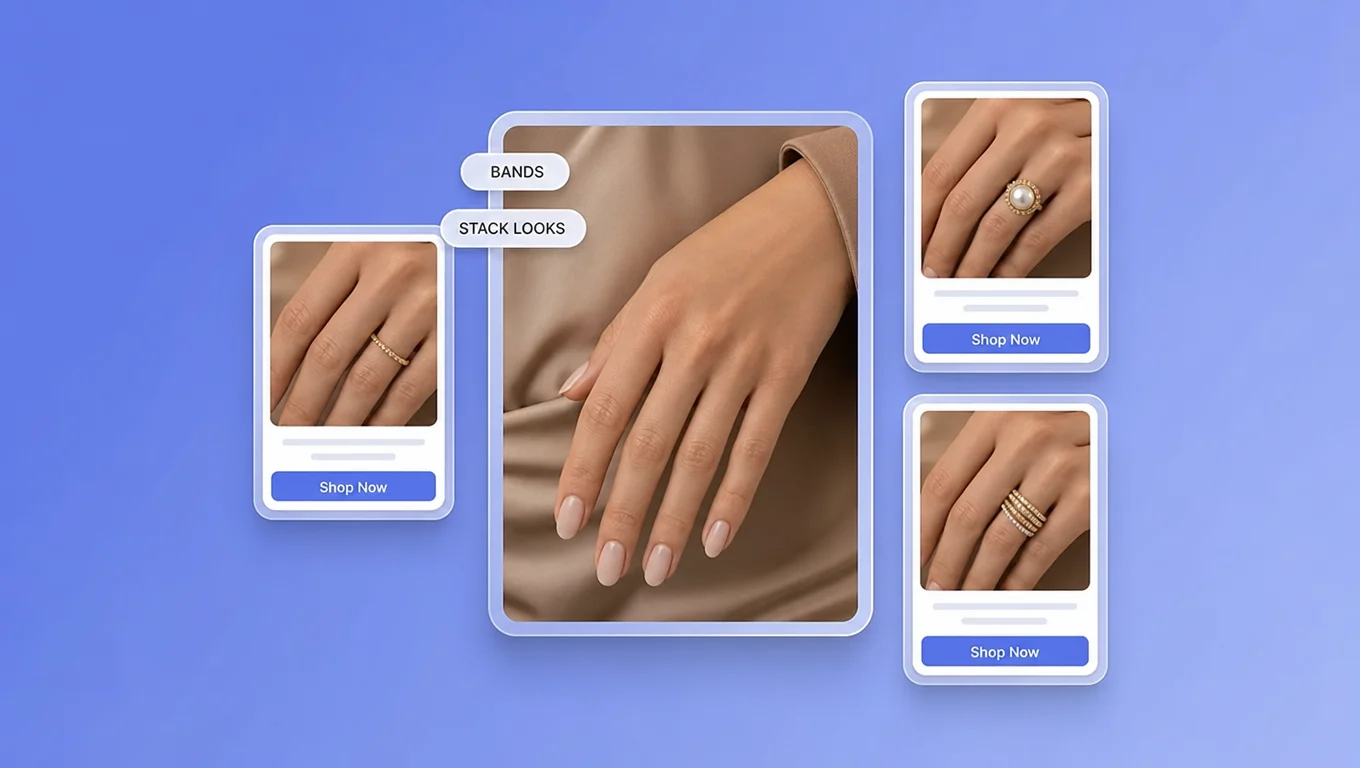
    Fashion and stacking ring virtual try on for catalog merchandising

    Fashion band and stack merchandising

    Preview thin bands, statement pieces, or stack combinations on the same hand photo for fashion jewelry catalogs and retail boards.
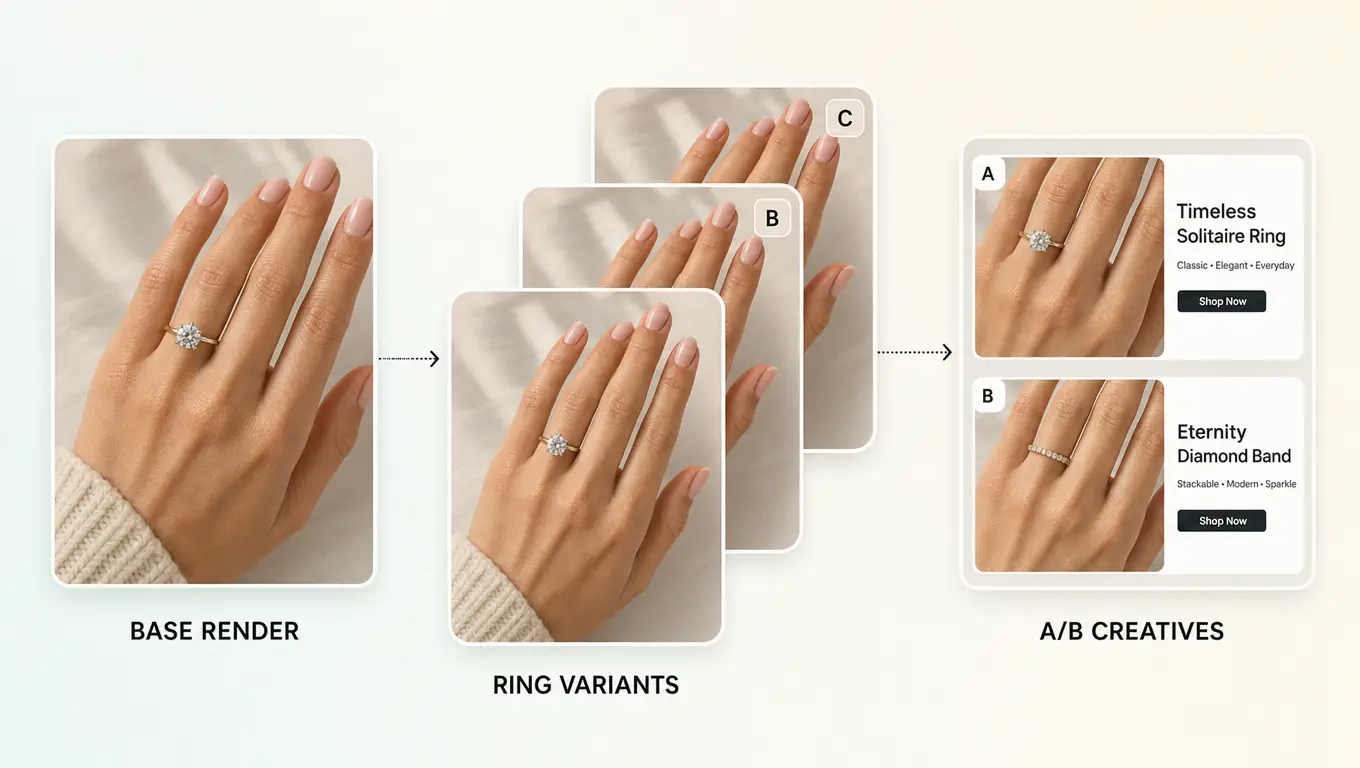
    Ecommerce ring SKU comparison with virtual try on creatives

    Ecommerce SKU comparison and A/B creatives

    Test which ring rendering performs better in ads or listing thumbnails before investing in more inventory photography.
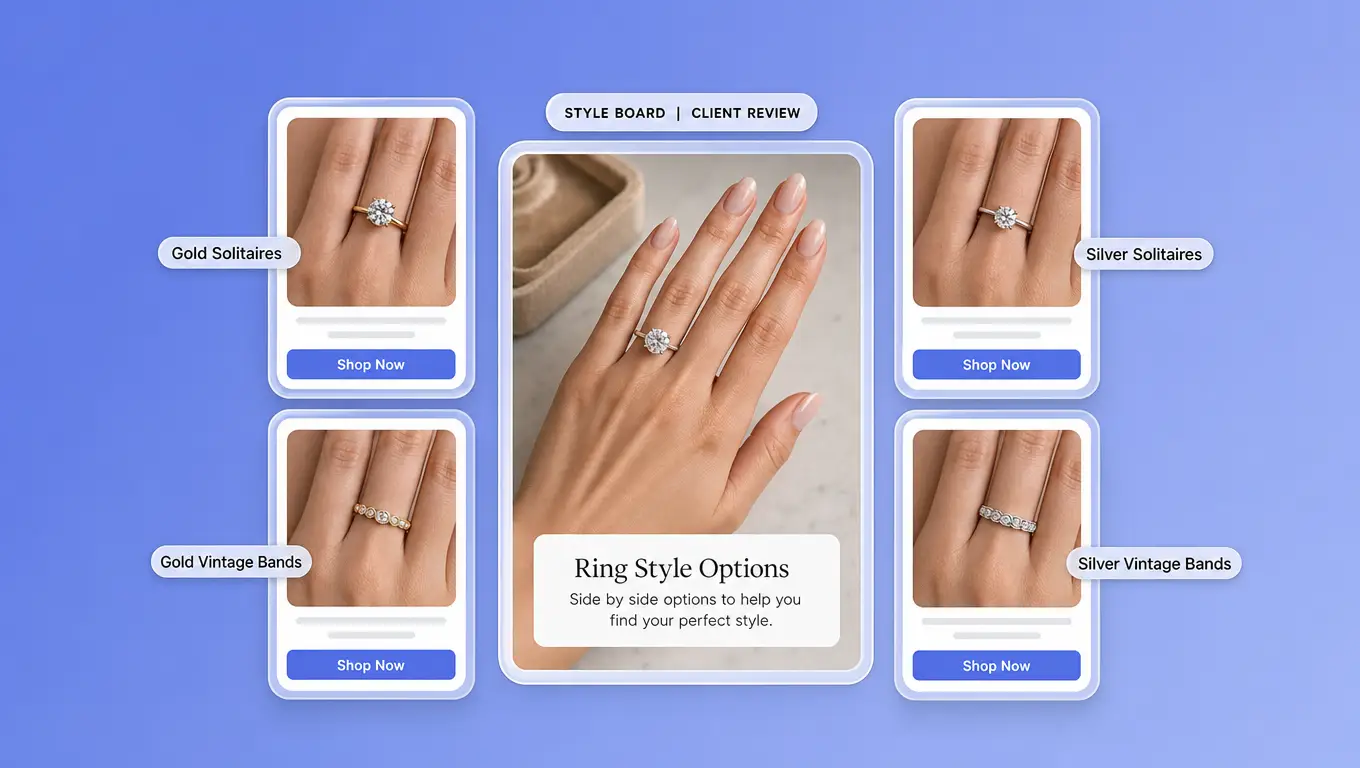
    Sales style board with virtual ring try on previews

    Sales assistant style boards

    Build side-by-side ring previews for store associates and DTC support so clients review metal and silhouette on the same visual reference.

    BETTER PREVIEWS

    Tips for Cleaner Ring-on-Hand Previews

    Inputs that help virtual ring try on look listing-ready.

    Choose hand photos that show finger proportions

    Slightly angled top-down or three-quarter ecommerce hand shots usually place the ring more believably than extreme close-ups.

    Match lighting between hand and ring image

    Similar brightness and white balance reduce pasted-on edges on PDP.

    Batch engagement styles on one hand

    Keep the same hand photo and swap ring images so bridal SKU comparisons stay fair.

    Treat size and fit as a separate retail step

    Use the preview for style and proportion. Confirm ring size with a sizing guide, jeweler sample, or in-store process.

    FAQ

    Yes. Upload a clear model hand photo and the engagement ring product image, then generate a preview. Engagement ring virtual try on helps merchandisers compare bridal styles for PDP galleries and sales boards—it does not replace professional sizing.

    TRY IT FREE

    Compare Rings on One Hand Before Inventory Shoots

    Open TopView’s virtual ring try on and generate ecommerce-ready hand-on-ring visuals—including engagement styles—for PDPs, ads, and sales boards.

    Start Virtual Ring Try On