Topview
    • MCP/Skill
    • Plugin
    • API
    • Pricing
    1. Home
    2. Virtual Jewelry Try On

    AI Ads

    AI Video AgentAI Ads VideoAI Product VideoAI UGC VideoURL to Video

    AI Avatar

    AI Avatar GeneratorProduct AvatarDesign My AvatarAI Lip Sync

    AI Video

    AI Video GeneratorDrama StudioAI Video Body SwapAI Video UpscalerAI Video Watermark RemoverTikTok Watermark RemoverSora Watermark RemoverSubtitle RemoverAI Motion ControlAI Lip SyncURL to Video

    AI Image

    AI Image GeneratorAI Face SwapAI Image Character SwapAI Image UpscalerAI InpaintAI Image Text EditorPhoto Angle EditorAI RelightingAI Product PhotographyAI Virtual Try-OnAI Storyboard GeneratorExtract Color PaletteImage to Prompt

    AI Voice

    VoiceoverAI Voice CloningAI Music Generator

    3D

    3D World Generator3D Shot Composer

    Use Cases

    AdvertisingAffiliate MarketingEcommerceDTC BrandsAI Live Stream

    Resources

    BlogAffiliate ProgramLearning CenterAlternativeAPI

    Company

    Topview StudioPrivacy PolicyTerms
    Topview

    © 2026 TOPVIEW PTE. LTD.

    Singapore: 20 Collyer Quay #20-03, Singapore 049319
    Los Angeles: 15970 Los Serranos CC Dr #251, Chino Hills, CA 91709

    Virtual Jewelry Try On for Catalog & Campaign Assets

    Preview broader jewelry assortments—not just a single ring—on model photos for PDPs and ads. Virtual try on jewelry helps merchandisers ship look variants without a full accessory reshoot.

    Virtual Jewelry Try-On

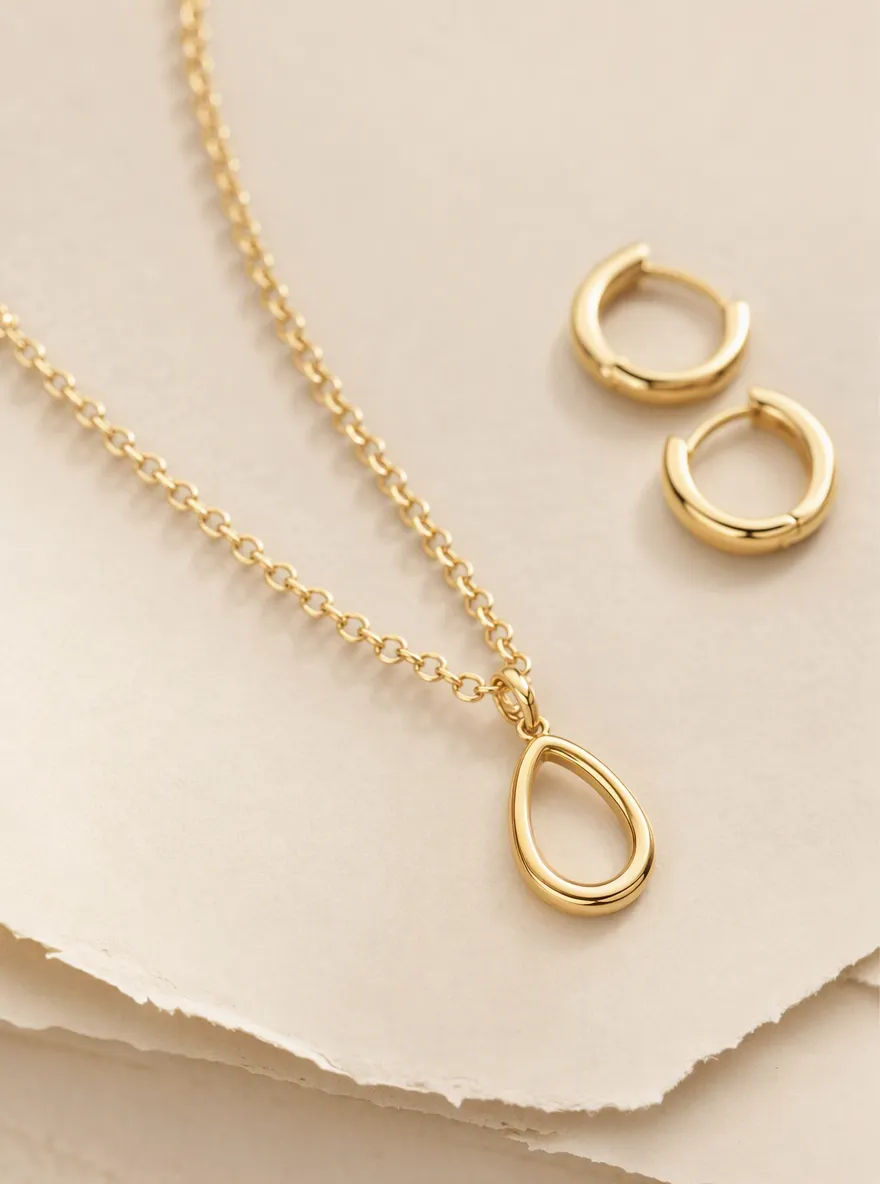
    Model photo

    Product image
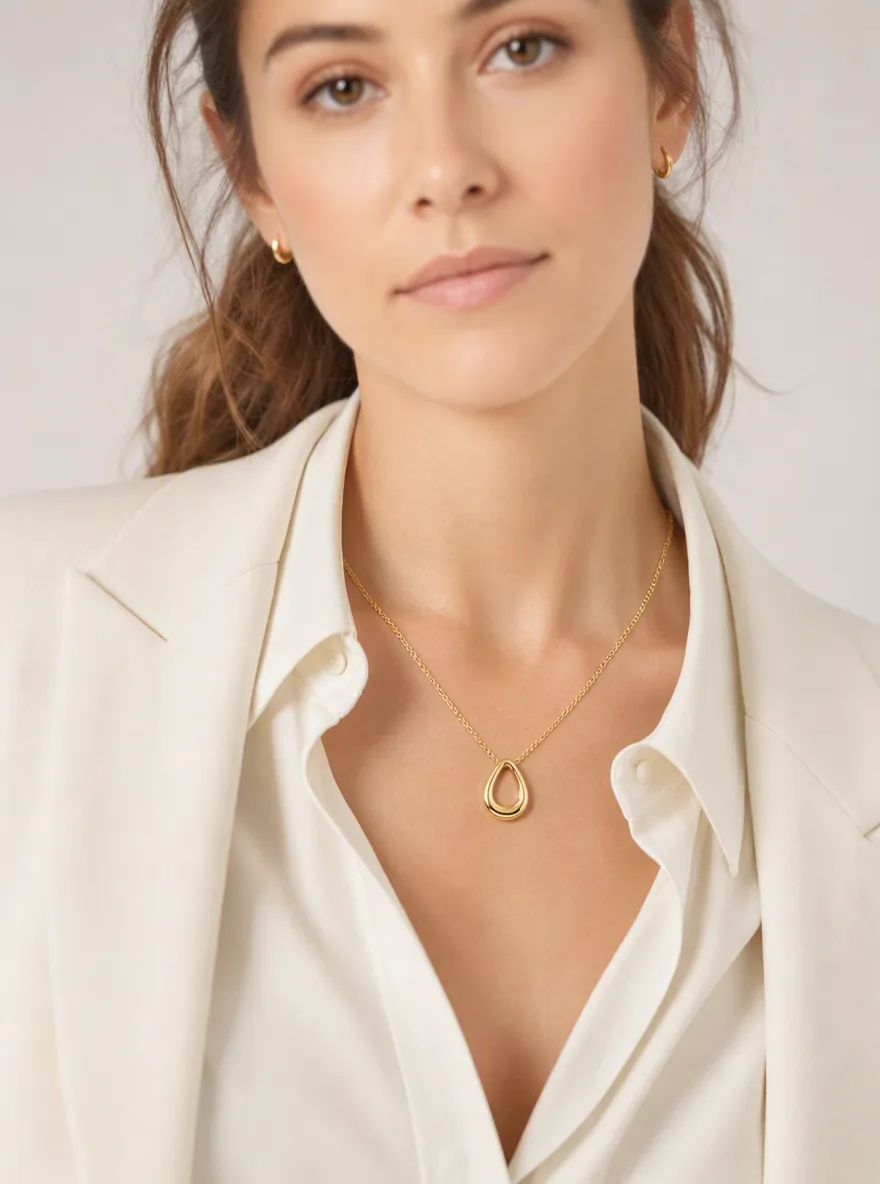
    Virtual jewelry try on result showing necklace and earrings on a model photo for ecommerce
    Model portrait used for virtual jewelry try on catalog preview
    Jewelry product reference for virtual try on jewelry

    JEWELRY PREVIEW FOR RETAIL

    What Is Virtual Jewelry Try On for Ecommerce?

    Virtual jewelry try on (virtual try on jewelry) composites necklaces, earrings, bracelets, and multi-piece sets onto a model photo so merchandisers can evaluate scale, metal tone, and styling for PDPs, lookbooks, and ads. For single-ring SKUs and hand-focused workflows, use TopView’s dedicated virtual ring try on page; this page covers broader jewelry assortments beyond a single band.

    WORKFLOW

    How Virtual Try On Jewelry Works for Product Teams

    1. 01

      Upload a clear model or talent photo

      Use a well-lit front-facing or three-quarter ecommerce shot with a visible neckline, ear area, or wrist—depending on the jewelry category you are merchandising.

    2. 02

      Add the jewelry product reference

      Upload a product flat or packshot of the necklace, earrings, bracelet, pendant, or multi-piece set. Clean edges and clear metal/stone detail improve listing-ready results.

    3. 03

      Generate listing and campaign variants

      Create multiple jewelry looks, compare assortments, and export assets for PDP heroes, catalog boards, and paid social creatives.

    Start Jewelry Try On

    WHY MERCHANTS

    Why Jewelers Preview Sets on TopView

    Faster accessory catalogs, more SKU visuals, fewer reshoots.

    Necklace and earring sets without another cast day

    Extend one model base across necklaces, earrings, and sets for marketplace and DTC catalogs.

    Collection boards at merchandising speed

    Generate on-model jewelry looks for seasonal collections without booking a full accessories shoot day per SKU.

    Gift-guide and drop teaser frames

    Stage gift guides and launch teasers with consistent model identity for Meta, TikTok, and retail media.

    Honest visual limits for retail teams

    Use virtual jewelry try on for style and merchandising—not ring size, metal weight, or precision fit guarantees.

    ECOMMERCE USE CASES

    Ecommerce Use Cases for Virtual Jewelry Try On

    Practical ways jewelry brands and sellers ship accessory visuals faster.
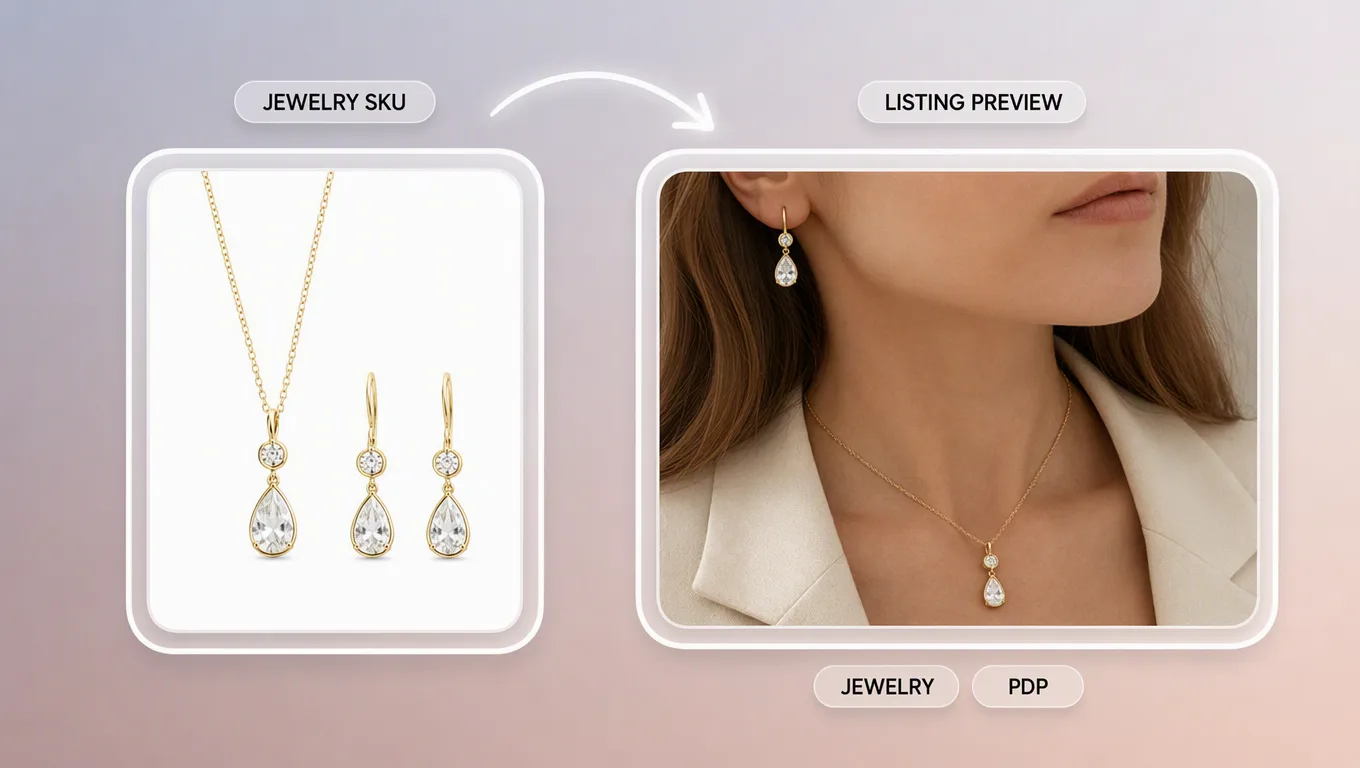
    Virtual jewelry try on preview for ecommerce jewelry listings

    Marketplace and DTC jewelry listings

    Produce on-model necklace, earring, and set previews for PDP galleries when a full accessory shoot is not scheduled.
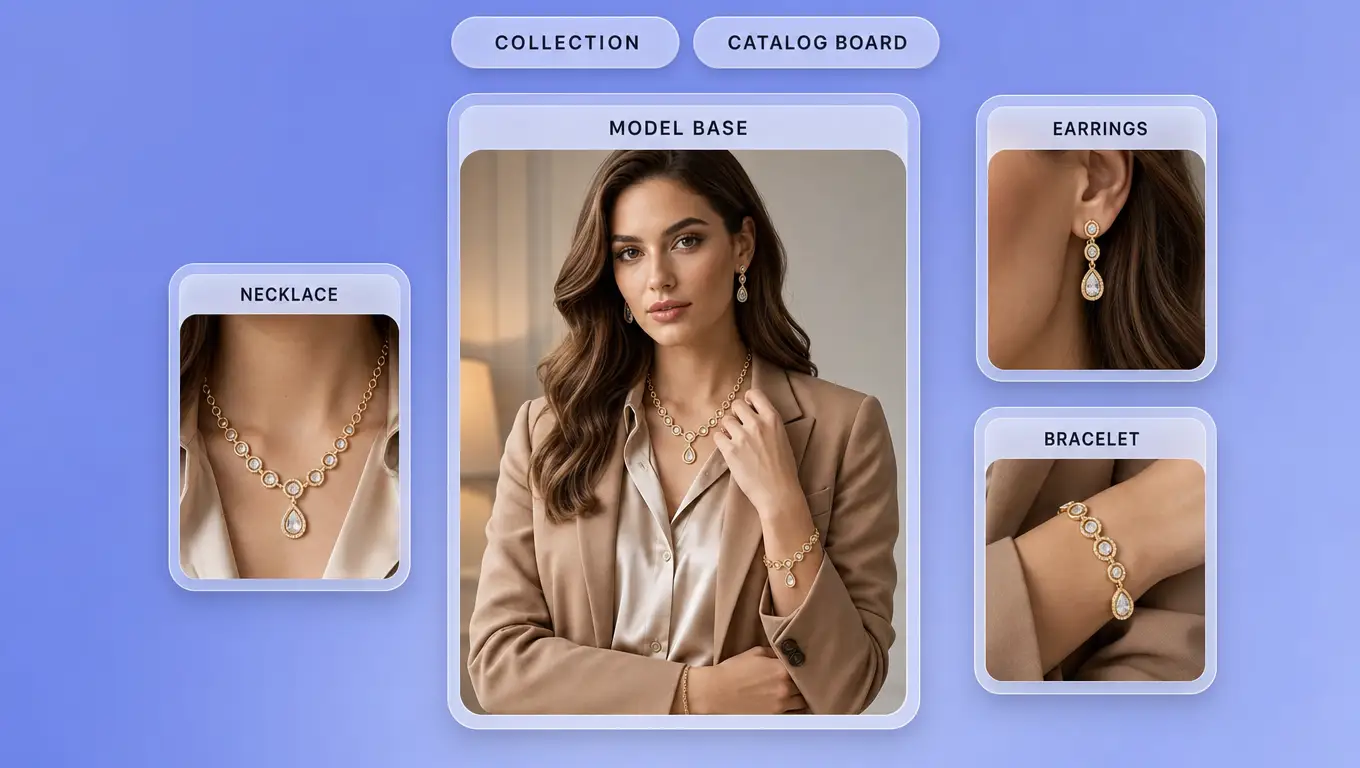
    On-model jewelry shot for product catalog

    Catalog and collection boards

    Merchandisers generate on-model jewelry shots for seasonal collections without booking a studio day for every SKU.
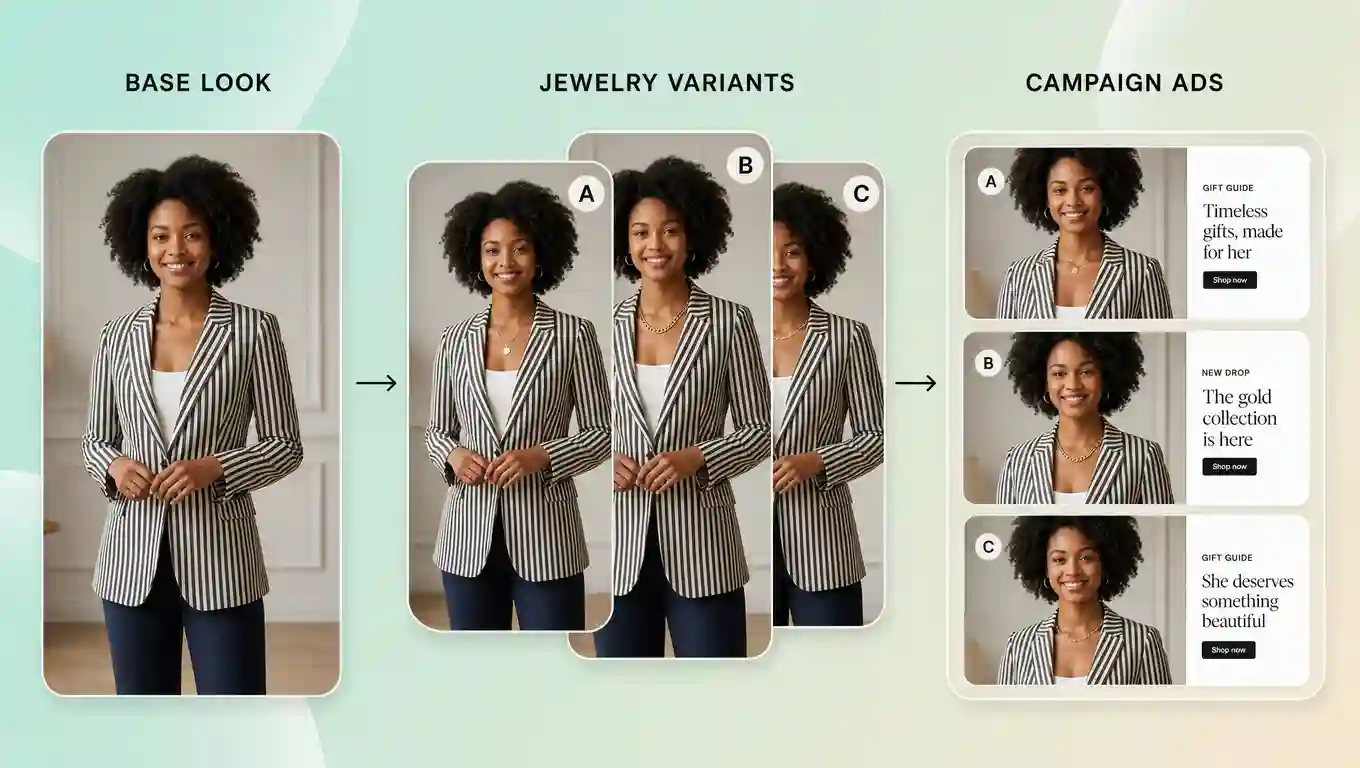
    Model-and-jewelry preview for social ads

    Paid social and campaign creatives

    Growth teams stage gift guides, drop teasers, and A/B ad frames with consistent model-and-jewelry previews.
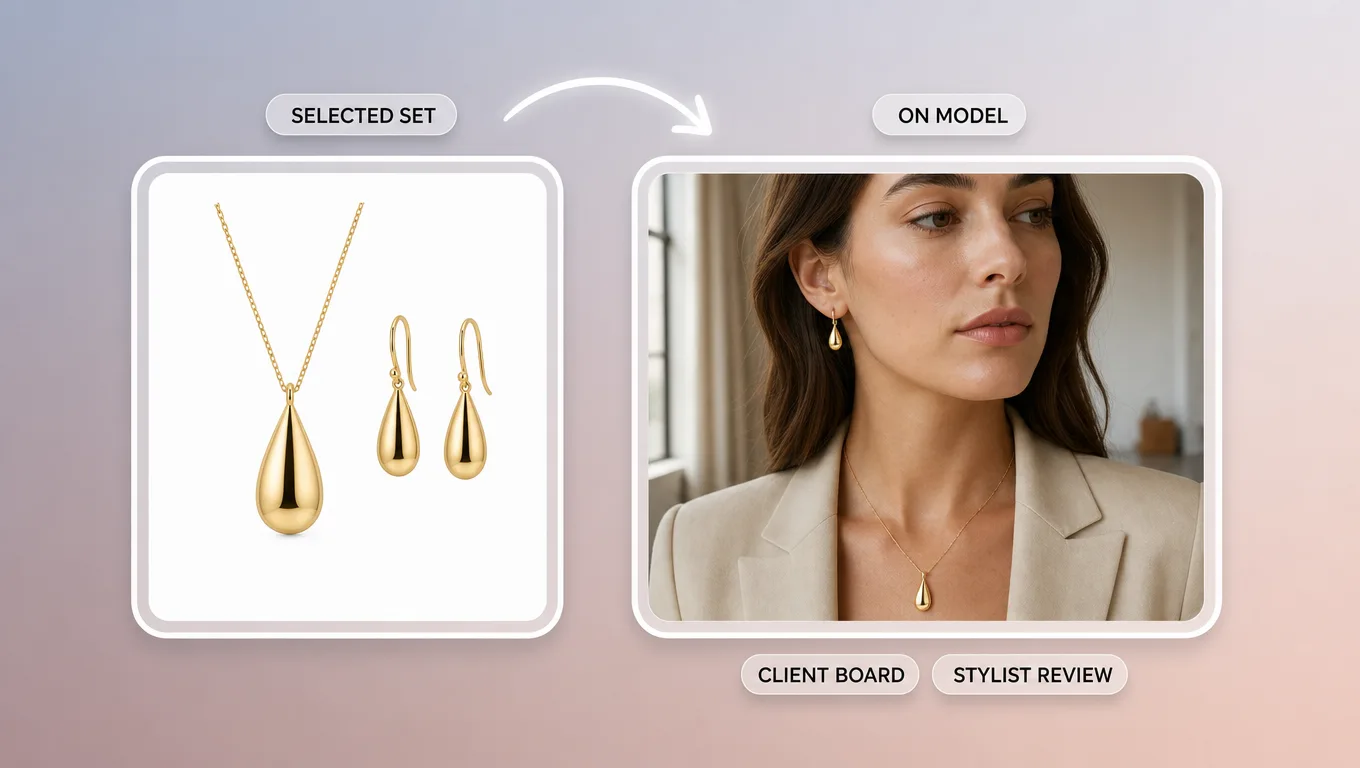
    Jewelry style options for retail client approval

    Retail and stylist client boards

    Studios and bridal consultants share visual jewelry options with clients for assortment approvals before inventory shoots.

    BEST PRACTICES

    Tips for Better Jewelry Try-On Results

    • Prefer ecommerce model shots where the relevant area (neck, ears, wrist, or hands) is unobstructed.
    • Use high-resolution jewelry product images with a clean background and clear metal/stone detail.
    • Keep scale realistic: match statement pieces to model framing that shows comparable proportions.
    • Generate two to three variants per SKU, then pick the cleanest, most natural blend for the PDP.
    • For single-ring SKUs and hand-detail workflows, use TopView’s dedicated virtual ring try on page; this page covers broader jewelry sets beyond a single band.
    • Pair jewelry previews with TopView Virtual Try-On when the same campaign also needs outfit or multi-category accessory swaps.

    FAQ

    They describe the same merchant workflow: using AI to preview jewelry on a model photo for listings and campaigns. On TopView, both phrases point to uploading a model shot plus a jewelry reference to generate ecommerce-ready creatives.

    START FREE

    Stage Necklaces and Earrings on Models You Already Have

    Open TopView’s virtual jewelry try on and generate ecommerce-ready necklace, earring, and set previews. For single-ring hand workflows, use the ring try-on page.

    Start Jewelry Try On