Faster eyewear catalog updates
Refresh frame visuals across SKUs without rebooking talent or resetting the studio for every new shape.
VIRTUAL EYEWEAR TRY-ON
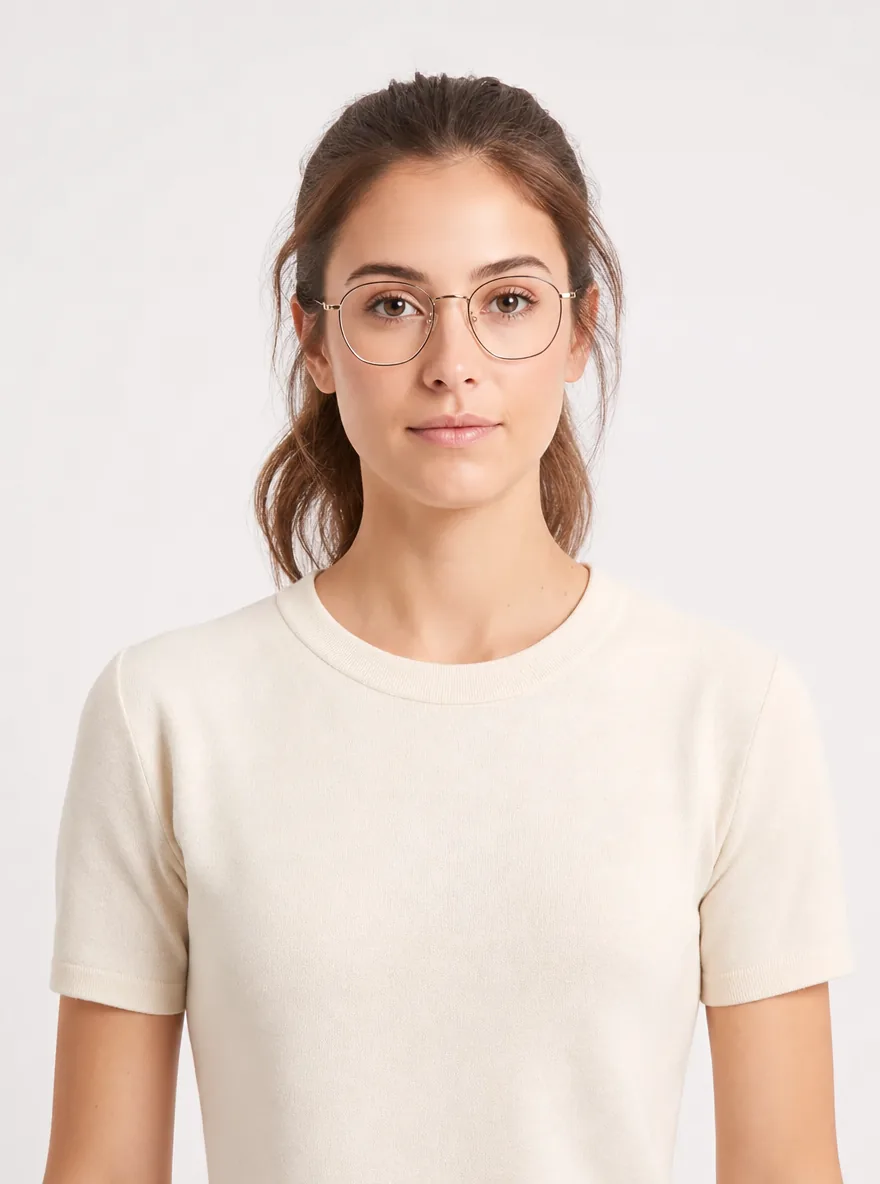
Preview eyeglasses, sunglasses, and reading glasses on model face photos for listings and campaigns. Virtual try on eyewear helps optical brands and DTC shops ship frame visuals without a full studio reset.
Virtual Glasses Try-On
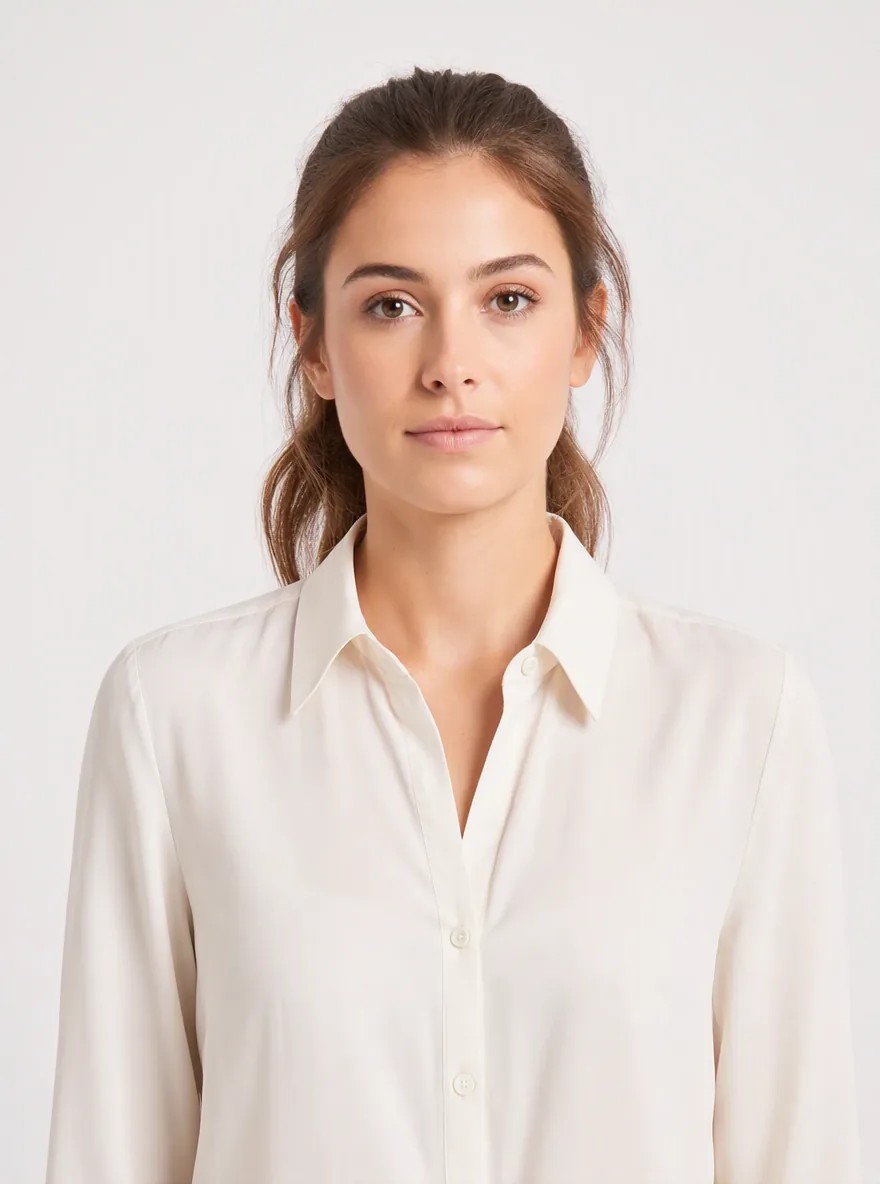
Model face photo
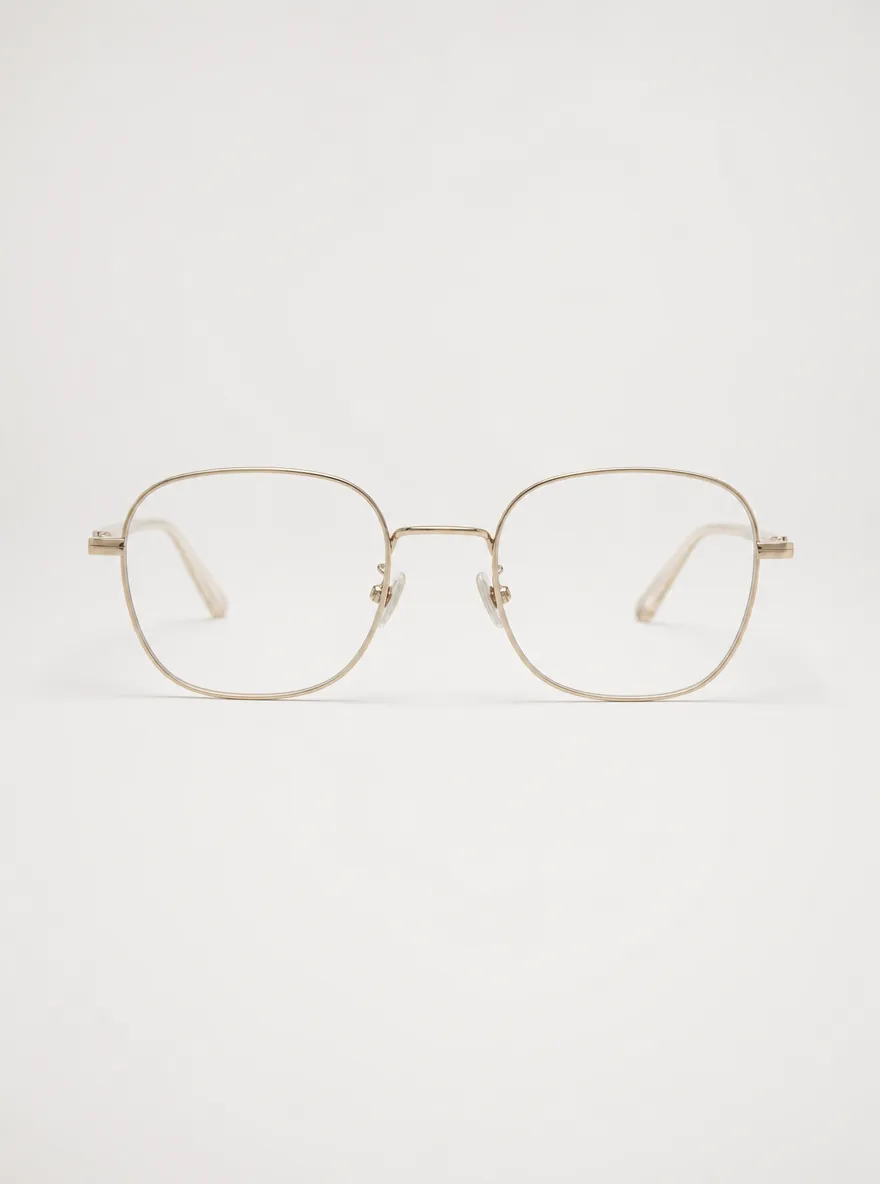
Glasses frames product image
EYEWEAR PREVIEW FOR RETAIL
Virtual glasses try on (virtual try on glasses) composites frames onto a face photo so merchandisers can evaluate fit, shape, and style for PDPs, lookbooks, and ads. It covers eyeglasses virtual try on, sunglasses virtual try on, and reading glasses virtual try on workflows.
WORKFLOW
Use a well-lit, straight-on ecommerce model shot with an unobstructed face so virtual try on glasses frames sit naturally on the bridge and temples.
Upload eyeglasses, sunglasses, or reading glasses frames—product flats or ghost mannequin shots with clear edges work best for eyewear PDP previews.
Create multiple frame looks, compare shapes and colors, and export assets for product pages, catalogs, and campaign creatives.
WHY IT HELPS
Refresh frame visuals across SKUs without rebooking talent or resetting the studio for every new shape.
Run eyeglasses, sunglasses, and reading-glasses try-on from the same front-facing face plus frame upload path.
Compare thin metal, bold acetate, and rimless families on one face before committing PDP and ad heroes.
REAL WORKFLOWS
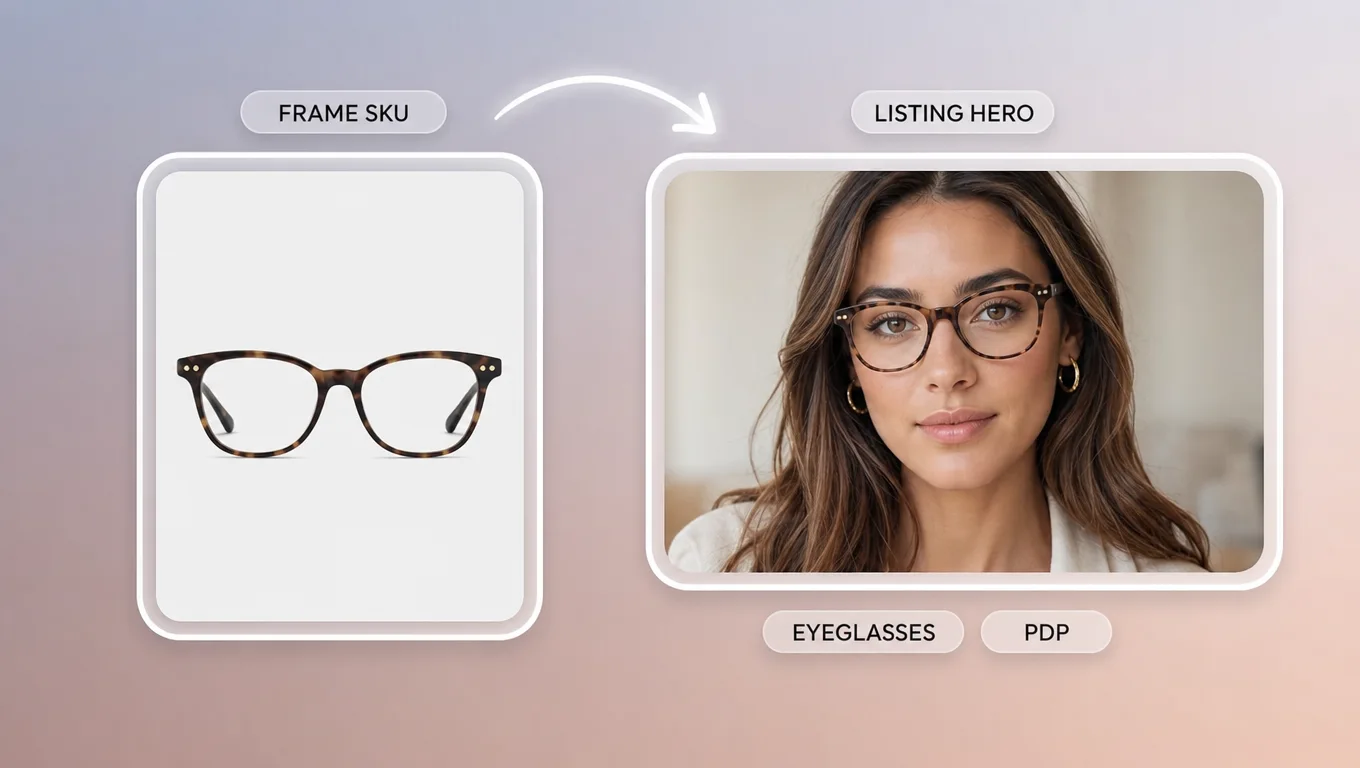
Produce eyeglasses virtual try on stills for product detail pages and marketplace listings—compare round, square, and rimless frames on model faces.
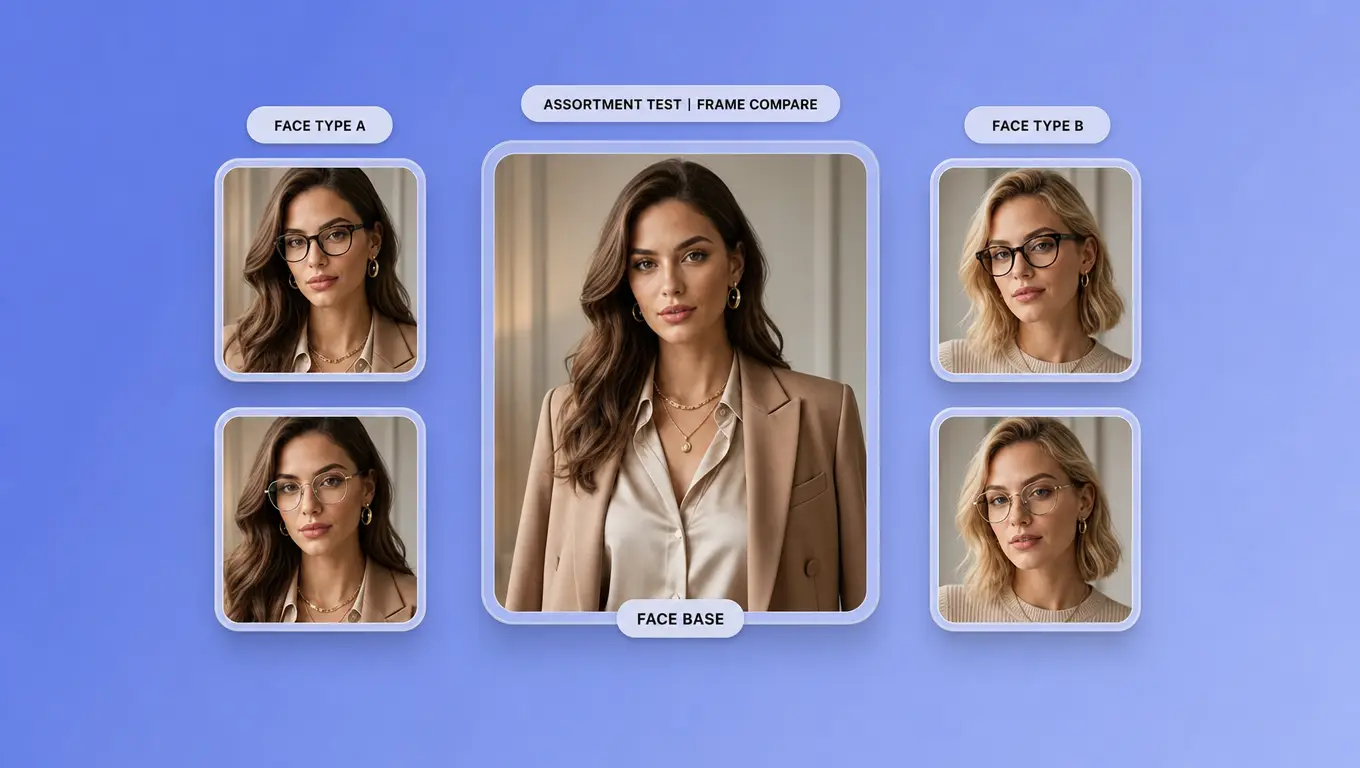
Retail buyers and DTC brands test which virtual try on glasses frames read best on different face types before locking hero images or paid ads.
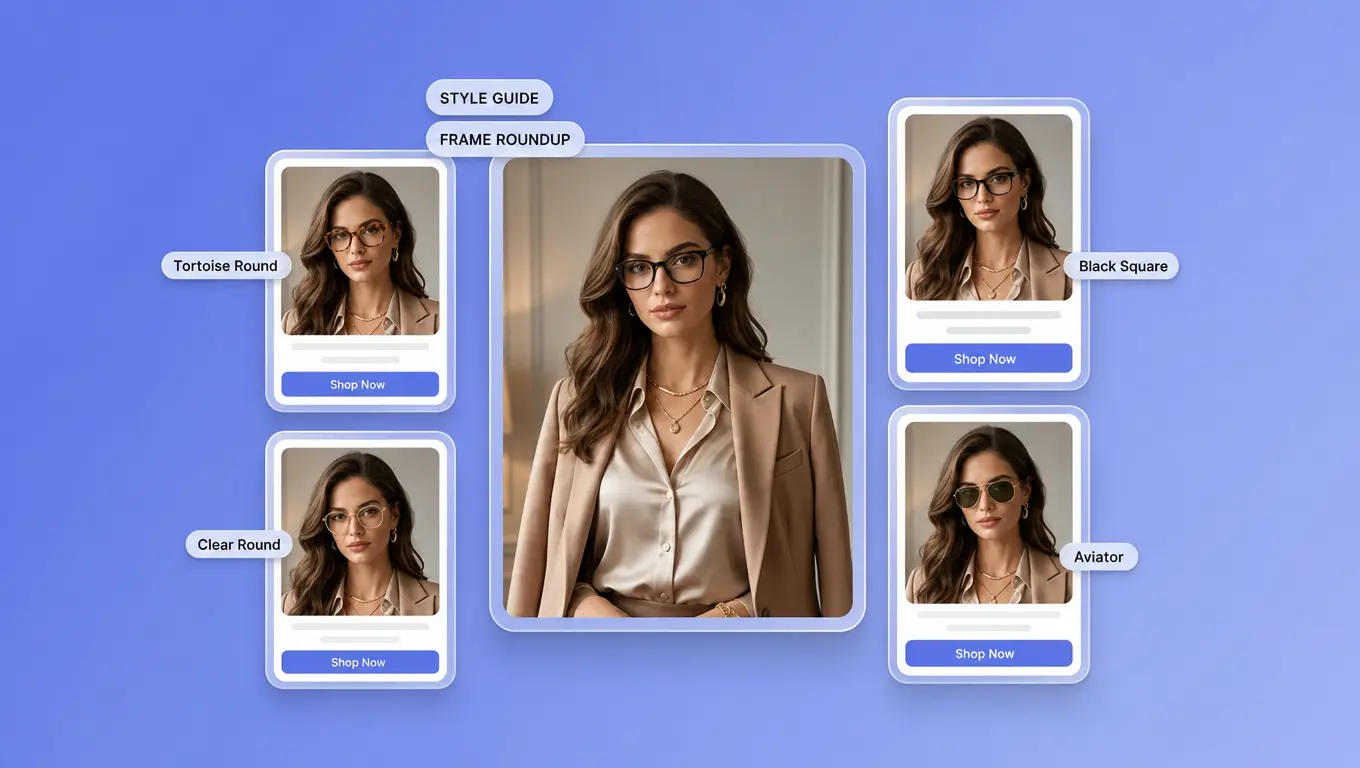
Growth and content teams generate multiple frame looks from one model base for carousels, style guides, and affiliate eyewear roundups.
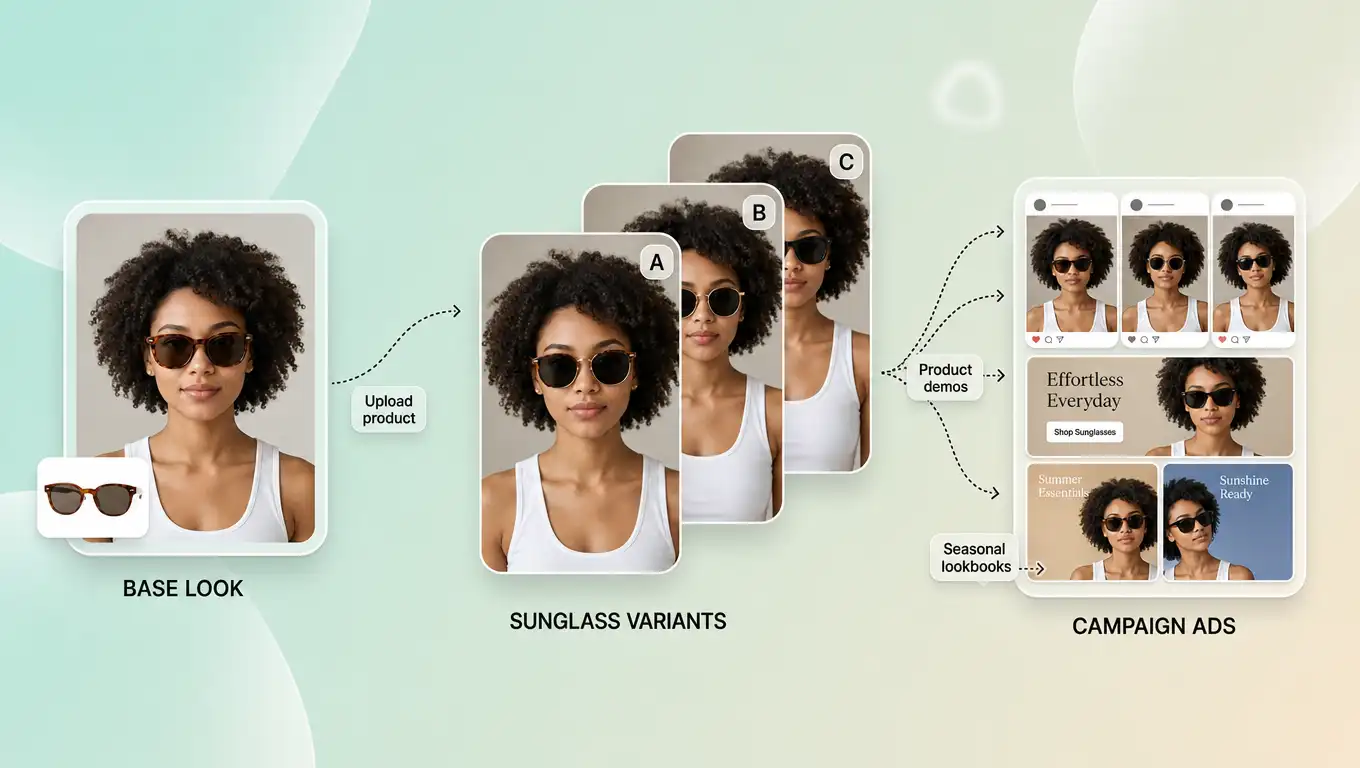
Sunglasses campaigns and retail media
Generate sunglasses virtual try on (virtual try on sunglasses) creatives for ads, seasonal lookbooks, and shoppable social—same workflow, campaign-ready frames.
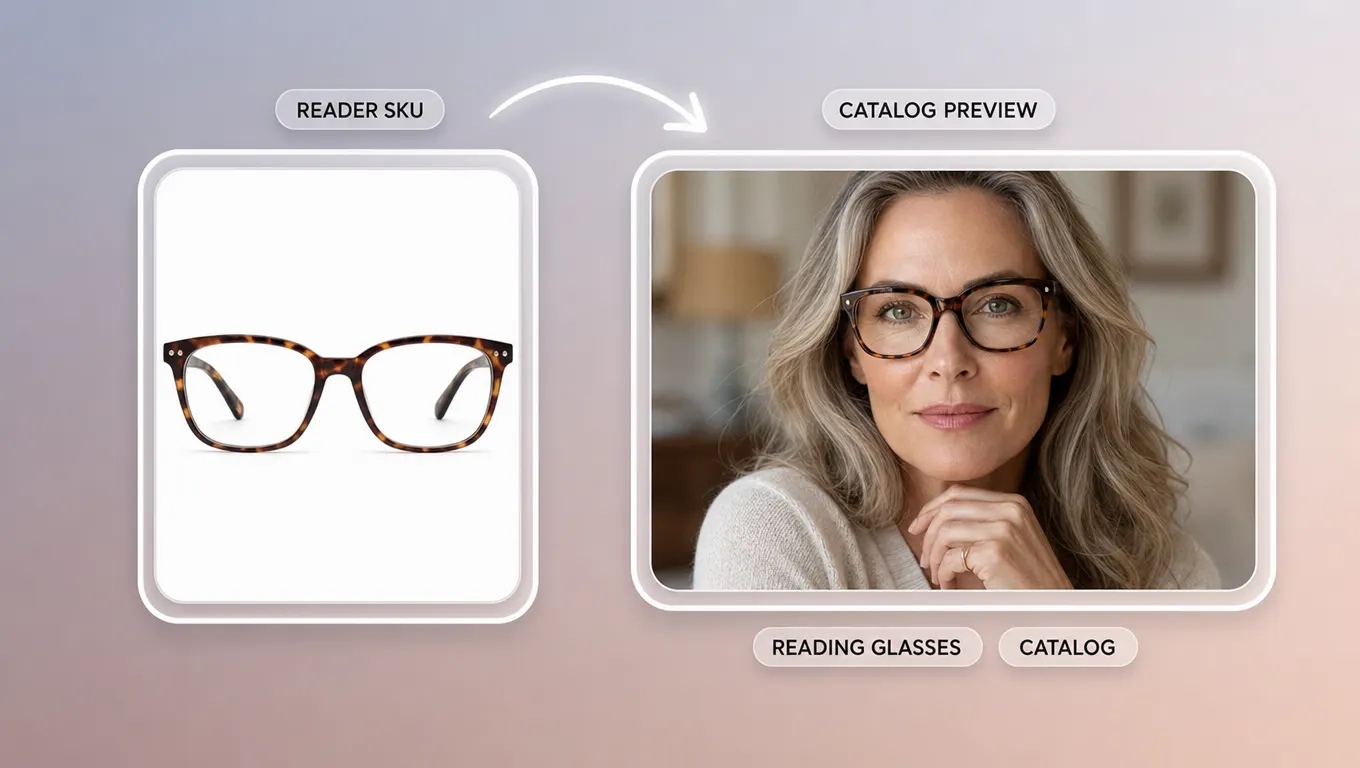
Reading glasses catalog and listing previews
Build reading glasses virtual try on (virtual try on reading glasses) assets for reader SKUs on catalog grids and PDPs—style and proportion only, not prescription fit.
BETTER RESULTS
Prefer straight-on, eye-level face photos; tilted angles can distort frame placement.
Choose glasses product images with visible temples and a clear lens area when possible.
Test two to three frame families (thin metal, bold acetate, rimless) per assortment instead of one random SKU.
Keep hair off the forehead and remove existing glasses for cleaner overlays.
Use the preview for style and proportion on listings—not as a substitute for pupillary distance or optical fitting.
For wider try-on and accessory workflows, browse all virtual try-on tools, or continue with the AI clothes changer when outfit pairing matters.
SHIP EYEWEAR PREVIEWS FASTER
Open TopView’s virtual glasses try on and create PDP, catalog, and ad frame previews from existing model and product assets.
Start Virtual Glasses Try On