Faster footwear catalog and PDP updates
Refresh sneakers, boots, and heels when colorways change—without rebooking a full lower-body shoot for every SKU.
VIRTUAL TRY ON SHOES
Preview footwear on model photos for catalogs and retail media. Virtual shoes try on helps footwear brands extend one shoot across many SKUs.
Virtual Shoes Try-On
Model photo
Product image
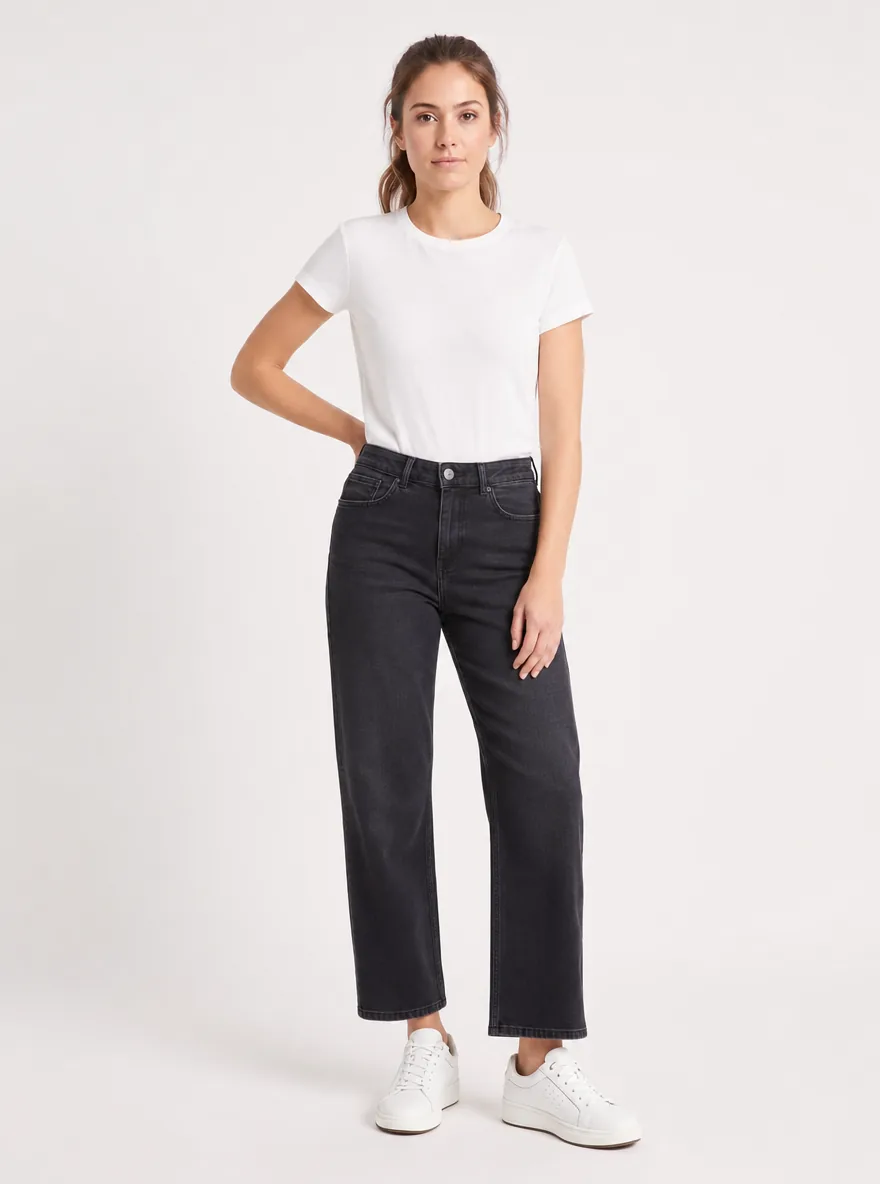
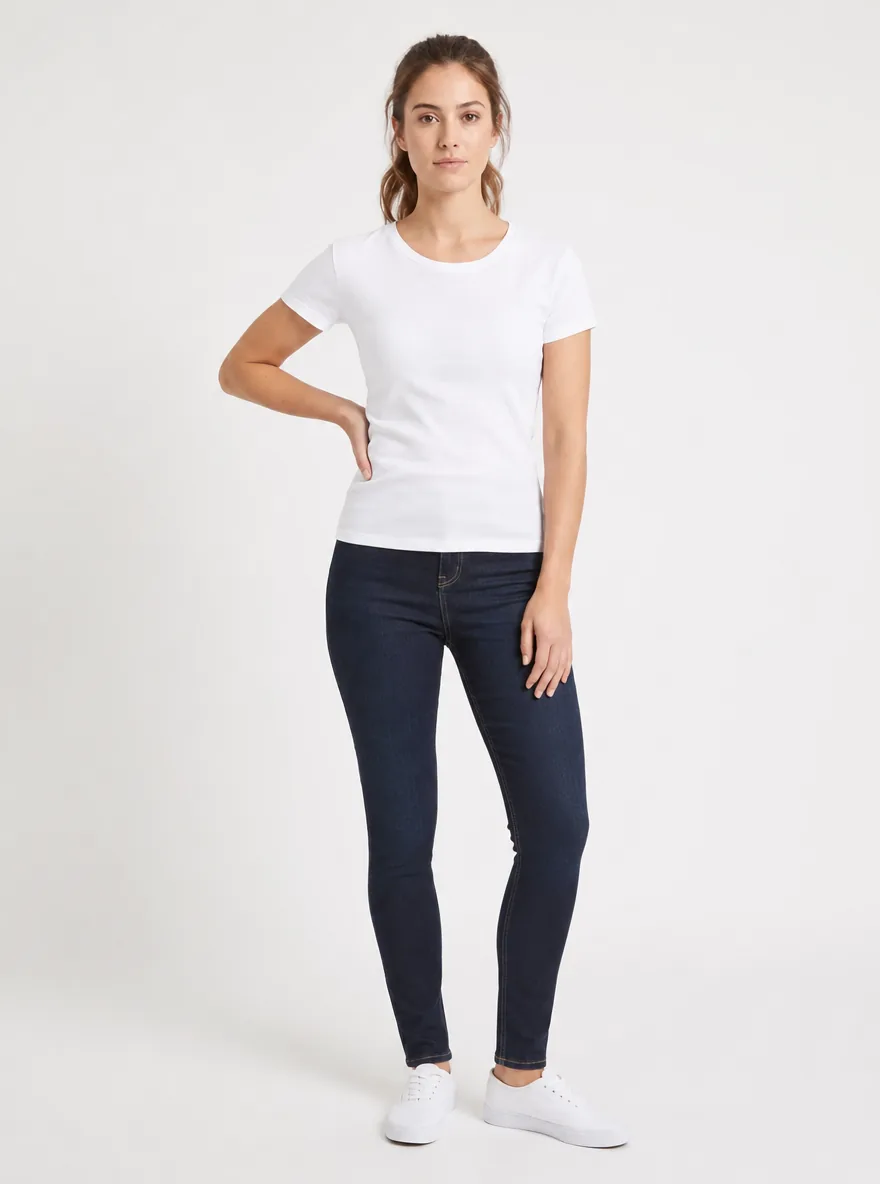
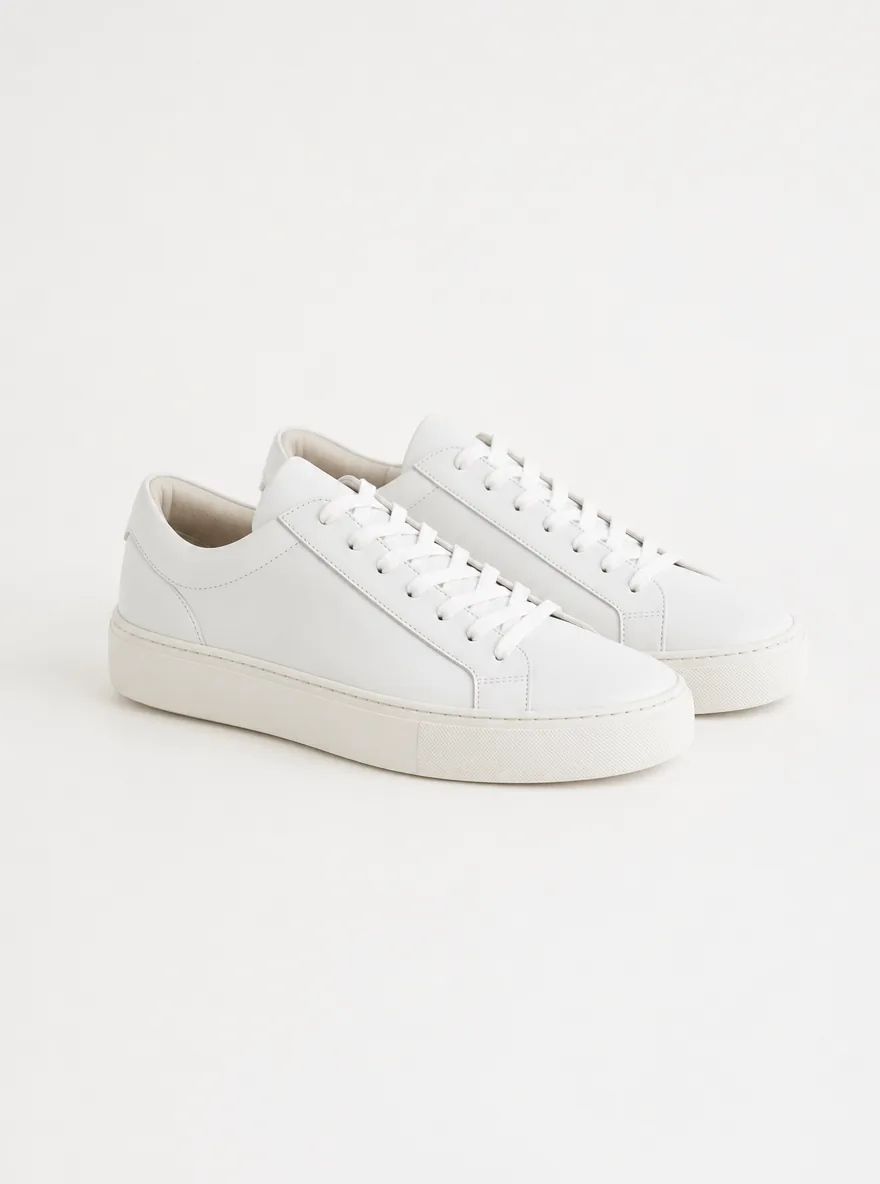
FOOTWEAR PREVIEW FOR RETAIL
Virtual try on shoes (also called virtual shoes try on) composites a footwear SKU onto a model photo so merchandisers can evaluate silhouette, colorway, and outfit pairing for PDPs, catalogs, and ads. It is a listing and campaign visual workflow—not a physical size or fit measurement.
TopView’s shoe try-on sits inside the broader Virtual Try-On toolkit, so footwear teams can extend the same model workflow to outfits, glasses, and other accessories when a full look is needed.
WORKFLOW
Three steps to run virtual shoes try on on catalog model photos for PDP and campaign assets.
Use a standing ecommerce shot with visible feet and legs when possible. Clean lighting and a simple background help virtual try on shoes place footwear accurately for listing previews.
Upload a packshot, catalog flat, or product close-up of the SKU—sneakers, loafers, boots, heels, or sandals. Clear edges and color accuracy improve virtual shoes try on results.
Create multiple footwear previews, compare silhouettes and colorways, and export assets for PDP heroes, catalogs, and retail media creatives.
WHY IT HELPS
Faster footwear catalog updates, more SKU visuals, fewer reshoots.
Refresh sneakers, boots, and heels when colorways change—without rebooking a full lower-body shoot for every SKU.
Keep the same model pose while swapping footwear so assortment decisions stay visually fair.
Extend one approved stance into Meta, TikTok, and retail-media shoe frames for launch tests.
Start with virtual try on shoes, then continue into apparel or accessories from the virtual try-on hub when needed.
REAL WORKFLOWS
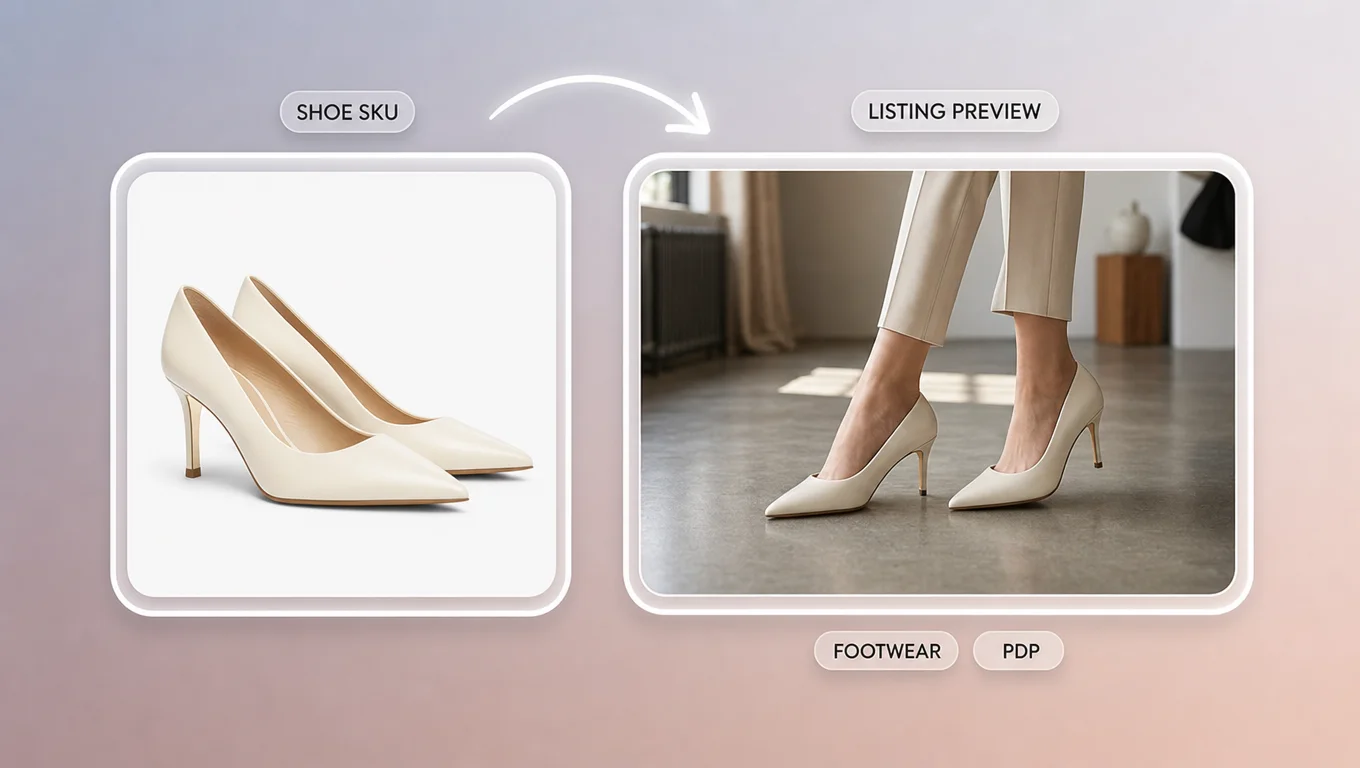
Generate lifestyle shoe previews for product detail pages when you lack a studio shoot for every colorway or silhouette.
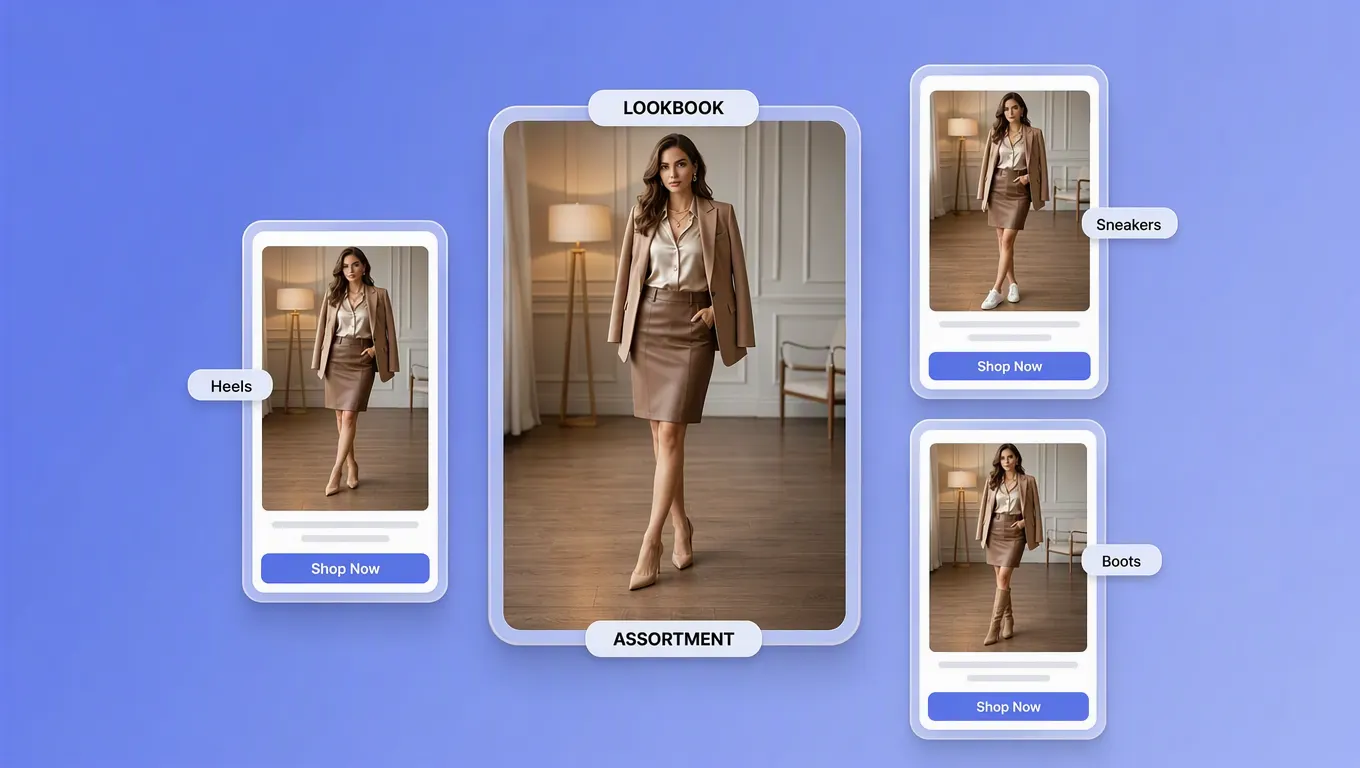
Compare heel heights, sneaker chunk, and boot shafts on the same model pose across a seasonal collection.
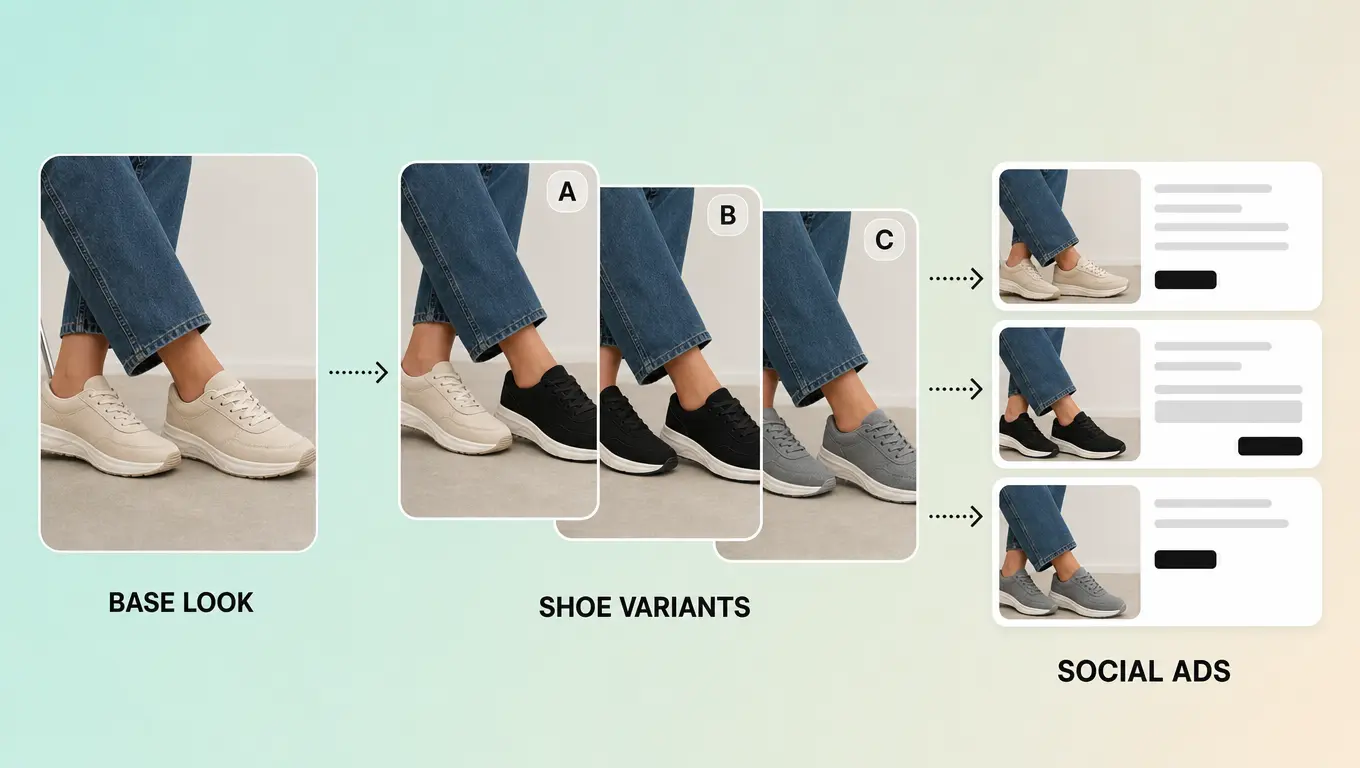
Spin footwear variants for A/B tests across Meta, TikTok, and retail media from one approved model base.
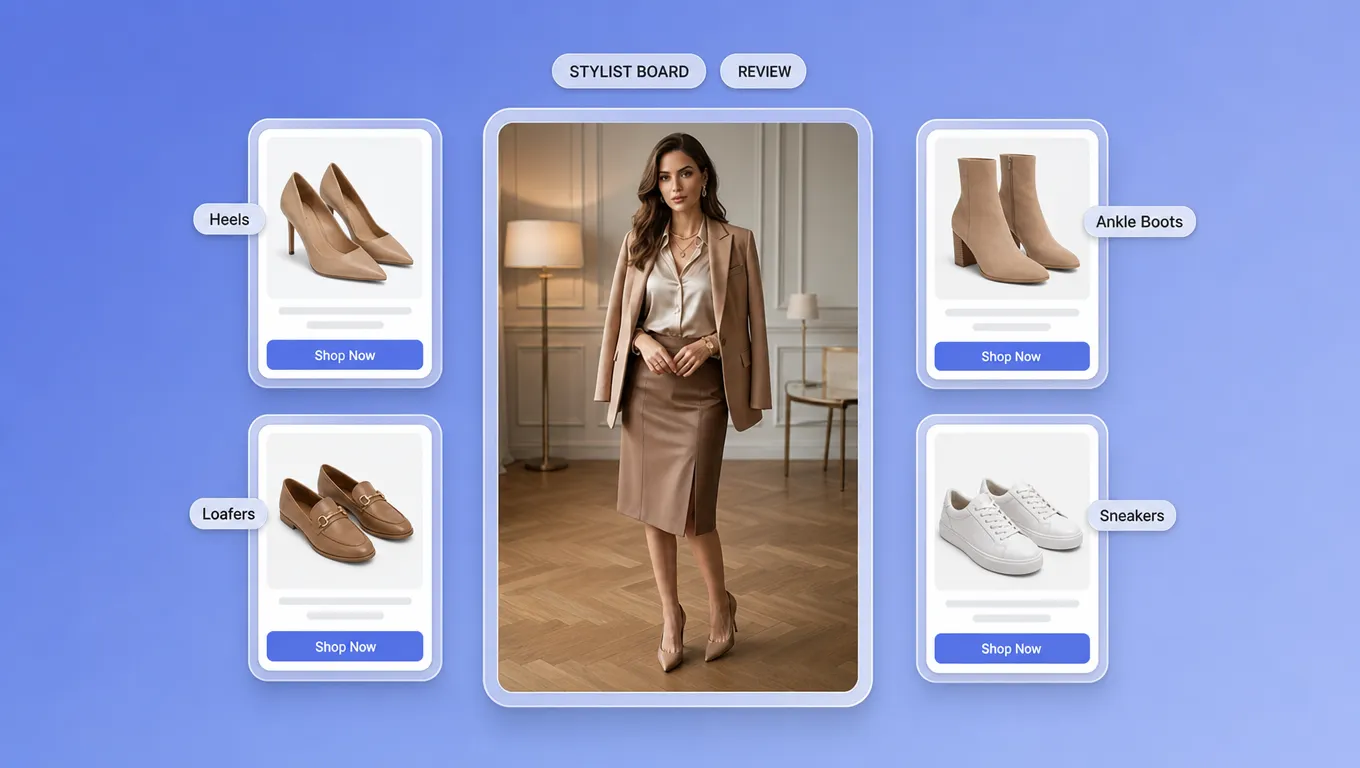
Stylists and merchandisers review how different footwear SKUs change the same lookbook pose before locking campaign heroes.
BETTER RESULTS
Prefer ecommerce shots where both shoes (or at least one full shoe) are visible without heavy crop.
Use straight-on or slight three-quarter angles; extreme top-down shots are harder to merchandise.
Keep ankle and sole edges readable so heel height and outsole shape stay honest on PDP.
Generate two to three style options on the same stance, then pick the cleanest silhouette for the listing hero.
Treat outputs as visual style previews for catalog and ads—not size, width, or comfort guarantees.
FOOTWEAR VISUALS WITHOUT ANOTHER SHOOT
Open TopView’s virtual try on shoes flow and generate catalog-ready footwear visuals from model and product assets you already have.