Topview
    • MCP/Skill
    • Plugin
    • API
    • Pricing
    1. Home
    2. Wan 3.0

    AI Ads

    AI Video AgentAI Ads VideoAI Product VideoAI UGC VideoURL to Video

    AI Avatar

    AI Avatar GeneratorProduct AvatarDesign My AvatarAI Lip Sync

    AI Video

    AI Video GeneratorDrama StudioAI Video Body SwapAI Video UpscalerAI Video Watermark RemoverTikTok Watermark RemoverSora Watermark RemoverSubtitle RemoverAI Motion ControlAI Lip SyncURL to Video

    AI Image

    AI Image GeneratorAI Face SwapAI Image Character SwapAI Image UpscalerAI InpaintAI Image Text EditorPhoto Angle EditorAI RelightingAI Product PhotographyAI Virtual Try-OnAI Storyboard GeneratorExtract Color PaletteImage to Prompt

    AI Voice

    VoiceoverAI Voice CloningAI Music Generator

    3D

    3D World Generator3D Shot Composer

    Use Cases

    AdvertisingAffiliate MarketingEcommerceDTC BrandsAI Live Stream

    Resources

    BlogAffiliate ProgramLearning CenterAlternativeAPI

    Company

    Topview StudioPrivacy PolicyTerms
    Topview

    © 2026 TOPVIEW PTE. LTD.

    Singapore: 20 Collyer Quay #20-03, Singapore 049319
    Los Angeles: 15970 Los Serranos CC Dr #251, Chino Hills, CA 91709

    Wan 3.0 model logo
    Wan 3.0
    ×
    Topview AI logo
    Topview

    WAN 3.0 AI VIDEO GENERATOR

    Try Wan 3.0 free with Topview trial credits. Explore a preview workflow for Wan image-to-video, text-to-video, multimodal briefs, and reference-led direction.

    Free trial credits for eligible users. Credits, availability, and limits are shown before generation.

    30s workflow previewProjected smart durationMultimodal briefPhotoreal directionReference consistencyAudio-aware direction
    Create with Wan 3.0
    Reference image
    Single watch product reference for a Wan 3.0 brand commercial
    Reference image
    Direction513/3500
    Image 1 reference@Image 1
    Resolution
    Aspect ratio
    Duration
    Wan 3.0 preview
    Get 5 H3 + 5 Wan 3 + 10 GPT Image 2.5 free in ChatGPT

    SEE WHAT WAN 3.0 CAN CARRY

    Six creative examples illustrate the stories, performances, action, and visual styles this Wan 3.0 workflow preview is designed to explore.

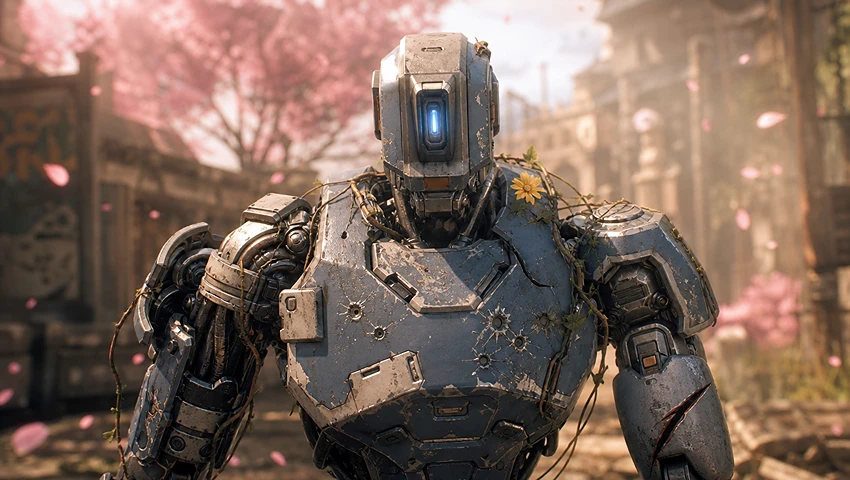
    Sci-fi mini film about a robot discovering spring in overgrown ruins
    Sci-Fi Mini Film

    A Robot Finds Spring

    A battle-scarred robot walks through ruins reclaimed by nature and discovers a single flower beneath the cherry blossoms—a quiet story told through environment, scale, and emotion.

    Prompt

    Create a sci-fi short film about a battle-scarred robot discovering the beauty of spring as flowers and cherry blossoms overtake the ruins of war.

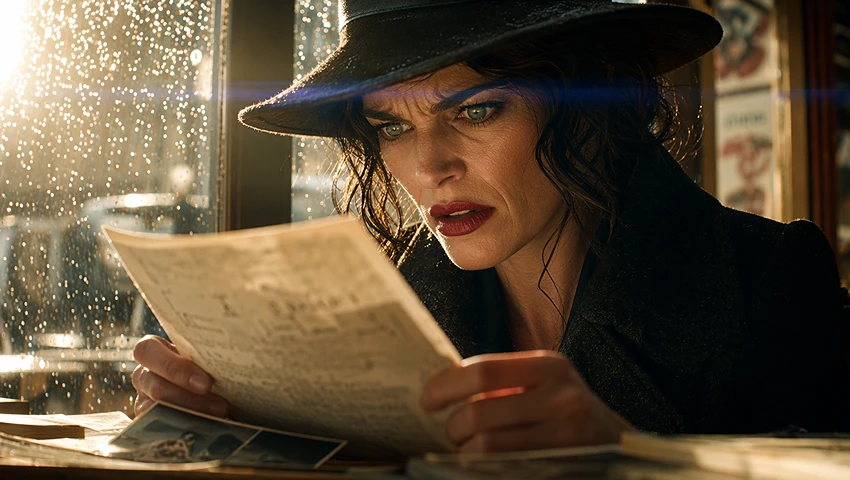
    Live-action revenge drama with a woman uncovering a betrayal
    Live-Action Drama

    The Moment She Learns the Truth

    A betrayed woman silently pieces together what happened before facing the person responsible. Tight close-ups, restrained acting, and controlled lighting turn the reveal into a complete dramatic beat.

    Prompt

    Create a live-action revenge drama that begins with a woman discovering the truth and builds toward a cold, satisfying confrontation.

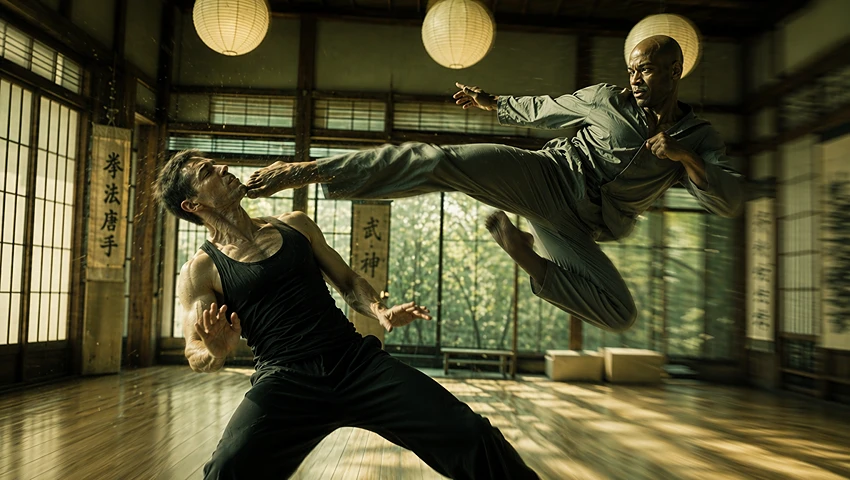
    Cinematic martial arts fight with dynamic camera movement
    Cinematic Action

    Impact in Every Move

    Dynamic tracking, whip pans, suspended impact moments, and a clear final pose give this fight scene the rhythm and physical force of a choreographed action sequence.

    Prompt

    Create a high-energy fight scene with dynamic tracking shots, whip pans, slow-motion impacts, and a clean heroic finish.

    Anime swordsman releasing a final magical attack
    Anime Story

    The Final Sword Strike

    A lone swordsman gathers power, releases one decisive attack, and defeats the demon king. The sequence builds tension before delivering a magical impact and victorious ending.

    Prompt

    Create a Japanese anime-style scene where a lone swordsman unleashes a final ultimate attack against the demon king.

    Felted wool storybook animation with a rabbit in a garden
    Felted Storybook

    A Gentle Bedtime Adventure

    A soft wool-crafted rabbit explores a bright miniature garden. Handmade textures, warm color, and gentle movement make the clip feel like a children’s storybook brought to life.

    Prompt

    Create a warm felted-wool children’s storybook video with a gentle handmade look and a curious rabbit hero.

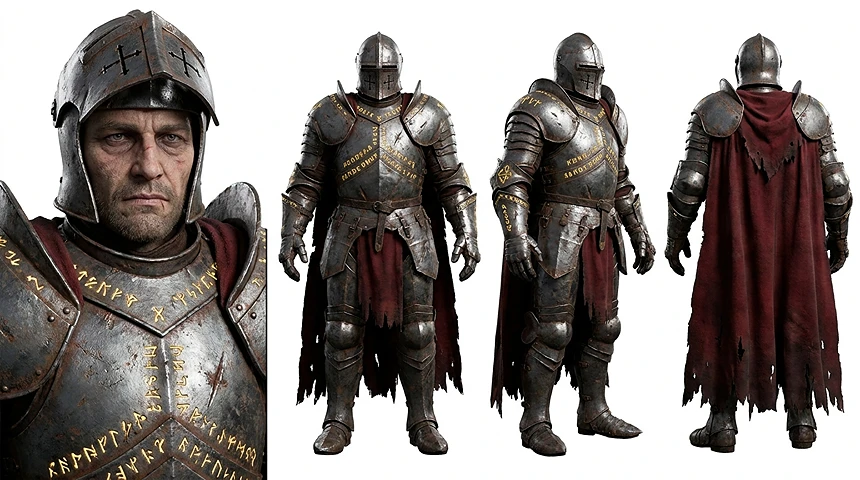
    Fantasy game CG trailer with hero and armored enemies
    Fantasy Game CG

    A World Worth Entering

    Hero portraits, armored enemies, world-building shots, and combat moments combine into a cinematic concept trailer that introduces the game before its final reveal.

    Prompt

    Create a fantasy action-game CG trailer with the world, main hero, powerful enemy, epic combat, and a dramatic final reveal.

    EXPLORE THE WAN 3.0 WORKFLOW

    This page previews how a Wan AI video generator could bring text-to-video, Wan image-to-video, visual and audio references, and structured creative context into one Topview workflow. Because Alibaba's public model catalog does not yet document Wan 3.0, the settings and capabilities below describe Topview's current workflow preview rather than confirmed official model specifications.

    Five creative directions represented in the preview

    • A projected 30-second option gives the page room to demonstrate setups, transitions, and payoffs.
    • A smart-duration concept shows how pacing could adapt to the density of a creative brief.
    • The multimodal workflow groups image, text, video, audio, document, and webpage context under one direction.
    • Photoreal prompting can specify people, materials, lighting, performance, space, and sound.
    • Reference-led prompting identifies the characters, products, props, UI, and spatial details that should stay consistent.

    FIVE DIRECTIONS FOR A MORE COMPLETE VIDEO BRIEF

    These workflow concepts show what creators can direct and evaluate without presenting projected Wan 3.0 settings as confirmed official specifications.

    Projected 30s + Smart Duration

    Plan More Time for a Complete Story

    01

    The preview represents a 30-second option for ideas that need an opening, development, transition, and conclusion. Its smart-duration concept shows how explainers, commercials, and narrative scenes could receive more room when the live workflow supports it.

    Timeline showing native thirty-second Wan 3.0 generation
    Omni Reference

    Bring More Context into the Video Brief

    02

    The preview groups image, text, video, and audio direction, with documents or webpages represented as structured context. Use the live Topview generator to confirm which sources the selected model and mode currently accept.

    Image text video audio document and webpage reference inputs
    Photoreal World Renderer

    Direct Physical and Digital Details

    03

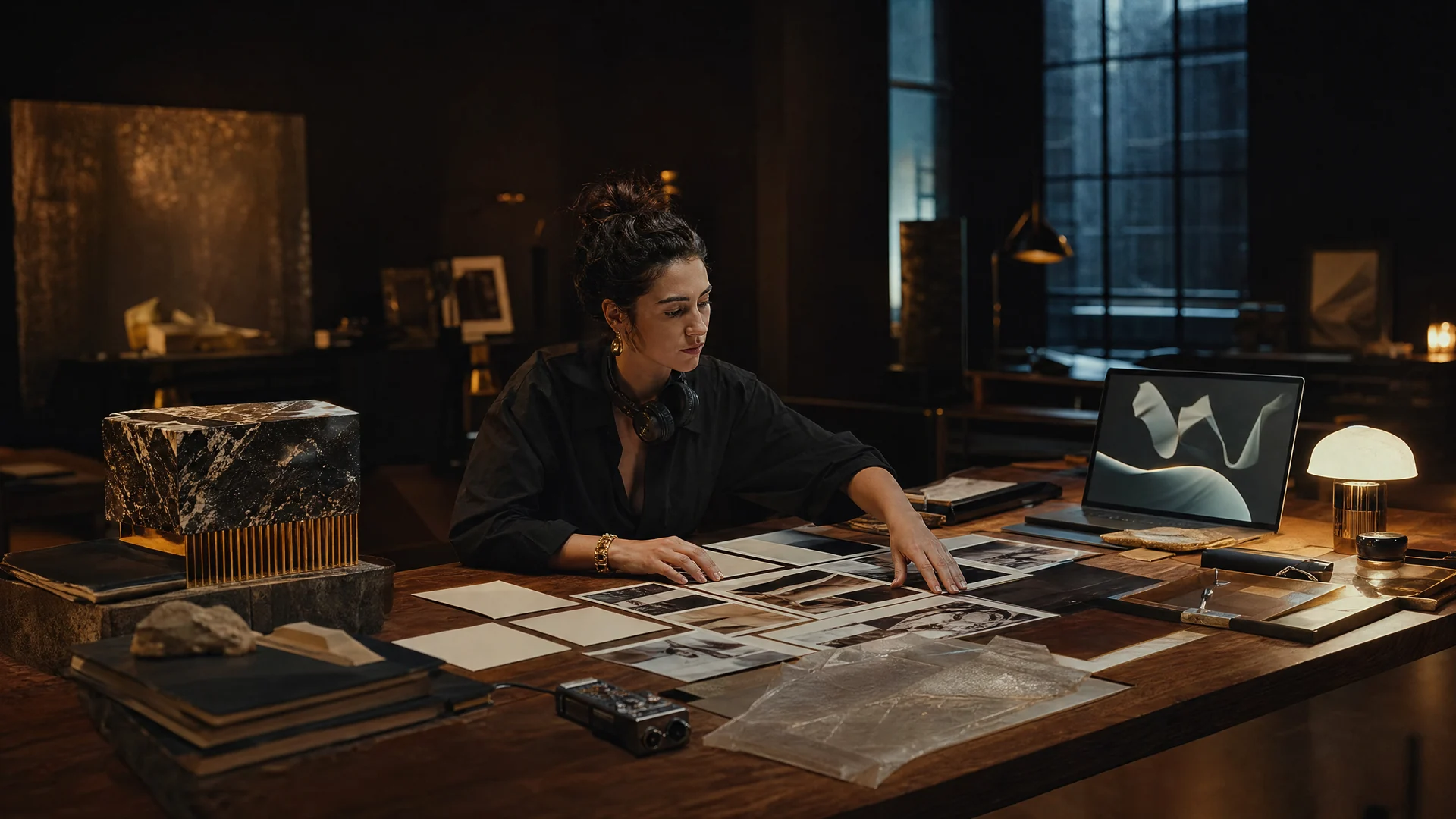
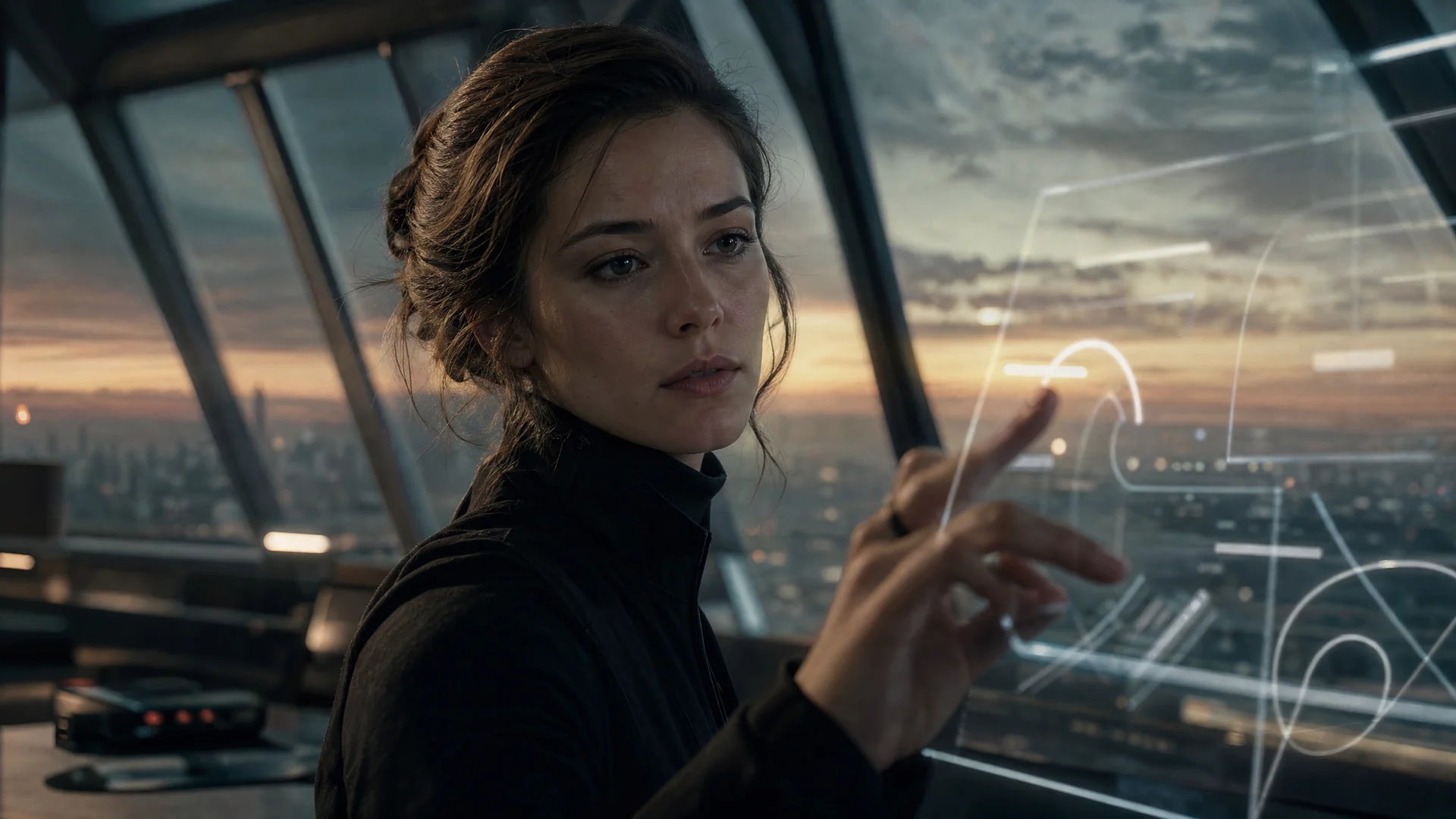
    Use the brief to describe skin, materials, light, motion, voices, environments, software UI, typography, and animation. These examples demonstrate the intended direction; generated realism and text accuracy still require frame-by-frame review.

    Photoreal person beside precisely rendered software interface
    Reference Consistency

    Specify More Than a Resemblance

    04

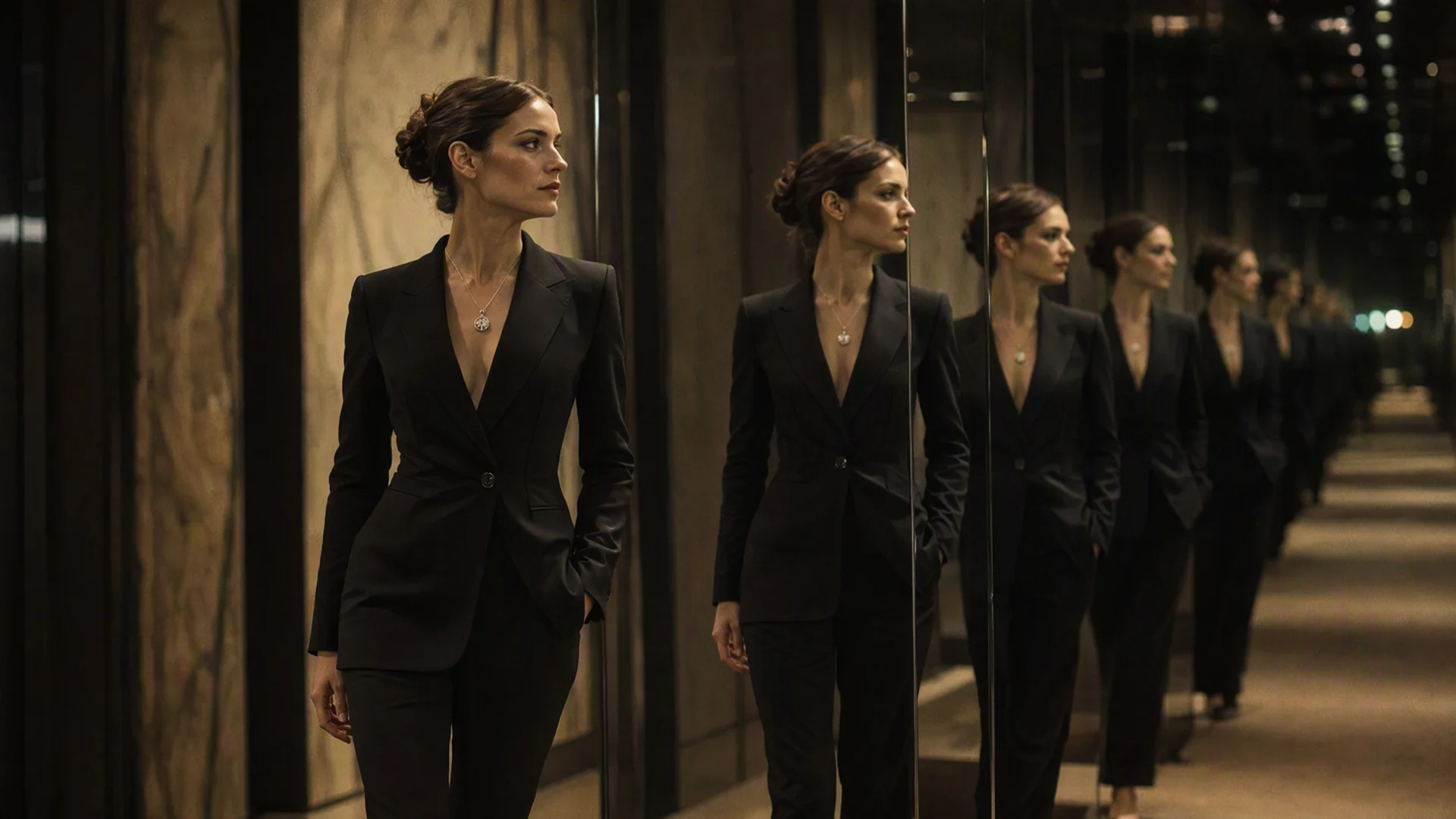
    Identify the characters, products, props, voices, locations, framing logic, and spatial relationships that should follow the reference. Treat consistency as a direction to review, not a guaranteed pixel-perfect result.

    Consistent character product and room details across multiple shots
    Audiovisual Impact

    Give Every Shot More Drama

    05

    Use action, sound, acting, camera energy, pacing, and plot in the same creative direction. The example briefs show how to ask for a reveal, tension, performance, or emotional finish when the selected workflow supports the required inputs.

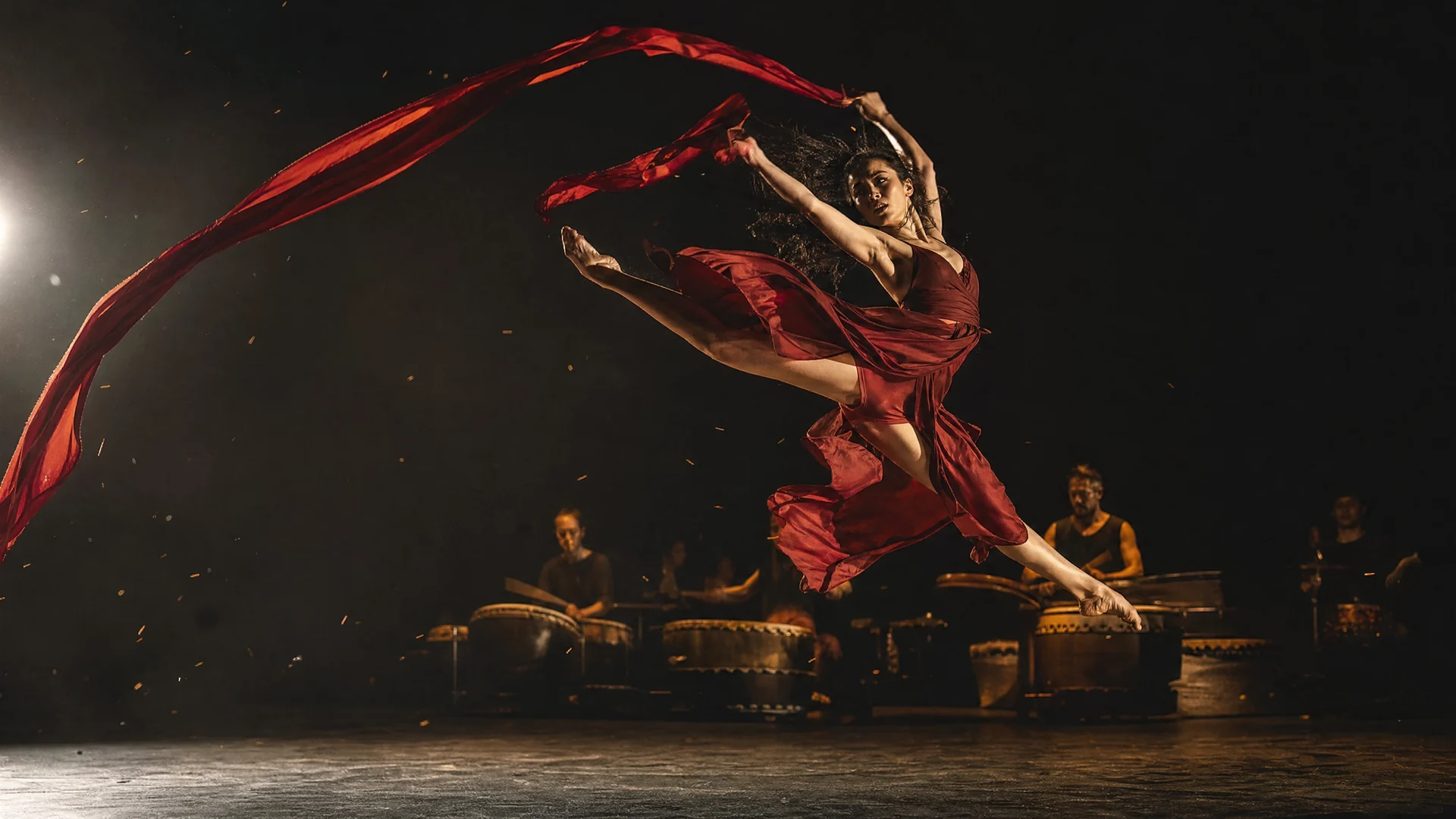
    Cinematic action scene with dramatic sound and performance
    Built for real briefs

    FROM SOURCE MATERIAL TO FINISHED SCENE

    Explore how a Wan 3.0 workflow could handle ideas that start with more than a prompt, then verify available inputs and settings in Topview.

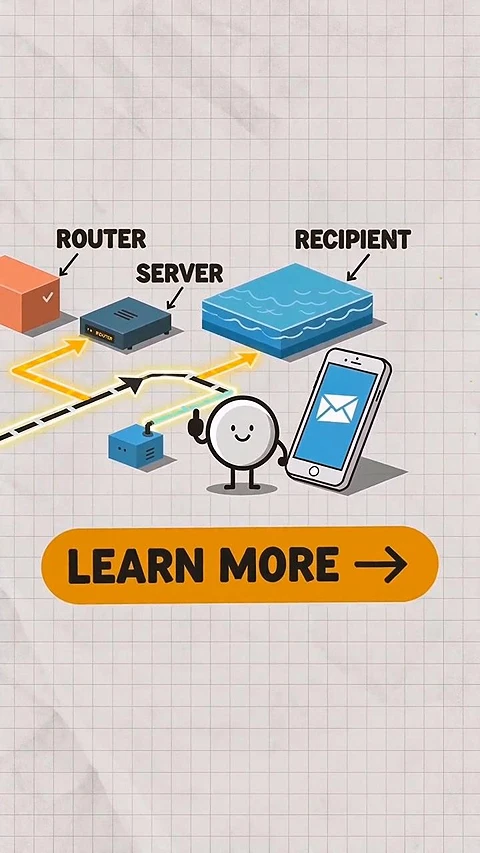
    Document transformed into a Wan 3.0 video explainer

    Document-to-Video Explainers

    Plan a paced visual explanation from a product brief, pitch deck, lesson plan, or report. When document input is available, use it for facts and hierarchy, then add supported image, UI, character, or audio references.

    Webpage transformed into a Wan 3.0 campaign video

    Webpage-to-Video Campaigns

    Plan a launch film or social ad around webpage content. When webpage context is available, identify the product language, visual system, interface structure, and key messages that the video should adapt into motion.

    Reference-locked Wan 3.0 narrative world

    Reference-Locked Story Worlds

    Build a connected brief around characters, locations, props, voice, music, and a storyboard. Reuse the supported reference set for variations, then review every output for identity and world consistency.

    WHO SHOULD USE WAN 3.0?

    This Wan 3.0 workflow preview is aimed at teams exploring more narrative space, reference-led direction, and a closer connection between visuals and sound.

    Filmmakers & Previs Teams

    Block complete beats, explore camera language, test performances, and communicate a scene before committing to a full shoot.

    Brand & Product Marketers

    Keep products, typography, interface details, and campaign style recognizable across launch films, ads, and format variations.

    Creative Agencies

    Combine a client's deck, site, brand references, voice, and storyboard into reviewable video directions without rebuilding the brief by hand.

    Game & World Builders

    Prototype environments, character interactions, UI overlays, and story moments while maintaining the spatial logic of the world.

    Educators & Product Teams

    Plan visual explanations from documents, software workflows, and structured information, then verify supported inputs and review digital details for accuracy.

    Music & Performance Creators

    Build around a track, voice, rhythm, and performance reference so the edit feels driven by sound rather than added after the fact.

    HOW TO TRY WAN 3.0 FOR FREE ONLINE

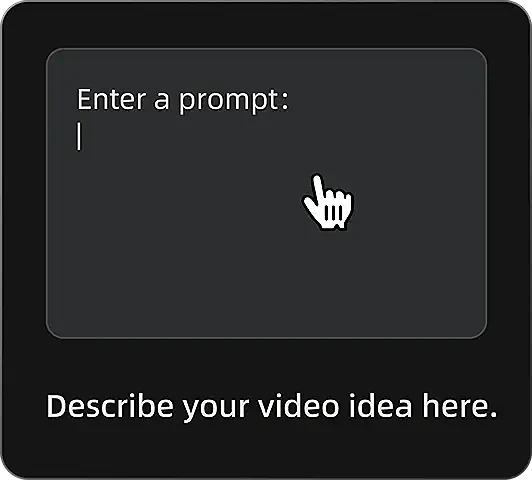
    Entering a video prompt in the Wan 3.0 workflow
    Step 1

    Enter a Prompt

    Describe your video idea, including the subject, scene, visual style, motion, camera direction, sound, and intended duration.

    Generating a video in the Wan 3.0 workflow
    Step 2

    Generate the Video

    Review the editable direction and reference image, check which model and settings are currently available, then start the generation workflow.

    Reviewing and exporting a Wan 3.0 video
    Step 3

    Review and Export

    Review motion and reference consistency, then export the strongest result for ads, social posts, product videos, or creative projects.

    WAN 3.0 PROMPT EXAMPLES

    30-Second Product Launch

    Use Product, Presenter, UI, and BrandDeck to create a 30-second launch film. Open on a tactile macro reveal, show the presenter using the product in a daylight studio, transition into a readable interface demonstration, and finish on the exact product silhouette with the supplied sonic logo. Preserve geometry, colors, labels, facial identity, and room orientation across every shot.

    Digital World Explainer

    Turn Webpage and WorkflowDocument into a clean software explainer. Rebuild the interface hierarchy accurately, keep labels readable, animate charts without changing their values, and guide the viewer through three tasks with a calm voiceover, subtle cursor motion, and consistent 16:9 framing.

    Photoreal Story Sequence

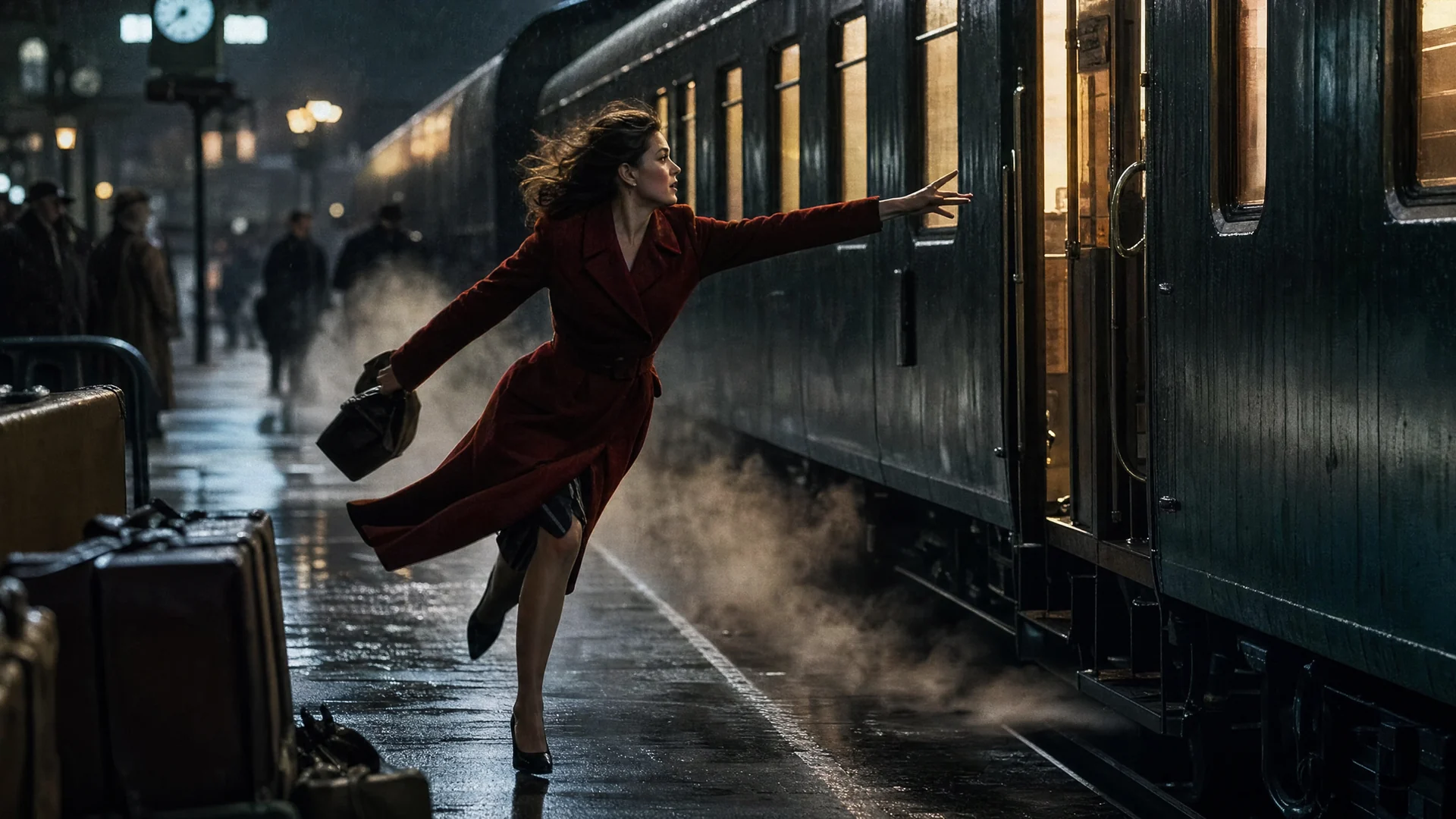
    Create a 30-second night-train story using Character, Compartment, Prop, and Voice. Maintain the actor's face, coat, silver case, compartment layout, and vocal tone through an establishing shot, two dialogue close-ups, a corridor tracking shot, and a final reveal. Layer realistic train vibration, rain, and restrained score under the performance.

    WAN 3.0 CREATIVE PARAMETERS

    A practical view of the planned inputs, controls, and output choices represented in the Topview workflow preview.

    Preview only: Alibaba's public model catalog does not currently confirm these as official Wan 3.0 parameters. Check the live Topview generator before rendering.

    Duration

    Up to 30 seconds

    This page previews fixed lengths and smart duration. Confirm the options shown in the live generator before planning an exact deliverable.

    Core inputs

    Text · Image · Video · Audio

    Use the live generator to confirm which of these input types the selected model and mode accept.

    Extended context

    Documents · Webpages

    Documents and webpages are represented as planned creative context; confirm live support before preparing the brief.

    Generation modes

    Omni · Image · Text

    Choose from the modes currently available in Topview for the source material you have.

    Resolution

    1080P · 720P

    Confirm the output tiers available for the selected model before you render.

    Aspect ratios

    16:9 · 9:16 · 1:1 · 4:3 · 3:4

    Confirm the aspect ratios available for the selected mode before planning a placement.

    Visual control

    Identity · Props · Space

    Use references to protect the details that make a subject or scene recognizable.

    Digital control

    UI · Text · Animation

    Direct structured digital information for product demos and explainers.

    Audio control

    Voice · Music · Sound

    Guide performance, rhythm, atmosphere, and audiovisual synchronization with audio references.

    Prompt scope

    Shot-level direction

    Describe camera, action, performance, pacing, sound, and continuity constraints in one creative brief.

    Availability note · reviewed August 12, 2026

    WAN 3.0 DETAILS ARE NOT YET IN ALIBABA'S PUBLIC MODEL CATALOG

    Topview uses this page to preview a Wan 3.0 creation workflow and answer emerging search demand. Alibaba Cloud's public model lifecycle currently documents Wan 2.7 as the latest listed Wan video release. Treat durations, modes, and other Wan 3.0 settings shown here as workflow previews until official documentation and in-product availability are confirmed.

    Check Alibaba Cloud's official model lifecycle

    Related model guides

    COMPARE WAN 3.0 BEFORE YOU CHOOSE A WORKFLOW

    Use Topview's dedicated comparison pages to evaluate which AI video workflow better matches your brief.

    Wan 3.0 vs Seedance 2.0Compare the two model workflows by duration, resolution, references, and generation use case.Wan 3.0 vs MiniMax H3Review their different approaches to video length, visual output, references, and audio.

    EXPLORE THE WAN 3.0 CREATION WORKFLOW

    Bring the prompt and references that define your idea, then review the currently available model and settings in Topview before you render.

    Free trial credits for eligible users. Generation availability and credit use are shown in the product workflow.

    WAN 3.0 FAQ

    Topview presents this as an early Wan 3.0 AI video generator workflow preview. As of August 12, 2026, Alibaba Cloud's public model lifecycle documents Wan 2.7 but does not list Wan 3.0. Use this page for workflow, prompt, and comparison guidance, then check the live Topview generator for current model availability.

    This page previews an option up to 30 seconds, but that duration is not an officially confirmed Wan 3.0 parameter in Alibaba's current public documentation. Check the live Topview generator for the model and duration options available when you create.

    Smart duration is a workflow concept for briefs that should not be forced into one arbitrary clip length. It is shown here as a projected control, so confirm whether it is available in the live generator before relying on it for a deliverable.

    The page represents text, images, video, and audio as core creative inputs, with documents and webpages as extended brief context. Actual supported input types depend on the model and mode currently shown in Topview, so review the live generator before preparing source files.

    The preview is designed around combining several kinds of creative context: for example, a product image for appearance, a clip for performance, a document for narrative structure, and audio for timing. The exact combination available depends on the live model workflow.

    Provide clear, non-conflicting references and state what should remain fixed: face, costume, geometry, labels, props, voice, or spatial relationships. Reference consistency is a creative goal rather than a guarantee, so review every generated shot for drift before publishing.

    You can use a high-quality interface reference and specify which labels, values, and layout details should remain unchanged. AI video can still distort small text or UI, so keep camera movement readable and verify every frame instead of assuming pixel-perfect output.

    The preview treats voice, music, and sound as part of the creative brief. Whether audio reference or native sound is available depends on the current model mode in Topview, so confirm the live controls before planning dialogue timing or music synchronization.

    No. The examples cover photoreal direction, stylized animation, digital-world visuals, product graphics, previs, and hybrid live-action concepts. They illustrate intended creative range, not guaranteed output quality; make the visual language explicit in your prompt and references.

    Describe the subject, story beats, action, camera, lighting, performance, sound, pacing, and final composition. Name each uploaded reference and explain its job, then list the details that must remain consistent so the model does not have to guess which source has priority.

    Eligible users can try Wan 3.0 free with Topview trial credits. This page is a workflow preview: available models, settings, and credit use are shown in the product before you generate. Topview does not promise unlimited free generation or official Alibaba Wan 3.0 availability.

    Usage rights can depend on the model access terms, your Topview plan, and the source material you upload. Review the current product terms and make sure you have permission to use every image, clip, voice, document, webpage, logo, and other reference included in a commercial generation.

    Third-party model and brand names are trademarks of their respective owners. Topview provides access to supported AI models through its independent platform and is not the developer of those third-party models.