

Vidu Q3 AI Video Generator16s Native Audio Storytelling
Create story-first AI videos with synced sound, cinematic camera control, multilingual voice, lip sync, and seamless shot transitions. Use Vidu Q3 inside Topview Board with one workflow for prompts, previews, and export.
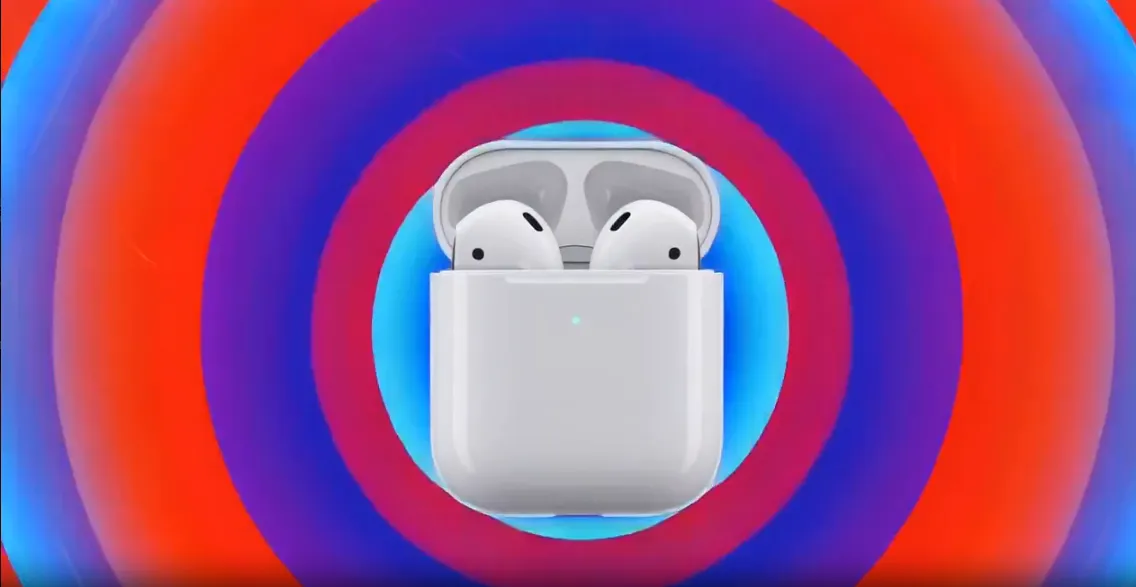
[Duration: 15 seconds] [Professional camera shot], [High-end tech minimalist style, dynamic pop visual aesthetics], [Fast-paced heavy bass hip-hop electronic music], [Dynamic concentric circle light effects, ultra-macro rendering, silhouette motion capture technology] [Golden first three seconds: Center composition shows blue sound wave rings spreading outward, the text "New 4" pops out. The camera follows the powerful heavy bass rhythm, zooming in rapidly to a macro close-up creating a strong visual impact.] [Video content: Through alternating high-saturation red, blue, purple, and green multi-colored rings, visually demonstrate Active Noise Cancellation and Spatial Audio features. A dancer's silhouette moves freely through the rhythm, showcasing the design and port details from all angles. The footage high-frequency edits between a minimalist white background and multi-colored brilliance, finally freezing on the brand logo.] @Image 2
What Can You Create with Vidu Q3?
Vidu Q3 performs best when the prompt behaves like a mini storyboard: scene, speaker, sound, camera, transition, and output format. These examples show the pattern you can use inside Topview.
Dialogue-Driven Product Stories
Use Q3 for short product scenes where the line delivery and audio pacing matter as much as the visuals. This is especially useful for founder-led ads, AI avatar explainers, and talking product demos.
Cinematic Brand Teasers
Q3 is a strong fit for premium launch teasers where camera movement, scene rhythm, and sound design need to land together. It works well for product drops, seasonal promos, and mood-first brand films.
Animation and Character Shorts
For animated scenes, Q3 can help maintain story continuity while matching character motion with sound cues. That makes it useful for anime-style micro stories, trailers, and stylized branded content.
Short-Form Social Ads
When you need hook, sound, and motion to work in the first two seconds, Q3 helps you design a full ad beat instead of a silent visual. This is ideal for TikTok, Reels, Shorts, and ad creative testing.
What Is Vidu Q3?
Vidu Q3 is ShengShu Technology's narrative-focused AI video model built to generate sound and visuals together in one pass. Officially introduced in January 2026, it supports native 1080p output, up to 16-second clips, multilingual voice generation, precise lip sync, cinematic camera control, and seamless shot transitions. For marketers and creators, that means fewer silent drafts, fewer post-production fixes, and a faster path from prompt to publishable short-form video.
Native Audio + Video
Q3 generates dialogue, ambience, and visuals as one synchronized output, which helps you prototype story-driven ads and explainers much faster.
Director-Style Control
Prompt camera moves, shot changes, and pacing directly in text so the result feels planned rather than stitched together after generation.
Production-Ready 1080p
Use high-definition output for product teasers, animated explainers, and social ads without depending on separate audio or caption tools.
What Makes Vidu Q3 Different
The biggest shift is not just image quality. Vidu Q3 turns AI video into a story-first workflow by combining sound, voice, camera direction, and scene transitions inside the generation process.
Native Audio Pipeline
Generate voice, ambience, and video together instead of exporting silent visuals and fixing sound later.
Up to 16 Seconds
Longer single-pass output gives creators enough room to build a hook, reaction, and payoff within one clip.
Precise Lip Sync
Dialogue-led scenes benefit from tighter mouth movement alignment, especially for ads, explainers, and short drama beats.
Cinematic Camera Control
Prompt pans, push-ins, tracking shots, and other camera behavior directly to shape how the scene unfolds.
Multilingual Voice
Support for multilingual voice generation helps teams create localized clips without rebuilding the whole concept.
In-Frame Text and Transitions
Text can appear as part of the visual composition, while transitions feel designed into the scene rather than added afterward.
Earlier Vidu Workflow vs Vidu Q3
| Capability | Earlier Workflow | Vidu Q3 |
|---|---|---|
| Audio Generation | Separate or post-produced | Native audio + video together |
| Clip Structure | Shorter visual-first clips | Up to 16s story-first clips |
| Lip Sync | Basic or external workflow | Precise built-in sync |
| Camera Language | Prompted visually | Prompted with cinematic control |
| Shot Transitions | Manual editing later | Seamless in-model transitions |
| Voice Output | Mostly external | Multilingual voice generation |
| Text Rendering | Overlay in post | Part of visual composition |
| Best Fit | Silent concept clips | Narrative ads and explainers |
How to Use Vidu Q3 in Topview (3 Steps)
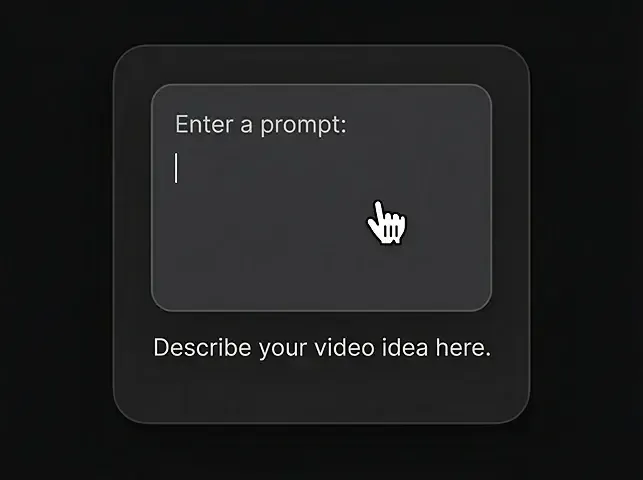
Enter a prompt
Describe the video you want using natural language.
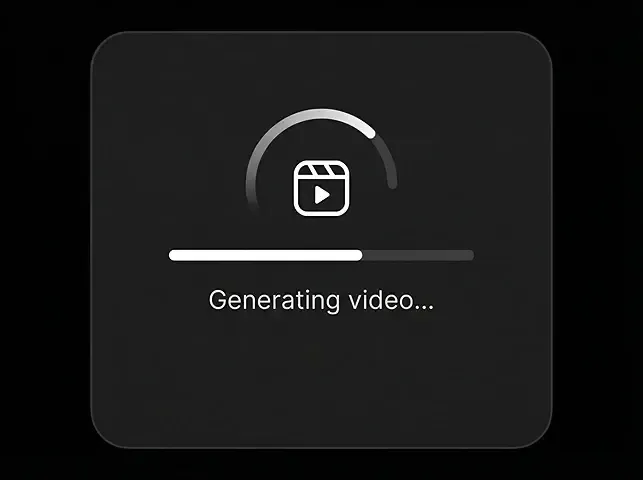
Generate Video
Click generate and watch Vidu Q3 bring your ideas to life in seconds.
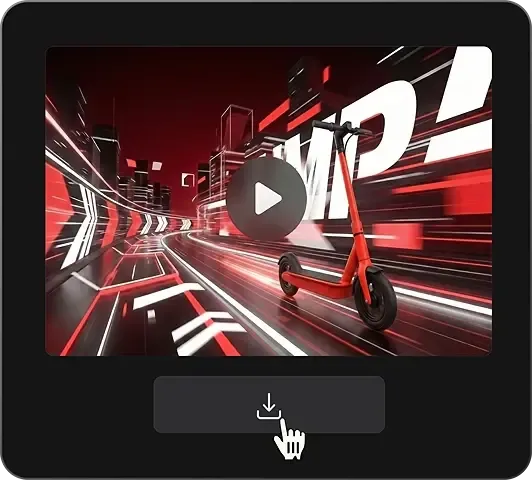
Download the video
Export a clean MP4 when you're ready.
Vidu Q3 Core Capabilities
These are the features to lean on when building prompts, comparing models, or deciding where Vidu Q3 fits in your content workflow.
Text to Video
Describe the scene, action, audio, and camera behavior directly in one prompt to generate a coherent short clip.
Image to Video
Start from a reference frame and add motion, dialogue, sound, and camera planning without losing the original visual direction.
Audio-Visual Synchronization
Generate speech, ambience, and sound effects in sync with the visuals to reduce downstream alignment work.
Camera and Shot Planning
Prompt movement like push-ins, pans, tracking shots, and multi-shot transitions for more directed storytelling.
Lip Sync and Multilingual Voice
Use Q3 for character-led scenes, explainer beats, and localized ads where spoken delivery matters.
Text Rendering and Scene Flow
Blend on-screen text and transitions into the composition so the result feels closer to a finished ad cut.
How Vidu Evolved into Q3
Q3 matters because it builds on earlier Vidu strengths in speed and creator workflows, then pushes into story-first, production-oriented output.
Vidu 1.0
Established Vidu as a fast consumer-friendly AI video platform with text and image generation workflows.
Vidu 1.5
Improved motion quality and creator adoption for short-form experiments and stylized content.
Vidu 2.0
Expanded quality and workflow maturity for brand content, social assets, and faster iteration cycles.
Vidu Q2 Pro
Pushed reference-driven control with stronger revision speed and more structured creation workflows.
Vidu Q3
Added native audio-video generation, 16-second storytelling, lip sync, camera control, and seamless transitions.
Vidu Q3 vs Other AI Video Models
Vidu Q3 stands out most when your brief depends on story rhythm, spoken dialogue, and sound working together in the first pass.
| Metric | Vidu Q3Recommended | Wan 2.7 | Sora 2 | Kling 3.0 | Veo 3.2 | Runway Gen-4.5 |
|---|---|---|---|---|---|---|
| Max Clip Focus | Up to 16s | Mid-length creative clips | Longer high-fidelity scenes | Longer cinematic clips | Short high-polish clips | Short pro workflows |
| Native Output | 1080p | 1080p class | 1080p class | High-end cinematic | 1080p to higher-end flows | 1080p class |
| Native Audio | Yes | Not core positioning | Available in some workflows | Not the main differentiator | Yes | Usually post-led |
| Best Strength | Storytelling with sound | Reference-rich creation | Physics and realism | Cinematic spectacle | Polish and enterprise fit | Editing ecosystem |
| Camera Language | Strong promptable control | Good | Moderate | Strong | Strong | Editor-oriented |
| Prompting Angle | Scene + sound + camera | Multimodal control | Visual realism | Stylized cinema | High polish output | Creative direction |
| Lip Sync / Dialogue | Very strong | Good | Good | Good | Good | Workflow dependent |
Why Use Vidu Q3 on Topview
Topview helps you turn Vidu Q3 from a model experiment into a repeatable creative workflow for teams, campaigns, and SEO capture pages.
All Models in One Board
Compare Vidu Q3 with Sora, Veo, Kling, Wan, and more in one workspace instead of rewriting the same brief across multiple tools.
Team Review Loop
Share outputs, collect feedback, and align on the best version before export. That is especially useful for prompt-heavy story testing.
Single Subscription Workflow
Use one Topview plan to access multiple models and keep evaluation, export, and iteration in one place.
Marketing-Ready Production
Pair Vidu Q3 with Topview's broader marketing video workflow, including model comparisons, export flexibility, and campaign-ready formats.
Faster Export Decisions
Move from prompt draft to selected output faster with built-in preview, collaboration, and format choices for Shorts, Reels, TikTok, and ads.
All-in-One Creation Workflow
From image to video to publishing, Topview lets you complete the whole workflow in one place instead of switching between separate tools.
Start Free — Try Vidu Q3 in Topview
Build your first Vidu Q3 prompt around scene, sound, camera move, and transition. Then compare outputs, refine the best version, and export for your next campaign.
Native audio-video storytelling · 1080p output · One shared workspace