











Topview
    • MCP/Skill
    • Plugin
    • API
    • Pricing
    1. Home
    2. Skill

    AI Ads

    AI Video AgentAI Ads VideoAI Product VideoAI UGC VideoURL to Video

    AI Avatar

    AI Avatar GeneratorProduct AvatarDesign My AvatarAI Lip Sync

    AI Video

    AI Video GeneratorDrama StudioAI Video Body SwapAI Video UpscalerAI Video Watermark RemoverTikTok Watermark RemoverSora Watermark RemoverSubtitle RemoverAI Motion ControlAI Lip SyncURL to Video

    AI Image

    AI Image GeneratorAI Face SwapAI Image Character SwapAI Image UpscalerAI InpaintAI Image Text EditorPhoto Angle EditorAI RelightingAI Product PhotographyAI Virtual Try-OnAI Storyboard GeneratorExtract Color PaletteImage to Prompt

    AI Voice

    VoiceoverAI Voice CloningAI Music Generator

    3D

    3D World Generator3D Shot Composer

    Use Cases

    AdvertisingAffiliate MarketingEcommerceDTC BrandsAI Live Stream

    Resources

    BlogAffiliate ProgramLearning CenterAlternativeAPI

    Company

    Topview StudioPrivacy PolicyTerms
    Topview

    © 2026 TOPVIEW PTE. LTD.

    Singapore: 20 Collyer Quay #20-03, Singapore 049319
    Los Angeles: 15970 Los Serranos CC Dr #251, Chino Hills, CA 91709

    Claude
    ChatGPT
    Cursor
    Codex
    Copilot
    Gemini
    Windsurf
    VS Code

    Topview Skill

    Plug Topview Skill into your AI assistant and unlock video generation, image creation and editing, talking avatars, and voice capabilities in one unified toolkit.

    SkillMCPplugin

    Supported platforms

    Codex thumbnail
    Codex
    Claude Code thumbnail
    Claude Code
    OpenClaw thumbnail
    OpenClaw
    Hermes thumbnail
    Hermes
    Cursor thumbnail
    Cursor
    Copy to your agent to installInstall Topview Skill for me: https://github.com/topviewai/skill.git

    Explore video & image use cases

    Real results created with Topview Skill — generated end-to-end through your AI assistant.

    Video use cases

    Generate Videos

    Uploaded product image for video generation
    Uploaded reference asset for video generation

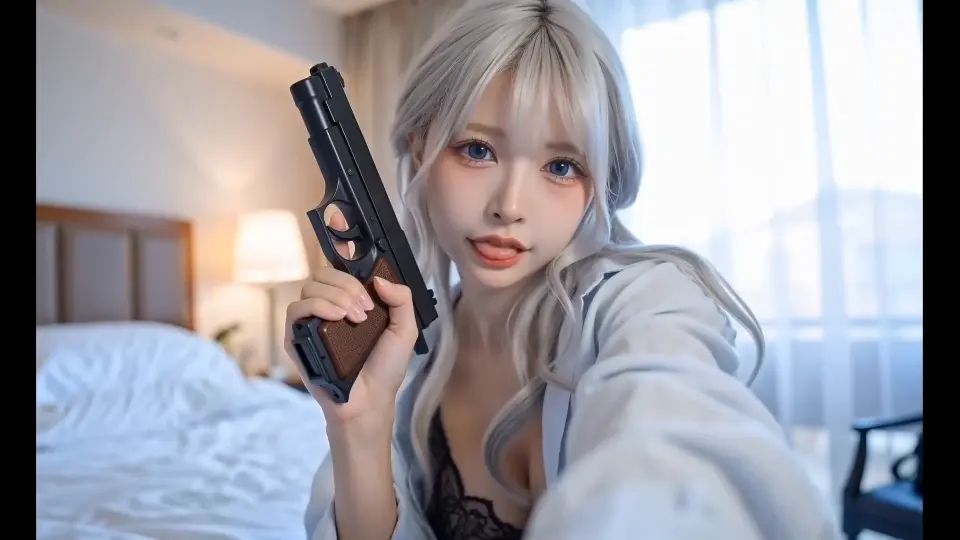
    Generate a video from the image I uploaded: a high-intensity duel between a fighter and a shadowy dark knight in a ruined city, with rapid sword clashes, lightning strikes, and explosive ground-shattering impacts.

    Your video has been generated and is ready to review.

    Seedance 2.016:9
    Generated video result placeholder for Video Gen

    Video Editing

    Uploaded source video preview for video editing

    Help me turn this video into an American cartoon style.

    The video has been edited. Please review.

    Seedance 2.016:9
    Edited video result placeholder for video editing

    Image use cases

    Generate Images

    Uploaded source image for AI image generation

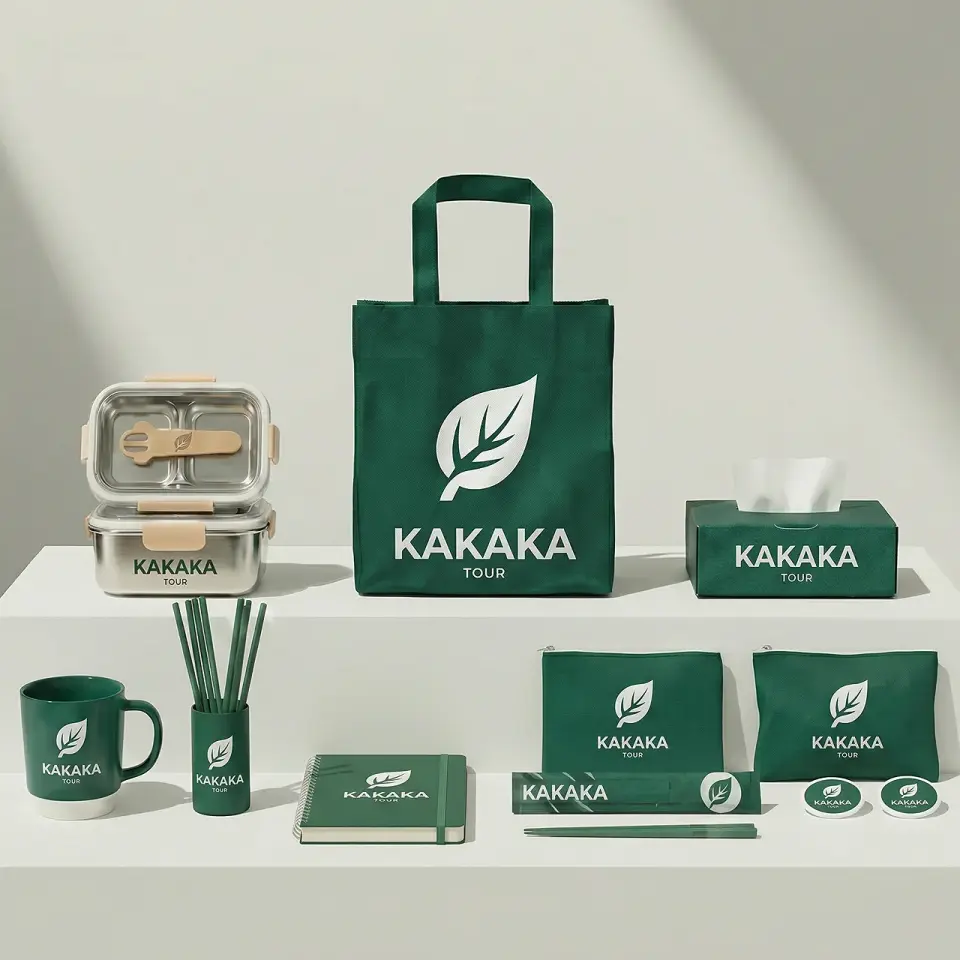
    Generate a set of VI (Visual Identity) design peripherals based on the logo shown in the picture.

    Your image has been generated and is ready to review.

    GPT Image1:1
    Generated image result placeholder for AI Image

    Image Editing

    Add the following Topview skills to your AI assistant

    AI video generator skill

    View more

    Text to video

    Describe the idea and get a video directly

    Image to video

    Animate product images, posters, and covers

    Reference-based styling

    Generate new videos from image, video, or audio references

    Built-in asset management

    Generated results can be managed and edited in Topview

    AI image generator skill

    View more

    Text to image

    Generate visual assets quickly from a description

    AI image editing

    Change backgrounds, scenes, and details more easily

    Generate multiple versions

    Create multiple visual directions from one idea

    Multiple image models

    Switch across 10+ models based on the result you want

    AI avatar skill

    View more

    Start with one photo

    Create a presenter-style video without filming

    Automatic talking videos

    Good for product intros, teaching, and marketing explainers

    Subtitle style options

    Choose subtitle styles that fit the content when needed

    Better for longer explanations

    Supports segments up to 120 seconds for continuous delivery

    AI voiceovers skill

    View more

    Text to speech

    Turn scripts into natural-sounding speech quickly

    Search available voices

    Pick a more suitable voice based on your preference

    Clone a custom voice

    Create your own voice from an audio sample

    Useful for video narration

    Use it directly for videos, avatars, and spoken content

    Claude Skill protocol

    Built on the Claude Skill protocol

    This skill package follows the Claude Skill protocol structure, so agents can install, read, and execute it in a predictable way. It is a workflow package rather than an executable installer, which means there is no malware or virus risk in normal use.

    View VirusTotal virus scan report

    How to use it

    Install Topview Skill for me: https://github.com/topviewai/skill.git

    Step 1: Copy the install command and send it to your agent

    Install Topview Skill into your agent first so it can call the relevant capabilities.

    U
    🦞

    Step 2: Send your creation request to your agent

    Send prompts, images, product photos, portraits, or audio-related requests directly to your agent.

    🦞

    Step 3: Get the result

    Your agent will automatically call the right Topview capability to generate video, image, avatar, or audio results for you.

    Frequently asked questions

    You can think of a skill as a capability package built for an agent. It usually includes docs, execution rules, scripts, and reference materials, so the agent can complete a specific type of task more reliably instead of figuring everything out from scratch each time.

    Topview Skill is a skill toolkit that can be installed into OpenClaw or another compatible agent. After installation, you can use natural language to ask the agent to generate videos, images, talking avatars, and voice content.

    You can ask your agent to handle text-to-video, image-to-video, reference-based generation, image creation and editing, talking avatars, text-to-speech, voice search, and voice cloning.

    No. Unlimited does not support any automated workflows. That means it cannot be used with Topview MCP, Plugin, or Skill.

    That depends on what you want to create. For video, you can start from a prompt, an image, or a reference asset. For talking avatars, you usually need a portrait and a script. For voice tasks, a script is often enough, so many workflows can start right away.

    Yes. In this skill workflow, local image, audio, and video files are uploaded automatically when they are passed as parameters, so you do not need to upload them somewhere else first.

    After generation, the results can be viewed, managed, and edited inside Topview Board. That means you do not just get a file back, you also get a place to organize, preview, and continue editing your assets.

    Yes. Topview Skill does not only handle video generation. It also supports talking avatars, text-to-speech, voice search, and voice cloning, which makes it suitable for explainer videos, spoken content, and multilingual workflows.

    Yes. You can tell your agent the style, pacing, camera feel, or reference materials you want, and the skill will call the right capability to generate results that are closer to your goal.

    No. This page is designed around the workflow of sending commands and requests to your agent. You only need to describe what you want, and the agent will call the right skill capability for you.

    It is suitable for product promo videos, social clips, brand visuals, talking-head explainers, product walkthroughs, voiceovers, and any content workflow where you want outputs and assets managed together inside Topview.

    Send this prompt to your agent: "Install Topview Skill for me: https://github.com/topviewai/skill.git". Your agent will handle the installation automatically. After that, you can start describing what you want to create.
    Uploaded source image for image editing

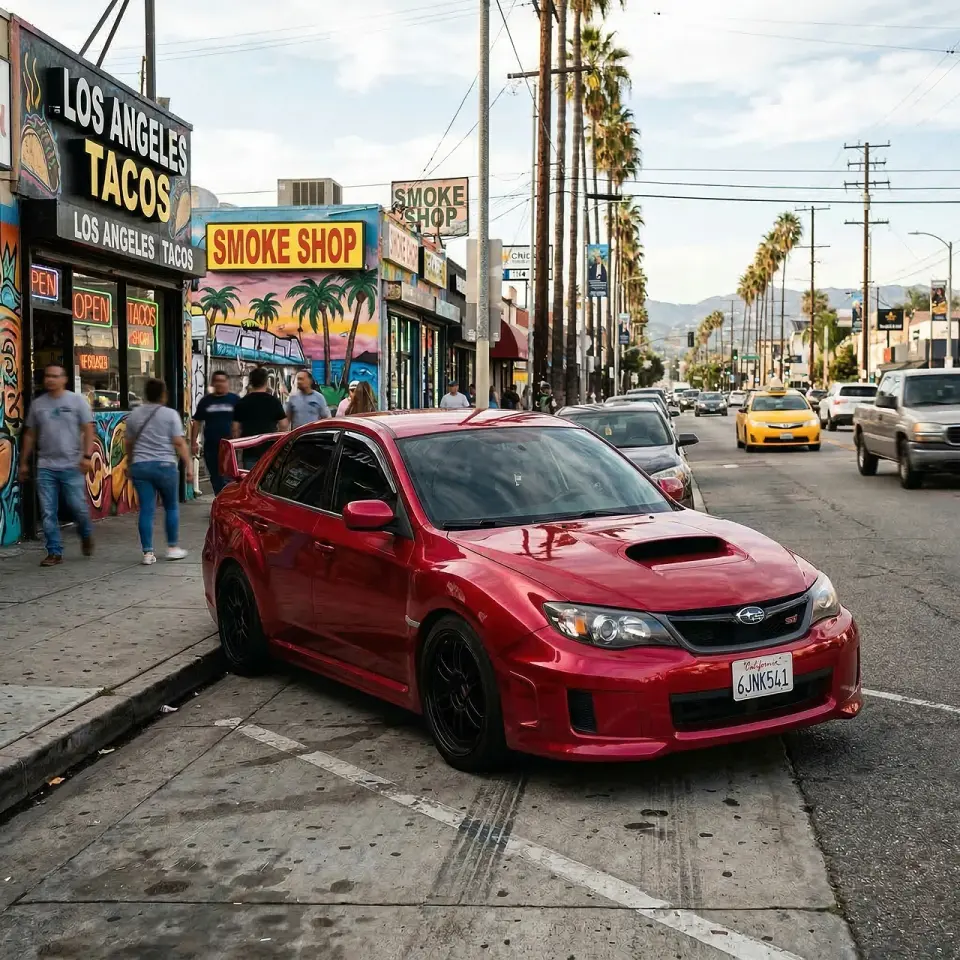
    Help me change the white car in the image to red.

    The image has been updated. Please review.

    Image Edit16:9
    Edited image result placeholder for image editing

    Product Model Images

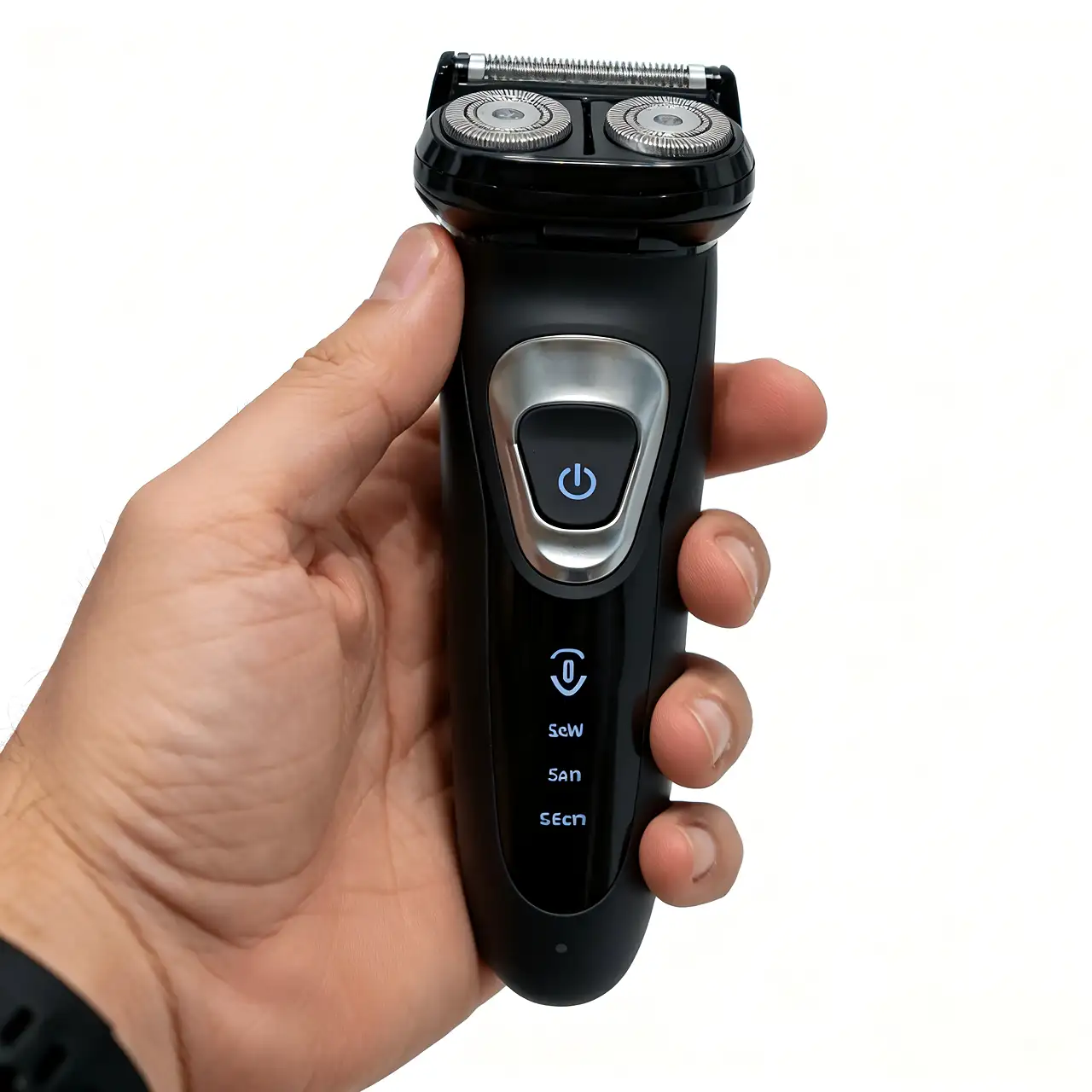
    Uploaded product image for product avatar generation
    Uploaded model scene reference for product avatar generation

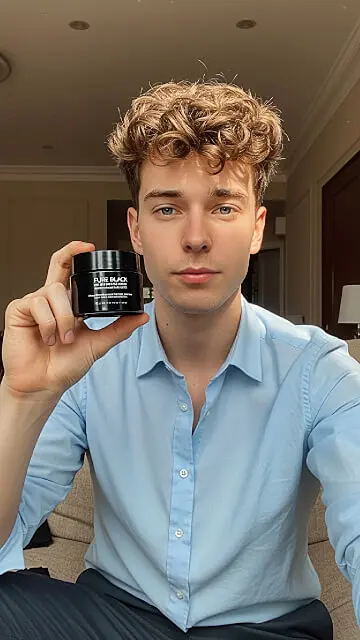
    Have the man in the image hold the product image I uploaded.

    The model image has been updated. Please review.

    Product Model2:3
    Generated product avatar result placeholder

    Remove Backgrounds

    Uploaded source image for background removal

    Please help me remove the background from this image.

    Your background-removed image is ready to review.

    Remove BG2:3
    Background removed result placeholder