

Sora 2 AI Video GeneratorGenerate, Repair & Fix
Use Sora 2 in Topview to turn prompts and image references into high-quality videos, then repair rough frames, polish motion, and ship faster for real campaigns.
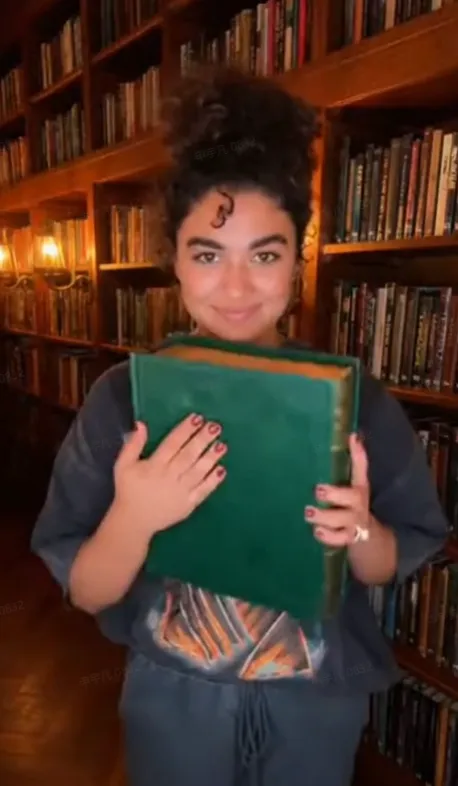
create a realistic TikTok outfit transition video filmed on iPhone 16 Pro with deep depth of field. A young woman in an oversized graphic t-shirt slams a thick hardcover book shut directly in front of the lens. When the book is lowered, she is wearing a brown corduroy blazer, a black turtleneck, and tortoiseshell glasses. She adjusts her glasses and poses in a dimly lit library with floor-to-ceiling bookshelves and soft lamp lighting. Dialogue: N/A @Image 2
Prompt-Ready Use Cases for Sora 2
Sora 2 works best when the prompt reads like a short storyboard. These four examples are designed for the types of commercial videos teams actually need to ship.
Product Hero Ads
Use Sora 2 for polished product reveals, launch visuals, and premium e-commerce hero shots where camera movement, reflections, and pacing matter.
UGC-Style Explainers
Create creator-style product demos and talking scenes with cleaner framing and more deliberate camera language than a generic text-to-video prompt.
App & SaaS Teasers
Prompt Sora 2 with interface references and shot beats to create short explainers, launch teasers, and visual product stories for apps and SaaS tools.
Cinematic Brand Stories
For campaign scenes that need mood, movement, and stronger visual storytelling, Sora 2 responds well to shot-by-shot prompt structure and reference-led art direction.
What Is Sora 2?
Sora 2 is OpenAI's video model for generating short video clips from natural language prompts. Instead of editing on a timeline, you describe the subject, setting, camera movement, and style, and the model generates a clip that follows those instructions. In Topview, that workflow becomes more practical for commercial teams: start from text or image references, review the first pass, then repair flicker, rough motion, or visual inconsistencies before export.
Natural Language Prompting
Write in plain English using film grammar such as framing, lens, lighting, and motion. Sora 2 responds better when prompts read like concise shot briefs.
Image Reference Support
Use uploaded images to guide product appearance, composition, and visual style so the output stays closer to your brand and campaign intent.
Generate-and-Iterate Workflow
Generate a first pass quickly, then refine. Small prompt changes, reference tweaks, and repair passes are often the fastest path to a shippable result.
How to Prompt Sora 2 More Reliably
The strongest Sora 2 prompts are structured like lightweight storyboards: clear subject, clear shot, clear lighting, and one clean action beat per clip.
Start with the shot
Open with framing and camera language such as medium shot, macro close-up, handheld, or slow dolly push-in so the model knows the visual intent immediately.
Anchor the subject
Give the subject distinctive details like clothing, material, color, shape, or product features to reduce ambiguity and improve consistency.
Describe action in beats
Break motion into one simple, executable beat. A shorter clip with one clear action usually follows instructions better than a long, overloaded prompt.
Use reference images intentionally
Reference images are best for locking composition, product identity, and visual style. Use them when you need a closer match to brand assets.
Keep clips short
Shorter clips often produce better instruction adherence and motion control. Stitching multiple strong short clips beats one weak long clip.
Iterate with small changes
Change one variable at a time, such as lens, lighting, or action, so you can tell what improved the result and avoid breaking the whole scene.
How to Use Sora 2 in Topview (3 Steps)
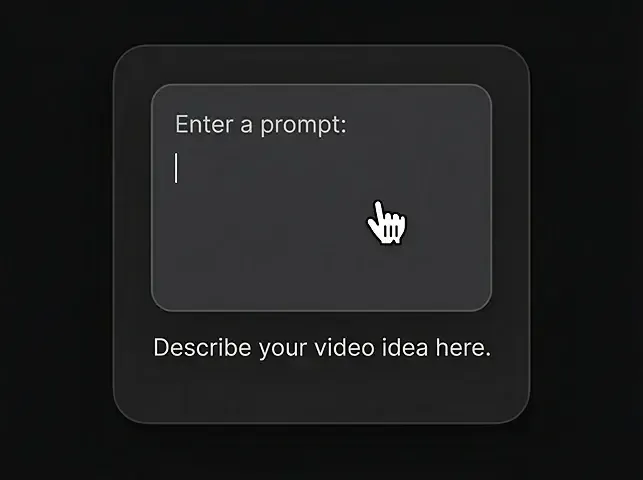
Enter a prompt
Describe the video you want using natural language.
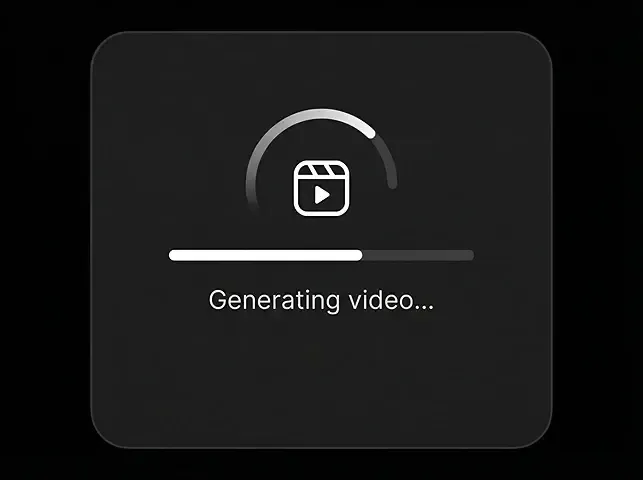
Generate Video
Click generate and watch Sora 2 bring your ideas to life in seconds.
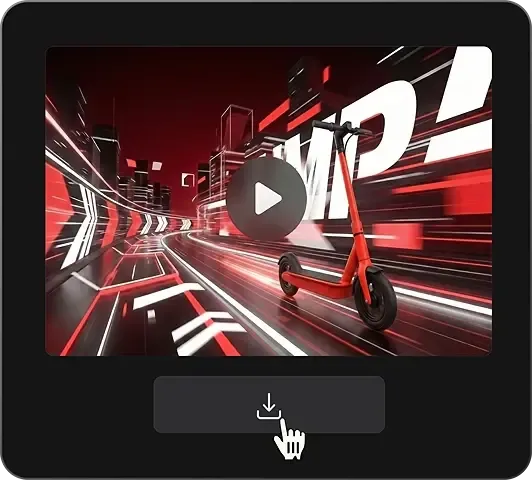
Download the video
Export a clean MP4 when you're ready.
Sora 2 Core Capabilities
Everything commercial teams need to go from prompt to publishable output inside one Sora-based workflow.
Prompt-Based Scene Control
Describe shots in natural language using subject, setting, camera movement, and style instead of editing on a timeline.
Image Reference Input
Guide look, composition, and product identity using uploaded image references in supported workflows.
Realistic Motion & Framing
Use cinematic prompt language such as lens choice, dolly moves, and lighting recipes to push more deliberate output.
Video Repair
Clean up artifacts, flicker, and rough frames so the result is usable for real marketing assets without endless re-generation.
Video Fix / Final Polish
Improve motion smoothness, scene consistency, and finish quality in a dedicated post-generation pass.
Social-Ready Formats
Export for common marketing aspect ratios including 9:16, 1:1, and 16:9 so one workflow can support multiple channels.
Sora 2 vs Other AI Video Models
Sora 2 stands out for prompt-led cinematic control, especially when paired with Topview's repair workflow and marketing-ready export flow.
| Metric | Sora 2Recommended | Veo 3.2 | Kling 3.0 | Seedance 2.0 | Wan 2.7 | Gen-4.5 |
|---|---|---|---|---|---|---|
| Max Duration | 25s | 10s | 25s | 15s | 15s | 10s |
| Resolution | 1080p | 1080p | 4K/60fps | 1080p | 1080p | 1080p |
| Image Reference Support | Yes | Yes | Limited | Yes | Yes | Yes |
| Repair / Fix Workflow | Strong on Topview | Manual follow-up | Manual follow-up | Manual follow-up | Manual follow-up | Editor-led |
| Prompt-Led Editing Feel | High | High | Medium | Medium | Medium | Medium |
| Best At | Cinematic prompt control | Audio-rich realism | Long, high-spec shots | Multi-modal workflows | Reference-heavy generation | Creative editing stack |
| Best Workflow Fit | Prompt -> generate -> repair | Prompt -> render -> export | Prompt -> render -> revise | Multi-input -> render | Reference -> render | Generate -> edit |
Why Use Sora 2 on Topview
Topview turns Sora 2 from a raw generation tool into a faster shipping workflow for real campaigns, product launches, and creative teams.
Advanced Generation
Use Sora 2 for high-quality prompt-led generation with realistic motion and more cinematic control over framing, lighting, and scene direction.
Editable & Repairable
Instead of re-generating endlessly, refine the output with repair and fix workflows that target flicker, rough motion, and visual consistency.
Fast Shipping
Topview helps teams get from first generation to publishable ad faster by keeping prompt, review, repair, and export in one workflow.
Guided + Instant Modes
Choose guided mode when you want step-by-step prompting help, or instant mode when you already know the shot and just want the clip quickly.
Built for Real Workflows
Sora 2 on Topview fits e-commerce ads, UGC creatives, app explainers, localization, agencies, and DTC teams that need repeatable content output.
All-in-One Creation Workflow
From image to video to publishing, Topview lets you complete the whole workflow in one place instead of switching between separate tools.
Start Creating with Sora 2
Generate with prompts or image references, then repair and polish the result before you publish. One faster workflow for ads, social videos, and product storytelling.
Prompt-led generation · Repair and fix workflow · Social-ready exports