Topview
    • MCP/Skill
    • Plugin
    • API
    • Pricing
    1. Home
    2. Nano Banana 2.1

    AI Ads

    AI Video AgentAI Ads VideoAI Product VideoAI UGC VideoURL to Video

    AI Avatar

    AI Avatar GeneratorProduct AvatarDesign My AvatarAI Lip Sync

    AI Video

    AI Video GeneratorDrama StudioAI Video Body SwapAI Video UpscalerAI Video Watermark RemoverTikTok Watermark RemoverSora Watermark RemoverSubtitle RemoverAI Motion ControlAI Lip SyncURL to Video

    AI Image

    AI Image GeneratorAI Face SwapAI Image Character SwapAI Image UpscalerAI InpaintAI Image Text EditorPhoto Angle EditorAI RelightingAI Product PhotographyAI Virtual Try-OnAI Storyboard GeneratorExtract Color PaletteImage to Prompt

    AI Voice

    VoiceoverAI Voice CloningAI Music Generator

    3D

    3D World Generator3D Shot Composer

    Use Cases

    AdvertisingAffiliate MarketingEcommerceDTC BrandsAI Live Stream

    Resources

    BlogAffiliate ProgramLearning CenterAlternativeAPI

    Company

    Topview StudioPrivacy PolicyTerms
    Topview

    © 2026 TOPVIEW PTE. LTD.

    Singapore: 20 Collyer Quay #20-03, Singapore 049319
    Los Angeles: 15970 Los Serranos CC Dr #251, Chino Hills, CA 91709

    Gemini
    Nano Banana 2.1
    Topview

    Nano Banana 2.1 — Keep Characters Consistent and Combine Up to 14 Images

    Nano Banana 2.1 is Google's latest image generation and editing model. It keeps up to 4 characters consistent, combines up to 14 reference images into one scene, and outputs at 1K, 2K or 4K.

    Google's Gemini Nano Banana 2.1, released Oct 6, 2026 · Live on Topview

    Nano Banana 2.1

    Available model
    Nano Banana 2.1

    Upload Reference Image (Max 6 images)

    Image size
    Aspect ratio
    Nano Banana 2.1 — Keep Characters Consistent and Combine Up to 14 Images
    Nano Banana 2.1 — Keep Characters Consistent and Combine Up to 14 Images
    Nano Banana 2.1 — Keep Characters Consistent and Combine Up to 14 Images

    What Is Gemini Nano Banana 2.1?

    Gemini Nano Banana 2.1 is the newest version of Google's Nano Banana image model, built on Gemini 3.6 Flash. Google describes it as an update focused on visual quality, prompt adherence, character consistency across edits, and text rendering. Besides Topview, Google uses it across its own products, including the Gemini app, AI Mode in Search and Flow.

    Google
    Developer:

    Google

    Model ID:

    gemini-nano-banana-2.1

    Consistent Character AI: Keep Up to 4 Characters the Same

    Keeping the same face from one image to the next is one of the most common asks from creators. Nano Banana 2.1 takes up to 4 character references and holds their features steady as the scene, outfit or pose changes. In Google's own human-preference tests, multi-character consistency is one of its biggest gains over earlier versions.

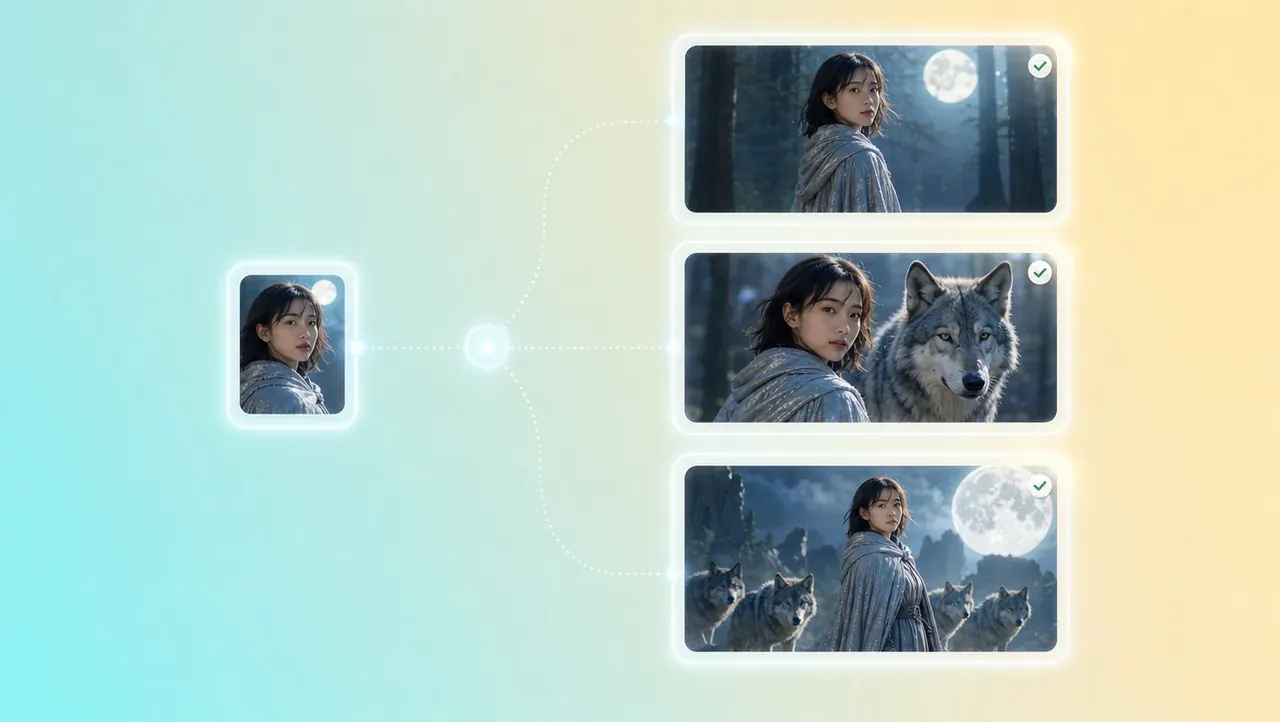
    Same Face, New Scene
    Same Face, New Scene

    Upload one clear portrait and place that person in a café, on a stage or in a product shot. Face shape, hairstyle and skin tone carry over, so a series of images reads as one character, not a set of lookalikes.

    Group Shots with Up to 4 Characters
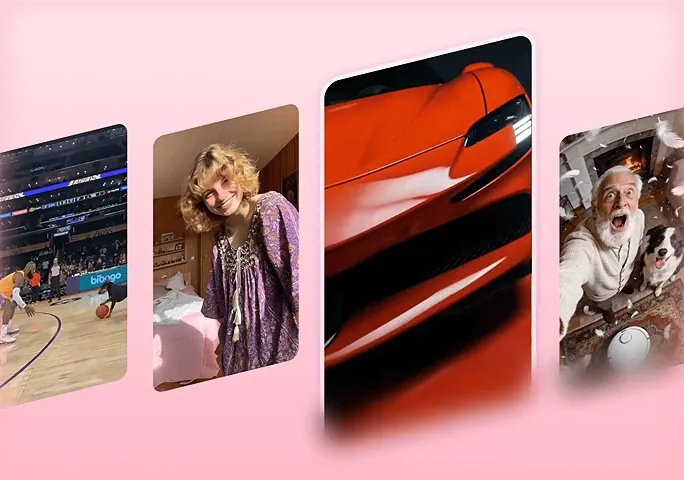
    Group Shots with Up to 4 Characters

    Add a reference for each person and describe who stands where and what they're doing. Naming each character in the prompt helps the model keep faces from blending together in busy scenes.

    Combine Images AI: Up to 14 References in One Scene

    Nano Banana 2.1 doesn't paste pictures side by side. It reads up to 14 references, 10 objects and 4 characters, and draws one new image where they share the same light, perspective and style. Think of it as an AI image combiner that builds a scene, not a collage.

    People and Products in One Shot
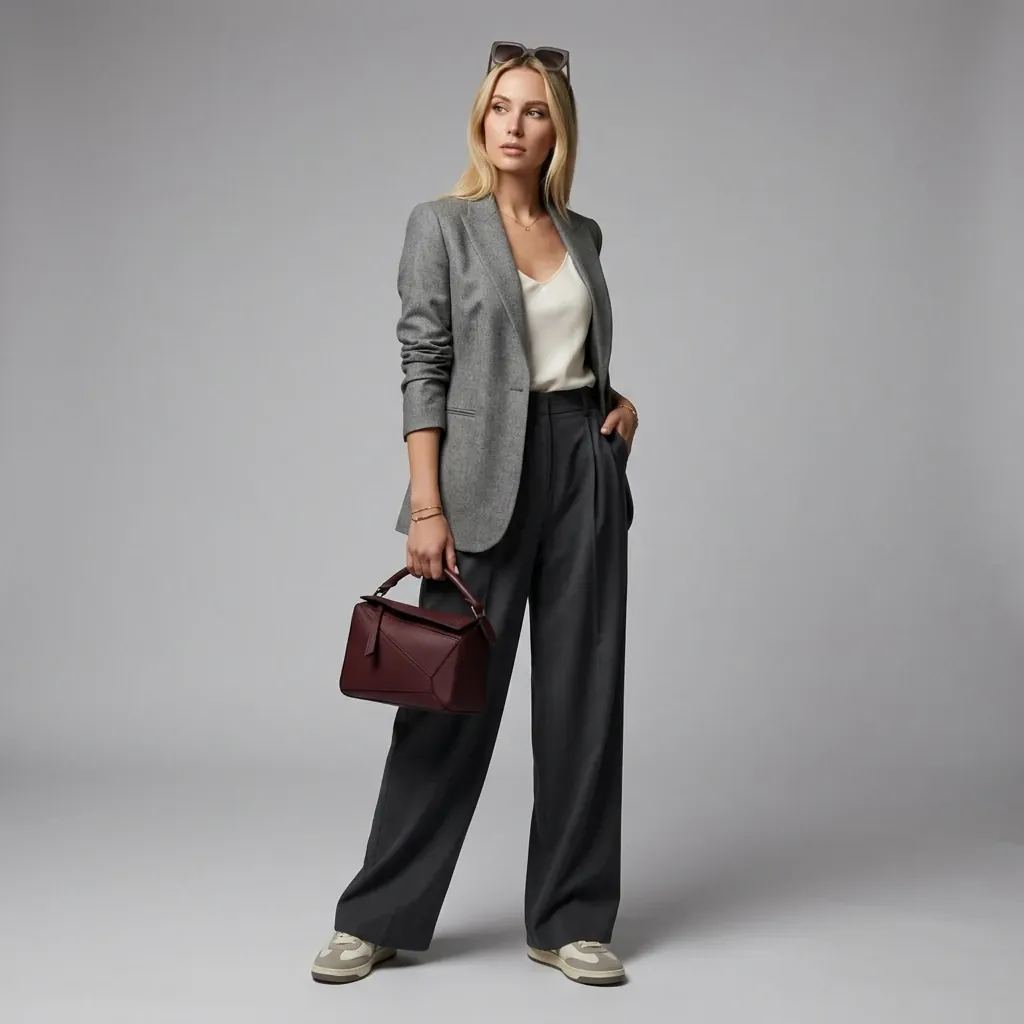
    People and Products in One Shot

    Put a model, a bag and a pair of shoes into one lifestyle photo without a shoot. Each item keeps its shape, color and label. For catalog work, see .

    Outfits, Props and Locations
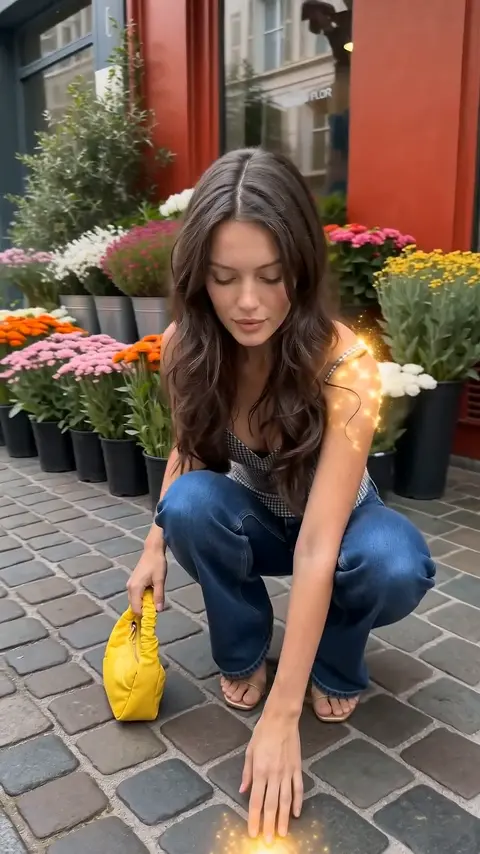
    Outfits, Props and Locations

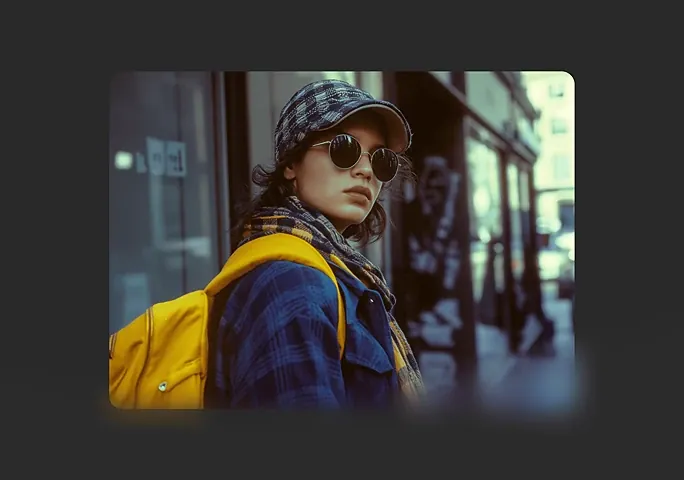
    Combine photos of a jacket, a hat and a street corner, then describe the moment you want. The model fits the clothing to the character and places everyone in the location.

    Your Brand Assets in a New Setting

    Change One Thing, Keep Everything Else the Same

    To change one part of an image, describe it in plain words: what to change, and what should stay as it is. For example, "Change her hair to a short platinum bob; keep the face, the clothes, and the room." Google lists mask-based editing among the main improvements in 2.1, and on Topview you make those changes by describing them. If you'd rather brush over an area, try .
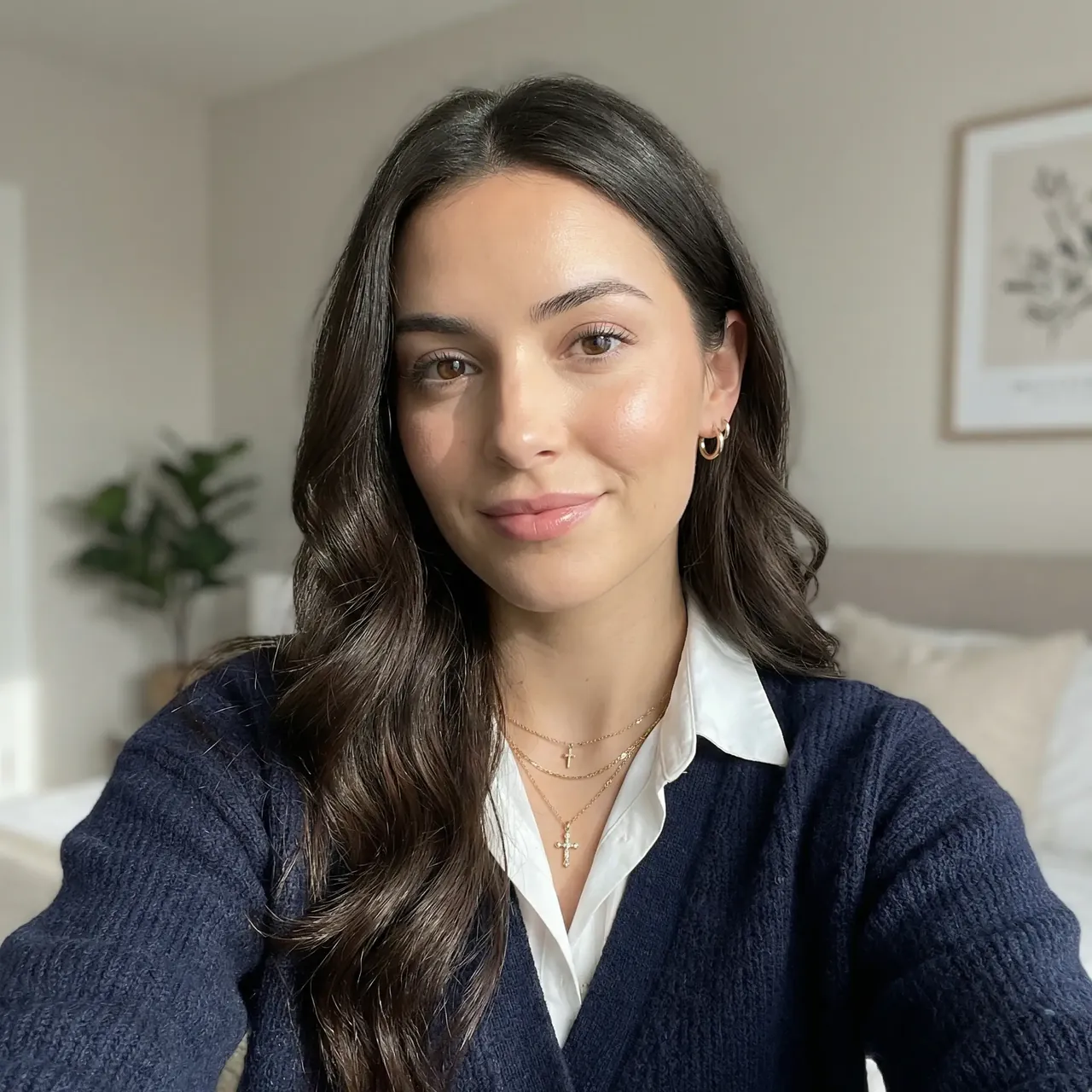
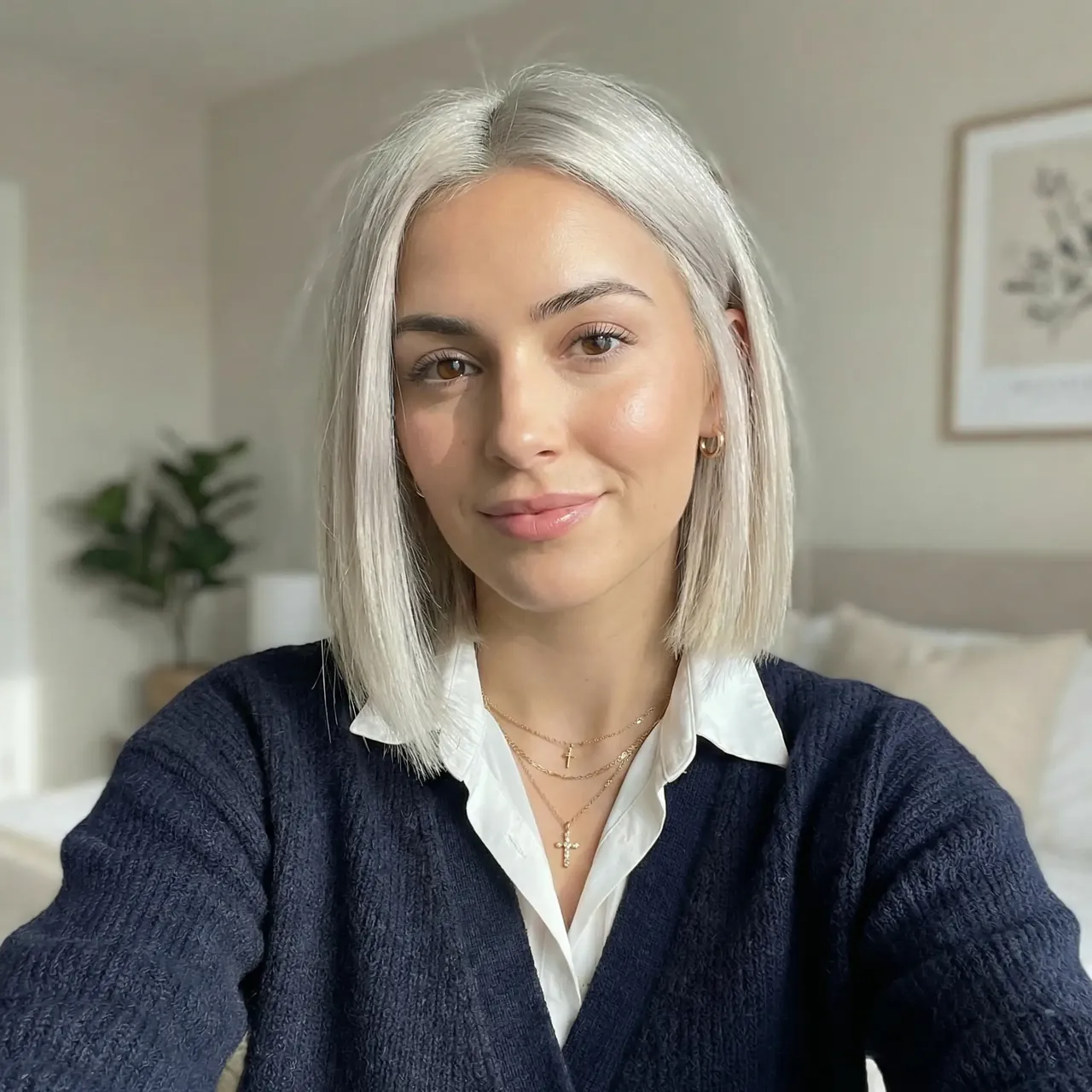
    Change One Thing, Keep Everything Else the Same
    Change One Thing, Keep Everything Else the Same

    Multi-Round Edits Without Drift: What Testers Found and How to Avoid It

    Many rounds of edits can still wear an image down. Public tests shared after launch found that Nano Banana 2.1 redraws the whole frame on each edit, so parts you didn't ask to change can slowly shift. One independent test saw colors in untouched areas drift toward pink after eight rounds. These are findings from user testing, not Google's claims. Five habits help:

    Go Back to the Original Every Few Rounds

    Instead of editing an edit of an edit, return to your first image and apply the changes you've settled on from there.

    Turn a Video or YouTube Link into Thumbnails and Posters

    Nano Banana 2.1 can use a video or a YouTube link as a reference, not just still images. For creators who already have footage, that's a quick path from a clip to the artwork around it.

    YouTube Thumbnail
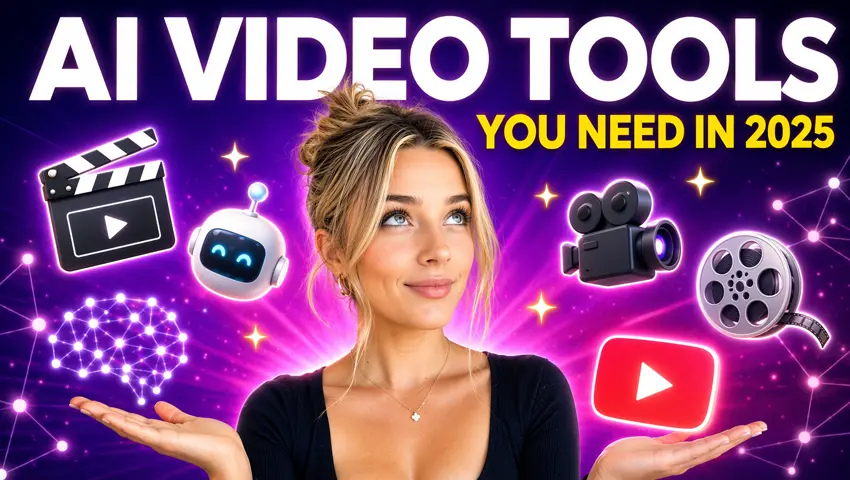
    YouTube Thumbnail

    Paste the video link and describe the thumbnail: the key moment, the expression, the title text. The design stays tied to what's actually in the video.

    Movie-Style Poster
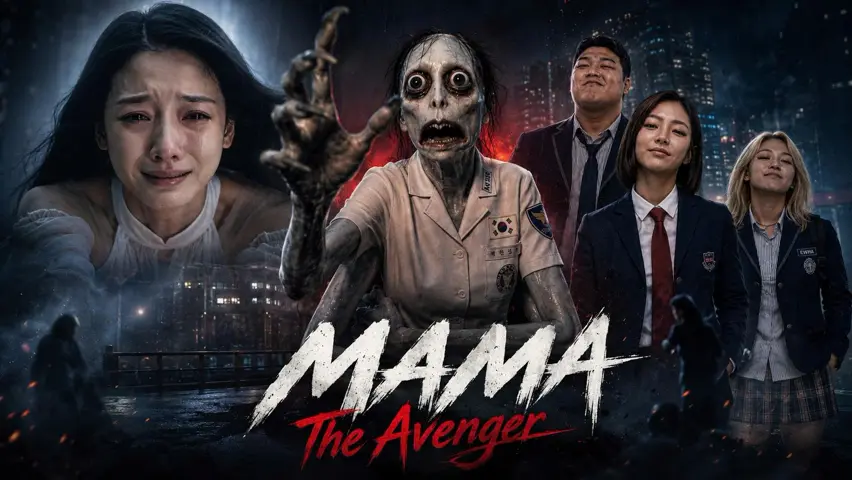
    Movie-Style Poster

    Use a trailer or a short clip as reference to build a poster with the same characters, mood and color palette.

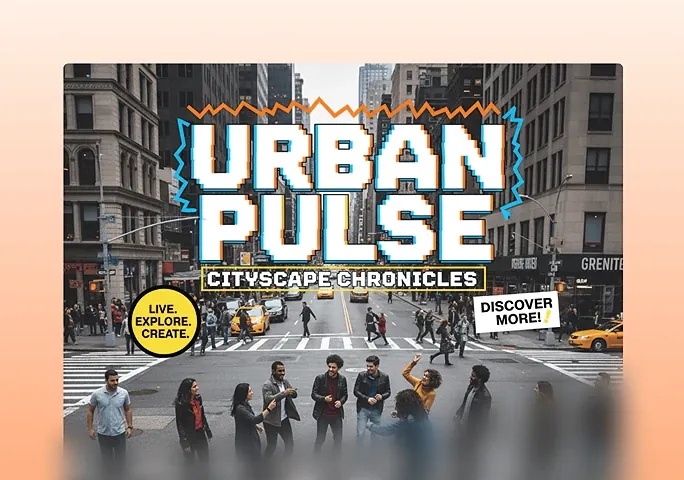
    Summary Infographic

    How to Use Nano Banana 2.1 on Topview
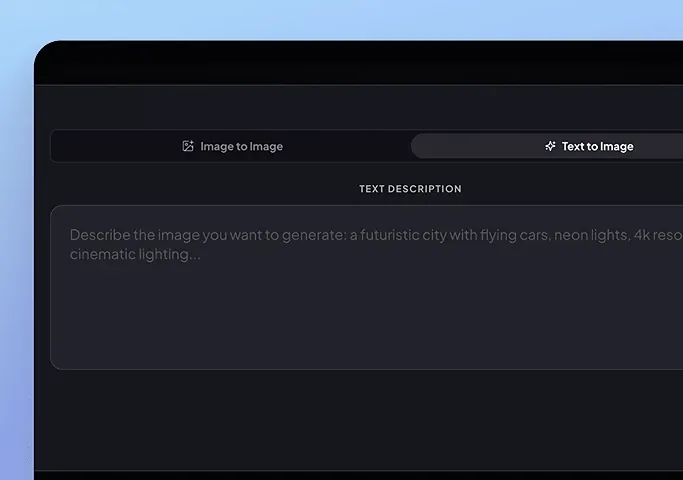
    Step 1: Add Your References or Start with a Prompt

    Step 1: Add Your References or Start with a Prompt

    Upload up to 14 reference images, a video or a YouTube link, or skip references and start from text.
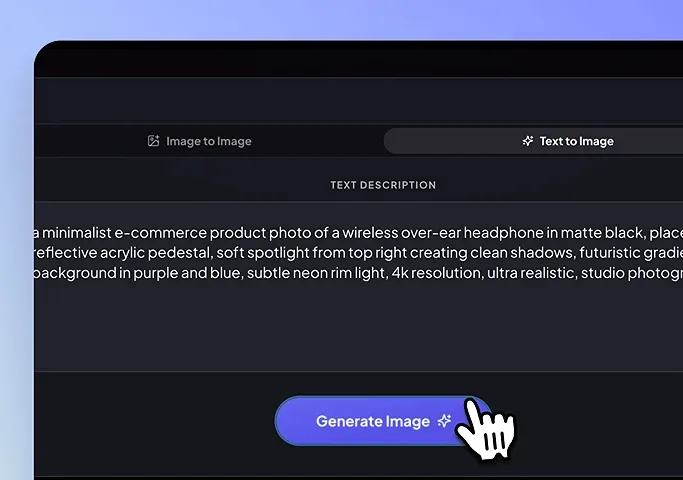
    Step 2: Describe the Scene or the Change

    Step 2: Describe the Scene or the Change

    Write what you want to see or what to change, then choose 1K, 2K or 4K.
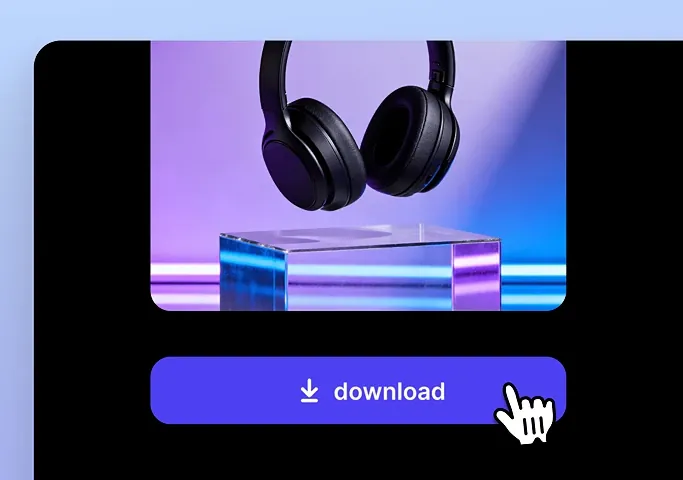
    Step 3: Generate, Refine and Download

    Step 3: Generate, Refine and Download

    Generate, adjust in a few rounds if needed, and download the version you like.

    What You Can Make with Nano Banana 2.1

    Product Shots
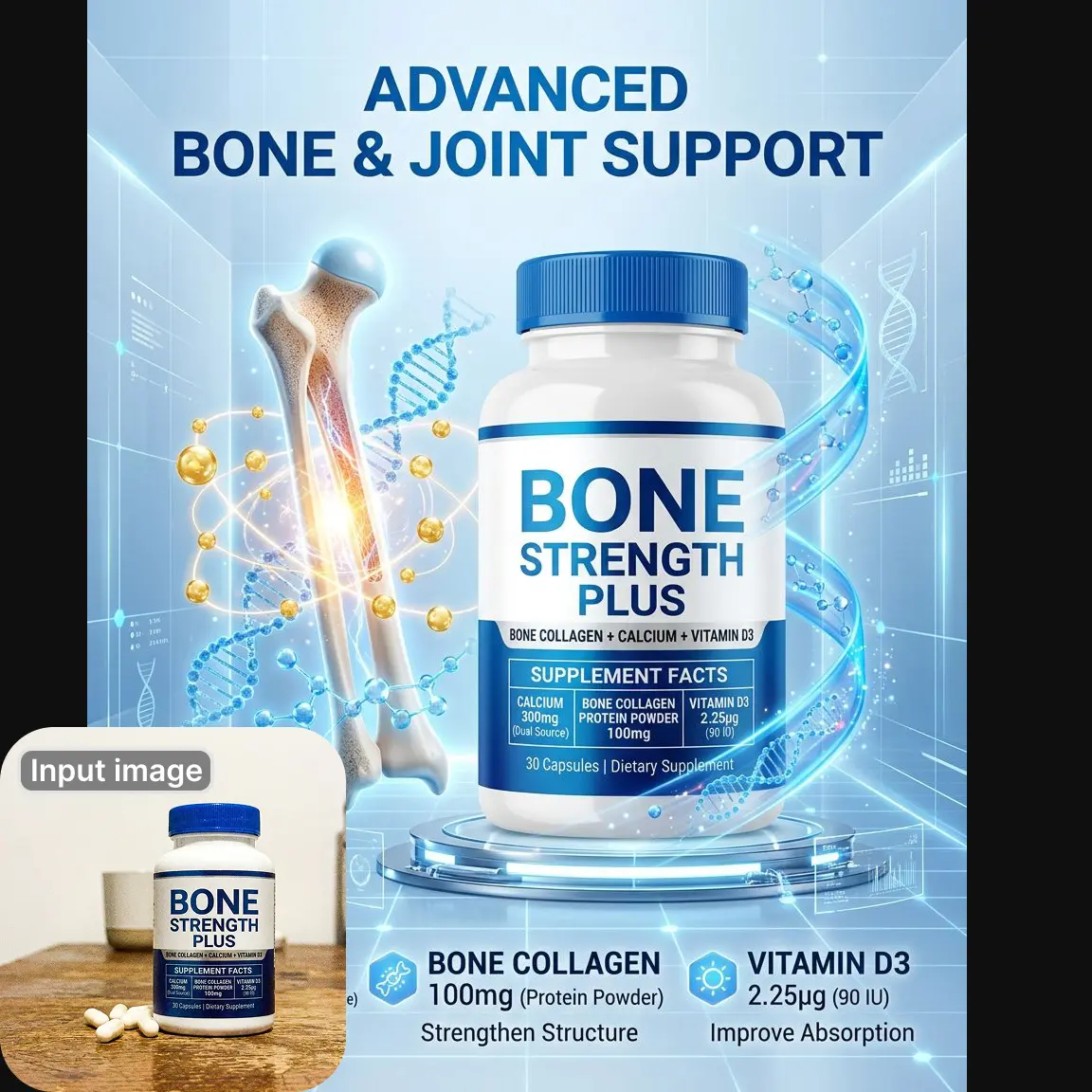
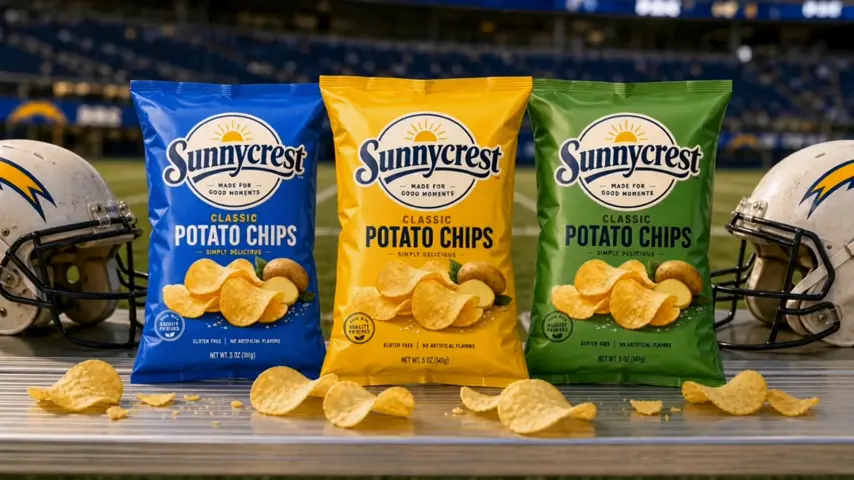
    Product Shots

    Place one product in several settings for ads, listings and social posts. More in .

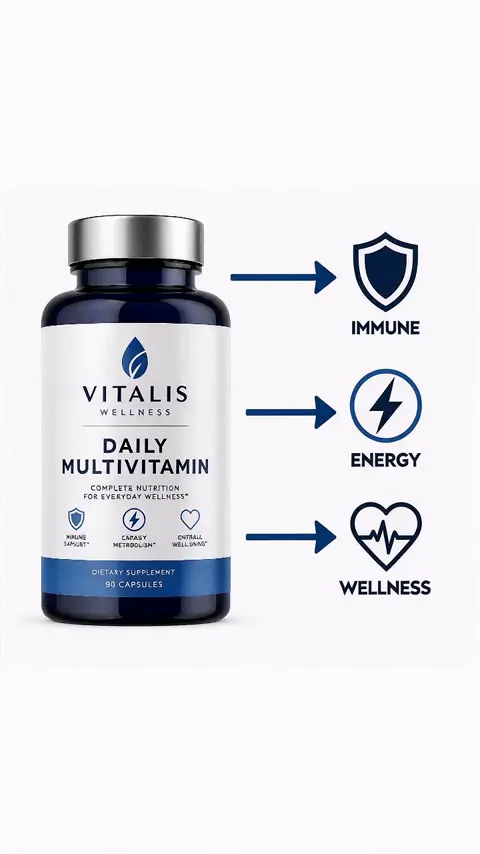
    Posters and Infographics
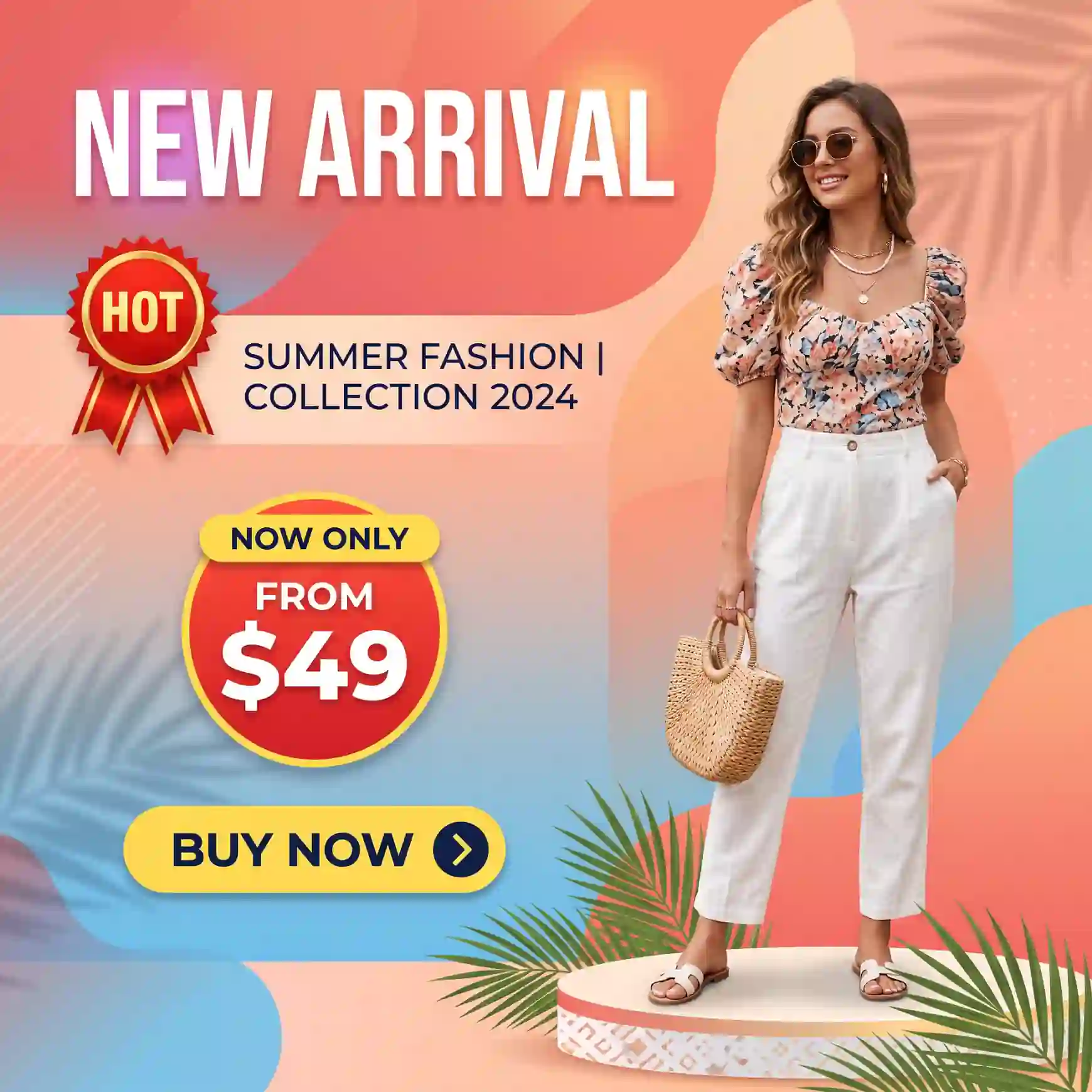
    Posters and Infographics

    Google improved text rendering and infographic layout in 2.1, so headlines and labels come out cleaner. Start with the .

    Character Series
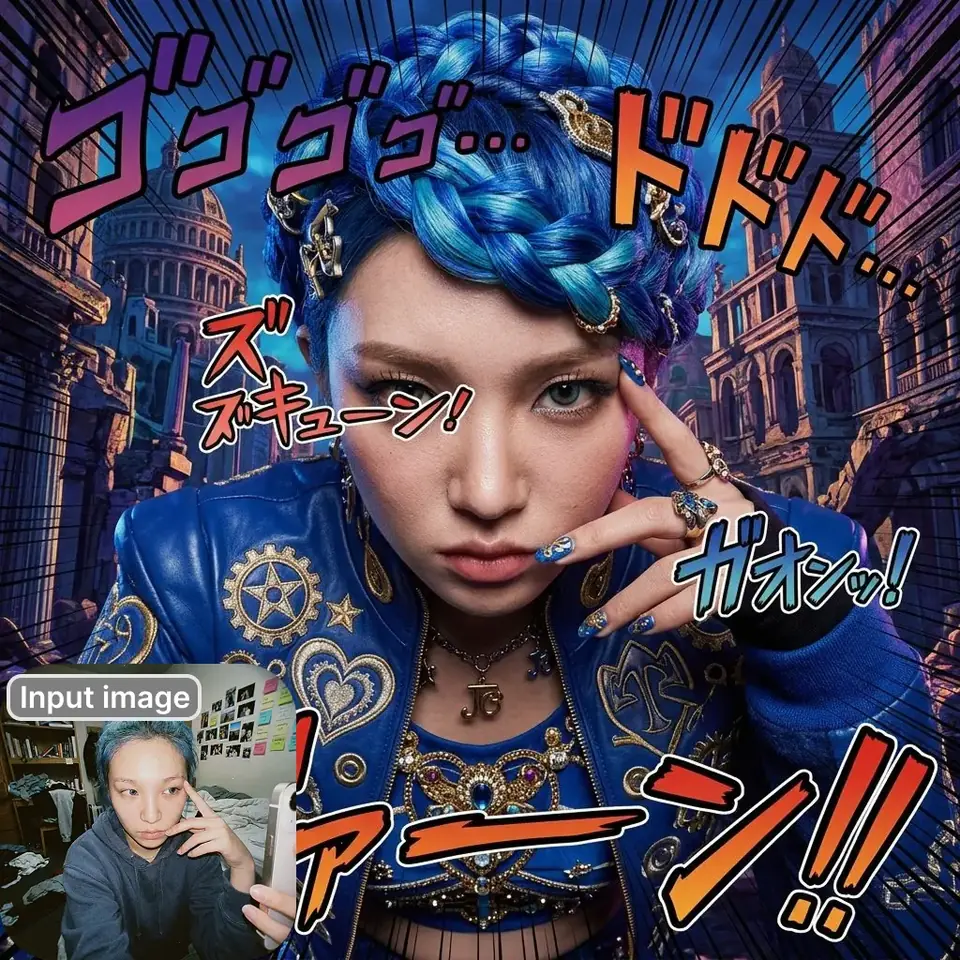
    Character Series

    Keep the same character across a comic, a campaign or a storyboard, then bring it to video with the .

    Nano Banana 2.1 vs Nano Banana 2 vs Nano Banana Pro

    Nano Banana 2.1Nano Banana 2Nano Banana Pro
    Overall preference (Elo)1015990935
    Multi-character consistency (Elo)10689781011
    Multi-reference editing (Elo)1041988989
    Mask/ink-based editing (Elo)1042965927

    More Image Models on Topview

    Want a different look for the same brief? Topview also offers other image models, such as GPT Image 2 and Seedream 5.0 Pro.

    Create with Nano Banana 2.1 on Topview

    Bring your characters, products and references, and build your next image with Nano Banana 2.1.
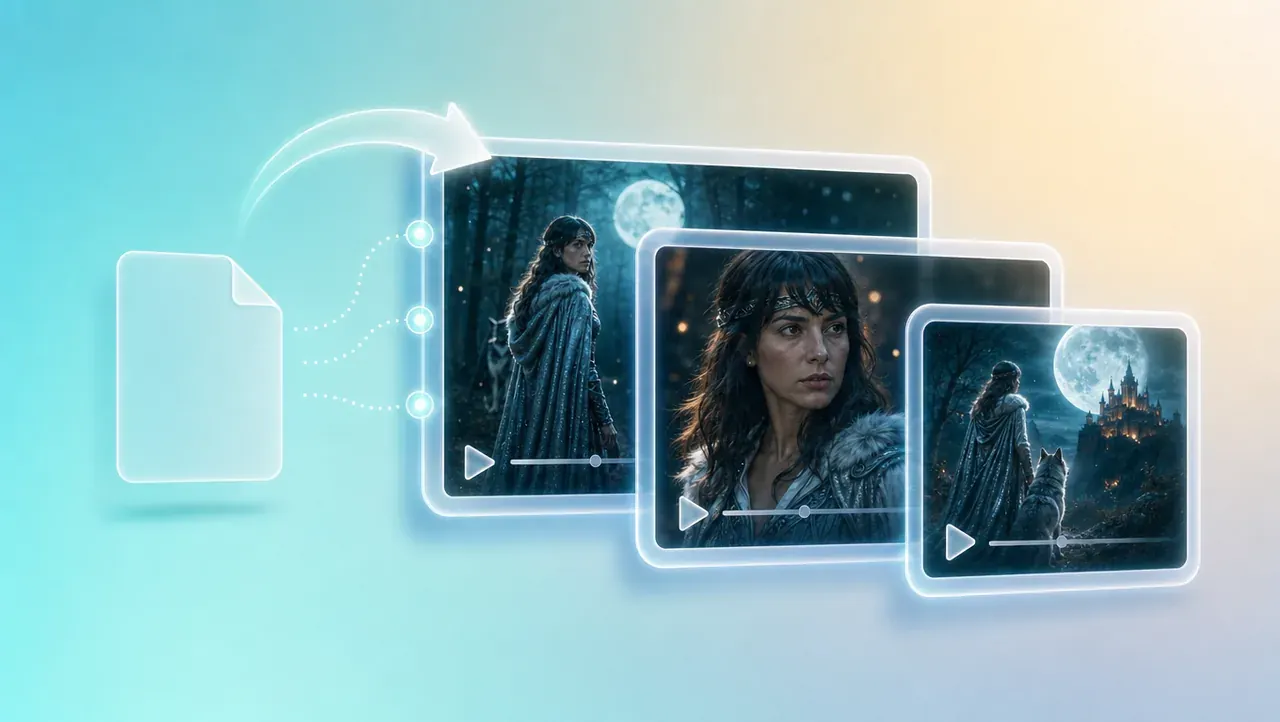
    Try Nano Banana 2.1

    Frequently Asked Questions About Nano Banana 2.1

    Nano Banana 2.1 is Google's latest image generation and editing model, built on Gemini 3.6 Flash. It improves visual quality, prompt adherence, character consistency and text rendering, and you can use it on Topview.

    Google released Nano Banana 2.1 on October 6, 2026, as a generally available model rather than a preview. It's live on Topview now.

    Up to 14 per generation: up to 10 object images and up to 4 character images. You can also add a video or a YouTube link as reference.

    Released:

    October 6, 2026

    Reference images:

    up to 14 (10 object + 4 character)

    Output:

    1K, 2K or 4K

    Other inputs:

    text, video or a YouTube link

    Series, Mascots and Storyboards

    Series, Mascots and Storyboards

    Brand mascots, comic panels and storyboard frames all need the same character again and again. Build the frames here, then turn them into video with Topview's storyboard tool.

    Your Brand Assets in a New Setting

    Drop in a logo, packaging and a color reference, and Nano Banana 2.1 places them in a fresh scene that still looks like your brand.

    Put the Changes in One Instruction

    List everything you want changed this round in a single clear prompt, rather than nudging the image over many small rounds.

    Say What Should Stay the Same

    Name what should stay fixed, such as the face, background or lighting, every time you ask for a change.

    See more

    Re-Attach Your Character References

    Add the character images again on each round so the model checks the face against the source, not just the last output.

    See more

    Use 2K or 4K for Small Text

    Google's model card notes that small text can blur at 1K. If your image has labels, captions or fine print, generate at 2K or 4K.

    See more
    Summary Infographic

    Turn a tutorial or explainer video into a one-page infographic of its main steps. Check facts and figures before you publish.

    Try Nano Banana 2.1

    Video Thumbnails

    Video Thumbnails

    Use your own video as reference to make thumbnails and cover images that match the content.

    Infographic factuality (score)0.3280.1790.265
    Reference images10 object + 4 character10 object + 4 character6 object + 5 character + 3 style

    Source: Google DeepMind Nano Banana 2.1 model card (Oct 6, 2026), Google's own human-preference evaluation; the lower of the two reported Nano Banana 2.1 configurations is shown. Reference limits: Gemini API image generation guide.

    Which One Should You Use?

    Choose Nano Banana 2.1

    For scenes with several characters, many references, or edits where the rest of the image matters.

    Choose Nano Banana Pro

    When you need a fifth character reference or dedicated style references. See Nano Banana Pro.

    Choose Nano Banana 2

    If your prompts are already tuned for it, Nano Banana 2 is still on Topview. Need the fastest drafts? Try Nano Banana 2 Lite.

    Yes. Add a character reference and it keeps the face consistent across new scenes, with up to 4 characters in one image. It isn't perfect every time, so re-attach references when you make further edits.

    Yes. Upload the photos as references and describe the scene. Nano Banana 2.1 draws a new image where everything shares one light and perspective, rather than a side-by-side collage.

    Yes. Nano Banana 2.1 accepts a video or a YouTube link as a reference, which is useful for thumbnails, posters and summary infographics. This also worked in the previous version.

    Describe the change in plain words and say what should stay the same, for example "change the jacket to red; keep the face and background unchanged."

    Each edit redraws the whole frame, so small shifts can build up over many rounds. Go back to the original every few rounds, put changes into one instruction, and re-attach your character references.

    1K, 2K and 4K. Use 2K or higher for images with small text, and for very wide or tall formats such as 4:1 or 1:8.

    Google reports better visual quality, prompt adherence, character consistency and text rendering. See the comparison table above for Google's published scores.
    AI product photography
    AI Inpaint
    AI product photography
    AI poster generator
    GPT Image 2
    Seedream 5.0 Pro

    Third-party model and brand names are trademarks of their respective owners. Topview provides access to supported AI models through its independent platform and is not the developer of those third-party models.

    storyboard tool