Topview
    • MCP/Skill
    • Plugin
    • API
    • Pricing
    1. Home
    2. Expression Control

    AI Ads

    AI Video AgentAI Ads VideoAI Product VideoAI UGC VideoURL to Video

    AI Avatar

    AI Avatar GeneratorProduct AvatarDesign My AvatarAI Lip Sync

    AI Video

    AI Video GeneratorDrama StudioAI Video Body SwapAI Video UpscalerAI Video Watermark RemoverTikTok Watermark RemoverSora Watermark RemoverSubtitle RemoverAI Motion ControlAI Lip SyncURL to Video

    AI Image

    AI Image GeneratorAI Face SwapAI Image Character SwapAI Image UpscalerAI InpaintAI Image Text EditorPhoto Angle EditorAI RelightingAI Product PhotographyAI Virtual Try-OnAI Storyboard GeneratorExtract Color PaletteImage to Prompt

    AI Voice

    VoiceoverAI Voice CloningAI Music Generator

    3D

    3D World Generator3D Shot Composer

    Use Cases

    AdvertisingAffiliate MarketingEcommerceDTC BrandsAI Live Stream

    Resources

    BlogAffiliate ProgramLearning CenterAlternativeAPI

    Company

    Topview StudioPrivacy PolicyTerms
    Topview

    © 2026 TOPVIEW PTE. LTD.

    Singapore: 20 Collyer Quay #20-03, Singapore 049319
    Los Angeles: 15970 Los Serranos CC Dr #251, Chino Hills, CA 91709

    AI Facial Expression Changer

    Facial Expression Changer: Edit the Expression in a Face Photo, Then Generate a Performance Video from the Same Shot

    Change the expression in one face photo while the person and the rest of the shot stay the same. Then generate a performance video from that same photo in one pass.

    Expression Control

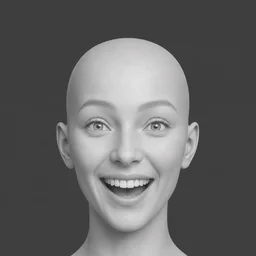
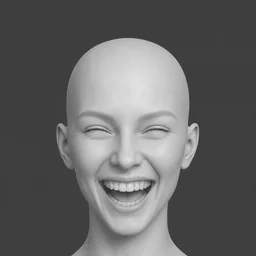
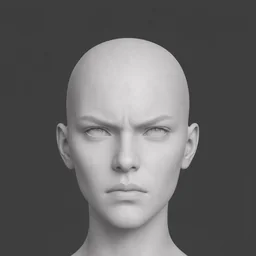
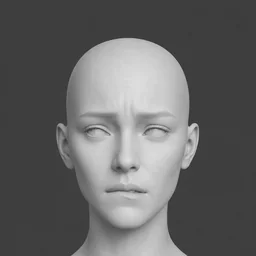
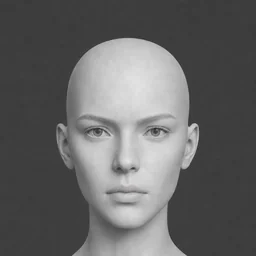
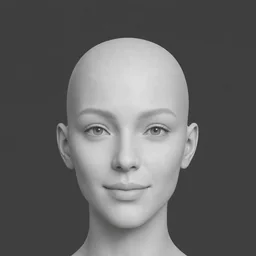
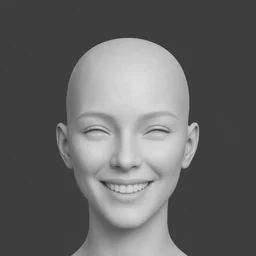
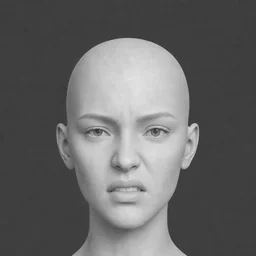
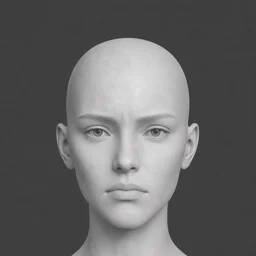
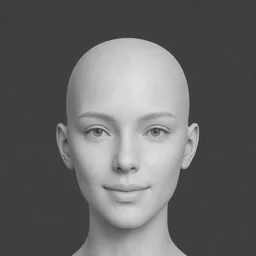
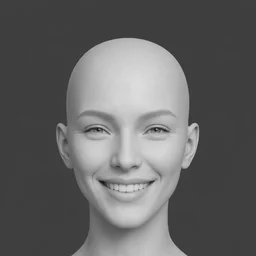
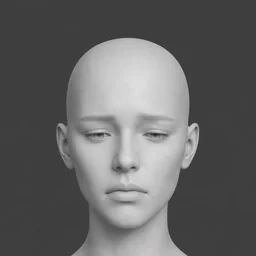
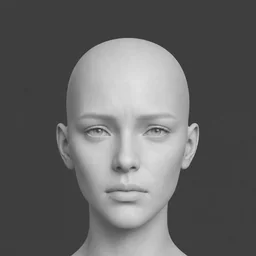
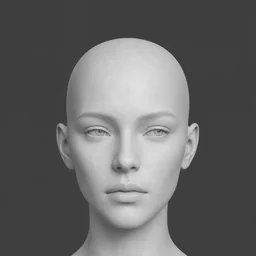
    Click a detected face—or switch to Manual and drag a box—then choose a mood.
    Neutral Calm
    Neutral Calm
    ExcitedCalmNegativePositive
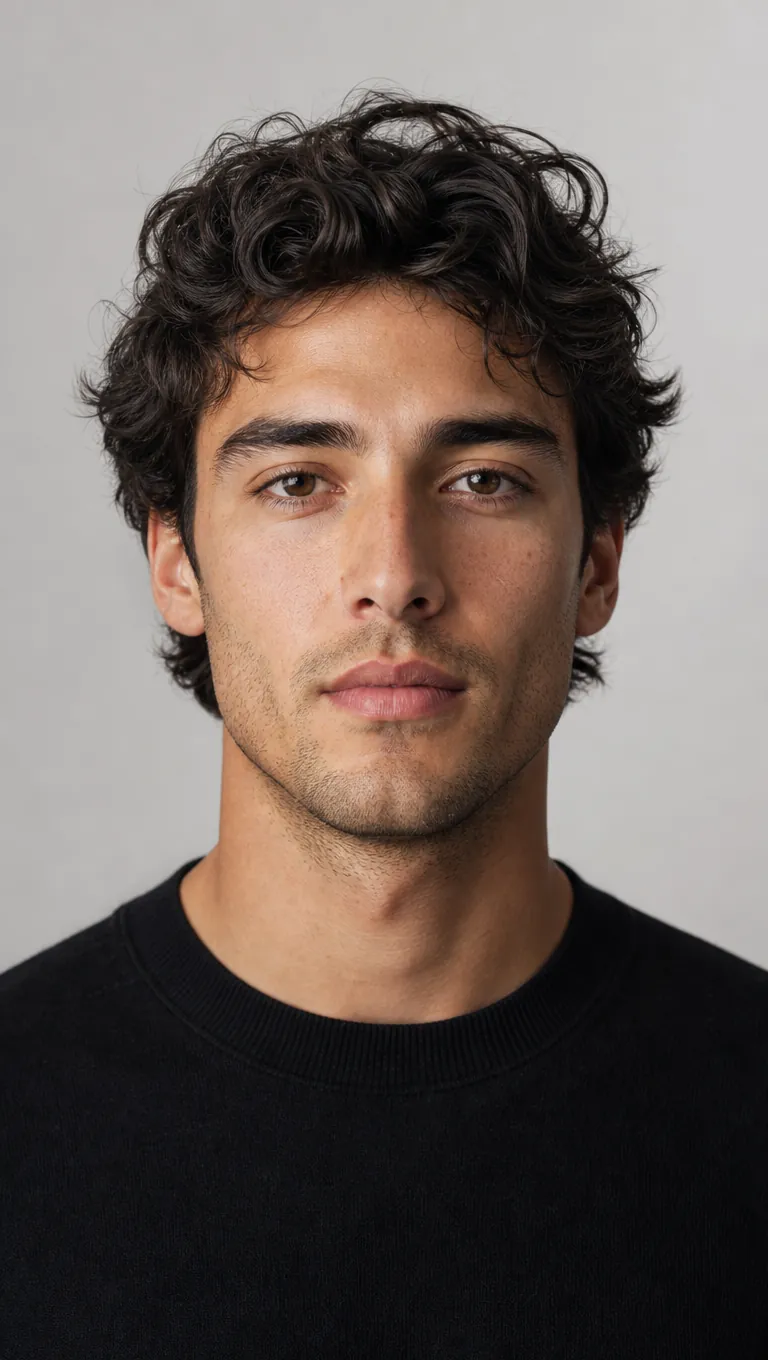
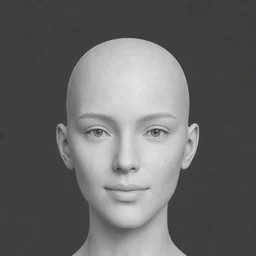
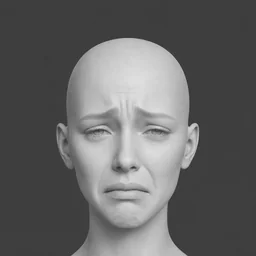
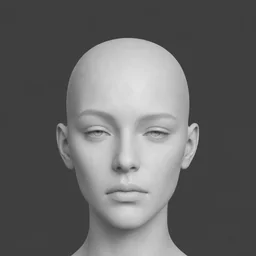
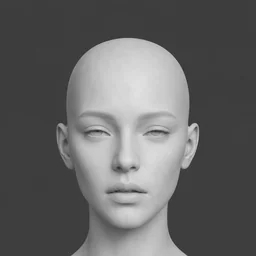
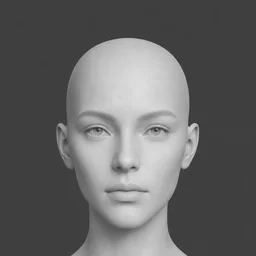
    Portrait with AI expression control applied

    BEFORE VS AFTER

    See AI Expression Control in Action

    Preview how Expression Control reshapes portrait performance for ads, film previs, character boards, and social content.

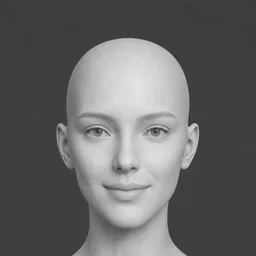
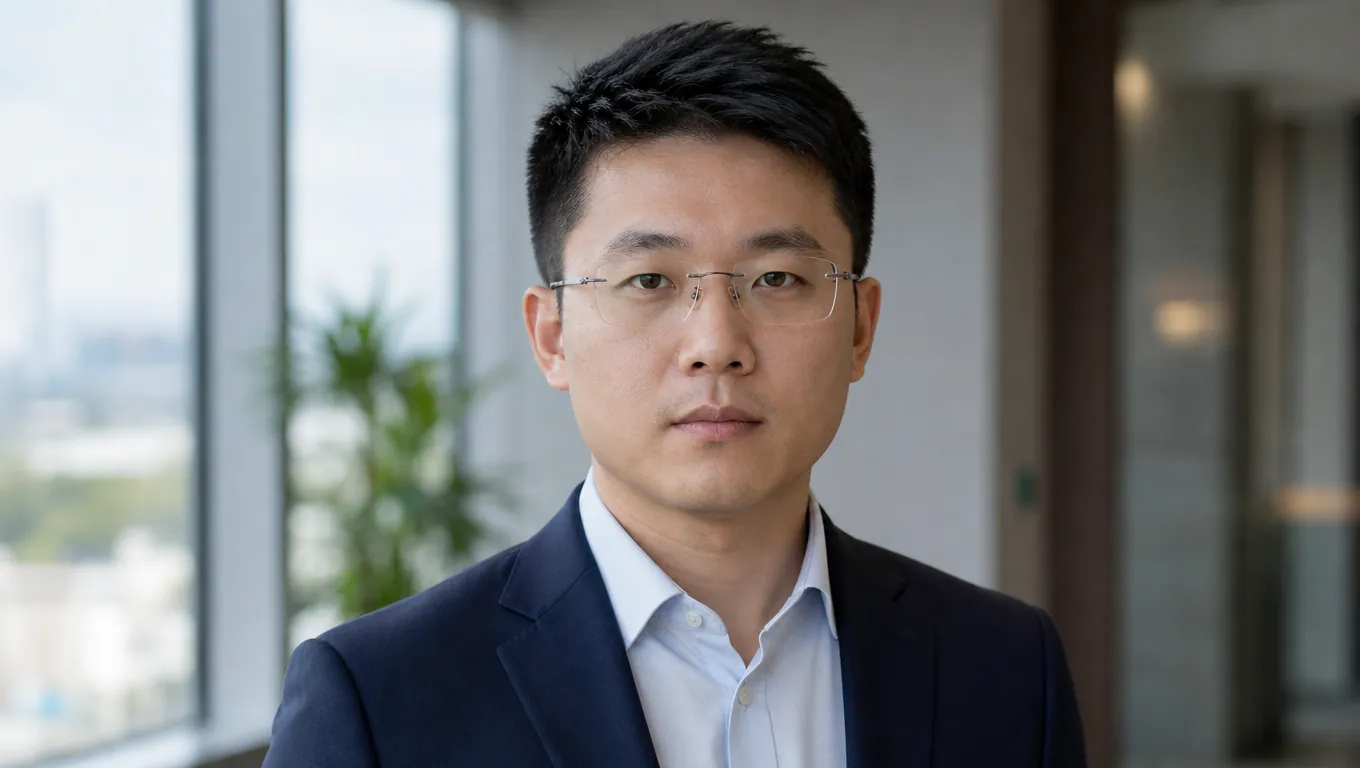
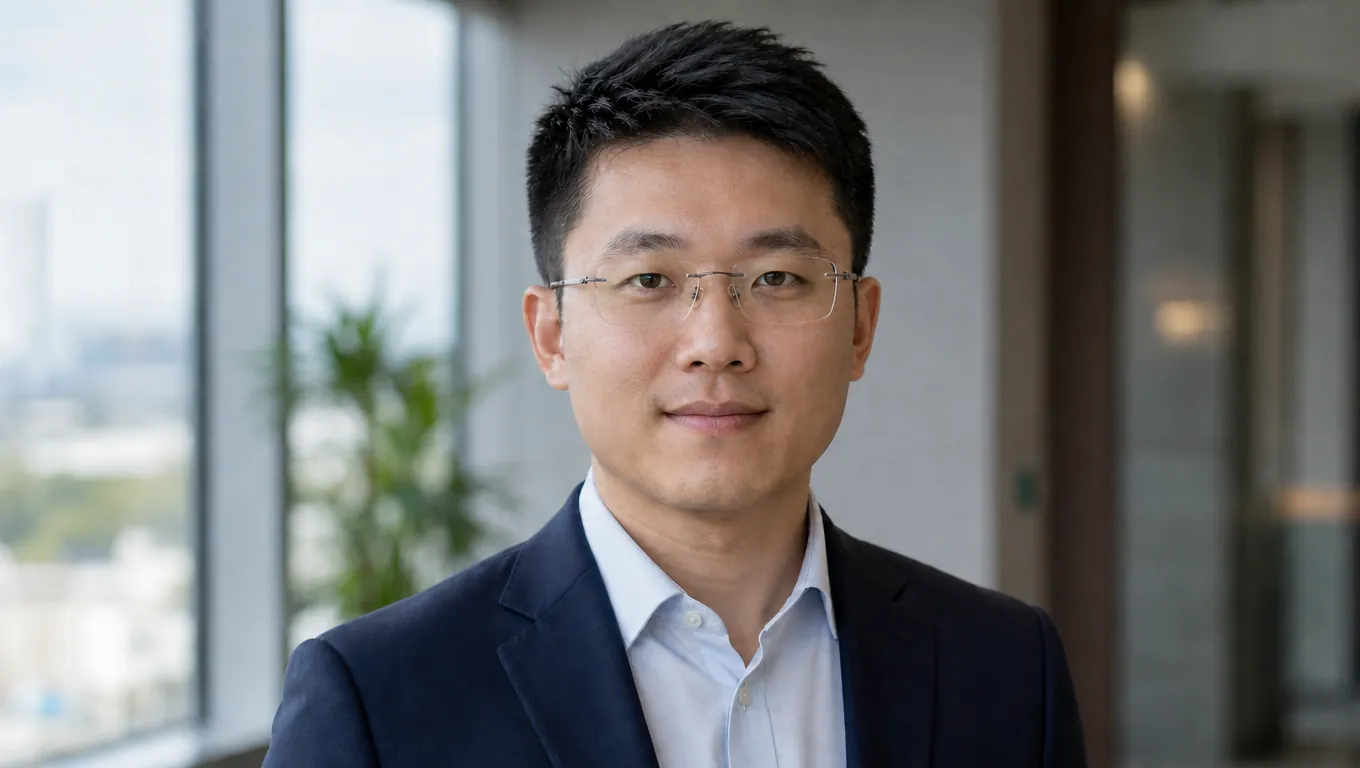
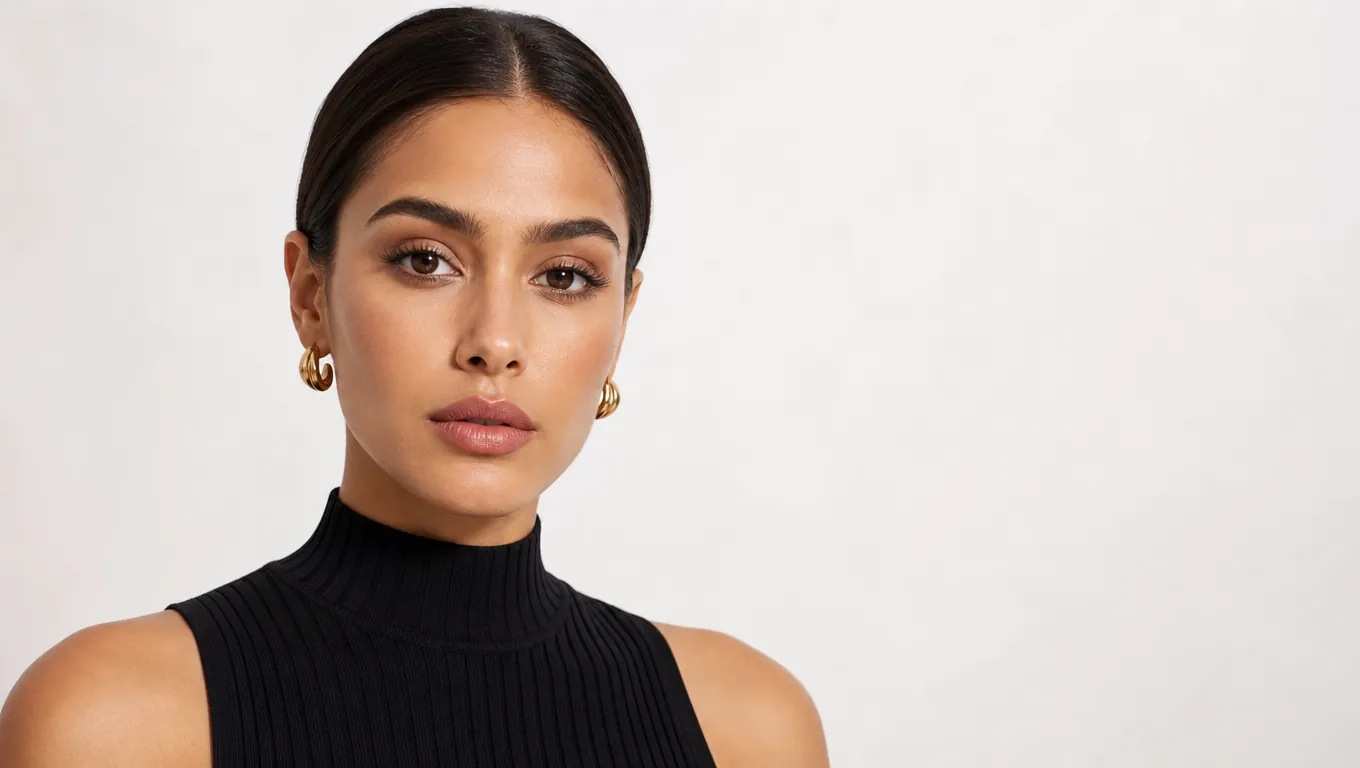
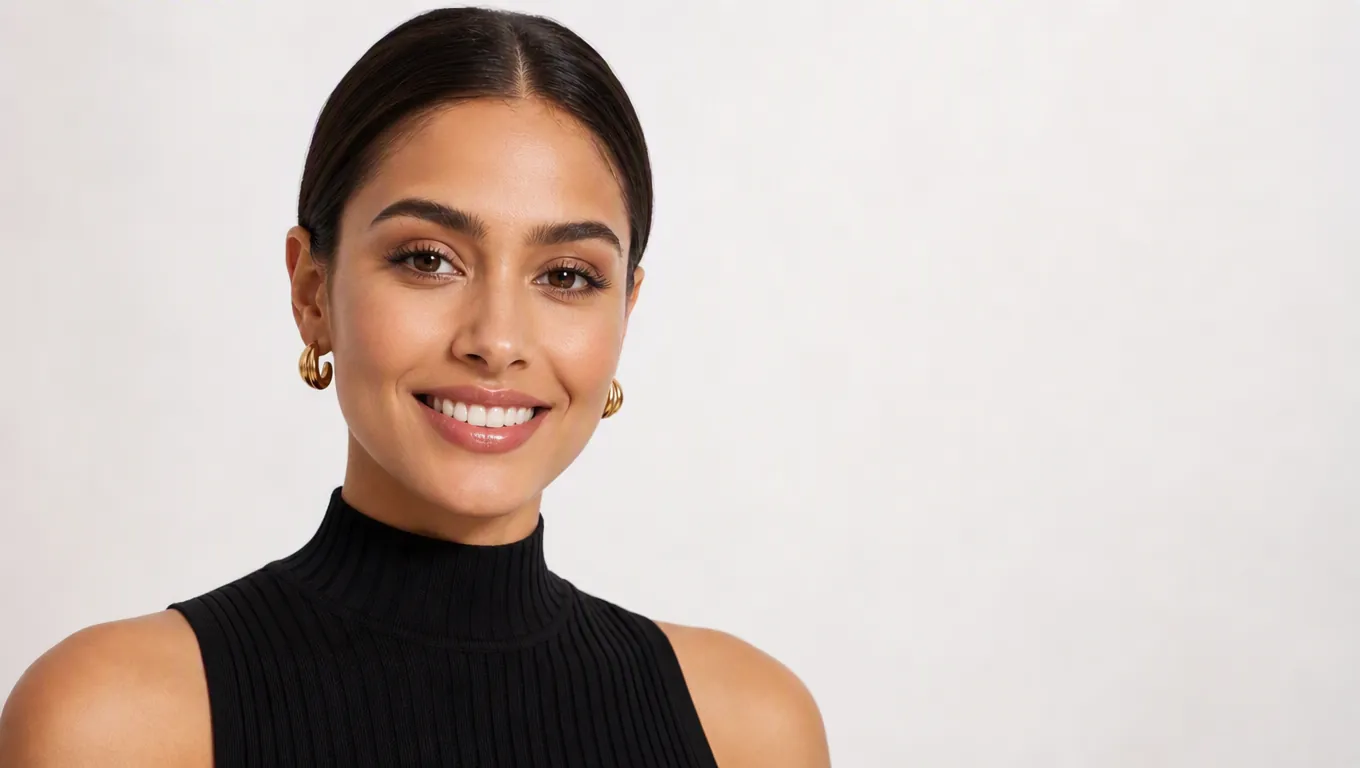
    Neutral headshot transformed to a warm smile with AI expression control
    Neutral headshot transformed to a warm smile with AI expression control

    Fix the only portrait you have

    The shoot is over but the face reads flat — make someone smile in a photo instead of reshooting it. The expression changes, while the person and the room stay the same.
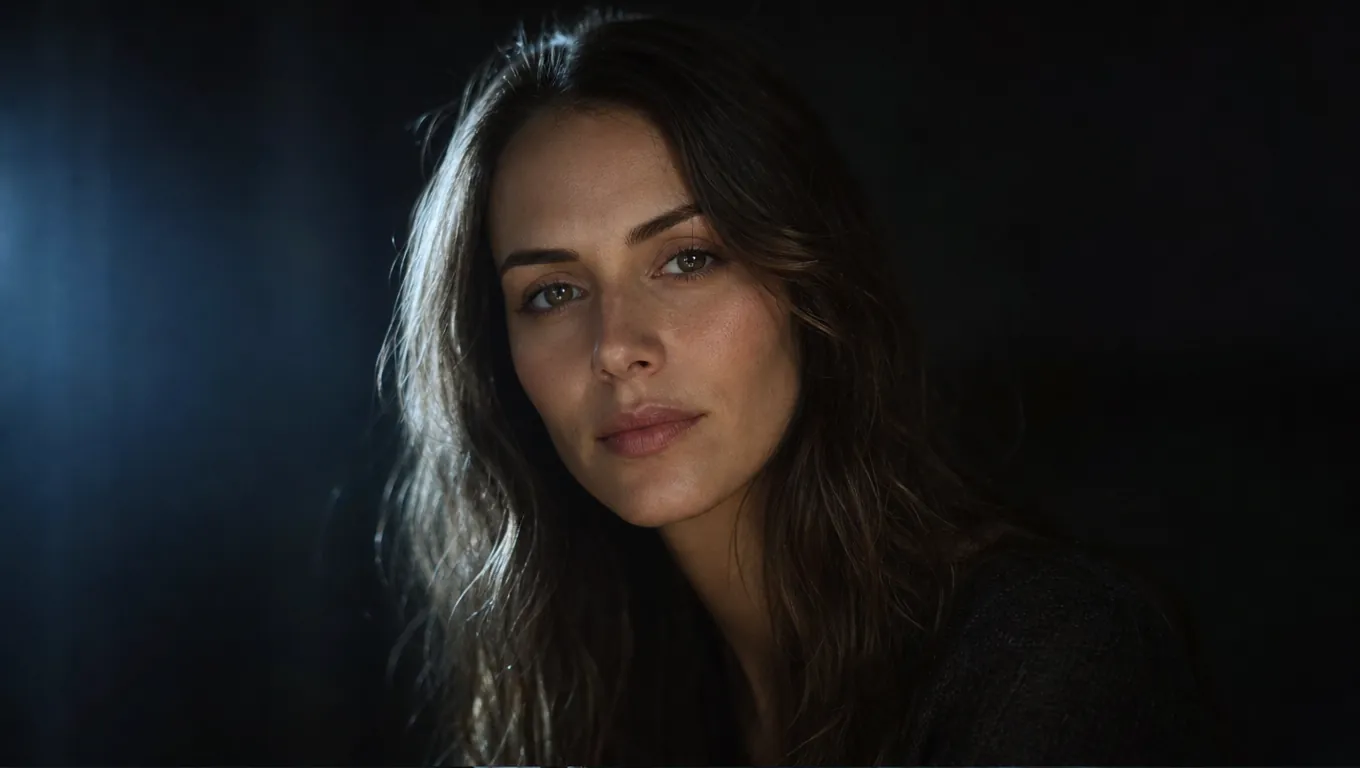
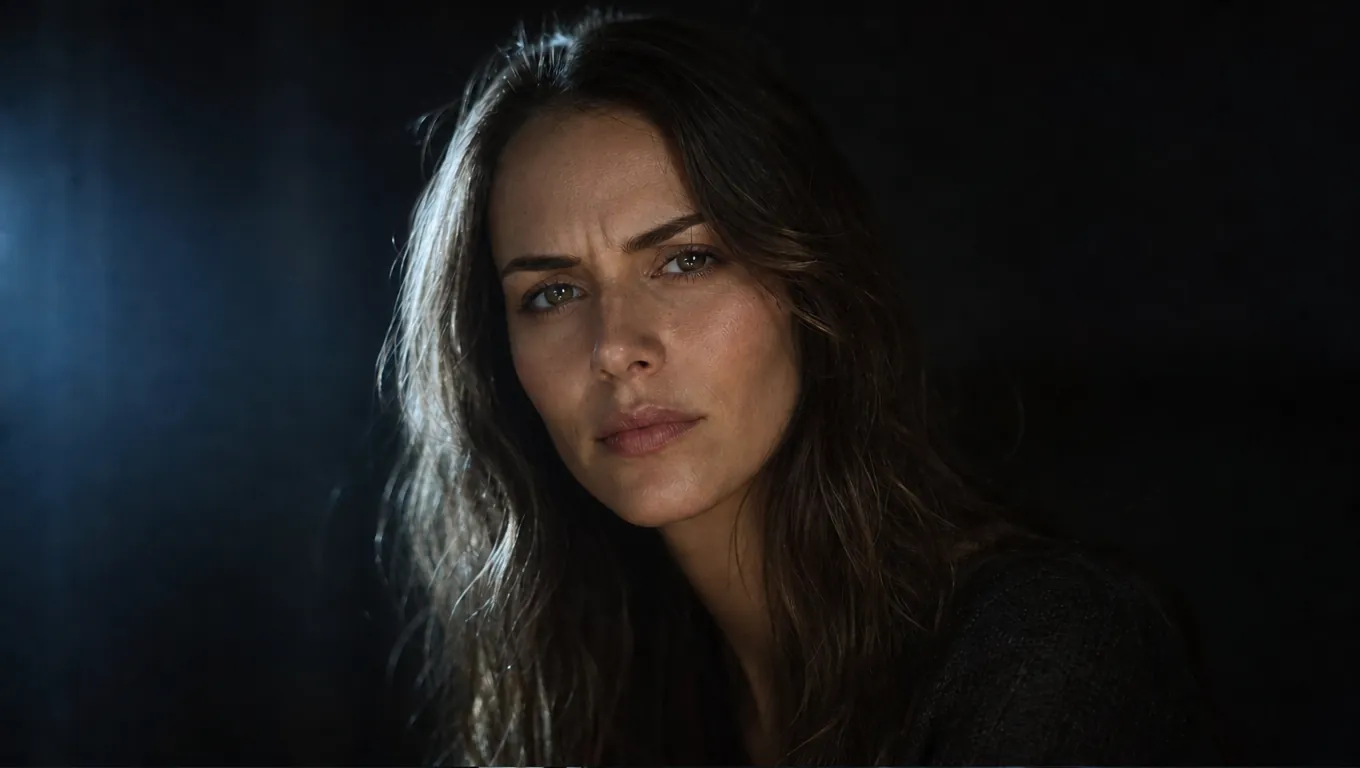
    Talking-head clip re-performed with a more engaged facial expression
    Talking-head clip re-performed with a more engaged facial expression

    Send a reaction instead of a still

    Static editors stop at the image; this tool lets you change facial expression to video from the very same photo. Pick the mood, then generate the performance clip in one pass.
    Calm portrait shifted to dramatic tension with AI expression control
    Calm portrait shifted to dramatic tension with AI expression control

    Turn a portrait into a real performance

    An AI turn photo into video result only works if the same person shows up in it. Here the clip comes from the portrait you edited, so the face carries into the performance.
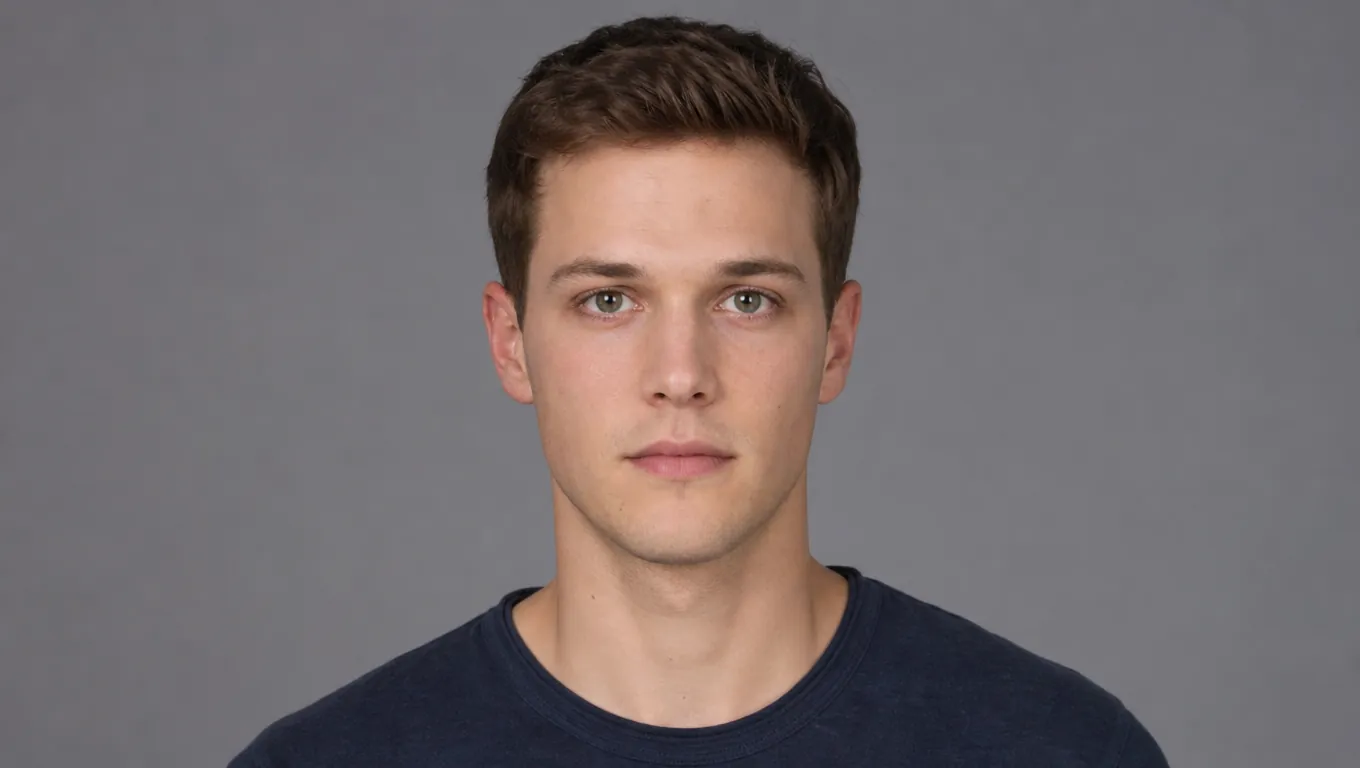
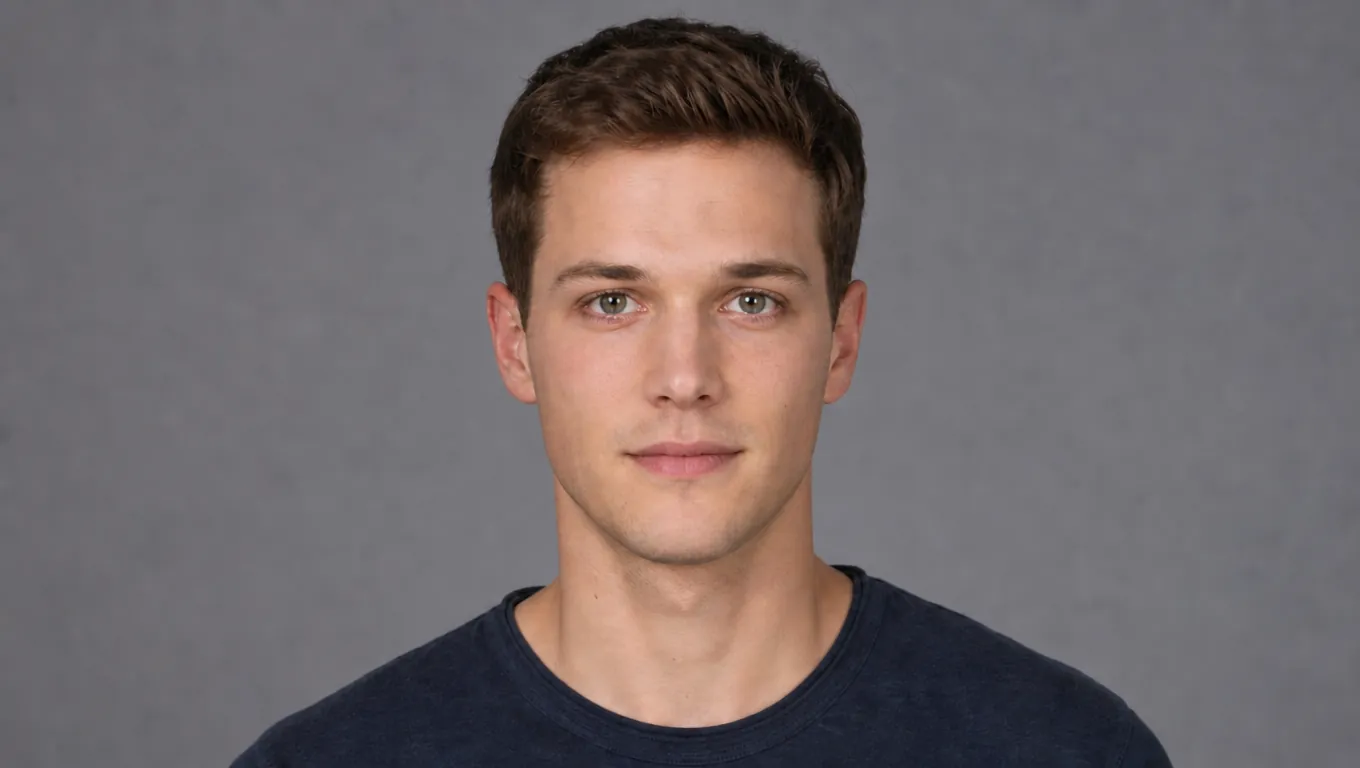
    One character face expanded into consistent expression variants
    One character face expanded into consistent expression variants

    Post the still, then the clip

    Turn photo into ai video for a social post or an ad cut and keep the matching still for the thumbnail. Both outputs show the same face because they come from the same source image.

    What Is an AI Facial Expression Changer?

    A facial expression changer is the fastest way to change facial expression in a real face photo without losing who the person is. You upload one portrait, tell the tool the mood you want — a warm smile, a surprised look, a calmer neutral — and it rewrites only the face. Hair, clothing, background and pose all stay put, and identity is preserved, so the edited photo still looks like the same person in the same place. From that exact photo, the same tool can also generate a performance video in one generative pass. The person in the still is the person in the motion. You can still upload a short clip when you need to retime an existing take.

    EXPRESSION CONTROL FEATURES

    Portrait Expression and Mood Board Features

    Reshape facial performance with AI mood selection, identity preservation, and Canvas-native workflows for film, ads, and character boards.
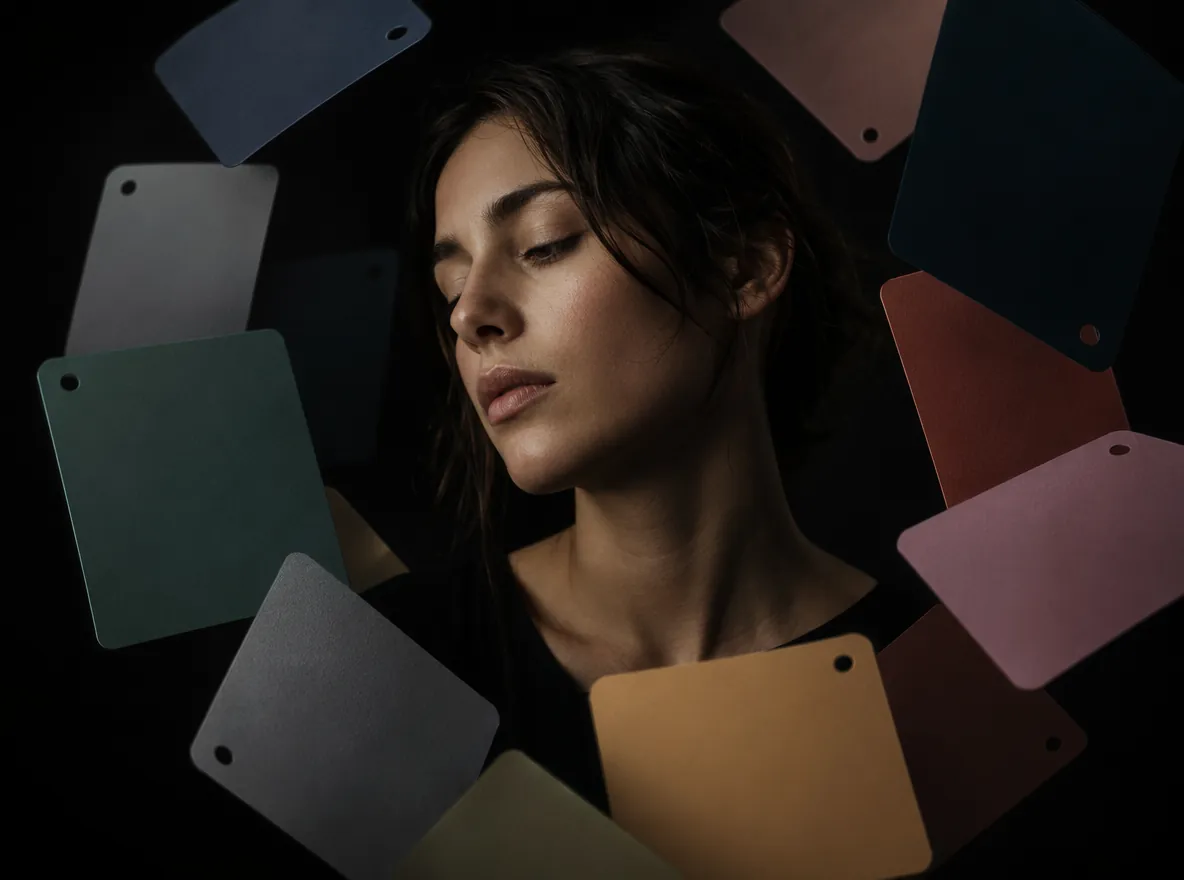
    Valence-arousal mood board for selecting portrait expressions

    Feature 01

    Keep the Person

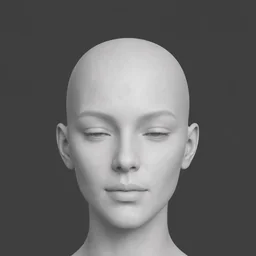
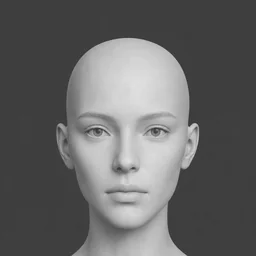
    The AI moves the expression only — eyes, brows and mouth. Skin, hair, bone structure and lighting stay put, so the result still looks like the person in the frame.
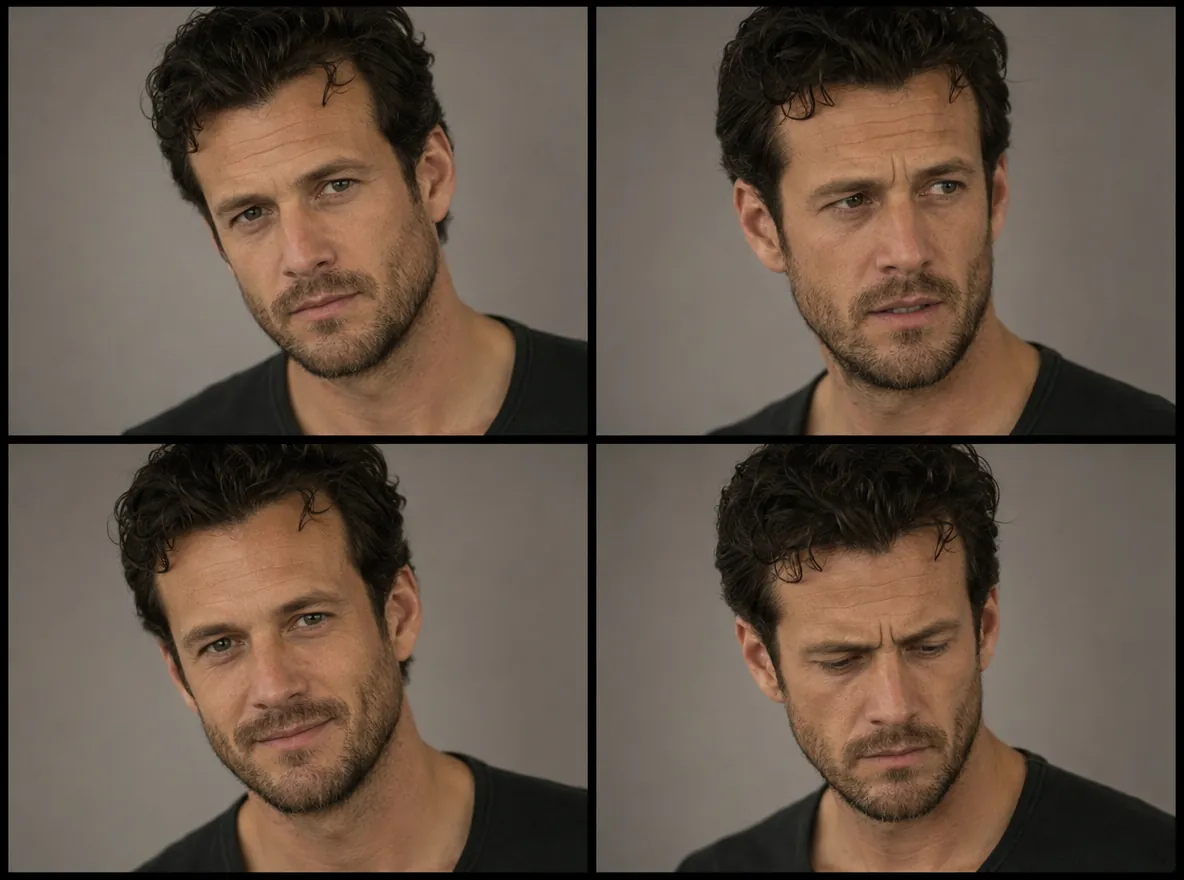
    AI EnhancedMood BoardPerformance
    Single portrait expanded into multiple AI expression variants

    Feature 02

    Photos and Video in One Tool

    Edit a headshot or a whole clip with the same AI. Fix an awkward photo or retime a flat performance in video without switching apps.
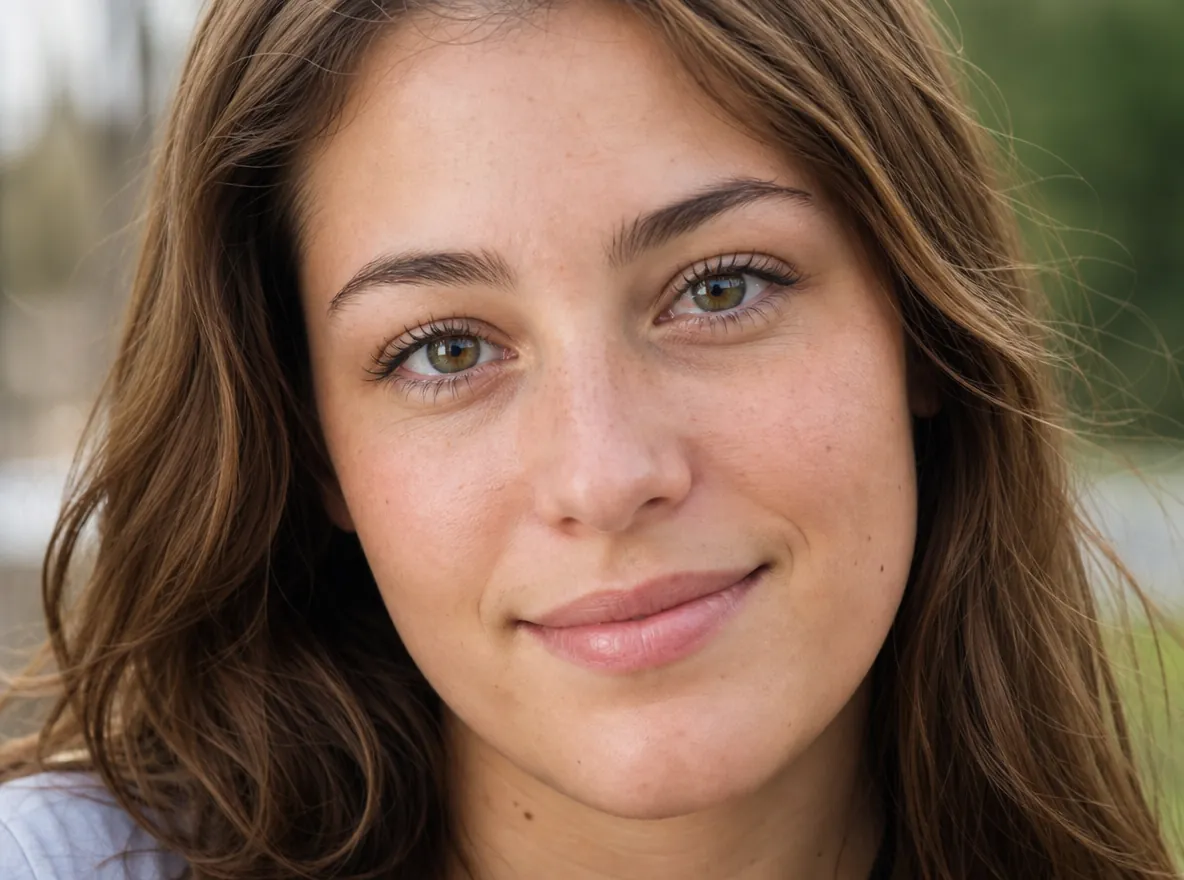
    AI EnhancedNo ReshootVariants
    Character face maintaining identity across expression changes

    Feature 03

    No Reshoot Required

    Turn a stiff look into a real smile and a bored take into an engaged one. Download the polished result and move on to the next asset.
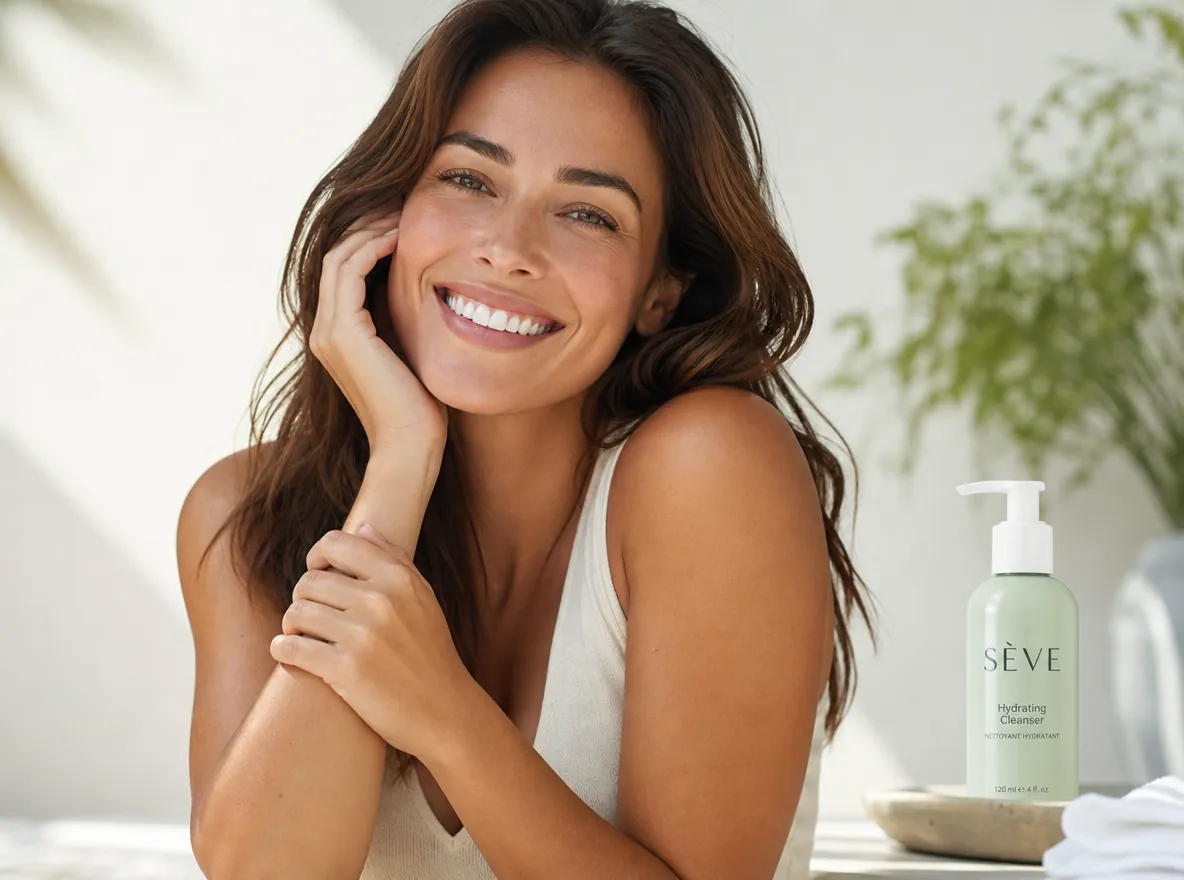
    AI EnhancedIdentityConsistency
    Fine-tuned portrait performance with adjusted brows and smile

    Feature 04

    Portrait Performance Fine-Tuning

    Shift subtle cues—mouth curve, brow tension, gaze energy—to match script beats, brand tone, or platform-native emotion.
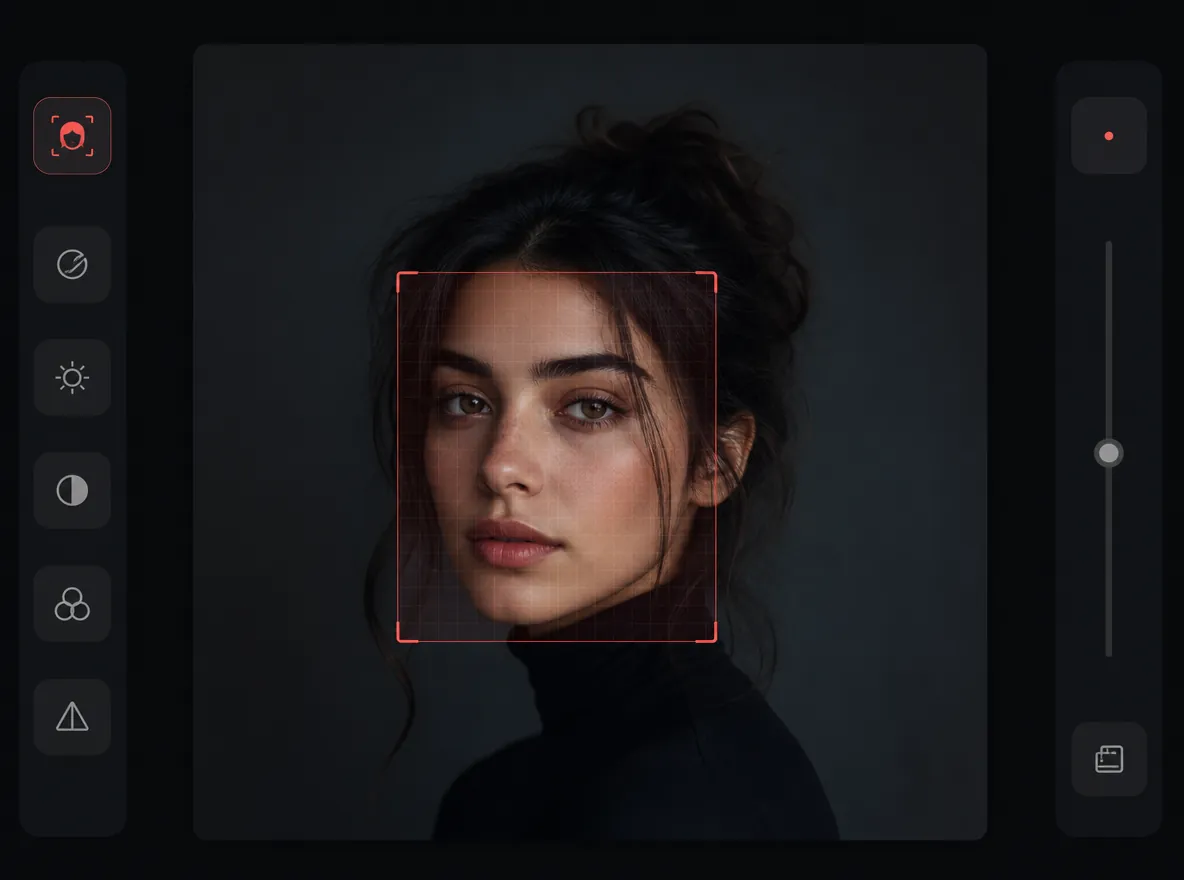
    AI EnhancedSubtleDirection
    Relit portrait preserving skin texture during expression change

    Feature 05

    Preserve Skin and Facial Detail

    Maintain skin texture, hair edges, and natural facial structure while changing expression—no plastic smoothing or identity drift.
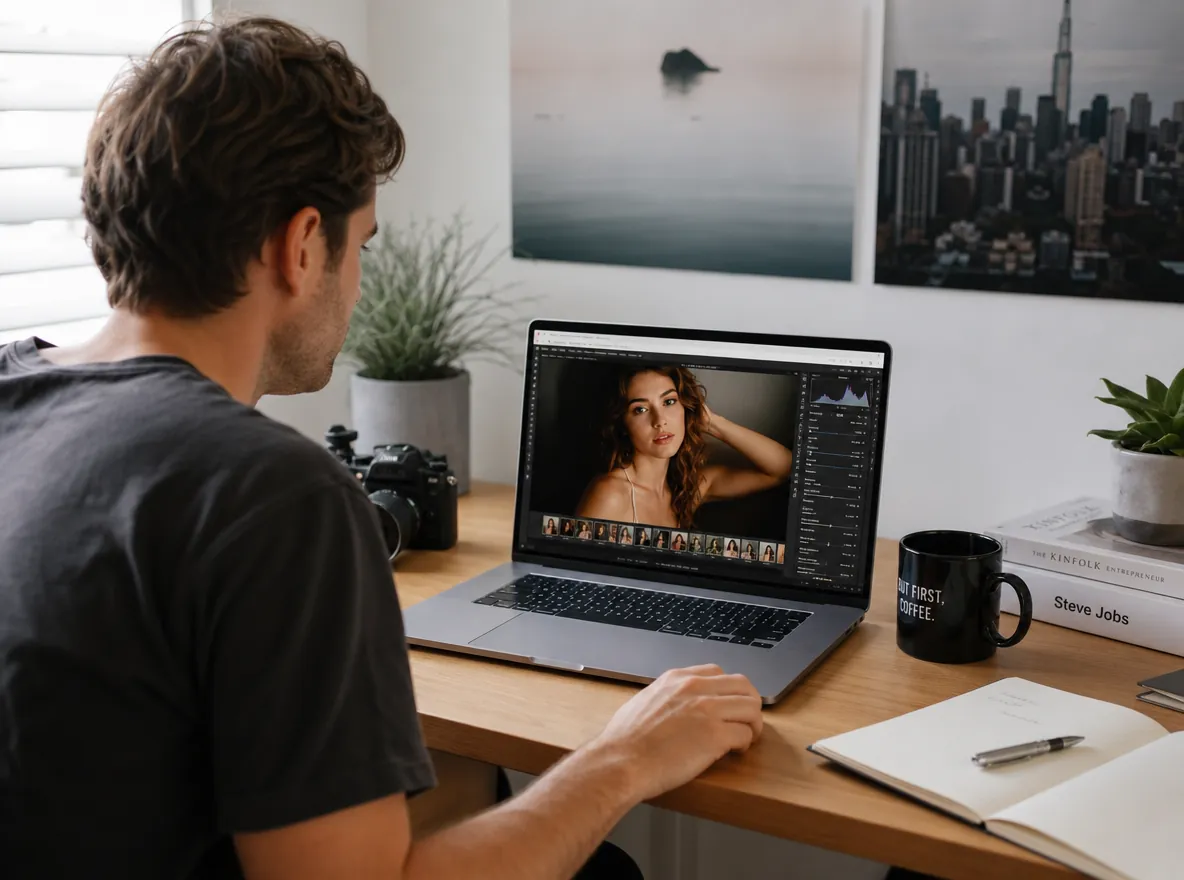
    AI EnhancedDetailNatural
    Browser workflow opening Expression Control inside Topview Canvas

    Feature 06

    Canvas-Native Expression Workflow

    Upload from the landing page, jump into Canvas with Expression Control auto-open, and continue editing alongside relight, inpaint, and video tools.

    AI EnhancedCanvasWorkflow

    WHO NEEDS EXPRESSION CONTROL?

    Who Needs AI Expression Control?

    From film previs to performance ads, Expression Control serves every portrait workflow that needs mood without a reshoot.

    1

    Filmmakers and Previs Teams

    Explore character performance and scene emotion on still frames before committing to final shoots or AI video generation.

    2

    Performance and UGC Ads

    Test multiple expressions on the same talent photo to find the hook that converts—joyful, surprised, or confident—without extra filming.

    3

    Character and Casting Boards

    Build expression sheets from one reference portrait so directors and clients align on performance range early.

    4

    Social and Brand Content

    Refresh campaign portraits with on-brand emotion—serene luxury, ecstatic launch energy, or tender storytelling—for feeds and landing pages.

    HOW IT WORKS

    Change Facial Expression with an AI Facial Expression Changer

    Change portrait performance in three steps—no reshoot, no complex retouching.

    1. 01

      Upload a photo or clip

      Drop in a selfie, headshot or video take with a clear face. The AI change facial expression tool maps the face in seconds.

    2. 02

      Pick the new expression

      Choose the mood you want — smile, surprise, confident, calm. Change facial expression with one click on the mood board.

    3. 03

      Download the result

      Compare before and after, then save the full-resolution image or the re-edited clip. Everything outside the face stays exactly as it was.

    Open Expression Control
    More AI Tools

    More AI Tools

    Explore Topview's complete suite of AI tools for ads, avatars, video, image, and voice workflows.

    AI Ads

    AI Video AgentAI Ads VideoAI Product VideoAI UGC VideoURL to Video

    AI Avatar

    AI Avatar GeneratorProduct AvatarDesign My AvatarAI Lip Sync

    AI Video

    AI Video GeneratorAI Video Body SwapAI Video UpscalerAI Video Watermark RemoverAI Motion ControlURL to Video

    AI Image

    AI Image GeneratorAI Face SwapAI Image Character SwapAI Image UpscalerAI InpaintAI Image Text EditorPhoto Angle EditorAI RelightingAI Product PhotographyAI Virtual Try-OnAI Storyboard Generator

    AI Voice

    VoiceoverAI Voice CloningAI Music Generator

    Frequently Asked Questions

    Yes. The tool runs in the browser and is free to try — upload a photo or a video and make your first edit before you pay anything. Best results come from a clear, front-facing face with good light.

    Yes. The whole workflow happens online: upload, pick the expression, download. Nothing to install and no timeline to learn.

    Yes, by design. Only the expression muscles change; facial structure, skin texture, hair and background stay the same. That is what keeps the result believable across photos and clips.

    A filter pastes a fixed look over the whole frame. This changer edits the face's own expression — eyes, brows and mouth — so a smile looks like the person smiling, not like a sticker.

    Yes. Unlike photo-only editors, this changer accepts video and applies the expression frame by frame, so the whole performance looks re-acted rather than pasted on. Results are strongest on short clips with one clear face.

    You can try Expression Control for free from this landing page. Upload a portrait, pick a mood, and open Canvas to generate. Premium usage may apply for higher volume or advanced workflows.

    When you click Start generating, your image is uploaded and saved as a Canvas session. You land on /canvas?sid= with an image node created and Expression Control opened automatically.

    Yes. Inside Canvas you can chain Expression Control with relight, inpaint, upscale, and video generation on the same node—useful for full portrait-to-video pipelines.

    Upload a clear portrait, pick the mood you want, and the tool rewrites only the face — smile, surprise or neutral — while hair, clothing, background and identity stay intact. Download the edited photo as soon as it is ready. If you also need motion, generate a performance video from the same photo afterwards.

    Use the same photo you edited. Start video generation from that still, and the tool produces a performance clip in one generative pass, with the person moving naturally between expressions. You do not need extra shots — the one photo is enough to start.

    Yes, because the video is generated from the exact photo you edited. The face in the still and the face in the clip share the same source, so identity, skin and composition line up between the two outputs.

    Editors across the search results finish with a still photo: you change the mood and download the image. This tool adds the second half — from that same edited photo it generates a performance video in one pass. Same face, same photo, still and motion from a single upload.

    PORTRAIT PERFORMANCE IN ONE CLICK

    Try the AI Facial Expression Changer Free

    Use the AI face expression changer free flow to change facial expression online free on the portrait you own. Then turn photo into video ai free from that same still.

    Try Free