Topview
    • MCP/Skill
    • Plugin
    • API
    • Pricing
    1. Home
    2. AI Video Generator
    3. Kiss Video

    AI Ads

    AI Video AgentAI Ads VideoAI Product VideoAI UGC VideoURL to Video

    AI Avatar

    AI Avatar GeneratorProduct AvatarDesign My AvatarAI Lip Sync

    AI Video

    AI Video GeneratorDrama StudioAI Video Body SwapAI Video UpscalerAI Video Watermark RemoverTikTok Watermark RemoverSora Watermark RemoverSubtitle RemoverAI Motion ControlAI Lip SyncURL to Video

    AI Image

    AI Image GeneratorAI Face SwapAI Image Character SwapAI Image UpscalerAI InpaintAI Image Text EditorPhoto Angle EditorAI RelightingAI Product PhotographyAI Virtual Try-OnAI Storyboard GeneratorExtract Color PaletteImage to Prompt

    AI Voice

    VoiceoverAI Voice CloningAI Music Generator

    3D

    3D World Generator3D Shot Composer

    Use Cases

    AdvertisingAffiliate MarketingEcommerceDTC BrandsAI Live Stream

    Resources

    BlogAffiliate ProgramLearning CenterAlternativeAPI

    Company

    Topview StudioPrivacy PolicyTerms
    Topview

    © 2026 TOPVIEW PTE. LTD.

    Singapore: 20 Collyer Quay #20-03, Singapore 049319
    Los Angeles: 15970 Los Serranos CC Dr #251, Chino Hills, CA 91709

    Free AI Kiss Video Generator: Photo to a Shareable Romantic Clip

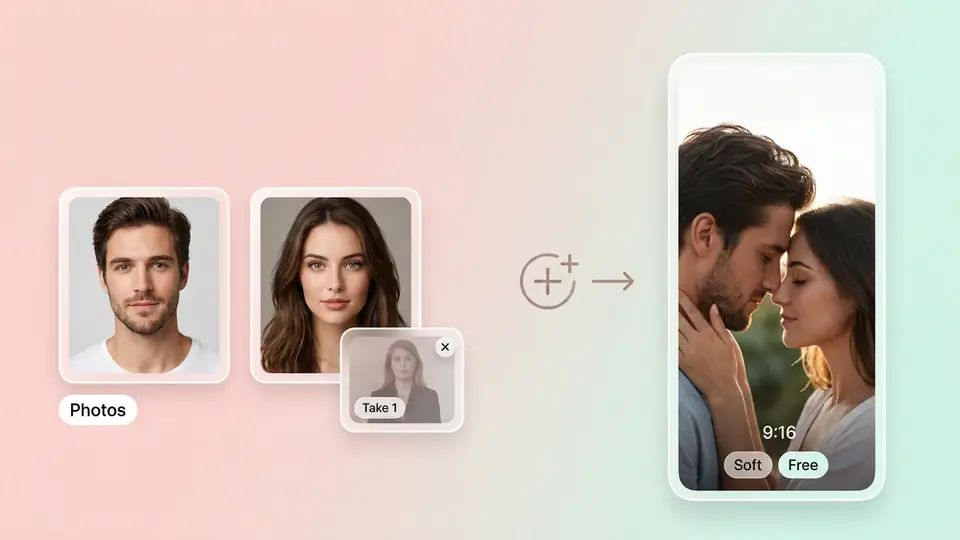
    You want that close moment, but you are not in the same frame and the camera feels awkward. Upload clear portraits or write the scene, preview styles, then generate a clip you can post to TikTok, Reels, or DMs. Set ratio, duration, and resolution—and start.

    Ask Topview to

    Preview Looks First, Then Generate Your Romantic Clip

    One-purpose tools often look fake on take one. Browse a soft close-up, cinematic candlelight, and a tighter mood here, then generate from your portraits. Creators shipping templates can lock the look before they generate.

    Soft-Kiss Mood AI Kiss Video: Reels Reference

    The sample is a close moment in soft light—write distance and breath in your prompt, upload one or two clear portraits, and generate a clip for Reels or TikTok.

    Close-Up AI Kissing Video: TikTok 9:16 Reference

    This 9:16 sample shows a tighter romantic close-up—set a vertical ratio, write “slow approach, eye contact,” and keep iterating with the free AI kiss video generator until it is post-ready.

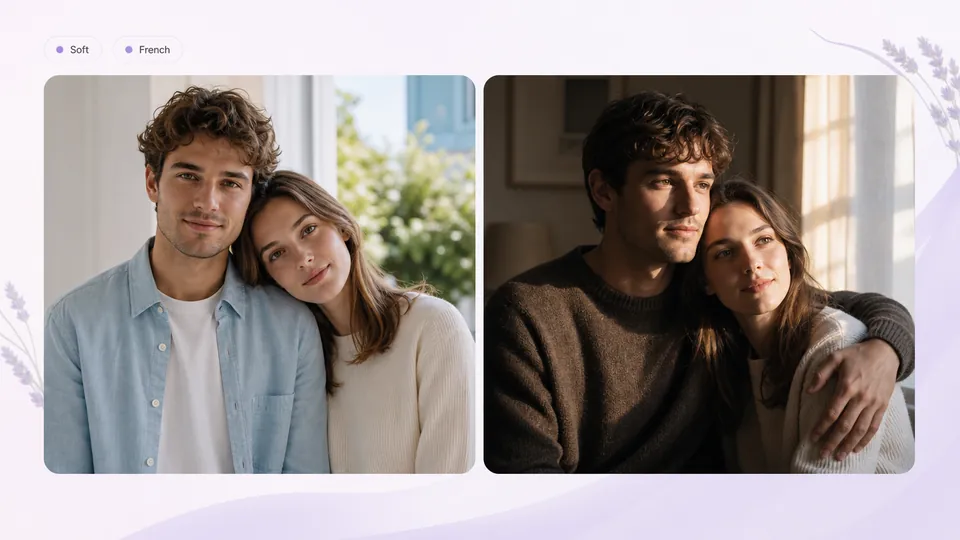
    French-Kiss Mood: Free AI French Kiss Video Reference

    See how a slower, closer French-kiss feel lands in a finished clip—put lighting, lip distance, and breath in the prompt, and regenerate until the mood matches.

    One Click: Photos or a Prompt to a Close-Moment Clip

    No Premiere class, and no locked templates from a one-purpose app. Upload one or two well-lit portraits, or write a romantic close—this is the usual path for an AI kiss generator video. Add audio or a video reference when you need pacing, then generate a shareable clip.
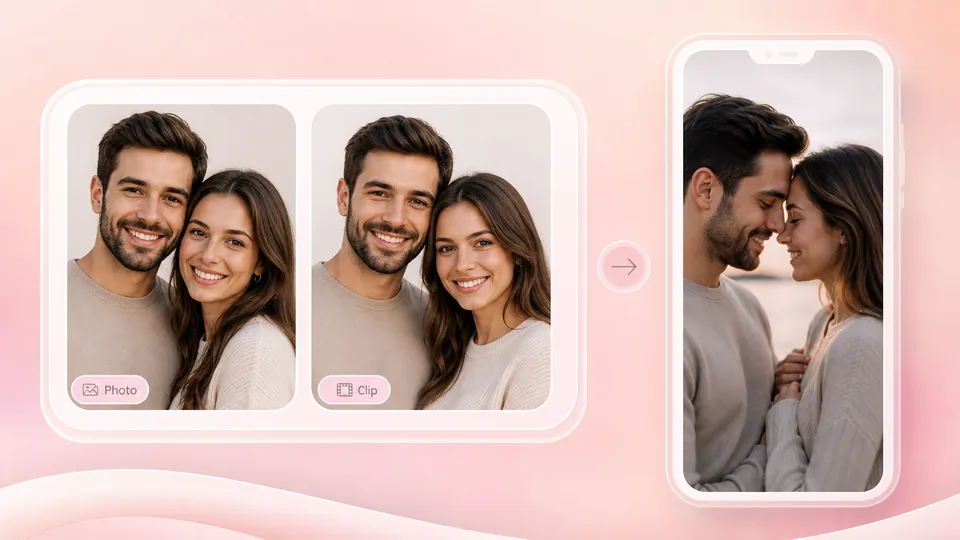
    AI Kiss Video Maker: Set Platform Specs, Iterate Until It Posts

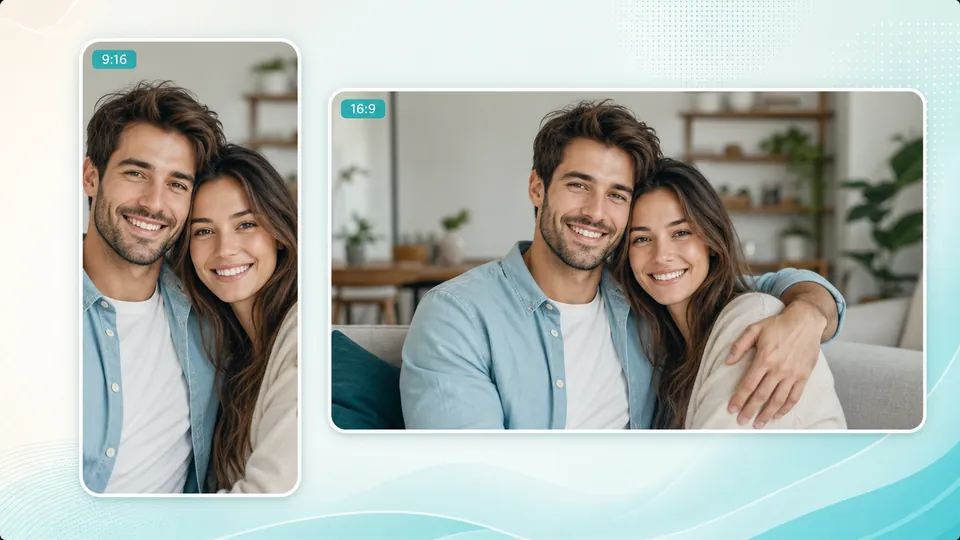
    If the feed is vertical, ship 9:16—or cut a landscape version too. As an AI kiss video maker, you set ratio, duration, and resolution; if the mood is off, change the prompt and generate again, then open Canvas to polish.

    Free AI Kiss Video Generator: Try First, Then Scale

    Do not burn credits on take one. Topview opens the first version with free credits so you can try a soft kiss, candlelight, or a heavier mood—then scale when it lands. No weekly subscription required to start.

    Free AI French Kiss Video: Write the Mood in Your Prompt

    Want a closer, slower French-kiss feel? Put lighting, distance, and breath into your prompt and generate again—there is no intensity slider. Keep iterating until the mood matches.

    Only Use Photos You Have Rights To

    Confirm you own the likeness rights, or have consent, before you upload. Do not upload non-consensual or prohibited content. Topview reviews uploads against content rules so this moment stays safer.

    How to Use an AI Kissing Video Generator (3 Steps)

    1. 1

      You do not need the same frame. Add one or two clear, front-facing portraits, or write the romantic close in text. Optionally add audio or a video reference.

    2. 2

      Pick vertical for TikTok or Reels, landscape for YouTube. Lock the specs, then generate the close-moment clip.

    3. 3

      Watch the result, change the prompt or photos, and generate again. Download when it looks right; open Canvas when you need a finer pass.

    FAQs

    Yes. Upload one or two clear, front-facing portraits, or write a prompt for a romantic close, set ratio and duration, then generate—a clip you can post to TikTok, Reels, or DMs without waiting to film together.

    Use free credits to upload portraits or write a prompt, preview looks, then generate in one click. Try a few moods for free, then upgrade when you want more volume—no weekly subscription required.

    Yes. Put a heavier French-kiss mood in your prompt—lighting, distance, breath—and generate again until it matches. There is no French-kiss intensity slider; iteration is prompt-led.

    Open Topview in the browser—no app install, and no separate “free download” package. Use free credits for a first version, then download the MP4 when the look is right.

    Upload photos you already have, or write one scene line, and generate a close-moment sample first. No crew, no second take on camera—change the prompt or photos and generate again, or open Canvas to tweak.

    Start with front-facing, well-lit portraits with little occlusion. If take one drifts, swap photos or change the prompt and iterate. Topview does not promise a physics-perfect kiss, but you can retry the mood and refine in Canvas instead of betting on a locked template.

    Topview is not a dedicated kiss-effect panel: upload portraits or a prompt, set ratio, duration, and resolution, then generate. Mood comes from prompt iteration; after generate, continue in Canvas. No auto beat-sync and no intensity slider—built for people who need platform specs they can retry.

    Free AI Kiss Video Generator: Ship the First Clip Today

    Generate free in one click. Use portraits or a prompt for a post-ready first version. Iterate, then open Canvas until the close moment lands.

    Start free